Summarize with AI
Key Takeaways
- AI customer support for Shopify automates order status, returns, and product questions while keeping a clean human handoff.
- Your best software choice depends on your existing helpdesk: Shopify Inbox, Gorgias, or an enterprise AI layer.
- Four workflows drive most Shopify support tickets: order status, returns, product FAQs, and store policies.
- Setup follows five steps: connect store data, build a knowledge base, set escalation rules, and test before launch.
- QuantumDesk builds AI into the core platform, including native Shopify integration, with no separate add-on to buy.
If you sell on Shopify, your support inbox probably fills faster than your team can keep up.
Picture a Shopify skincare brand mid-flash sale: the WhatsApp inbox floods with the same three questions - order status, ingredient safety, and return windows. Every unanswered message is a shopper one tab away from buying somewhere else.
Picking the right tool matters less than knowing which workflows to automate first and how to set escalation rules that protect customer trust.
This guide covers:
- Which AI software fits your store, from free tools to enterprise platforms
- The four workflows that drive most Shopify support tickets
- A five-step setup process from connecting data to going live
- The mistakes that turn AI support into a trust problem
You will learn how to choose the right AI stack, automate the workflows that matter most, and roll it out without losing customer trust.
AI Customer Support for Shopify at a Glance
What Is AI Customer Support for Shopify?
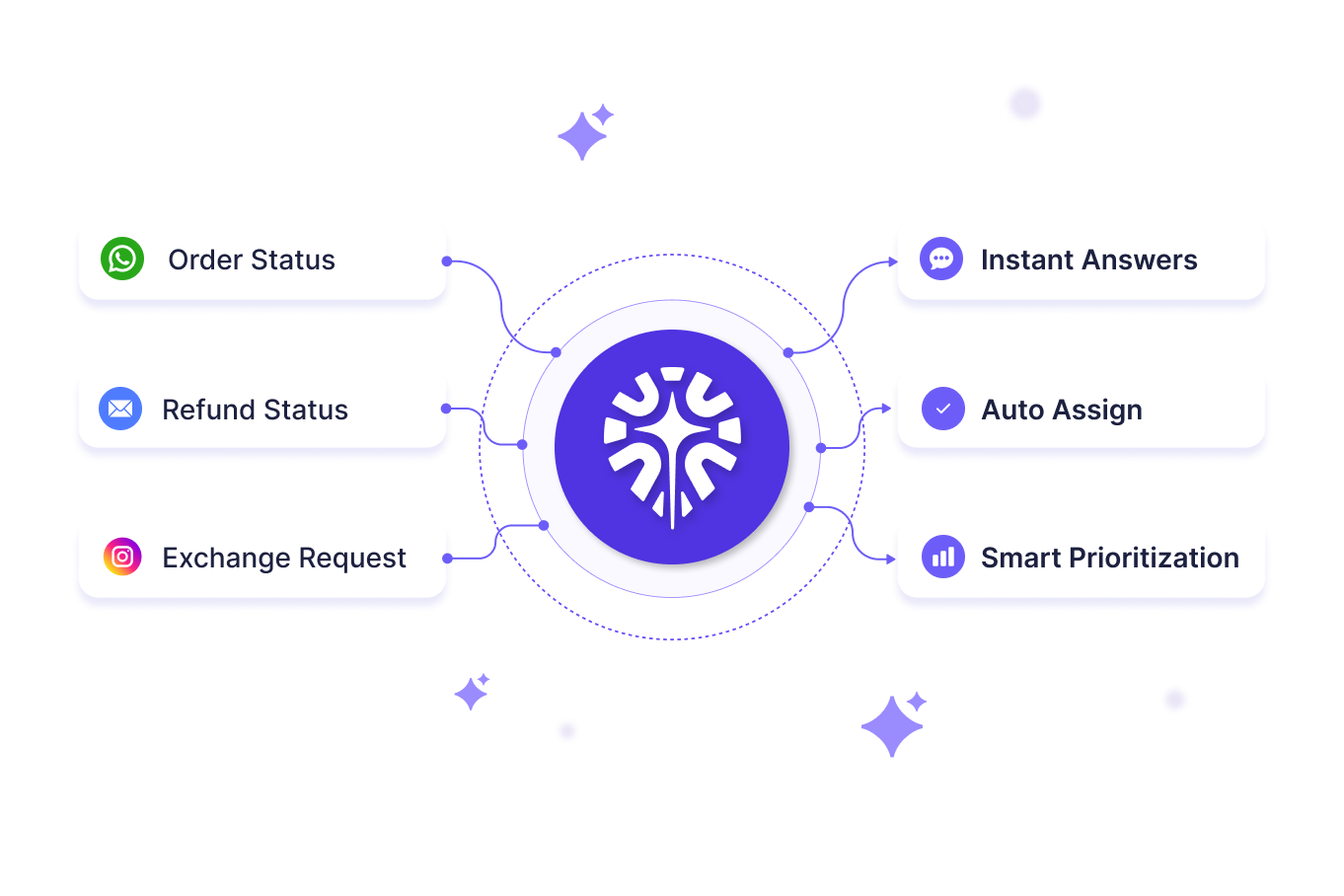
AI customer support for Shopify connects an AI agent to your store data to handle routine questions automatically.
It reads a customer's message the way a person would, checks your live Shopify data for the real answer, replies in plain language, and hands the conversation to a teammate the moment it needs human judgment.
What AI Customer Support for Shopify Includes
- Understands what the customer wants without forcing them through a menu of preset options first.
- Checks the real order and customer history in Shopify instead of asking the shopper to repeat details.
- Replies in plain, natural language instead of the canned scripts old chatbots relied on.
- Gets better with every conversation instead of staying stuck with the same fixed responses forever.
- Brings in a person automatically the moment a request needs judgment the bot should not handle alone.
How to Choose the Right AI Customer Support for Your Shopify Store?
Before you commit budget to any tool, run it through these five checks.
1. Evaluate Shopify Data Access
Confirm the AI connects directly to live Shopify order, inventory, and customer data, not a synced copy that lags by hours. Without real-time access, every WISMO answer risks being wrong the moment a shipment updates.
2. Verify the Escalation Logic
Ask how the tool decides when to hand a conversation to a human. Look for clear rules around payment errors, angry sentiment, and policy exceptions, not a vague promise that it "knows when to escalate."
3. Check the Scalability
Test how the tool performs when ticket volume doubles overnight during a flash sale or product launch. A setup that works fine at 50 tickets a day can break down completely at 500.
4. Evaluate Channel Coverage
Check whether the AI works across every channel your customers actually use: email, live chat, WhatsApp, and social DMs, not just the storefront widget. Fragmented coverage just moves the repetition somewhere else.
5. Verify Pricing Transparency
Ask exactly how automated resolutions are billed before you commit. Some platforms add a separate per-resolution fee on top of the base plan, which can make costs unpredictable once volume grows.
For a side-by-side view of specific tools, see our best help desk software for Shopify roundup.
What Are the Core Workflows to Automate First in Shopify Support?
Four workflow types make up most of the repeat questions in a Shopify support queue, and automating them first gives you the fastest return before you touch anything more complex.
1. Order Status (WISMO)
A shopper on WhatsApp asks where their order is, the bot asks for an order number, and without a live Shopify connection, it still cannot find it.
What to automate
- Real-time tracking links pulled directly from Shopify fulfillment data instead of a generic "check your email" reply.
- Delay explanations that tell the shopper what a carrier delay or split shipment actually means for their order.
- Automatic escalation to an agent only when tracking data looks broken or missing entirely.
Brands that connect this early see a real drop in WISMO tickets within the first few weeks.
2. Returns and Exchanges
A clean return flow checks order eligibility against your policy, then guides the shopper through your return portal without them reading a single policy page.
What to automate
- Eligibility checks that confirm the item and window qualify before the shopper starts the process.
- Guided next steps for refund, exchange, or store credit based on what the policy allows.
- Status updates once the return is received, so the shopper is not left guessing.
3. Product FAQs
A shopper asks "does this run small" during a flash sale on a Shopify apparel store, and every minute without an answer is a minute closer to an abandoned cart.
What to automate
- Size and fit guidance pulled from your actual size charts, not a generic best guess.
- Material and ingredient questions answered from real product data, useful for both apparel and cosmetics brands.
- Bundle and variant details so shoppers do not have to dig through multiple product pages.
This matters most during flash sales, when a slow answer is the difference between a sale and an abandoned cart.
4. Store Policies
Shipping windows, warranty terms, and cancellation rules need to be answered exactly as written, because a slightly wrong policy answer becomes a refund dispute later.
What to automate
- Shipping and delivery windows by region, especially for stores running international or multi-carrier fulfillment.
- Warranty and cancellation terms stated exactly as written, with no room for the AI to guess.
- Policy updates reflected the same day a page changes, not weeks later.
How to Set Up AI Customer Support on Shopify
Follow these five steps in order to connect your store, train the AI, and launch without breaking customer trust.
Step 1: Connect Your Store Data
Authorize secure access between your AI software and Shopify so it can sync real-time order history, inventory, and customer data. This is the foundation every other step depends on.
Step 2: Build the Knowledge Base
Upload your FAQ documents and clean up policy pages before training the AI. If your shipping or return policy page is outdated, the AI repeats that mistake at scale, so cleaning up repetitive support content is worth doing first.
Step 3: Configure Instant Answers
Set up a clickable list of three to five common questions inside the chat widget so shoppers can self-serve the most repeated requests without typing a question at all.
Step 4: Set Escalation Rules
Define exactly when a conversation must go to a human: payment errors, angry sentiment, or anything outside your policy. Vague escalation rules are where most AI support setups lose customer trust.
Step 5: Run Isolated Tests
Run mock conversations using real test orders before going live. Confirm the AI pulls accurate shipping status, applies the correct return policy, and hands off cleanly when it should.
Mistakes to Avoid With AI Customer Support
Most AI customer support problems are not technical. They come from how the automation is presented and where it is allowed to operate.
- Hiding that it is AI erodes trust fast; shoppers notice within a few replies and feel misled once they realize.
- Burying the human handoff means a shopper with a damaged order has nowhere to go, so they leave instead of waiting.
- Training on an outdated knowledge base means the AI confidently repeats last season's return policy long after it changed, one of the clearest ways AI hallucinations in support start.
- Automating sensitive moments too early, like complaints or damaged orders, before you have seen enough real cases to trust it.
Get these right, and AI support builds trust instead of testing it, especially during high-volume moments like a flash sale or a new product launch.
How QuantumDesk Simplifies AI Customer Support for Shopify
Every phase in this guide points to the same requirement: AI built into the same platform as your store data.
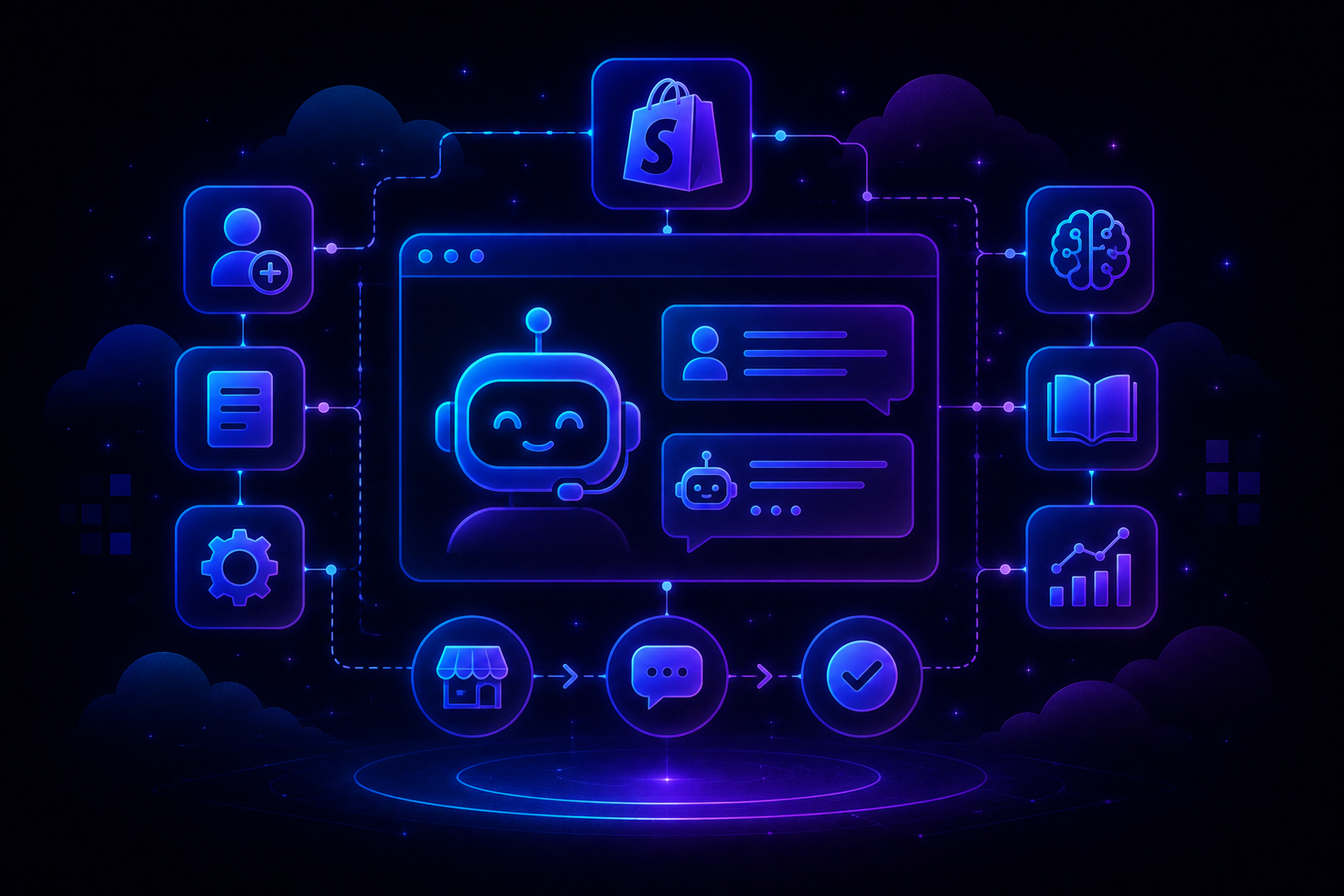
QuantumDesk connects directly to Shopify order and customer data, so Quantum AI resolves order and account queries without an agent ever opening a second tab, the same promise Shopify-first tools like Gorgias built their name on.
The difference is QuantumDesk built AI into the platform first, with no separate bill stacked on top.
Key QuantumDesk Capabilities:
- Quantum AI resolves repetitive Shopify queries like order status and returns automatically
- Native Shopify Integration pulls order and customer data into every conversation
- AI-Curated Inbox prioritizes tickets by urgency, sentiment, and intent before agents open them
- Quantum AI Copilot gives agents full context and suggested replies during live conversations
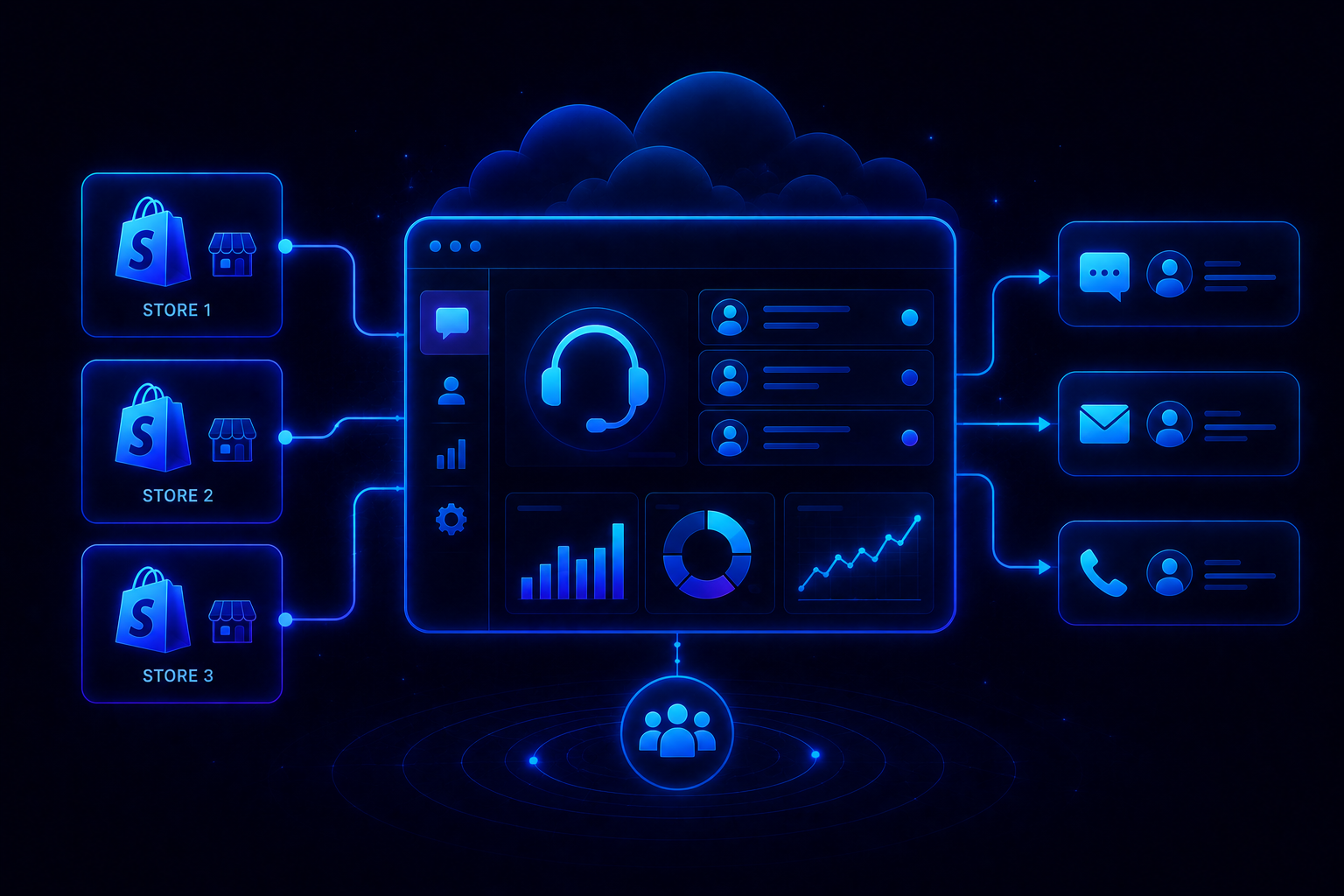
- Unified Inbox centralizes email, chat, WhatsApp, and social conversations in one workspace
- Admin Analytics tracks AI resolution rates, escalation patterns, and CSAT trends in one dashboard
QuantumDesk does not ask you to choose between automation and trust. It gives your Shopify store both, built into the same platform your team already works in.
Frequently Asked Questions
What is AI customer support for Shopify?
AI customer support for Shopify connects an AI agent to your store data so it can answer order status, return, and product questions automatically, then hand off complex issues to a human with full context.
Which AI tool should I start with on Shopify?
Start with Shopify Inbox and Shopify Magic if you are early stage. Move to a Shopify-first helpdesk like Gorgias or an AI-native platform like QuantumDesk once ticket volume outgrows free tools.
What kind of Shopify support tickets can AI handle?
Order status, returns, product FAQs, and store policy questions make up most of the repeat volume in a typical Shopify support queue, which makes them the highest-value workflows to automate first.
How long does it take to set up AI customer support?
Most stores can connect their data, build a knowledge base, set escalation rules, and test the AI within a day or two, depending on how much policy content needs cleanup first.
Does AI customer support replace human agents on Shopify?
No. AI handles repetitive requests so agents can focus on refunds, complaints, and judgment calls. Hiding that it is AI or removing the human option damages trust instead of building it.




.avif)