Summarize with AI
Key Takeaways
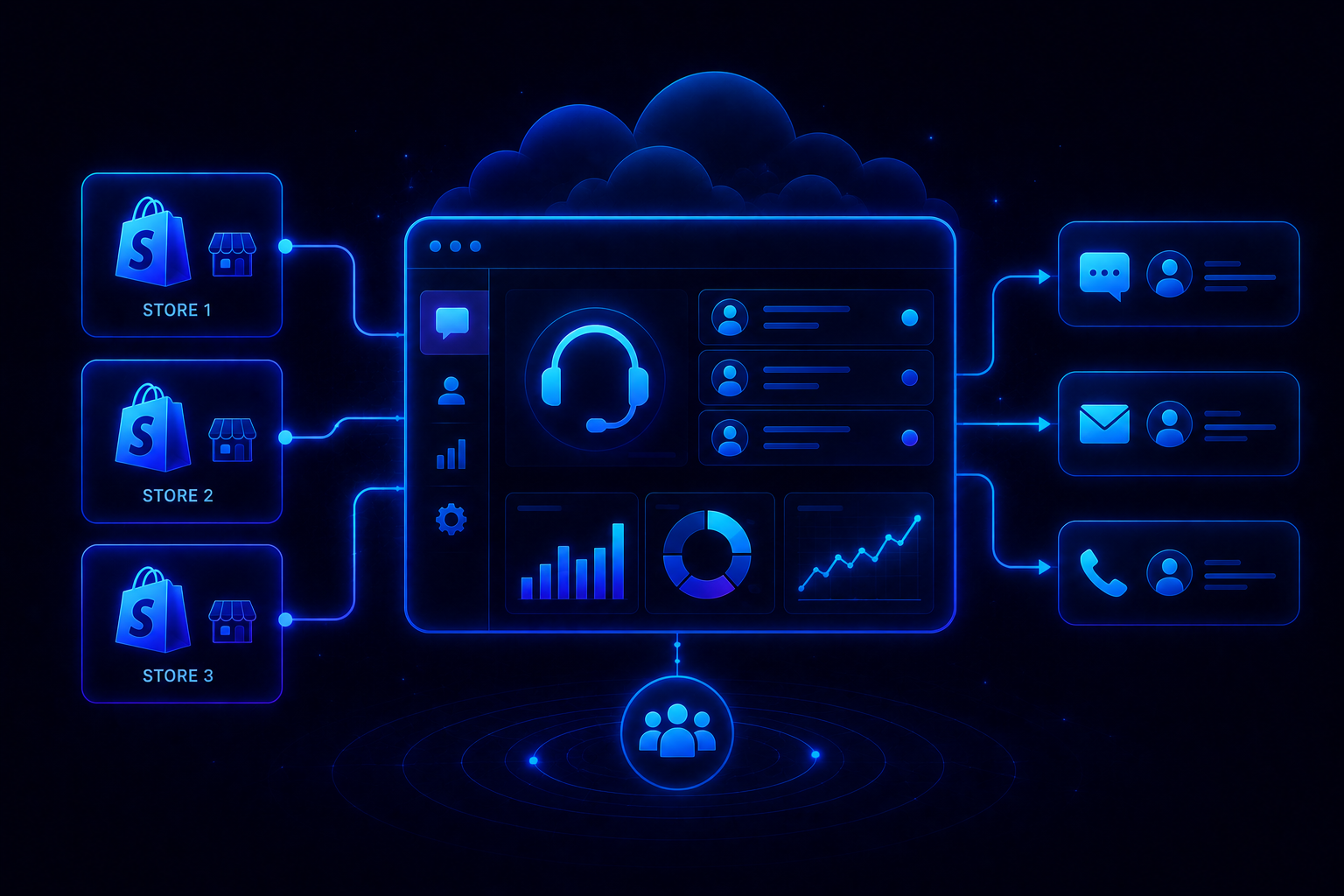
- Gorgias centralizes email, chat, WhatsApp, and social into one inbox with deep Shopify and BigCommerce data.
- Its AI Agent and macros automate WISMO, returns, and FAQs, resolving roughly 60% of chat conversations.
- Real G2 reviews flag a steep setup curve, channel gaps, and reporting that doesn't scale well.
- Ticket-based and AI Agent pricing sit as two separate line items that climb fast at scale.
- QuantumDesk builds AI, Shopify data, and reporting into one platform, closing the gaps Gorgias users report.
If you searched "Gorgias features," you are probably past the sales page. You want to know what actually holds up once real ticket volume hits.
Gorgias shows up on nearly every "best helpdesk for Shopify" list, and it earns that spot honestly. The unified inbox and store integrations are genuinely useful.
But a feature page only tells half the story. G2 reviews from actual Gorgias users tell the other half, and they include setup friction, rigid automation, and gaps that show up as teams scale.
You will learn about:
- Every core Gorgias feature, from the unified inbox to revenue attribution
- What real G2 reviews say about setup, automation, and reporting gaps
- Where Gorgias's AI and channel coverage catch growing teams off guard
- How an AI-native platform like QuantumDesk closes those exact gaps
By the end, you will know which Gorgias features earn the hype, and which ones need a workaround before you commit.
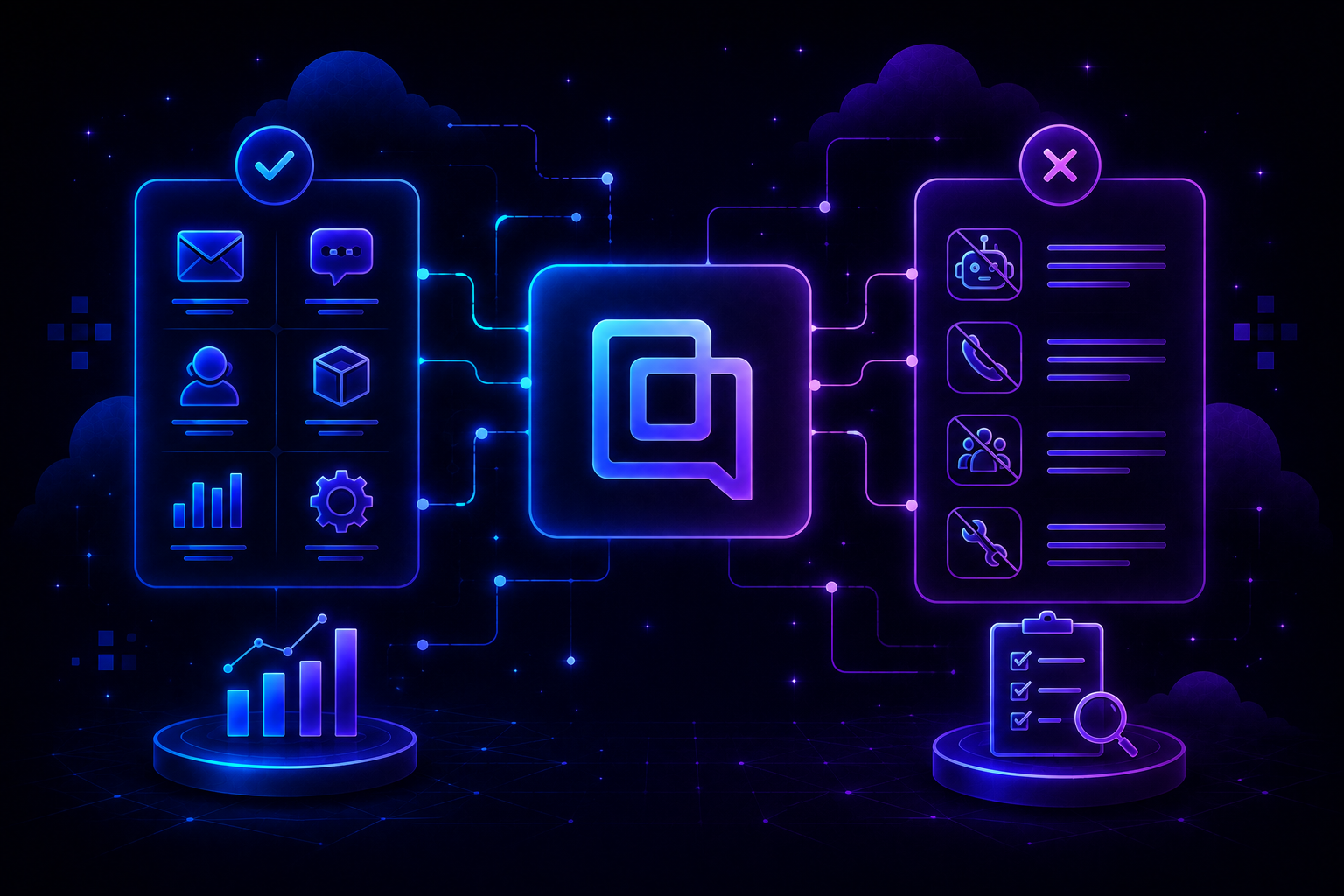
Gorgias Features at a Glance
What Is Gorgias, and Who Is It Actually Built For?
Gorgias is a cloud-based helpdesk built specifically for online stores. It connects directly to Shopify, Magento, BigCommerce, and WooCommerce.
Agents see order history, tracking status, and customer lifetime value next to every conversation. No separate admin tab required for the basics.
That focus makes it a strong fit for D2C and ecommerce brands running medium to high ticket volume, especially Shopify merchants who want support tied tightly to order data. We cover this in more depth in our guide on what Gorgias is.
It is a narrower fit for B2B SaaS teams or brands running support across more than one storefront platform, where the ecommerce-first design matters less.
Core Gorgias Features Support Teams Rely On
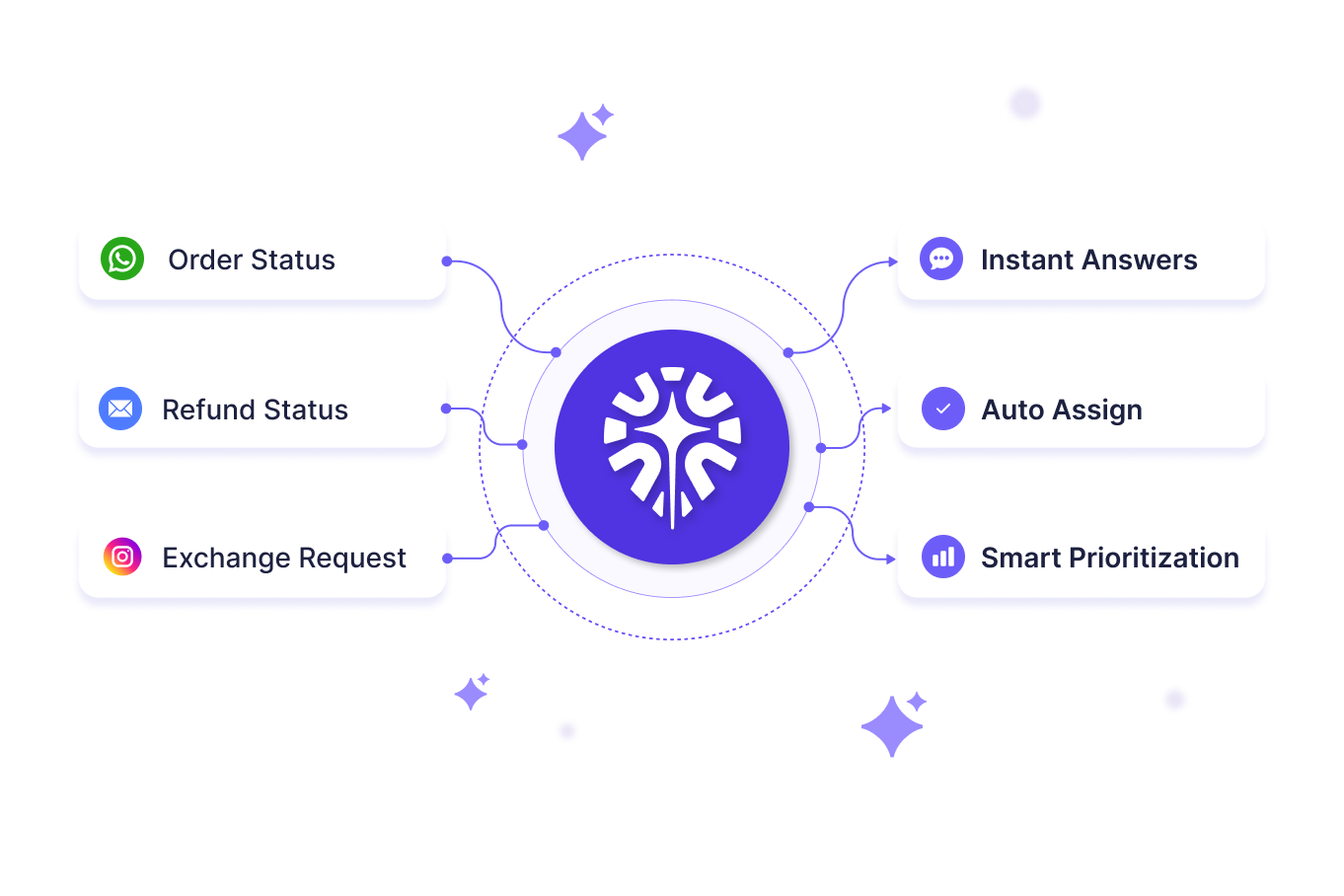
Five capabilities make up most of what Gorgias actually does for a busy ecommerce support team.
1. Unified Multichannel Inbox
Every Gorgias plan starts here. Email, live chat, SMS, voice, Facebook, Instagram, TikTok Shop, WhatsApp, and web contact forms all land in one feed.
- No tab-switching between five apps to piece together one customer's history
- Every touchpoint tagged and attached to the same ticket automatically
For a Shopify apparel brand fielding WhatsApp questions about a flash sale and Instagram comments about the same drop, that single feed genuinely matters.
2. Deep Shopify, Magento, and BigCommerce Integrations
Gorgias pulls order history, tracking status, and lifetime value straight into the ticket sidebar. Agents work from one screen instead of two. Refunds, order cancellations, purchase duplication, and shipping edits all happen inside the ticket. Nobody opens the Shopify admin separately just to fix an address.
- Real-time order and tracking data attached to every conversation
- In-ticket actions for refunds, cancellations, and shipping edits
- One data source instead of a browser full of open tabs
This is the same promise most guides to AI customer support for Shopify are built around: support and store data living in one place.
3. AI Agent and Automation
The AI Agent, formerly sold as a separate "Automate" add-on, now ships on every plan. It targets repetitive questions, and Gorgias reports it resolves roughly 60% of email and chat conversations.
- Order tracking and WISMO resolved automatically using live Shopify data
- Return eligibility and repeat FAQs answered without an agent touching the ticket
- Macros with dynamic variables auto-populate customer names, order numbers, and shipping status
- Rules and triggers tag and route messages by intent, sentiment, or keyword, shaping how well ai chatbot escalation performs downstream
Automating this one workflow alone is often the fastest way to reduce "where is my order" tickets without adding headcount.
4. Revenue Attribution and Performance Reporting
Gorgias tracks any sale made within seven days of a support conversation and credits it back to the agent and channel involved.
- Revenue attribution ties closed sales to the agent and channel behind them
- First response and resolution time tracked automatically across every channel
- CSAT scores measured per agent, per channel, per ticket type
Teams using this data well tend to focus on a handful of metrics rather than every number the dashboard offers, a habit that also helps improve ticket resolution rate over time.
5. Proactive Chat Campaigns and Brand Voice Customization
Gorgias can trigger proactive chat pop-ups based on shopper behavior, like extended time spent on one product page. It turns a support widget into a light sales assist.
- Proactive chat triggers fire based on time on page or cart activity
- Four brand voice tones available: Friendly, Professional, Sophisticated, and Custom
- Custom tone field capped at 1,500 characters of plain-language instruction
- Knowledge sources sync help center articles, documents, and public store URLs only
Only publicly accessible webpages sync, so a gated Confluence space or private wiki has no direct connector.
How to Evaluate Gorgias's Features for Your Store
Feature lists read well in isolation. These four checks tell you how they hold up against your actual ticket mix.
Step 1: Map Your Ticket Volume Against the Plan Tiers
Count last month's real ticket volume, including chats and social replies. Compare it against Starter, Basic, Pro, and Advanced limits before assuming a tier fits.
Step 2: Test the AI Agent Against Your Own Tickets
Run the AI Agent's preview tool against real past conversations, not hypothetical ones. Check whether it pulls accurate order data before trusting it with live traffic.
Step 3: Check Every Channel You Actually Use
Confirm Gorgias connects natively to every channel your customers use today. A handful of G2 reviewers note gaps here, so this is worth verifying before signing.
Step 4: Review the Automation Rules Before You Scale
Walk through your rules and macros at double your current volume, not today's volume. Rules that work fine at 300 tickets a month can misfire at 900.
What are the Challenges Faced by Gorgias Users
Gorgias holds a solid rating on G2, but its pros-and-cons breakdown tells a fuller story than the feature page does.
For more verified feedback beyond this summary, see our full Gorgias Reviews roundup.
1. Setup and Automation Take Real Time to Tune
"Gorgias is a fantastic platform overall, and while some of the more advanced automation and reporting features can take a bit of fine-tuning to get effective..." - G2 user
Another reviewer described the interface as difficult to navigate at first, particularly once multiple channels and rules are layered in.
2. AI Gets Billed as a Separate Line Item Once You Look Closely
"It's a bit too expensive. I would like it to be more affordable or offer AI services at the integrated cost." - G2 user
Another user called it priced too high compared to the rest of the market. That kind of split billing is exactly why growing teams look for ways to reduce customer support software costs as team grows. For the full breakdown, see our Gorgias pricing guide.
3. Channel and Integration Gaps Show Up at Scale
Its Aircall integration competes with Gorgias's own voice features rather than working alongside them, one reviewer noted. Another said it "doesn't connect to all channels I use for free."
Its ShipBob integration only syncs the last month of orders, and agents cannot cancel orders or start returns from inside Gorgias. Both require a trip to the ShipBob dashboard separately.
4. Reliability Wobbles During High-Volume Periods
A Shopify apparel brand's Gorgias setup hums along fine at 300 tickets a month → a flash sale hits and volume triples overnight → the integration starts crashing constantly → agents fall back to manual lookups mid-sale.
"If you manage a high volume of tickets Gorgias is not reliable. The integration may crash constantly." - G2 user
5. Reporting and Scale Don't Always Keep Up
"As our business expanded and our needs evolved, our CRM was no longer able to support the level of growth we required." - G2 user
Other reviewers asked for more customizable reporting and hyperlink support in tickets, features they said were missing even at a mature stage of use.
6. Knowledge Sources Have Real Gaps
Gorgias's AI pulls from help center content, uploaded files, and public store URLs, but it cannot sync anything behind a login. That includes gated docs and private wikis.
A knowledge base with real gaps is one of the clearest ways ai hallucination in customer support starts, when the AI answers confidently from whatever it can reach instead of what is actually current.
Gorgias vs QuantumDesk: Where Each One Fits
Both platforms solve real problems for ecommerce support teams. The difference shows up in how AI, data, and reporting are packaged together.
If your store mostly needs order lookups on a single Shopify connection, Gorgias covers that well.
If your team wants the same Shopify context without a second AI bill or a reporting ceiling, QuantumDesk is built for that from day one.
How QuantumDesk Closes the Gaps Gorgias Leaves Open
Every limitation in this guide traces back to one thing: Gorgias added AI to a ticketing system designed before AI existed.
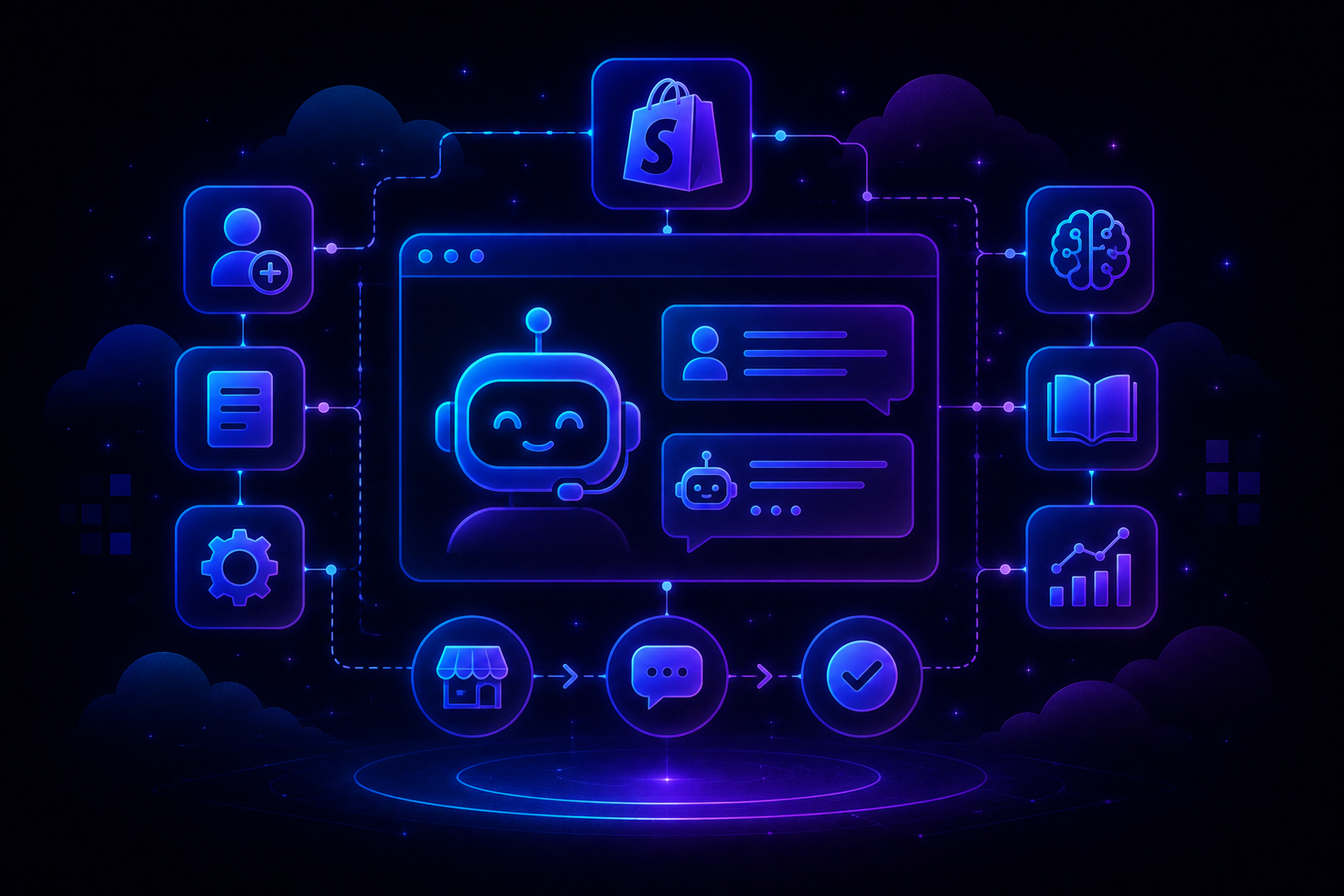
QuantumDesk starts from the opposite direction. Quantum AI, native Shopify data, and reporting live in the same platform from the first ticket, not stitched together after the fact.
That is also true for teams weighing Gorgias alternatives more broadly, not just on price but on how much tuning it takes before automation is trustworthy.
Key QuantumDesk Capabilities
- Quantum AI resolves repetitive Shopify queries like order status and returns automatically, as part of the core platform
- Native Shopify Integration pulls order and customer data into every conversation without a per-integration sync limit
- AI-Curated Inbox prioritizes tickets by urgency, sentiment, and intent before agents open them
- Quantum AI Copilot gives agents full conversation history and suggested replies during live conversations
- Unified Inbox centralizes email, chat, WhatsApp, and social conversations in one workspace
- Admin Analytics tracks AI resolution rates, escalation patterns, and CSAT trends in one dashboard
QuantumDesk does not replace the agents reading Gorgias reviews and wishing for fewer workarounds. It gives them the same reach, without the tuning tax.
Frequently Asked Questions
What are the main features of Gorgias?
Gorgias centers on a unified multichannel inbox, deep Shopify and ecommerce platform integrations, an AI Agent for automation, revenue attribution, and performance reporting.
Does Gorgias include AI automation on every plan?
Yes. The AI Agent, previously a paid add-on called Automate, now ships on every plan with a bundled number of automated interactions included.
What are the biggest limitations of Gorgias, based on user reviews?
G2 reviewers most often cite setup complexity, channel connectivity gaps, ticketing glitches at high volume, and reporting that does not scale with a growing business.
Is Gorgias's AI Agent billed separately from the helpdesk plan?
Its cost is bundled into each plan up to an included limit, then billed at $1.50 per automated interaction once that limit is crossed.
What is a good AI-native alternative to Gorgias?
QuantumDesk is built AI-first with native Shopify integration, closing the setup, channel, and reporting gaps Gorgias users report on G2, without a separate AI bill.



.avif)