
Summarize with AI
Key Takeaways
- Shopify support breaks into three stages: setup, automation, and scale, and each one needs a different system to work.
- Centralizing every channel into one inbox stops shoppers from repeating themselves across email, chat, and WhatsApp.
- Automating WISMO and returns first clears the two ticket types that drive the most repetitive support volume.
- Clear escalation rules protect trust by routing payment errors and upset customers straight to a person.
- QuantumDesk connects natively to Shopify data, so Quantum AI resolves order questions without a second tab open.
Every Shopify store hits the same wall eventually: the questions never stop, and the team answering them cannot grow as fast as the orders do.
A Shopify coffee subscription brand launches a limited seasonal roast, and by evening the inbox is stacked with the same three questions. Is my order confirmed? When does it ship? Can I still add a bag to my box before it goes out? Every unanswered message is a subscriber deciding whether to trust the brand with next month's charge too.
Getting Shopify customer support right is not about picking one tool and hoping it holds. It is about building the setup, the automation, and the scaling plan in that order, before volume forces a decision under pressure.
You will learn about:
- How to set up support channels, an FAQ, and escalation rules before your store needs them under pressure
- Which parts of Shopify support to automate first, and which ones still need a person
- How to scale support as order volume grows, without adding headcount at the same rate
- The real benefits a good support system delivers, from faster first response times to lower cost per ticket
By the end, you will have a support system that answers customers fast at every stage, and grows with your store instead of falling behind it.
Shopify Customer Support at a Glance
What Is Shopify Customer Support?
Shopify customer support is the system a store uses to answer questions, resolve order issues, and manage returns for the customers who buy through it.
Unlike a marketplace listing, a Shopify store owns the entire relationship. There is no platform support team stepping in when a shopper has a problem, which means every channel, reply, and policy page is the store's responsibility alone.
What Shopify Customer Support Includes
- Answering pre-purchase questions about sizing, shipping, or product fit before a visitor decides to buy.
- Tracking and updating orders so shoppers know where a package is without opening a new ticket.
- Managing returns and exchanges in a way that does not turn a simple request into a dispute.
- Keeping every channel consistent, so a shopper gets the same answer by email, chat, or social DM.
- Scaling without breaking, so support quality holds steady as order volume climbs.
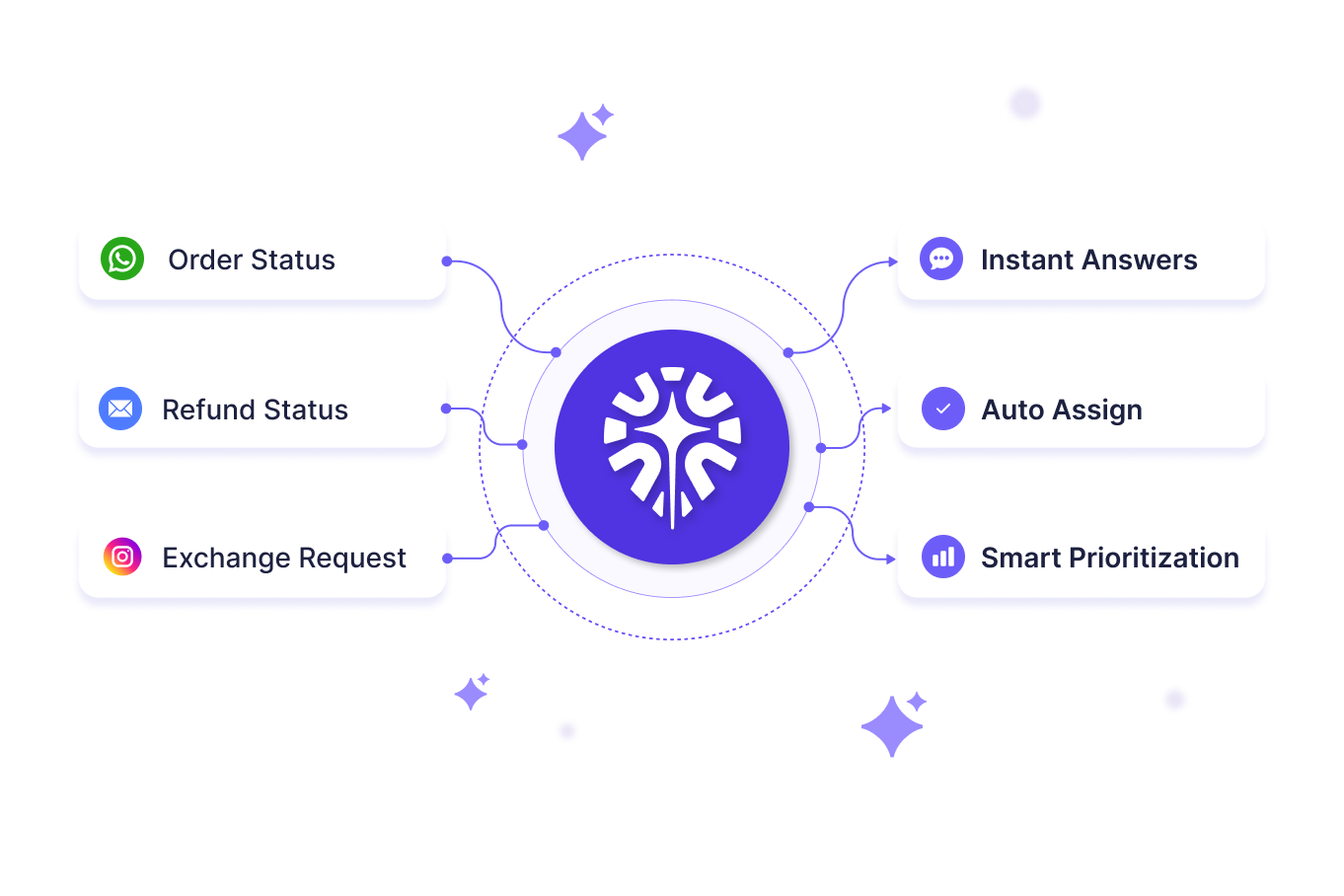
Why Shopify Customer Support Breaks Down as You Grow
Support that works fine at a handful of orders a day rarely survives the jump to a few hundred, and the reasons are the same for almost every store.
1. One Agent Can Only Handle So Many Tickets a Day
A single support agent can answer a steady stream of emails and chats, but that stream has a ceiling. Once order volume crosses a certain point, the same team either falls behind or the store hires ahead of revenue, and neither option holds up for long.
2. Customers Shop at 2 A.M., Your Team Doesn't
Shopify stores sell around the clock, but most support teams work business hours. The gap between the two is where trust erodes quietly. A shopper messages about a delayed order at midnight and does not hear back until the next afternoon, by which point they have already decided how they feel about the brand.
3. A Slow Reply Costs the Sale, Not Just the Ticket
A pre-purchase question about sizing or shipping is really a hesitation the shopper wants resolved before they buy. Answer it in minutes and the sale often closes. Leave it sitting in an inbox overnight and the shopper has usually bought the same item somewhere else by morning.
4. Growth Multiplies Every Small Gap
A slow FAQ page or a missing escalation rule barely registers at a handful of orders a day. At a few hundred, that same gap generates a steady stream of avoidable tickets, and by the time a store notices, the backlog has already cost it repeat customers.
How to Set Up Shopify Customer Support
Follow these five steps in order. Skipping ahead to automation before the basics are solid usually means automating a mess instead of fixing it.
Step 1: Choose Your Support Channels
Most stores make the mistake of opening every channel at once: email, live chat, Instagram, and WhatsApp, all on day one. That spreads a small team too thin to answer any of them well.
Start with two or three channels that match how your customers actually reach out. Live chat, powered by dependable live chat software for Shopify, catches shoppers mid-decision, while email still handles longer, more detailed requests.
Step 2: Centralize Every Channel Into One Inbox
Once a second or third channel is live, conversations start arriving faster than one person can track across separate logins. A shared inbox brings email, chat, and social messages into a single view, so nothing sits unanswered in a tab nobody checked.
This is also where a genuine omnichannel customer service setup matters most. A shopper who moves from Instagram to email should never have to restate their order number.
Step 3: Build a Knowledge Base or FAQ Page
A clear FAQ page answers the same handful of questions before they ever reach a ticket. Shipping windows, return policy, and sizing details are the pages shoppers check first, and a page that is genuinely easy to search does more to reduce repetitive support questions than any single tool.
Keep the language plain. A shopper looking for a return window should not have to interpret a policy written for a lawyer.
Step 4: Create Workflows and Escalation Rules
Templates speed up common replies, but the real value is deciding, in advance, when a conversation needs a person. Payment errors, angry customers, and anything outside standard policy should route to a human automatically rather than sit in a queue waiting to be noticed.
Getting this right also shapes how well AI chatbot escalation performs later, once automation is handling the first reply.
Step 5: Set Response Time Expectations
Customers do not need an instant answer to every question, but they do need to know what to expect. A support page or auto-reply that states realistic response windows for chat, email, and social reduces the follow-up messages that come from someone wondering if their first one was even seen.
How to Automate Shopify Customer Support
Once the basics are running, automation is what keeps support fast without adding headcount for every order spike. The goal is not to replace your team. It is to clear the repetitive volume so they can spend time on the conversations that actually need judgment.
1. Resolve Order Status and WISMO Replies Instantly
Pull live tracking data straight from Shopify instead of sending a generic "check your email" reply. It is one of the fastest ways to reduce "where is my order" tickets without adding staff.
2. Speed Up Return Eligibility Checks
Let a shopper know within seconds whether an item qualifies for a return or exchange. Instant eligibility checks stop a simple policy question from ever turning into a ticket.
3. Route and Tag Tickets by Priority
Route requests to the right person, or the right automation, based on order status, keywords, or customer tier. This keeps urgent issues from sitting behind routine ones in a shared queue.
4. Send Proactive Shipping Alerts
Send an alert the moment a shipping status changes, before the customer thinks to ask. Choosing the right AI customer support software for Shopify makes this run on live data, not a synced copy that lags behind reality.
How to Scale Shopify Customer Support as Orders Grow
Scaling is not the same as automating. It is what happens after automation is in place and order volume keeps climbing anyway.
1. Build Self-Service Portals
An order tracking portal and a clear returns page let shoppers solve their own problems without messaging anyone. This alone removes a large share of the requests that would otherwise land in a queue, and it works at 2 a.m. as reliably as it does at noon.
2. Track the Metrics That Actually Matter
First response time, resolution time, and ticket volume by category tell a store where support is working and where it is not. A steady effort to improve ticket resolution rate or a spike in one ticket category usually points to a fix that is cheaper than hiring: a clearer policy page, a better shipping notification, or one more automation.
3. Audit Workflows Regularly
Automation and macros drift out of date as policies change. Reviewing past conversations and testing the AI's answers against your current return window or shipping terms catches the gaps before a customer does.
4. Expand With Rules, Not Just Headcount
As order volume grows, the instinct is to hire. The more sustainable path is expanding automation rules and escalation logic so each new agent handles a larger, better-filtered slice of the queue instead of the same raw volume everyone else is drowning in.
Benefits of a Good Shopify Customer Support
A support system built with the steps above pays off in ways that show up well beyond the inbox.
- Faster first response times keep pre-purchase questions from turning into abandoned carts, since quick answers close sales before shoppers look elsewhere.
- Fewer repetitive tickets free up your team to focus on complaints and exceptions, the conversations that genuinely need human judgment.
- Higher customer satisfaction builds naturally when shoppers get accurate, consistent answers regardless of whether they reach out by email, chat, or social.
- Stronger repeat purchase rates follow when customers trust that order issues and returns will be resolved quickly and fairly, without a long wait.
- Lower cost per ticket as order volume grows, since automation and clear workflows absorb most of the increase instead of new hires.
How QuantumDesk Helps Shopify Brands to Manage Customer Support Workflows
Every step in this guide points to the same underlying need: a support system that knows your Shopify data as well as your team does.
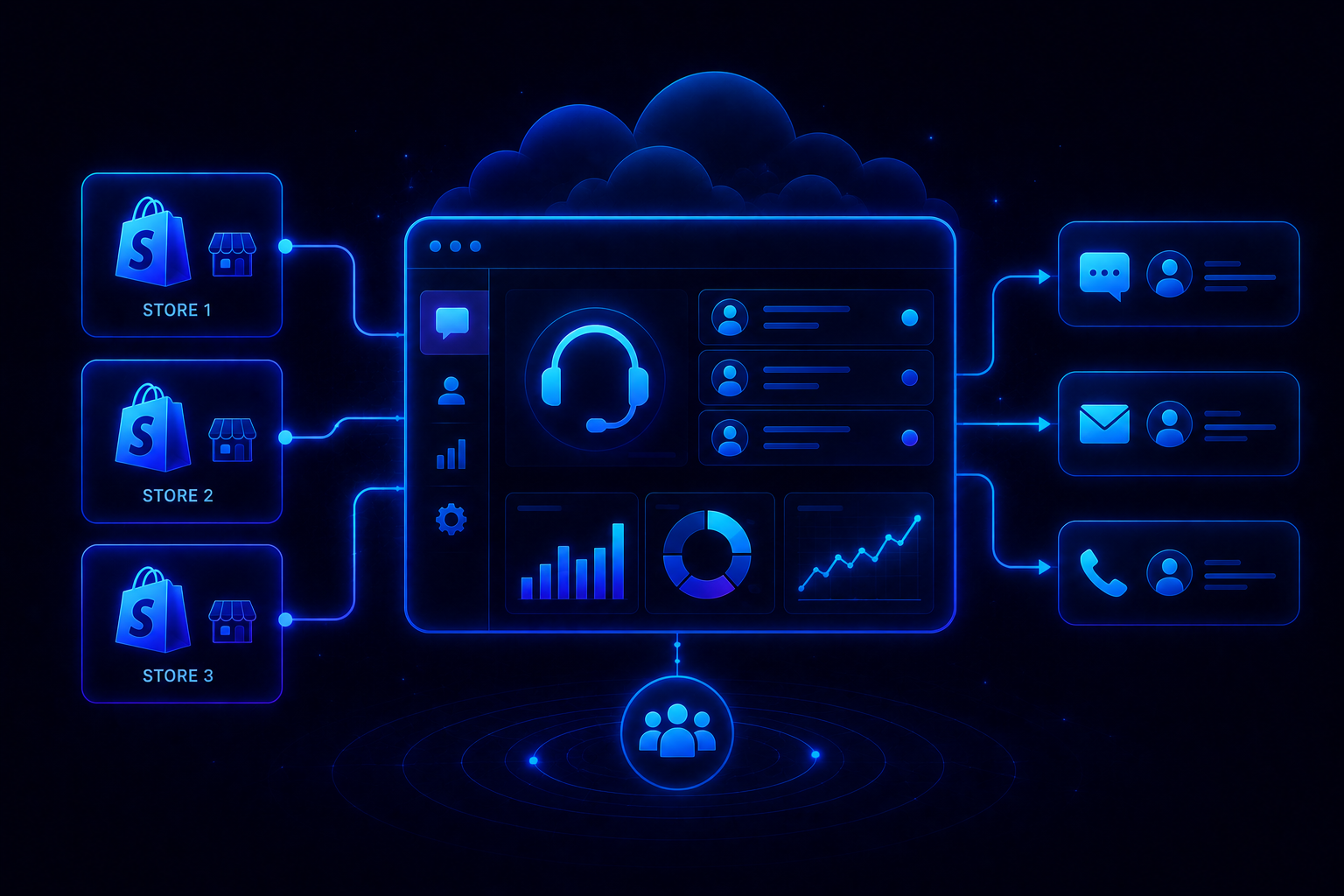
QuantumDesk connects directly to Shopify order and customer data, so Quantum AI resolves order status, return eligibility, and account questions without an agent switching tabs to check.
That same connection is what makes scaling less about hiring and more about the system doing the heavier lifting, so reducing customer support software costs as your team grows becomes a natural side effect of getting automation right, not a separate project.
Key QuantumDesk Capabilities:
- Quantum AI resolves WISMO and return questions automatically using live Shopify order data
- Unified Inbox centralizes email, chat, WhatsApp, and social messages with full order context attached
- AI-Curated Inbox prioritizes tickets by urgency and intent before an agent ever opens them
- Quantum AI Copilot gives agents full context and suggested replies during live conversations
- Native Shopify Integration surfaces order and customer data directly inside every conversation
- Admin Analytics tracks resolution rates, escalation patterns, and CSAT trends in one dashboard
QuantumDesk gives growing Shopify stores a support system built for how they actually scale, one where automation and Shopify data work together from the first ticket.
Frequently Asked Questions
What is Shopify customer support?
Shopify customer support is the system a store builds to answer questions, track orders, and manage returns, since Shopify itself does not handle service for individual stores.
How do I set up customer support for a new Shopify store?
Start with two channels, usually email and live chat, add a clear FAQ page, and set response time expectations before adding more channels or automation.
What should I automate first in Shopify customer support?
Order status and return eligibility checks first, since they typically generate the most repetitive tickets and are the easiest to resolve with live Shopify data.
How do I scale Shopify support without hiring more agents?
Expand automation and escalation rules as volume grows, add self-service options like order tracking portals, and track metrics to catch gaps before they cost customers.
Which tool is best for Shopify customer support?
It depends on volume and goals. Shopify Inbox suits new stores, Gorgias and Zendesk suit growing teams, and AI-native platforms like QuantumDesk suit stores scaling fast.





.avif)