Summarize with AI
Key Takeaways
- "Shopify help desk" means two things: Shopify's own merchant support, and software you install to support buyers.
- The right help desk connects to Shopify data so agents see orders without switching tabs.
- Setup takes five deliberate steps, from connecting store data to testing before launch.
- Scaling support means expanding automation rules, not just adding agents as ticket volume grows.
- QuantumDesk builds AI and Shopify data into one native help desk, closing gaps tools like Gorgias bolt on separately.
Search "Shopify help desk" and you get two different answers, and most guides only cover one of them.
One is Shopify's own support for merchants running into platform issues. The other is software you install to support your own customers.
A Shopify apparel brand grows from 50 to 500 daily orders → the founder still answers WhatsApp personally → tickets pile up faster than replies go out → a size exchange sits unanswered for two days → the customer buys elsewhere.
That gap is what a real help desk strategy is supposed to close.
You will learn about:
- What "Shopify help desk" actually means, and which meaning applies to your search
- How to choose the right tool for your store's ticket volume and channels
- A five-step setup process from connecting data to testing before launch
- How to scale support as order volume grows, without scaling headcount at the same rate
By the end, you will know exactly which kind of help desk you need, and how to set it up right.
Shopify Help Desk at a Glance
What Does "Shopify Help Desk" Actually Mean?
The term covers two distinct things, and mixing them up wastes time before you even start comparing tools.
This guide covers both, starting with when the official Shopify Help Center is enough, then focusing on choosing, setting up, and scaling your own.
Official Shopify Help Center: What It Covers and Where It Stops
Shopify's own support exists to help merchants run the platform, not to support the buyers who shop on their store.
- Guides walk merchants through building, running, and managing a store step by step
- Support Advisors offer 24/7 AI search and human chat access
- Community forums let merchants trade advice and troubleshoot with other store owners
This help desk is strong for platform questions: billing, account access, checkout errors, and basic configuration.
It does not cover customer-facing support. Shopify's advisors do not answer a shopper's return request or a WISMO message.
For that, merchants need a separate help desk built to support their own buyers, which is what the rest of this guide covers. See our full Shopify customer support guide for the fundamentals.
How to Choose a Shopify Help Desk for Your Store
Before you commit budget to any tool, run it through these checks.
1. Confirm Real-Time Shopify Data Access
The help desk must connect to live Shopify data, not a synced copy that lags by hours. A WISMO answer is only as good as the data behind it.
2. Check Channel Coverage
Confirm the tool covers every channel your customers actually use: email, chat, WhatsApp, and social. Fragmented coverage just moves the repetition somewhere else.
3. Test Escalation Logic
Ask exactly how the tool decides when to hand a conversation to a human. Vague escalation rules are where trust breaks down fastest.
4. Understand How AI Is Priced
Some tools bill AI as a separate line item on top of the base plan, which is where costs get unpredictable at scale.
For a side-by-side look at specific platforms, see our Best Help Desk Software for Shopify and Best AI Customer Support Software for Shopify roundups.
How to Set Up Your Shopify Help Desk
Follow these steps in order. Skipping ahead to automation before the basics are solid usually means automating a mess.
Step 1: Connect Your Store Data
Authorize secure access between the help desk and Shopify so it can sync real-time order history, inventory, and customer data.
Step 2: Build the Knowledge Base
Upload FAQ documents and clean up policy pages before training any automation. An outdated policy page gets repeated at scale.
Step 3: Automate the Highest-Volume Questions First
Start with order status and return eligibility. Automating this one workflow alone is often the fastest way to reduce "where is my order" tickets.
Step 4: Set Clear Escalation Rules
Define exactly when a conversation must go to a human: payment errors, angry sentiment, or anything outside policy.
Step 5: Test Before You Launch
Run mock conversations using real test orders. Confirm the help desk pulls accurate data and hands off cleanly when it should.
How to Scale Shopify Support as Orders Grow
Scaling is not the same as automating. It is what happens after automation is in place and order volume keeps climbing anyway.
- Build self-service portals so shoppers can track orders and start returns without messaging anyone
- Track the metrics that matter: first response time, resolution time, and ticket volume by category
- Audit workflows regularly since policies change and automation drifts out of date quietly
- Expand automation rules, not headcount, so each new agent handles a larger, better-filtered slice of the queue
This is exactly the failure mode covered in our guide on how to manage customer support during flash sales, when volume spikes faster than a team can hire.
For the full playbook, see our guide on how to scale customer support with AI.
Shopify Help Desk Options Compared
Three categories cover most of what Shopify merchants actually choose between, though live chat deserves its own look in our Best Live Chat Software for Shopify guide.
If Gorgias interests you specifically, our breakdown of what Gorgias is and Gorgias alternatives covers the pricing and limitations in more depth. If you are starting from Shopify Inbox, see our guide on Shopify Inbox alternatives too.
How QuantumDesk Simplifies the Shopify Help Desk Decision
Every choice in this guide comes down to one question: does the help desk actually see your Shopify data, or just borrow it?
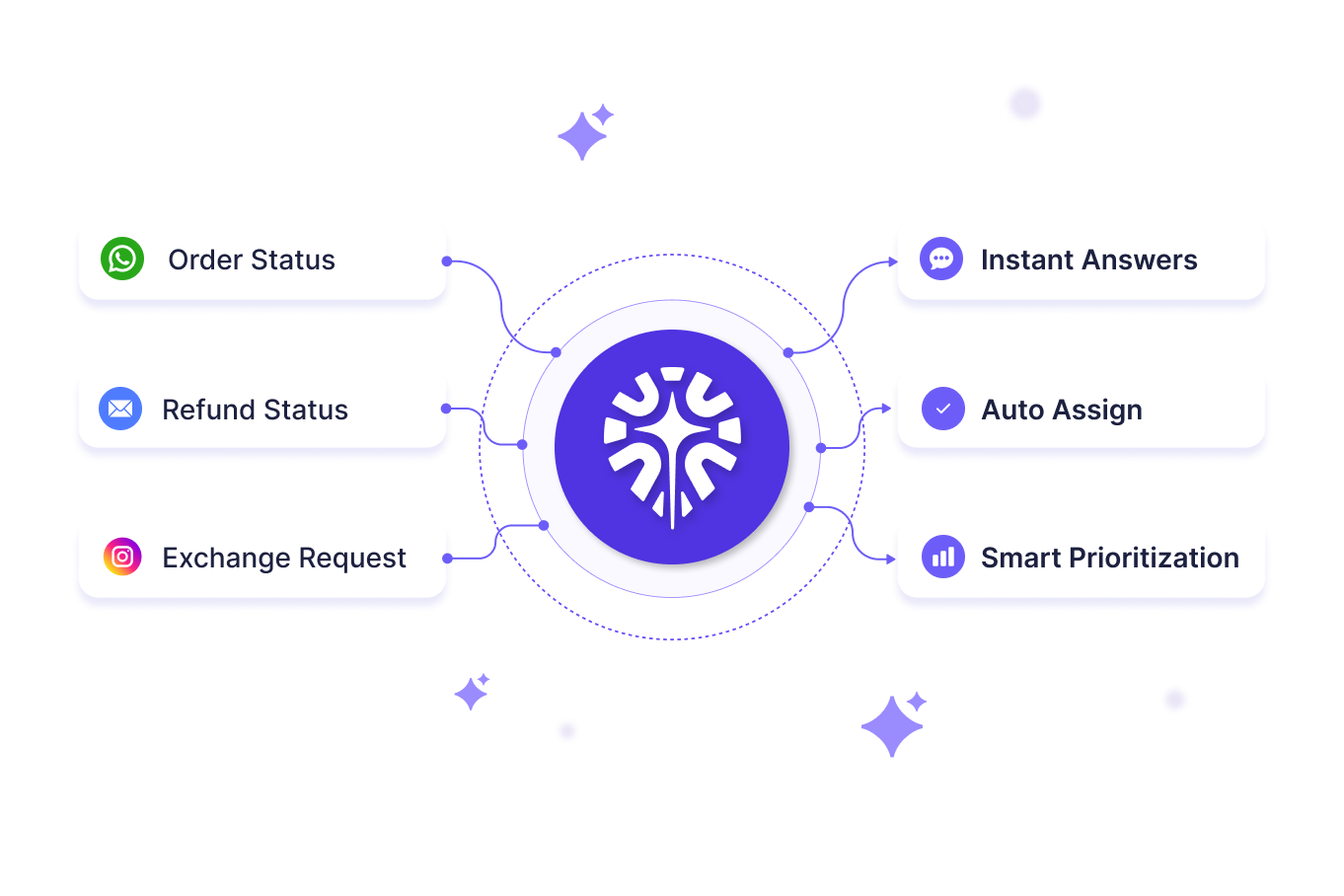
QuantumDesk connects directly to Shopify order and customer data, so Quantum AI resolves order and account queries without an agent ever opening a second tab.
The difference from tools like Gorgias shows up in the bill: QuantumDesk does not split AI usage into a second line item.
Key QuantumDesk Capabilities
- Quantum AI resolves repetitive Shopify queries like order status and returns automatically, as part of the core platform
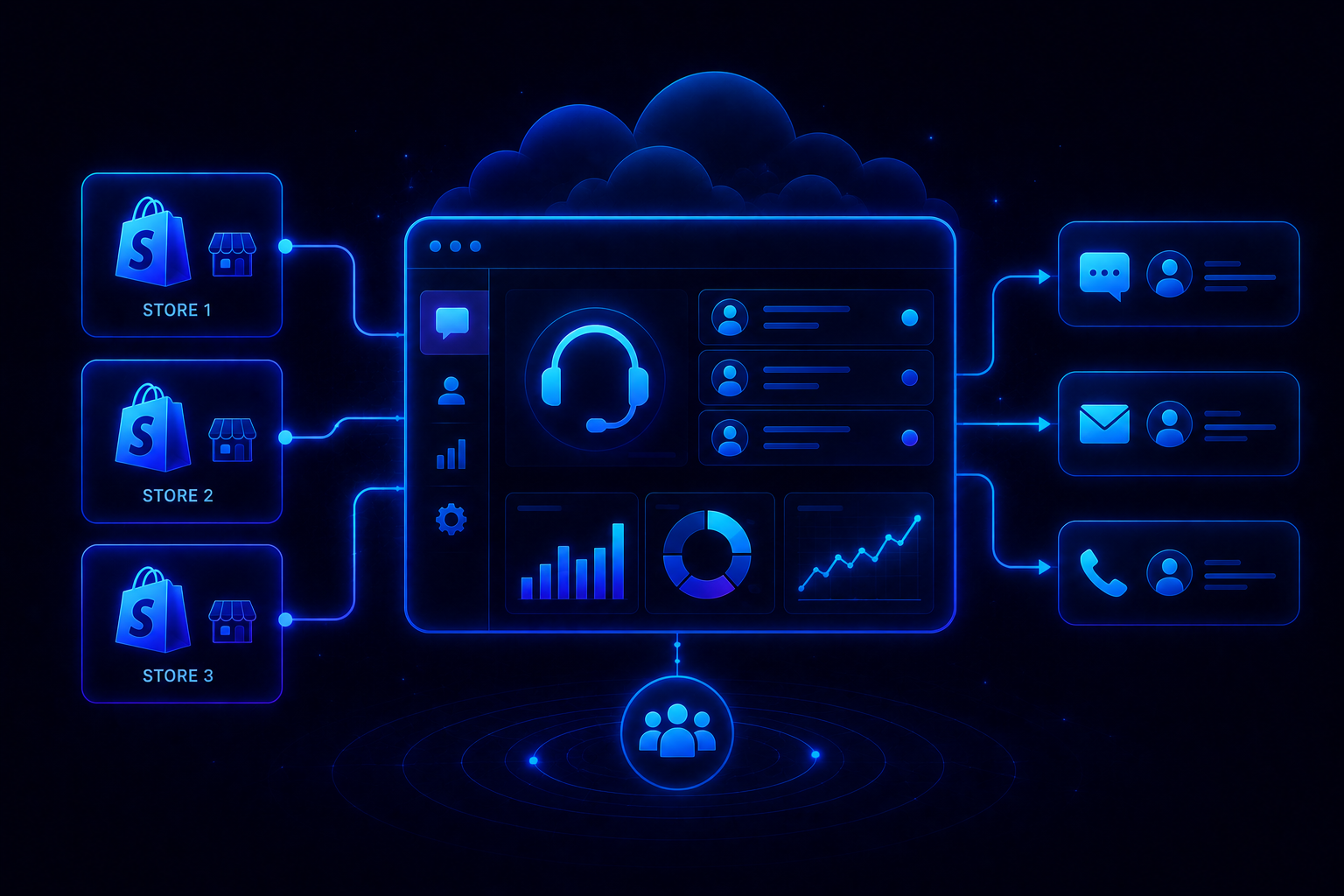
- Native Shopify Integration pulls order and customer data into every conversation without a separate sync tool
- AI-Curated Inbox prioritizes tickets by urgency, sentiment, and intent before agents open them
- Quantum AI Copilot gives agents full context and suggested replies during live conversations
- Unified Inbox centralizes email, chat, WhatsApp, and social conversations in one workspace
- Admin Analytics tracks resolution rates, escalation patterns, and CSAT trends in one dashboard
QuantumDesk does not ask a growing Shopify store to choose between a help desk and an AI budget. It gives both, in one platform.
Frequently Asked Questions
What is a Shopify help desk?
The term covers two things: Shopify's own support for merchants, and customer service software merchants install to support their own buyers.
Is Shopify Inbox enough for a new store?
For basic live chat and low ticket volume, yes. Most stores outgrow it once order volume and channel variety increase.
What should I automate first in a Shopify help desk?
Order status and return eligibility, since they generate the most repetitive volume and are the easiest to resolve with live Shopify data.
How long does it take to set up a Shopify help desk?
Most stores can connect their data, build a knowledge base, set escalation rules, and test within a few days.
What is a good AI-native Shopify help desk?
QuantumDesk connects natively to Shopify data and builds AI, automation, and reporting into one platform, without a separate AI bill like Gorgias charges.





.avif)