Summarize with AI
Key Takeaways
- QuantumDesk leads AI-native customer support chatbots, built specifically for support operations rather than adapted from a general-purpose chatbot.
- Zendesk AI Agents lead for teams already on Zendesk Support, with strong intent detection and context-rich human handoffs.
- Intercom Fin is the top pick for fast-growing, chat-first SaaS teams, with per-resolution pricing and natural multilingual conversations.
- Freshdesk Freddy AI and HubSpot Breeze are the strongest budget-friendly and CRM-native options for teams already inside those ecosystems.
- Gorgias and Tidio Lyro AI lead e-commerce and SMB support, handling autonomous order actions and quick no-code setup respectively.
- eesel AI and Chatbase stand out as standalone AI layers, deploying over an existing helpdesk or training on custom knowledge without a full platform switch.
AI chatbots for customer support have evolved into autonomous AI agents capable of processing refunds, updating order statuses, and accurately reading customer sentiment without a human touching the ticket.
I raised a billing dispute through a SaaS support portal, got an automated confirmation, waited four days with no update, escalated to sales directly, and seriously reconsidered renewing my subscription that same week.
That gap between an automated reply and an actual resolution is exactly what separates a real AI chatbot from a scripted one.
No single chatbot does everything well. Each tool on this list has a clear strength, and the right choice depends on your business size, existing software stack, and primary sales channels. This roundup breaks down what each tool actually does, where it fits, and where it falls short, so you can shortlist faster.
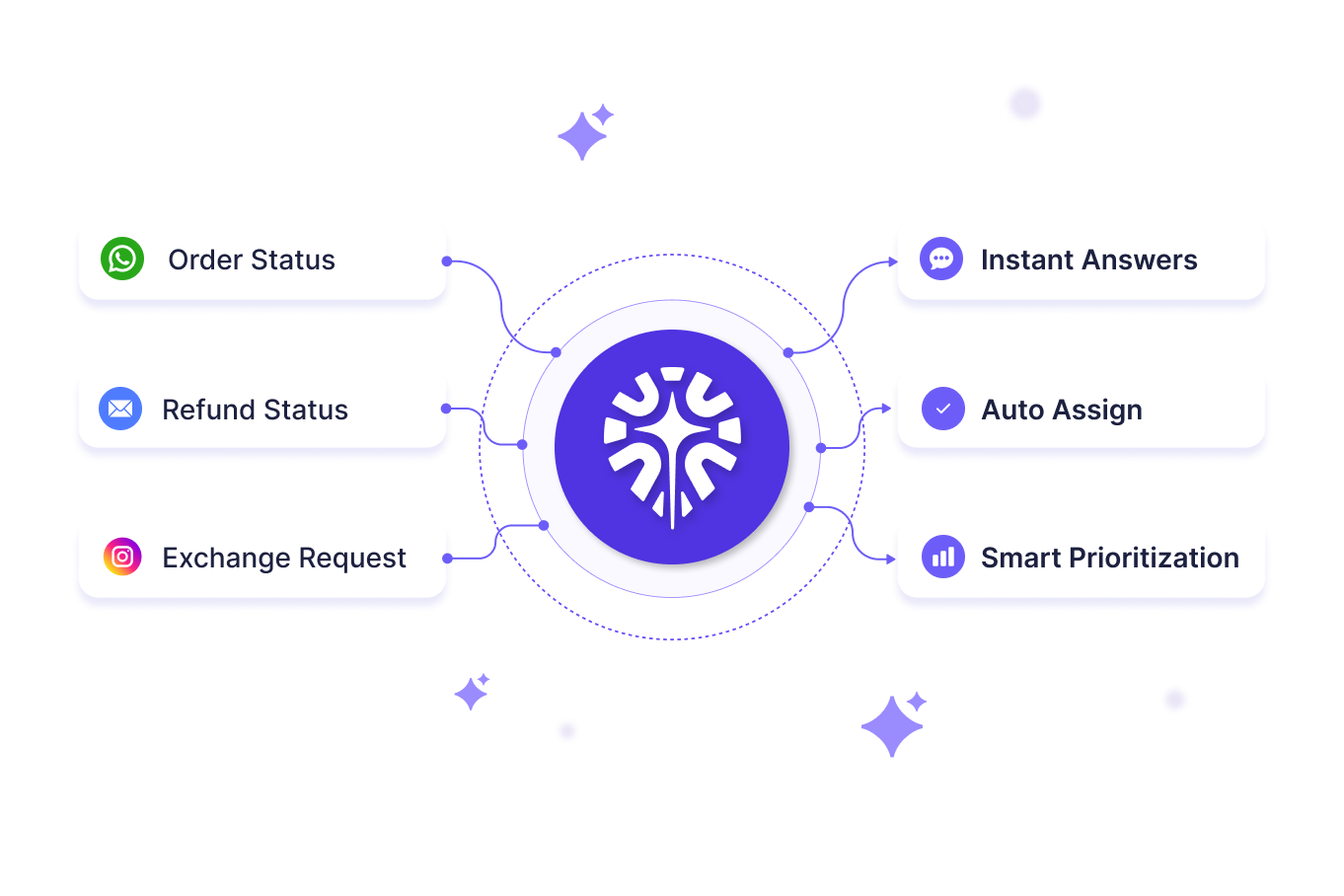
A Quick Comparison of the Top AI Chatbots for Customer Support in 2026
How I Evaluated These 10 AI Chatbots for Customer Support
I chose these 10 AI chatbots for customer support by testing real support scenarios, checking documented resolution data, and benchmarking pricing against what each vendor actually delivers.
- I ran checks across G2, Capterra, and expert comparison sites to verify real-world usability across different business use cases.
- Hands-on testing covered response quality, reasoning, and conversational accuracy across real support scenarios, not vendor-curated demos.
- Ease of use, integrations, and onboarding got evaluated directly inside each platform's dashboard and setup flow.
- I have read through Reddit threads and community discussions to surface real complaints and praise beyond polished marketing claims.
- Pricing transparency and scalability got weighed across different user types, from solo SMB support desks to enterprise contact centers.
- Autonomous action-taking got tested specifically, since resolving a ticket end-to-end is a different capability than just drafting a reply.
In-Depth Review of the Best 10 AI Chatbots for Customer Support in 2026
1. QuantumDesk – Best AI-Native Customer Support Chatbot for D2C and SMBs
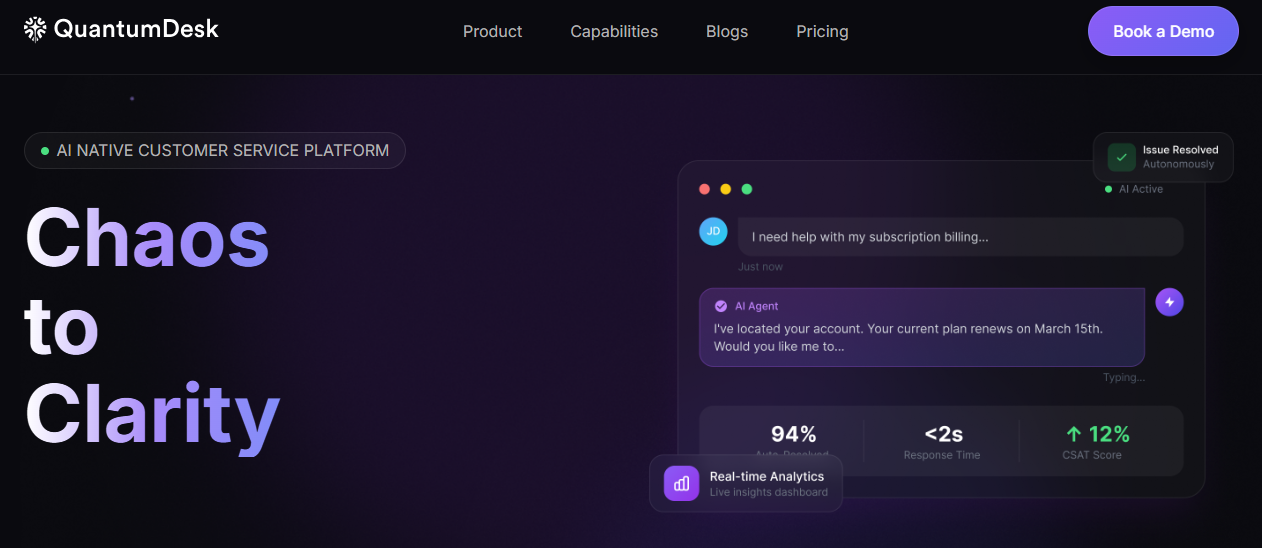
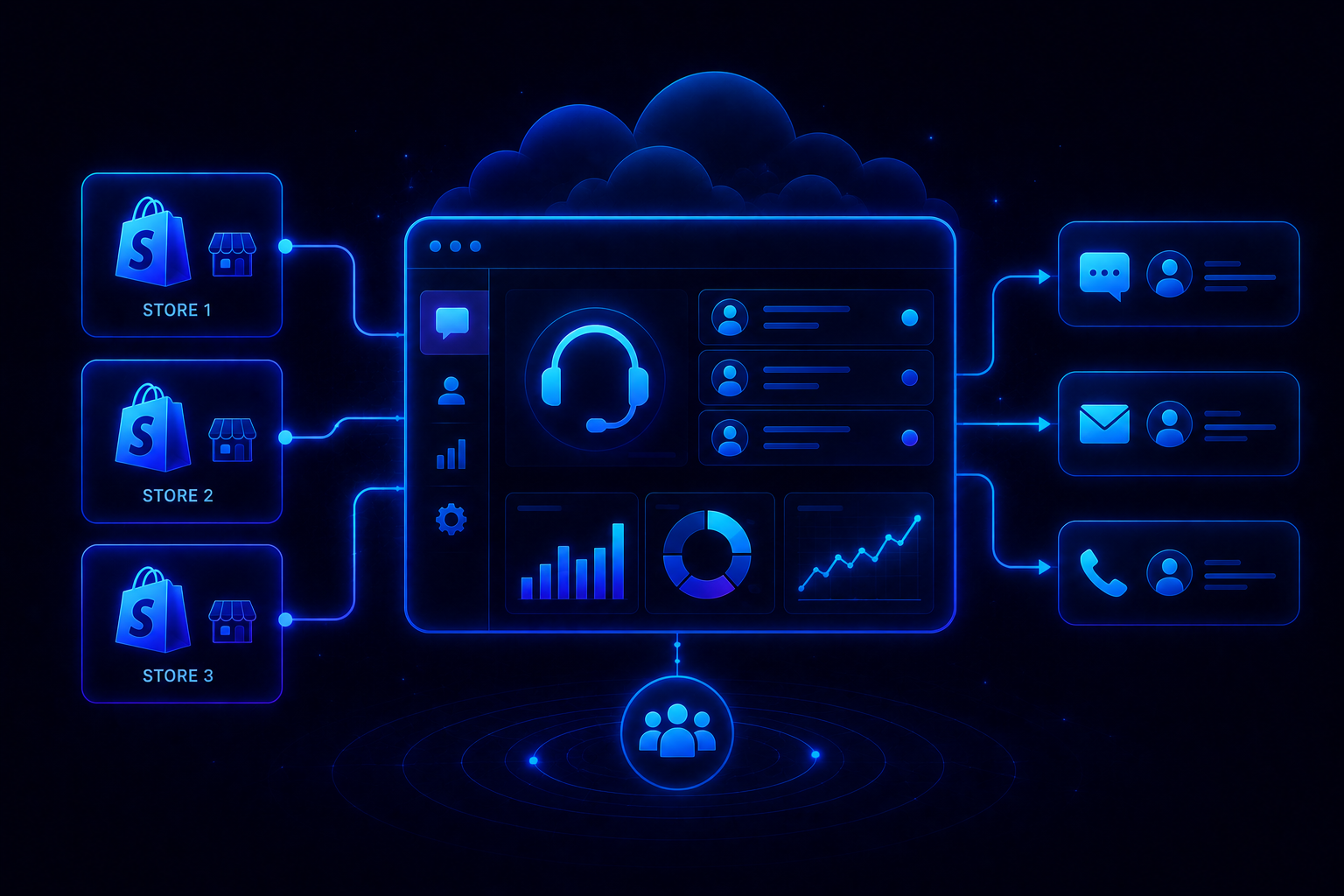
QuantumDesk is an AI-native customer service platform built for modern businesses managing growing conversation volumes across email, chat, WhatsApp, and social media simultaneously.
Support teams use QuantumDesk to automatically resolve repetitive queries, assist agents with intelligent response drafting, and centralize all customer conversations within a single workspace, cutting the operational overhead that fragmented support tools create.
What sets QuantumDesk apart from general-purpose AI chatbots is that AI is built into the platform's architecture from the start, rather than added on top of a legacy support system. D2C brands processing high volumes of order, return, and exchange queries across WhatsApp and Instagram see faster resolution gains from that distinction.
Key Features
- Unified Conversational Workspace: QuantumDesk centralizes conversations from email, live chat, WhatsApp, and social media into a single agent interface.
- AI-Curated Inbox: The platform prioritizes incoming tickets based on urgency, customer sentiment, intent, and conversation context automatically.
- Quantum AI for Agents: Quantum AI drafts context-aware responses, summarizes long conversations, and recommends next-step actions before agents have to ask.
- Support Operations Insights: Administrators track AI resolution rates, escalation patterns, and response time trends from one reporting interface.
Pros
- AI is built into the support workflow from the ground up, not layered on top of a legacy system.
- Centralizes conversations across all channels in one agent workspace, removing tool-switching.
- Increases support capacity without requiring additional hiring as conversation volume grows.
Cons
- Built specifically for customer support, not for general-purpose AI tasks outside that context.
- Enterprise implementations may require onboarding and configuration time before AI resolution rates ramp up.
Best Use Case
QuantumDesk works best for growing D2C brands and SMB support teams that need to scale support capacity while keeping agent productivity high as conversation volume increases.
When to Choose QuantumDesk
Choose QuantumDesk when WhatsApp, email, and social channels each carry real ticket volume, and unresolved queries directly affect repeat purchase rates and retention.
Pricing
QuantumDesk uses custom pricing based on support volume, team size, and operational requirements. Contact QuantumDesk directly to get a plan matched to your specific needs.
Ready to Give Your Support Team an AI-Native Chatbot? Book a demo with the QuantumDesk team and see how Quantum AI, the unified workspace, and the AI-curated inbox work together on your actual conversation volume → Book a Demo
2. Zendesk AI Agents – Best for Teams Already on Zendesk Support
Zendesk AI Agents extend Zendesk Support with autonomous resolution capabilities, built for organizations that already run their helpdesk on Zendesk and want AI layered directly on top of existing tickets and macros.
Intent detection is where Zendesk AI Agents pull ahead: the platform reads what a customer actually needs, resolves straightforward requests automatically, and hands off complex cases to human agents with full conversation context attached rather than a cold transfer.
Key Features
- Exceptional intent detection identifies what a customer needs and routes or resolves accordingly without manual triage.
- Context-rich human handoffs pass full conversation history to agents so customers never repeat themselves.
- Resolution-based pricing structure ties cost to automated outcomes rather than raw ticket volume.
Pros
- No migration required for teams already running Zendesk's core ticketing platform.
- Context-rich handoffs reduce the frustration of repeating information to a human agent.
- Mature integration ecosystem connects to CRM, commerce, and engineering systems already in place.
Cons
- AI Agents are priced as an add-on on top of per-agent licensing, raising total cost as usage scales.
- Less suited to teams not already on Zendesk, since the value depends on existing infrastructure.
Best Use Case
Organizations already running Zendesk Support that want autonomous resolution and AI-assisted handoffs layered on existing ticketing infrastructure.
When to Choose Zendesk AI Agents
Choose Zendesk AI Agents when you're already invested in the Zendesk ecosystem and want AI resolution without switching platforms.
Pricing
Zendesk's pricing starts around $19 per agent per month for basic support, with AI Agents priced as add-ons tied to automated resolutions.
3. Intercom Fin – Best for Fast-Growing, Chat-First SaaS Teams
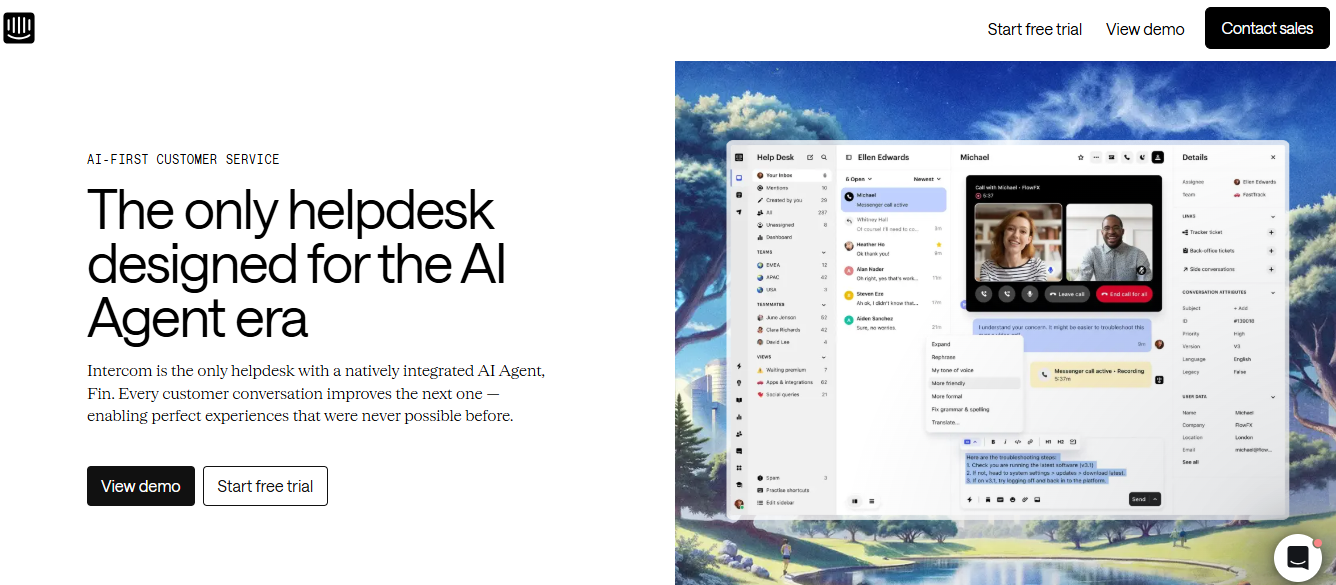
Intercom Fin is Intercom's AI agent, powered by advanced language models to deliver natural, multi-turn conversations for chat-first SaaS and product-led teams rather than scripted bot flows.
Multilingual translation and per-resolution pricing set Fin apart. Teams pay a clear usage fee only when Fin actually resolves a conversation, and the AI holds natural conversations across languages without separate configuration for each one.
Key Features
- Natural, multi-turn conversations powered by advanced language models rather than scripted decision trees.
- Multi-lingual translation lets Fin resolve conversations in the customer's language without separate setup.
- Per-resolution pricing charges a clear usage fee tied to actual resolved conversations.
Pros
- Per-resolution pricing aligns cost directly with outcomes rather than AI activity volume.
- Fast deployment for teams already on Intercom, Zendesk, or Salesforce infrastructure.
- Conversation quality feels natural compared to older scripted chatbot flows.
Cons
- Best value delivered to teams already invested in the Intercom or Zendesk ecosystem.
- Per-resolution pricing can be complex to budget against variable conversation volumes.
Best Use Case
Fast-growing, chat-first SaaS and product-led teams that want natural AI conversations without rebuilding their helpdesk from scratch.
When to Choose Intercom Fin
Choose Intercom Fin when your support runs chat-first and you want to pay for outcomes rather than per-seat AI licenses.
Pricing
$0.99 per resolved conversation with minimum commitments, plus an additional $29 per helpdesk seat per month when bundled with Intercom's Helpdesk.
4. Freshdesk Freddy AI – Best Budget-Friendly Help Desk Addition
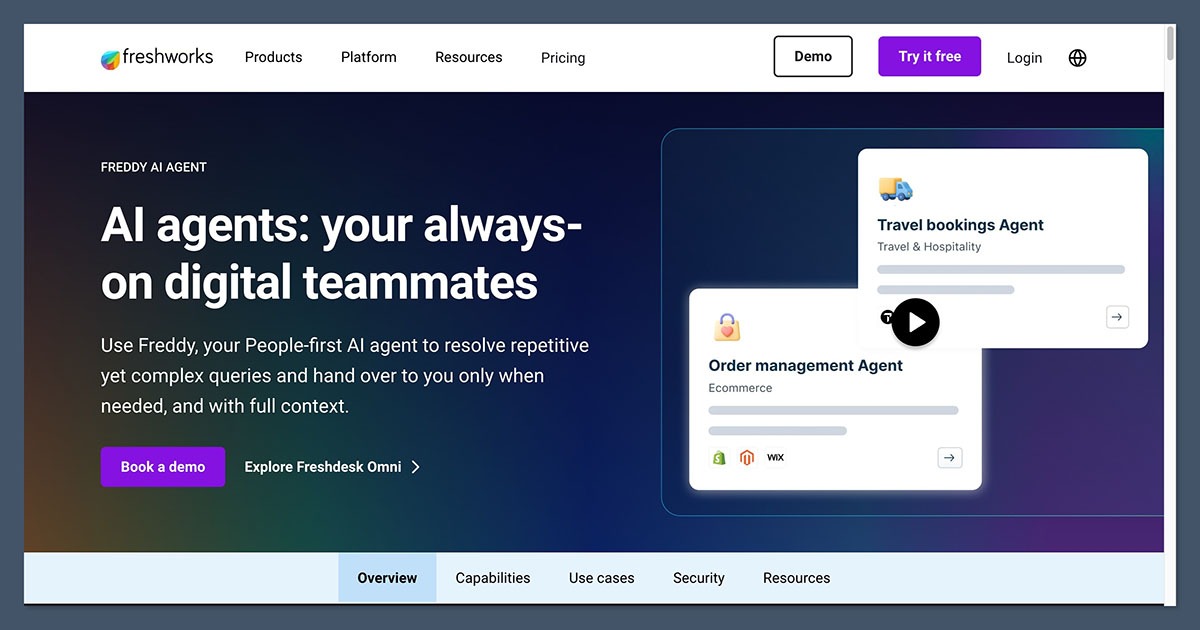
Freshdesk Freddy AI (powered by Freshchat) uses native natural language processing to deliver knowledge-grounded answers and an agent co-pilot, built for growing teams that want AI without a steep price jump.
Freddy AI reads incoming tickets, pulls answers directly from the connected knowledge base, and drafts co-pilot suggestions for agents, which keeps AI resolution grounded in actual documentation rather than generic responses.
Key Features
- Native NLP grounds answers in your knowledge base rather than generating generic AI responses.
- Agent co-pilot drafts suggested replies and categorizes tickets automatically inside the existing dashboard.
- Self-service bot deflection resolves simple queries before they reach a human agent.
Pros
- Budget-friendly relative to enterprise AI add-ons on comparable helpdesk platforms.
- Knowledge-grounded answers reduce the risk of AI making up information customers act on.
- Easy to turn on without lengthy configuration cycles for growing teams.
Cons
- AI resolution depth is shallower than platforms built AI-native from the ground up.
- Freddy AI pricing is tiered separately from core ticketing plans, adding a line item to budget for.
Best Use Case
Growing SMB and mid-market teams that want a budget-friendly AI addition to an existing Freshdesk or Freshchat setup.
When to Choose Freshdesk Freddy AI
Choose Freddy AI when speed to value and price matter more than AI-native resolution depth.
Pricing
Freshdesk's pricing offers a free tier for small teams, with paid plans starting around $15 per agent per month and Freddy AI billed as an additional layer.
5. Gorgias – Best for Shopify, BigCommerce, and DTC Brands
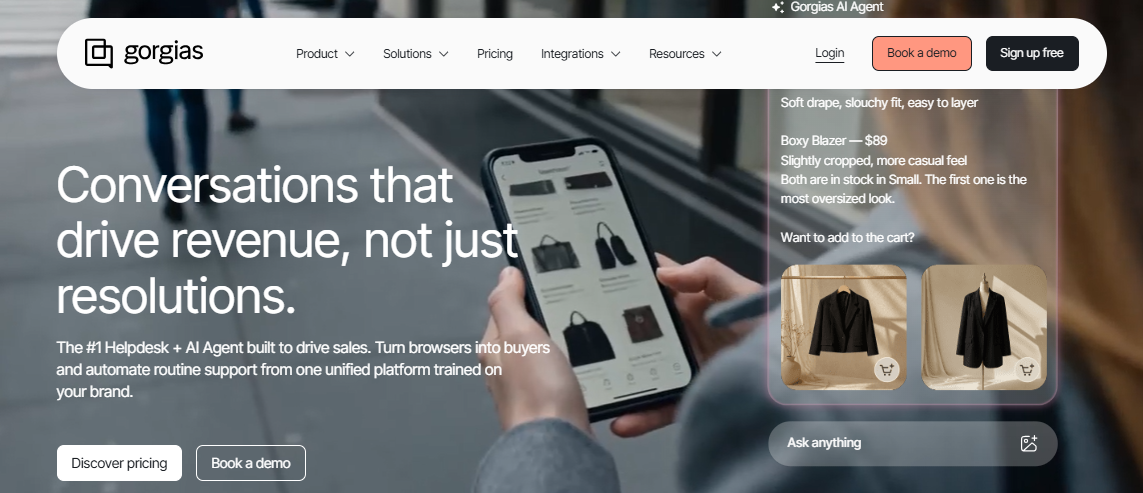
Gorgias excels at autonomous order editing, tracking, and instant refund execution directly through the e-commerce storefront, built specifically for Shopify, BigCommerce, and DTC brands rather than general-purpose ecommerce customer service.
Its AI Agent connects to live store and order data, so it can actually execute a refund or update an order rather than just draft a reply for an agent to approve manually.
Key Features
- Autonomous order editing and refund execution happens directly through connected store data, beyond drafted replies.
- Native Shopify, BigCommerce, and WooCommerce integrations surface order and customer history inside every ticket.
- Multi-channel ticketing unifies email, chat, SMS, and social DMs for DTC support teams.
Pros
- Genuinely autonomous action-taking on refunds and order edits, instead of only AI-assisted drafting.
- Deepest e-commerce-native integrations in the category for Shopify-first brands.
- Ticket-based pricing avoids per-agent fees, which suits stores with seasonal support swings.
Cons
- Pricing scales aggressively with ticket volume, which can hurt SMB brands during peak sales months.
- Less suited for non-Shopify platforms, IT support, or non-retail use cases overall.
Best Use Case
Shopify, BigCommerce, and DTC brands that want AI actually executing order edits and refunds, instead of only suggesting them.
When to Choose Gorgias
Choose Gorgias when autonomous order and refund execution matters more than broad, non-ecommerce support use cases.
Pricing
Gorgias's pricing starts around $10 per month for very small stores, with paid tiers scaling by ticket volume for higher-volume DTC brands.
6. HubSpot Breeze – Best for Companies Relying on the HubSpot Ecosystem
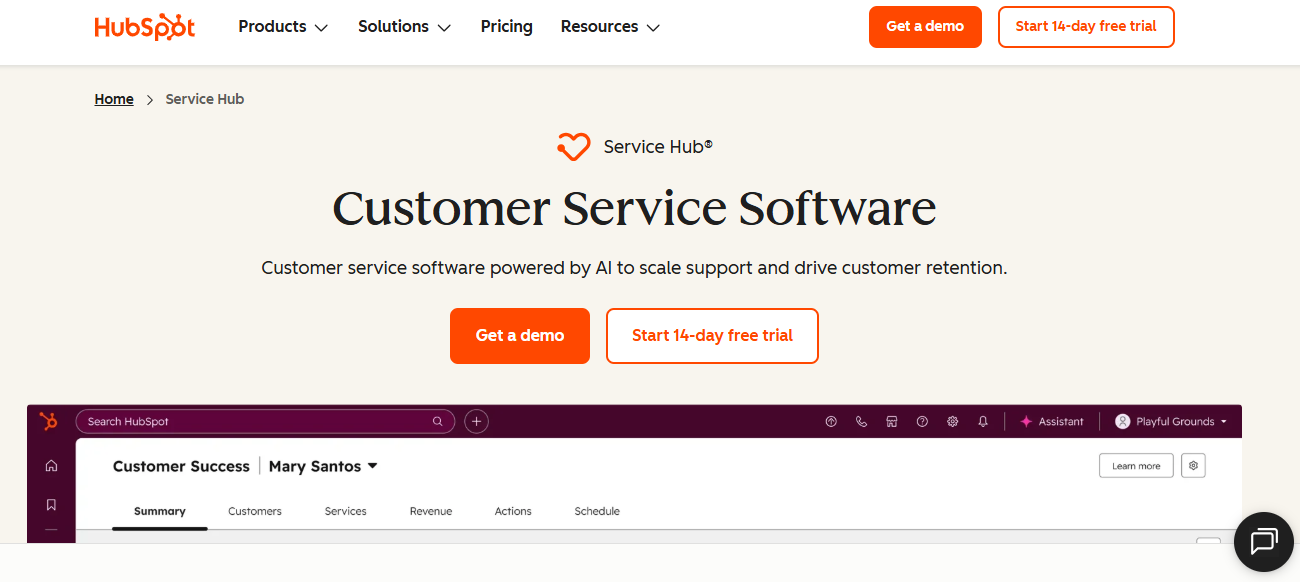
HubSpot Breeze pulls from your existing central CRM data to offer personalized, 24/7 multichannel support, built for companies that already manage their customer relationships inside HubSpot.
Because Breeze shares data with HubSpot's CRM, conversations pick up contact history, deal stage, and prior interactions automatically, which suits teams that don't want a separate AI tool disconnected from their pipeline.
Key Features
- Personalized 24/7 multichannel support pulled directly from existing CRM contact and deal records.
- Native integration across Marketing, Sales, and Service Hubs keeps conversation context consistent.
- Chatbots and workflows share data with the rest of the HubSpot ecosystem automatically.
Pros
- Native CRM context means Breeze knows contact history without separate integration work.
- Bundled into a platform many teams already use, reducing the case for a standalone tool.
- Multichannel coverage spans chat, email, and social from the same CRM-connected system.
Cons
- Best value requires buying into the broader HubSpot ecosystem, beyond the standalone chatbot feature.
- Conversational AI depth is lighter than platforms built specifically for complex support automation.
Best Use Case
Companies already running their pipeline in HubSpot that want AI support, sharing the same CRM data as sales and marketing.
When to Choose HubSpot Breeze
Choose HubSpot Breeze when your team already lives in the CRM and wants support for automation that shares context across departments.
Pricing
HubSpot Breeze is bundled into Service Hub, with paid seats starting around $20 per month and higher tiers required for full AI automation.
7. Tidio Lyro AI – Best for SMBs Needing Quick, No-Code Setup
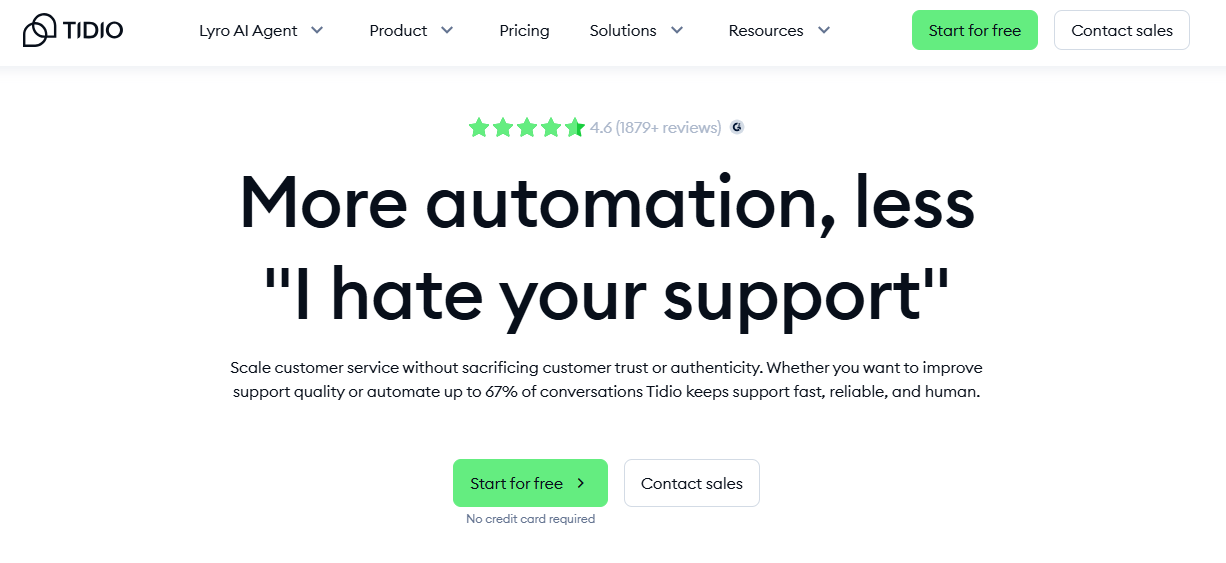
Tidio Lyro AI combines an affordable conversation-based pricing model with an easy, no-code visual workflow builder, built for small-to-medium businesses that need AI live fast without engineering help.
Lyro AI handles repetitive product, order, and shipping queries directly on the storefront chat widget, with prebuilt bot flows for common e-commerce scenarios like cart abandonment.
Key Features
- No-code visual workflow builder gets bot flows live without engineering involvement.
- Lyro AI resolves repetitive queries directly on the storefront chat widget for small stores.
- Conversation-based pricing ties cost to actual usage rather than per-agent seats.
Pros
- Easy installation on popular e-commerce and website platforms, often live within minutes.
- Affordable conversation-based pricing fits small teams without enterprise budgets.
- Clean, modern interface that feels purpose-built for chat-led support.
Cons
- Free plan caps conversations and AI replies, breaking down quickly once chat volume grows.
- Limited multi-channel coverage compared to platforms built for WhatsApp or Instagram at scale.
Best Use Case
Small-to-medium businesses that want Lyro AI deflection live quickly without a no-code builder learning curve.
When to Choose Tidio Lyro AI
Choose Tidio when chat is your primary channel, your team is small, and you want AI live without enterprise pricing or setup time.
Pricing
Tidio's pricing offers a free plan with 50 lifetime conversations included, with paid plans starting around $24 per month.
8. Ada – Best for Enterprise-Scale Autonomous Support
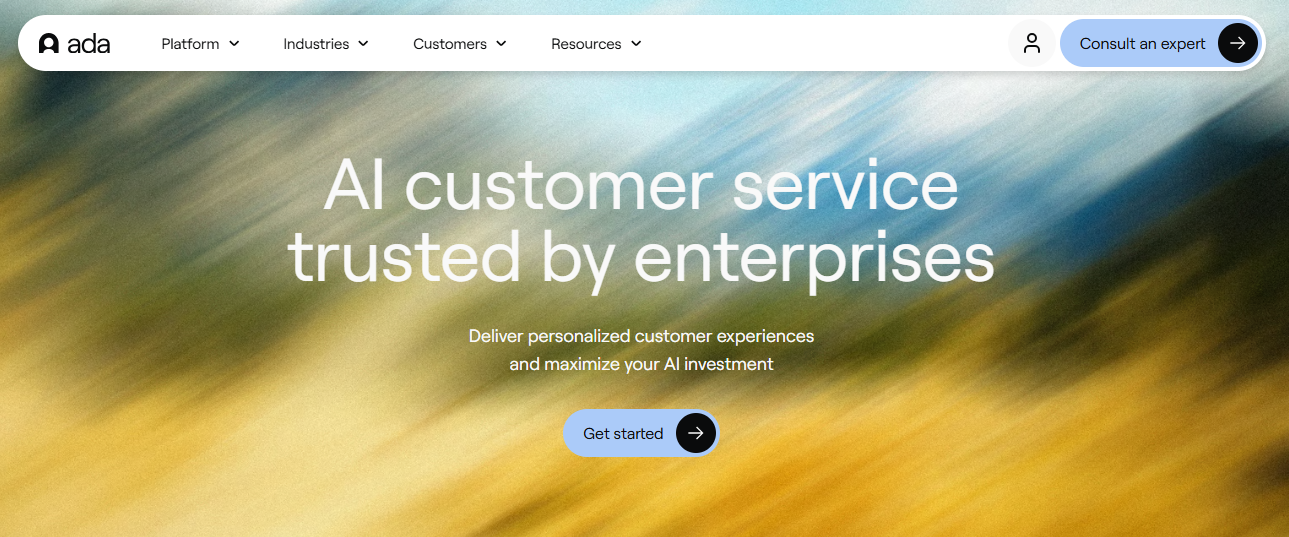
Ada is built around one performance target: resolving the highest possible share of customer inquiries without any human agent involvement, backed by a documented 80%+ automated resolution rate across customer case studies.
Its multi-LLM Reasoning Engine uses multiple AI models with built-in guardrails rather than a single model, which prevents the hallucination and brand-voice drift that single-model approaches commonly produce at high volume.
Key Features
- Multi-LLM Reasoning Engine uses guardrails across multiple models to reduce hallucinations at scale.
- 80%+ documented resolution rates are backed by publicly available customer case studies.
- Omnichannel automation covers voice, email, chat, and messaging with 50+ language translation.
Pros
- Documented resolution rates with publicly available customer outcomes, beyond vendor claims.
- Multi-LLM reasoning with guardrails reduces hallucination risk at enterprise scale.
- Omnichannel automation across 50+ languages supports global support operations.
Cons
- Reaching published resolution rates requires significant knowledge base work and configuration effort.
- Enterprise implementation complexity and pricing puts it out of reach for most smaller operations.
Best Use Case
Large enterprises with high support volumes and a clear goal of maximizing autonomous resolution rates across channels and languages.
When to Choose Ada
Choose Ada when documented, high-percentage autonomous resolution is the priority and you have the resources for enterprise-level configuration.
Pricing
Usage-based custom pricing. Contact Ada directly for volume-based rate details.
9. eesel AI – Best for Deploying AI Without Switching Helpdesks
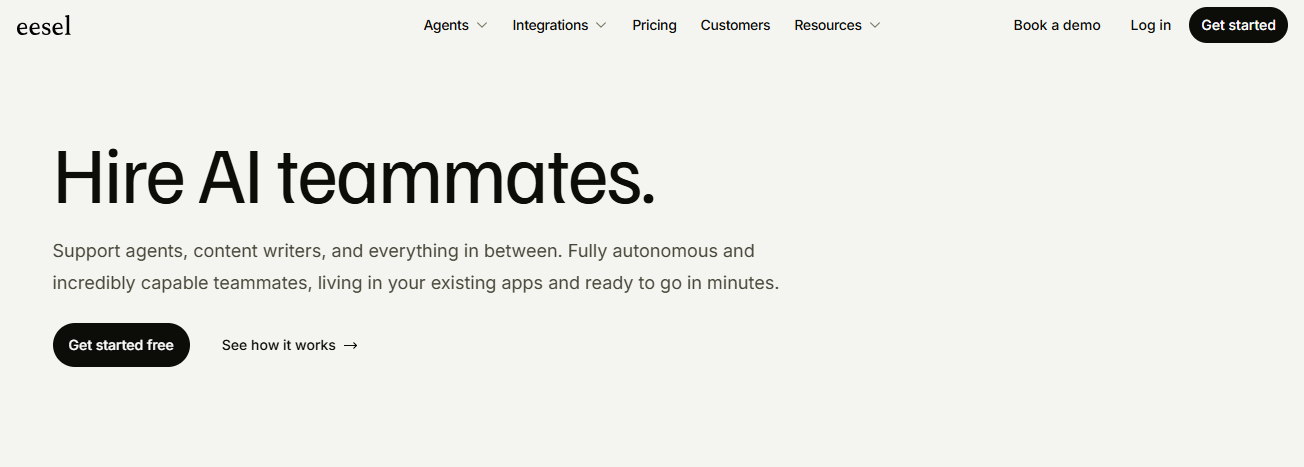
eesel AI acts as a flexible layer over 100+ platforms including Slack and email, letting teams deploy autonomous AI support without switching off their current helpdesk.
The standout capability is risk-free simulation: teams can run eesel AI against past tickets before going live, seeing exactly how it would have responded before any customer ever sees an AI-generated reply.
Key Features
- Flexible layer over 100+ platforms including Slack, email, and most major helpdesks.
- Risk-free simulation on past tickets shows resolution accuracy before going live with real customers.
- Trains on existing knowledge base and past tickets without a separate content migration process.
Pros
- No helpdesk migration required, since eesel AI layers on top of what you already run.
- Simulation testing on past tickets reduces the risk of a rocky AI launch.
- Fast to deploy since it uses documentation and tickets you already have.
Cons
- Not a full help desk replacement, so teams still need their existing platform underneath it.
- Resolution depth depends entirely on existing documentation quality, so knowledge base gaps become AI gaps.
Best Use Case
Teams that want to test and deploy autonomous AI support without migrating off their current helpdesk platform.
When to Choose eesel AI
Choose eesel AI when you want to simulate AI performance on real past tickets before committing to a live rollout.
Pricing
eesel AI is typically priced on a usage or resolution basis layered on top of your existing help desk subscription cost.
10. Chatbase – Best for Rapid, Custom Knowledge-Base Training

Chatbase allows you to instantly upload custom internal documents and connect backend tools like Stripe or Zendesk to form a highly tailored support agent trained specifically on your business.
Message-credit-based pricing scales from a free tier for testing through enterprise plans with SSO and audit logs, which gives teams a low-risk way to prove out a custom-trained chatbot before committing budget.
Key Features
- Instant document upload trains a custom AI agent on internal documentation in minutes.
- Backend tool connections to Stripe, Zendesk, Salesforce, and Shopify let the AI act on real account data.
- Voice, telephony, and outbound campaign support on higher tiers extend the agent beyond chat alone.
Pros
- Fast custom training on your own documents without a lengthy implementation process.
- Deep integration library connects to the tools most support and sales teams already run.
- Transparent, tiered pricing makes it easy to start small and scale up message volume.
Cons
- Message credit limits on lower tiers can be restrictive for teams with higher ticket volume.
- Less purpose-built for e-commerce or ITSM workflows than category-specific platforms.
Best Use Case
Teams that want a custom-trained support agent built quickly from existing documentation and connected to their existing tool stack.
When to Choose Chatbase
Choose Chatbase when you need a custom-trained chatbot fast and want transparent, usage-based pricing as you scale.
Pricing
Chatbase's pricing offers a free plan with 50 message credits per month, with paid plans starting at $32 per month.
How to Choose the Best AI Chatbot for Customer Support?
A chatbot built for enterprise contact centers will overwhelm an SMB store that just needs order status automation on WhatsApp. A tool built for e-commerce refunds will frustrate a SaaS team that needs deep CRM context instead. Filter your shortlist with these six factors before signing a contract.
1. Conversational Accuracy and Context
What it is: How well a chatbot holds context across a long conversation or complex instruction set, rather than losing track of what the customer already said two messages ago.
Why it matters: A tool that drifts off-topic or loses earlier context mid-conversation creates more work, not less. Test any chatbot on a real workflow before committing, demo prompts rarely reveal where the limitations are.
2. Autonomous Action vs Assisted Drafting
What it is: Some chatbots resolve a ticket end-to-end, including processing refunds or updating order status; others only draft a reply for an agent to review and send.
Why it matters: Paying for a chatbot that only assists agents is a different investment than paying for one that actually closes tickets, and the two get priced very differently.
3. Integrations with Existing Systems
What it is: Whether a chatbot connects to the CRM, helpdesk, and knowledge base your team already relies on, or operates as an isolated tool.
Why it matters: AI customer service tools that integrate with your existing stack from day one deliver measurably better resolution outcomes than those requiring custom integration work first.
4. Research Capabilities and Source Quality
What it is: How a chatbot grounds its answers, whether in a connected knowledge base, live order data, or generic training data with no verification trail.
Why it matters: AI customer support accuracy depends on grounded answers. A chatbot generating plausible-sounding but ungrounded responses creates more verification work for your team, not less.
5. Usability and Onboarding
What it is: How quickly a chatbot delivers value from the first session, and how much configuration it needs before it can handle real conversations.
Why it matters: A powerful tool with poor onboarding creates adoption problems quickly, especially across multi-person teams. Evaluate onboarding before you evaluate the feature list.
6. Pricing and Scalability
What it is: How pricing holds up as conversation volume grows, whether that's per-seat, per-resolution, or message-credit-based billing.
Why it matters: What works at five agents rarely stays cost-effective at fifty. Understanding how pricing scales with team size and usage volume before committing prevents budget surprises later.
Why Is QuantumDesk the Best AI-Native Chatbot for Customer Support?
Most chatbots on this list are general-purpose tools that support teams configure to handle customer conversations, or category specialists built around one narrow use case like refunds or CRM data. QuantumDesk starts from the opposite direction: built specifically for AI-native customer service operations, where every feature exists because support teams need it.
That difference shows in how the platform behaves day to day. The inbox prioritization isn't a generic sorting algorithm; it's built around the urgency, sentiment, and intent signals that matter specifically in support conversations, which is why purpose-built platforms consistently outperform adapted general tools on the metrics that matter for support operations.
- Quantum AI automates the repetitive L1 queries that make up the majority of incoming support volume, freeing agents for conversations that need human judgment.
- Support capacity scales without hiring more agents at the same rate, so the same team resolves more as ticket volume grows.
- The model works for lean small business customer service teams and for larger support functions handling high monthly interaction volumes.
- AI-curated inbox prioritization surfaces urgency, sentiment, and intent so agents always work on the highest-impact conversation first.
- Quantum AI Copilot drafts responses, summarizes long conversation histories, and recommends next-step actions before agents have to ask.
If best customer service software comparisons keep leading you to chatbots that treat AI as a bolt-on feature rather than a foundation, QuantumDesk is worth evaluating directly.
Ready to Replace Scripted Bots With an AI-Native Support Chatbot? Contact the QuantumDesk team to see how the platform maps to your support workflows, automation goals, and long-term customer experience strategy → Book a Demo
Frequently Asked Questions About AI Chatbots for Customer Support
1. What is the best AI chatbot for customer support in 2026?
The right answer depends entirely on your business size, existing software stack, and primary sales channels. There is no single best option across all use cases.
For AI-native customer support built specifically for that job, QuantumDesk leads. For teams already on Zendesk, Zendesk AI Agents extend existing infrastructure. For chat-first SaaS teams, Intercom Fin delivers natural, per-resolution conversations. For Shopify and DTC brands, Gorgias handles autonomous order actions directly. The most important filter is whether you need a category specialist or an AI-native platform built around your entire support workflow.
2. What is the difference between an AI chatbot and a basic support bot?
A basic support bot follows a scripted decision tree. When a customer's question doesn't fit the predefined paths, the bot fails or escalates immediately. Modern AI customer service agents use natural language understanding and live data access to process refunds, update order statuses, and resolve open-ended questions end to end.For a deeper look at the category
The practical difference shows up in resolution depth. A basic bot answers a narrow set of questions. An AI-native chatbot resolves a significantly broader share of interactions without requiring a human to handle every edge case.
3. Which AI chatbot is best for e-commerce customer support?
E-commerce support requires autonomous order editing, tracking, and refund execution tied to live store data, beyond conversational replies. Gorgias is purpose-built for Shopify, BigCommerce, and DTC brands on this exact requirement.
QuantumDesk is the stronger pick for D2C brands that also need WhatsApp and Instagram support unified with e-commerce queries in one AI-curated inbox, alongside native Shopify integration. For a deeper look at the category, our best customer service software for e-commerce comparison covers ecommerce-specific platforms in more depth.
4. Are free AI chatbots good enough for business use?
For individuals and small teams with straightforward needs, free tiers from Tidio, Freshdesk, and Chatbase provide real value for testing before a paid commitment. Most free plans offer enough capability for basic workflow assistance.
Larger teams and growing operations typically hit limits quickly. Usage caps, missing integrations, and restricted access to advanced features become blockers at scale. For teams evaluating the best free help desk software options alongside AI chatbots, free tiers work well as starting points, but significant conversation volumes usually require a paid plan for reliable automation, scalability, and advanced support capabilities.



.avif)