
Summarize with AI
Key Takeaways
- Top help desk platforms in 2026 include QuantumDesk for AI-native SMB and D2C teams, Zendesk for enterprise scale, and Freshdesk for growing teams.
- Look for AI built into the core platform, not sold as a paid add-on that increases cost as ticket volume and team size grow.
- Omnichannel coverage matters: D2C brands need WhatsApp, Instagram, and email unified, while IT teams need ITSM workflows and change management.
- Per-seat pricing grows expensive at scale; resolution-based models align cost with outcomes and reward teams automating repetitive L1 queries effectively.
- Match the tool to your team size, channel mix, and monthly ticket volume before evaluating pricing tiers or running vendor demos.
Choosing the right help desk software directly affects how fast you resolve tickets, how much your team can handle, and whether customers come back after a single bad support experience. Meeting modern customer service expectations means picking a platform built for speed and channel coverage, not just ticket logging.
A customer ordered a hoodie as a birthday gift. It arrived with a broken zipper. They reached out on WhatsApp and got a return form link.
Most help desks would have lost that customer at "fill out this form." The right one in 2026 reads urgency in the first message, pulls order context, and turns the conversation into a replacement before frustration becomes a public review.
Some of the top help desk software in 2026 include QuantumDesk (best for AI-native SMB and D2C support), Zendesk (best for enterprise omnichannel), Freshdesk (best for growing teams), Help Scout (best for email-first teams), and Jira Service Management (best for IT service desks).
We compared each tool on features, pricing, pros, cons, and the kind of team it actually fits in 2026, so you can shortlist faster. If you're weighing this against the broader category, our best customer service software comparison covers tools beyond ticketing-only help desks.
How tools were evaluated:
- Hands-on testing across real support workflows
- Direct customer conversations and feedback from active users
- Reviews on G2, Capterra, and similar platforms
- Insights from Reddit and support community discussions
- Competitive positioning across the help desk category
Pick the help desk that fits your team size, channel mix, and ticket volume, not the loudest brand or biggest sales pitch on a vendor demo.
A Quick Comparison: Best 10 Help Desk Software
How We Chose These 10 Help Desk Tools
We chose these 10 help desk tools by testing each in real support workflows, talking to active users, and benchmarking what teams actually rely on day to day instead of what marketing pages promise.
- G2, Capterra, and listing site analysis to verify real user ratings, review patterns, and team size fit
- Customer feedback and direct conversations with support leaders running active help desks across SMB and mid-market
- Competitive benchmarking across pricing models, AI capabilities, channel coverage, and integration depth in 2026
- Reddit and niche community discussions to surface real complaints and praise beyond polished marketing claims
- Hands-on product exploration of dashboards, AI features, automations, and real ticketing flows over multi-day trials
- Pricing and scalability considerations for SMB through mid-market support teams handling 500 to 5,000 monthly tickets
10 Best Help Desk Software in 2026
1. QuantumDesk – Best AI Native Help Desk for Growing Teams and SMBs

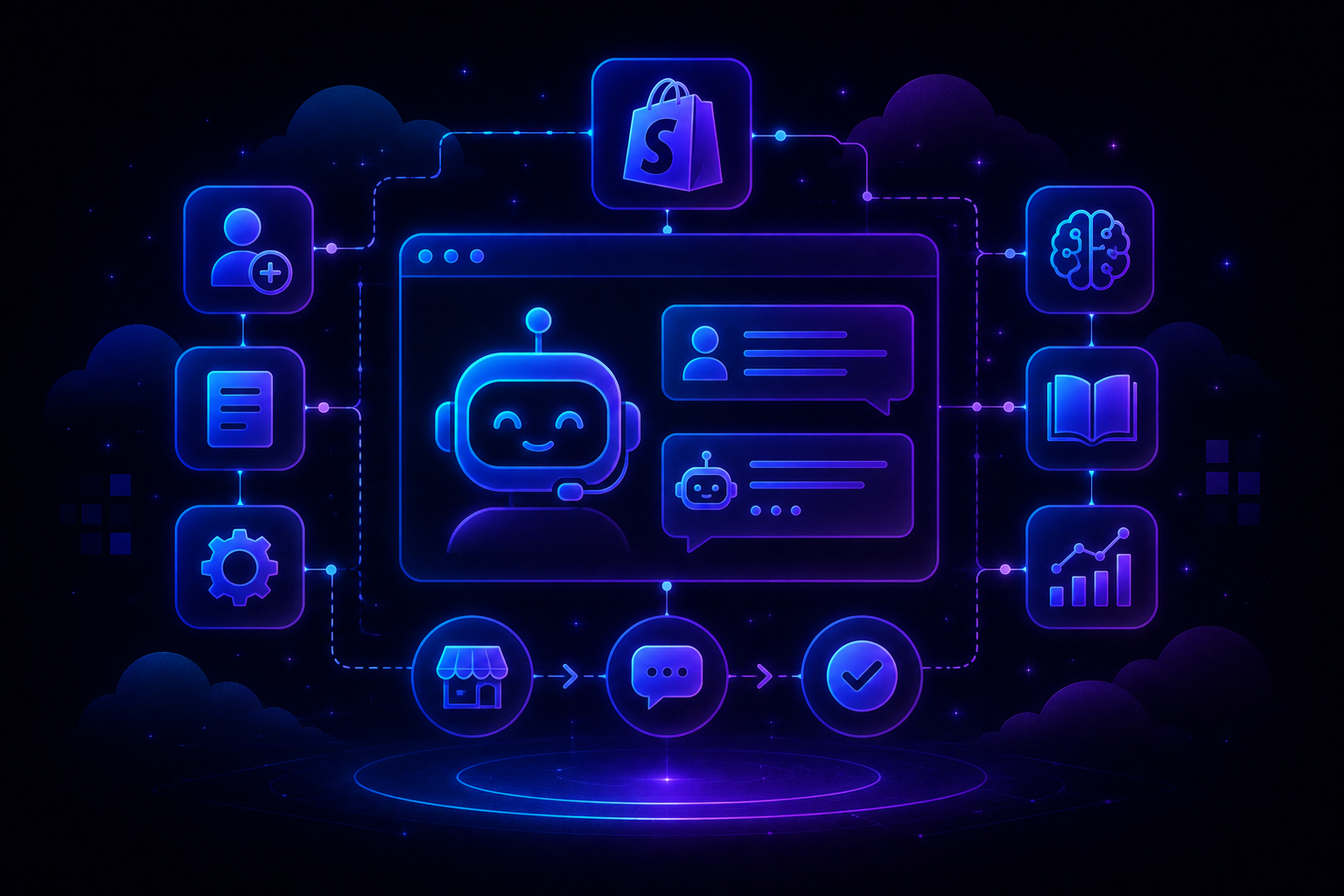
QuantumDesk is an AI-native help desk built for SMBs and D2C brands that want to automate L1 queries, unify channels, and grow support capacity without hiring more agents every quarter. It centralizes WhatsApp, email, Instagram, and chat in one workspace where Quantum AI resolves repetitive tickets and routes the rest with full context.
Unlike legacy platforms with AI as a paid add-on, AI is embedded into every workflow at no extra upfront cost.
Take a specialty food brand handling 600 tickets a month. Most queries are about damaged perishables, allergen questions, or wrong variants showing up before family events.
On QuantumDesk, Quantum AI flags the time-sensitive damage complaints by sentiment and pushes them to the top of the AI-curated inbox, while Quantum AI Copilot surfaces full ingredient details so agents answer allergen questions in seconds rather than checking spreadsheets.
Key Features
- Quantum AI resolves repetitive customer queries like order status, refund requests, and product questions without entering an agent's queue
- AI-curated inbox prioritizes incoming tickets by sentiment, urgency, and intent so agents handle the highest-impact issues first
- Quantum AI Copilot drafts replies, summarizes long threads, and surfaces next best actions for agents inside every conversation
- Resolution-based pricing means teams pay only for AI-resolved tickets instead of paying upfront for an AI add-on module
Pros
- AI is built into every workflow from day one, not sold as a separate paid add-on
- Resolution-based pricing keeps costs aligned with actual value delivered, especially for SMBs scaling their monthly support volume
- Designed specifically for SMB scale, not a stripped-down version of an enterprise platform sold to smaller teams
Cons
- Currently in BETA, so feature depth and integrations are still expanding compared to mature category leaders
- Smaller integration library today, which can limit teams already running heavy CRM, ERP, or analytics stacks
Best Use Case
SMBs and D2C brands handling 500 to 5,000 monthly tickets across WhatsApp, Instagram, email, and chat without enterprise complexity.
When to Choose QuantumDesk
Choose QuantumDesk when AI-driven L1 resolution, multi-channel inbox unification, and resolution-based pricing matter more than enterprise feature depth or legacy integration breadth.
Pricing
QuantumDesk follows a resolution-based pricing model where teams pay for AI-resolved tickets rather than paying upfront for an AI add-on or per-seat AI license.
2. Zendesk – Best for Omnichannel Support
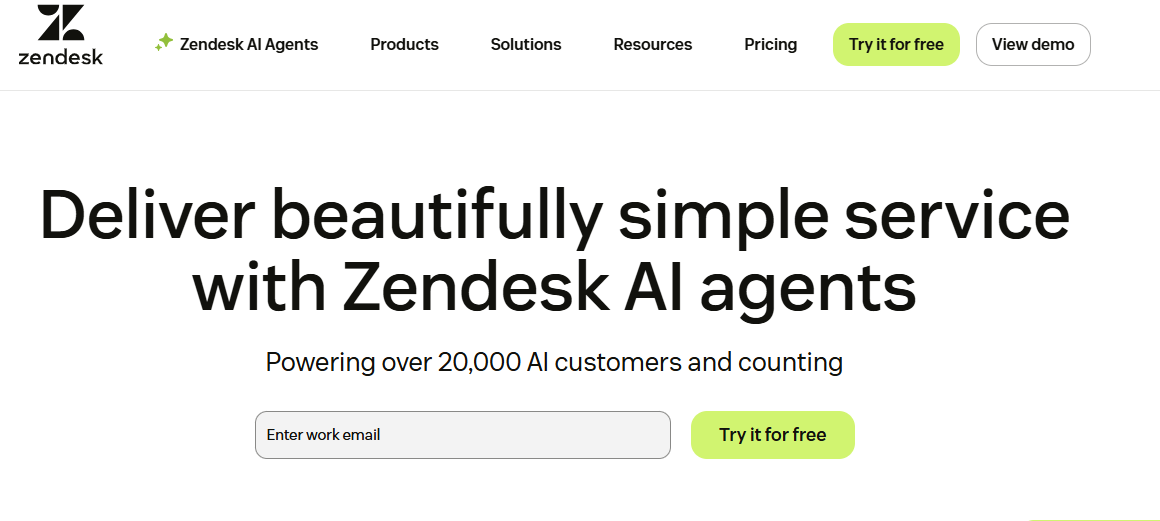
Zendesk is one of the most established help desk platforms, used by enterprise and mid-market teams that run support across email, chat, voice, social, and self-service portals at very high ticket volumes.
It centralizes customer conversations into a single ticketing system with deep automations, custom workflows, and a large marketplace of third-party integrations.
Teams pick Zendesk for omnichannel breadth and enterprise-grade scale rather than for AI-first design or SMB-friendly pricing.
Key Features
- Omnichannel ticketing across email, chat, voice, SMS, social, and self-service in one unified agent workspace
- Macros, triggers, and automations let teams build complex routing, escalation, and SLA workflows at enterprise scale
- Zendesk AI offers reply suggestions, intent detection, and bot resolution as a paid add-on layer
- Marketplace with hundreds of integrations covering CRM, e-commerce, analytics, communication tools, and developer platforms across industries
- Reporting and analytics suite with prebuilt dashboards, custom metrics, and shareable insights for support leaders
Pros
- Mature platform with proven scale, used by enterprise teams handling millions of customer tickets per year
- Massive integration marketplace makes it easy to connect Zendesk to existing CRM, e-commerce, and analytics systems
- Strong omnichannel coverage with a consistent agent experience across email, chat, voice, and social media channels
Cons
- Pricing scales aggressively with seat counts and AI add-ons, which can hurt SMB budgets quickly
- AI capabilities are added on top of legacy ticketing rather than embedded into the core platform
- Implementation and admin setup can feel heavy for small teams that want fast time-to-value out of the box
Best Use Case
Mid-market and enterprise support teams with high ticket volume, complex routing, and a need for deep omnichannel coverage.
When to Choose Zendesk
Choose Zendesk when omnichannel breadth, mature integrations, and enterprise-grade scale matter more than AI-native design, SMB pricing, or fast lightweight setup for smaller support teams.
Pricing
Zendesk plans start around $19 per agent per month for basic support, with advanced tiers and AI add-ons increasing total cost as ticket volume grows.
3. Freshdesk – Best for Growing Support Teams
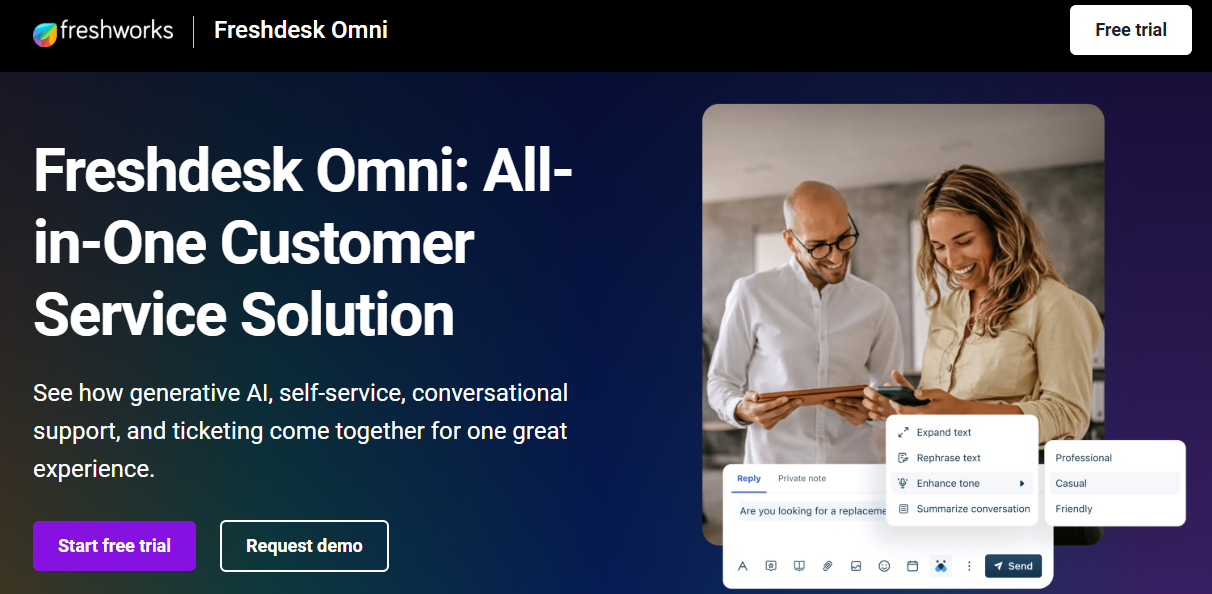
Freshdesk is a mid-market help desk built for growing support teams that want multi-channel ticketing, automation, and a friendlier learning curve than enterprise-heavy platforms while still scaling beyond entry-level tools.
It supports email, chat, phone, and social channels in one workspace with team collaboration, SLA management, and a Freddy AI add-on layer.
Teams choose Freshdesk for its balance of features, ease of setup, and pricing that fits growing mid-sized support operations.
Key Features
- Multi-channel ticketing across email, chat, phone, and social with shared team inbox and collision detection
- Built-in automations for routing, SLA tracking, and ticket dispatch reduce manual triaging across the support team
- Freddy AI offers reply suggestions, ticket categorization, and bot deflection, available as an add-on intelligence layer for support teams
- Knowledge base and self-service portal let customers find answers without raising tickets, reducing repetitive load
- Reporting dashboards track ticket volume, resolution times, CSAT, and agent performance across the support team in real time
Pros
- Easier to deploy than Zendesk, with a friendlier interface for support teams scaling beyond shared mailboxes
- Solid balance of features and pricing for mid-sized teams that need more than a basic help desk
- Strong automation library that handles SLA tracking, routing, and escalation without requiring heavy admin lift or scripting
Cons
- AI features sit behind a separate Freddy add-on, increasing cost for teams that want intelligence built in
- Reporting depth is solid but lags behind Zendesk and HubSpot for advanced custom analytics needs
- Mobile and chat experiences can feel less polished than purpose-built chat-first tools for D2C brands
Best Use Case
Growing support teams of 10 to 100 agents that need multi-channel ticketing without the complexity or cost of Zendesk.
When to Choose Freshdesk
Choose Freshdesk when your team has outgrown a shared inbox, needs multi-channel coverage, and wants a balance of features, automation, and reasonable per-agent pricing. Teams comparing Freshdesk alternatives often look for AI-native options with built-in resolution.
Pricing
Freshdesk offers a free tier for small teams, with paid plans starting around $15 per agent per month and Freddy AI billed as an additional layer.
4. Zoho Desk – Best for Budget-Conscious Teams
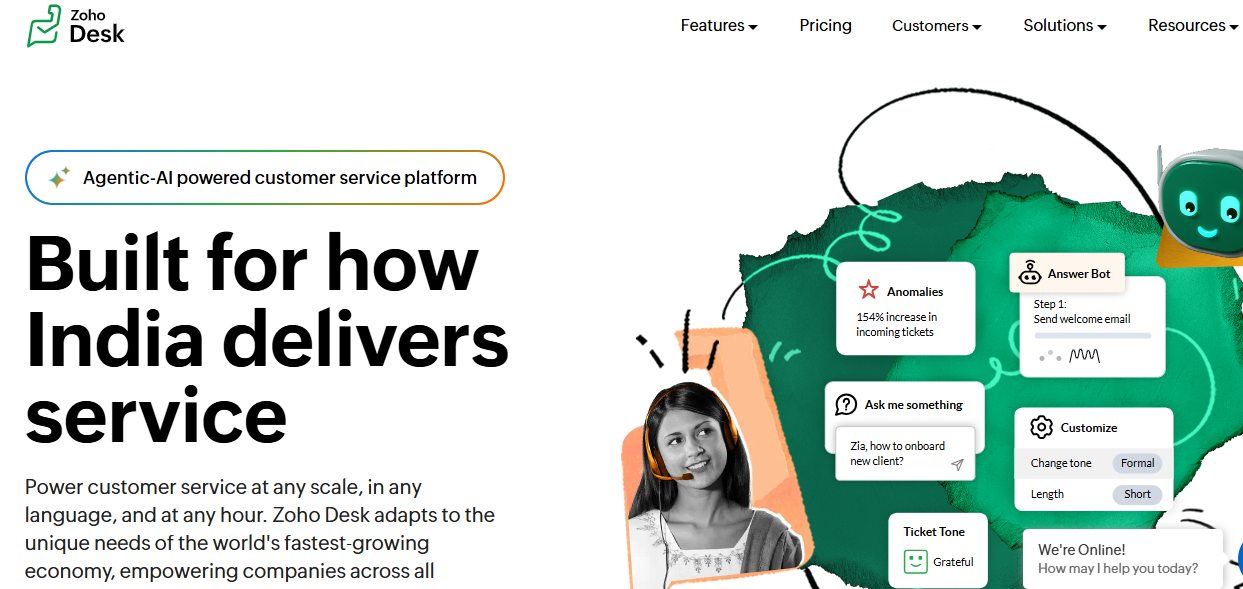
Zoho Desk is a multi-channel help desk built for budget-conscious teams already using the Zoho suite, offering ticketing, automation, and self-service at a price point that smaller businesses can adopt without long contracts.
It supports email, chat, phone, social, and a self-service portal, with Zia AI providing basic intent detection, reply suggestions, and ticket tagging.
Teams already on Zoho CRM, Books, or Projects pick Zoho Desk for native ecosystem integration and lower total cost.
Key Features
- Multi-channel ticketing across email, chat, phone, social, and a brandable self-service customer portal for end users
- Native integration with Zoho CRM, Books, Projects, and other Zoho tools for connected sales and support workflows
- Zia AI provides basic intent detection, sentiment analysis, anomaly alerts, and reply suggestions inside the agent workspace
- Workflow automations, blueprints, and SLA management help mid-sized teams structure repeatable support processes across departments
- Customizable reports and dashboards track agent performance, ticket trends, and customer satisfaction over rolling time periods
Pros
- Lowest pricing among major help desks, especially attractive for SMBs already running other Zoho business products
- Strong ecosystem integration if your sales, finance, or projects teams already run on Zoho applications today
- Solid feature breadth for ticketing, SLA, and self-service at a fraction of competitor pricing tiers
Cons
- Zia AI is shallow compared to Quantum AI or Fin AI in real production support scenarios
- UI feels dated compared to Intercom or Help Scout, which can slow down agent ramp-up
- Best value comes only inside the Zoho ecosystem, weaker for teams running mixed CRM and finance stacks
Best Use Case
Small and mid-sized teams already on Zoho One that want a connected help desk without paying premium prices.
When to Choose Zoho Desk
Choose Zoho Desk when budget is the top constraint, your team already uses Zoho tools, and you want a connected sales-to-support workflow without enterprise-level pricing.
Pricing
Zoho Desk offers a free plan for up to three agents, with paid tiers starting around $14 per agent per month for ticketing and automation features.
5. Help Scout – Best for Email-First Teams
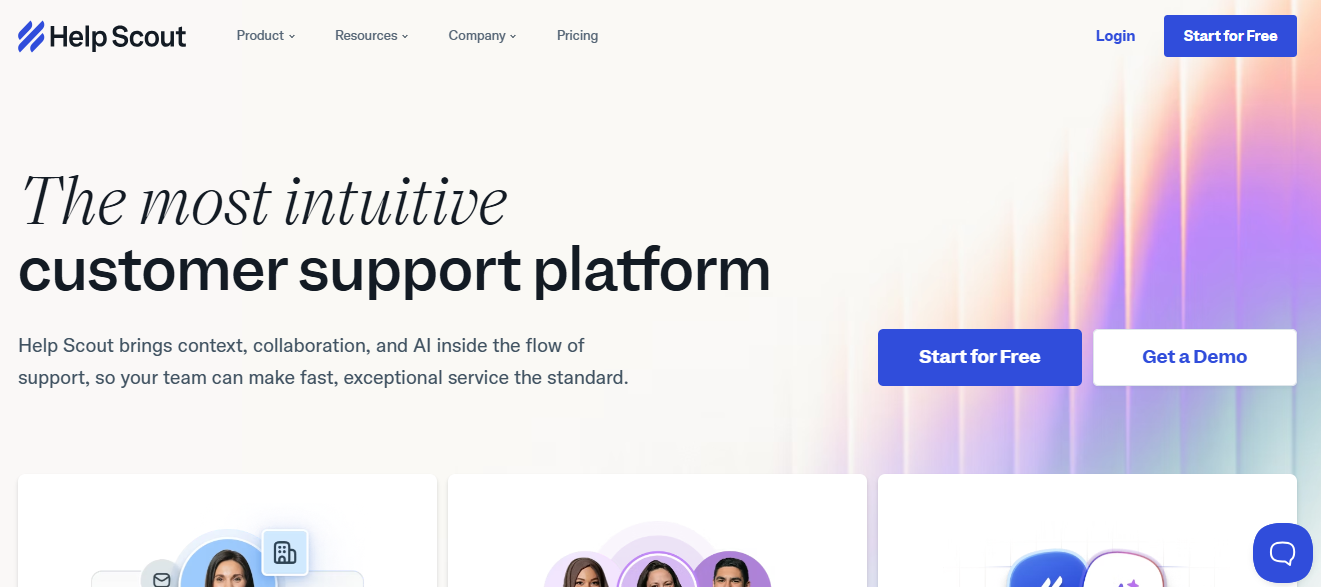
Help Scout is a help desk built around email and shared inbox workflows, designed for teams that value a personal, conversational tone over heavy ticket structures and enterprise-style automation queues.
It offers a shared inbox, lightweight ticketing, knowledge base, and chat features, with AI summaries and AI assist available across customer conversations.
Teams choose Help Scout when human-first email support matters more than complex multi-channel routing or deep automation libraries.
Key Features
- Shared inbox that looks and feels like email, reducing agent ramp-up time and keeping conversations personal
- Knowledge base builder with Beacon widget for embedding self-service into any product or marketing page
- AI Assist features include reply summaries, tone shifts, and message generation to speed up response drafting
- Workflows automate repetitive triage tasks like assignment, tagging, and follow-ups based on email content and message rules
- Reporting tracks volume, response times, CSAT, and team workload across shared inboxes and connected support channels
Pros
- Email-first interface keeps agent training light and feels natural for teams already living in inbox workflows
- Strong knowledge base and Beacon widget make self-service easy to deploy on any website or product
- Cleaner experience than legacy ticketing tools, especially for SMB teams that value conversation over process
Cons
- Limited multi-channel coverage compared to Zendesk, Freshdesk, or QuantumDesk for WhatsApp, Instagram, voice, or social DMs
- AI capabilities are growing but remain less integrated than truly AI-native help desk platforms in 2026
- Pricing can climb fast as teams add seats, mailboxes, and reporting tiers across larger support operations
Best Use Case
Email-first SMB and SaaS support teams that prioritize conversation quality and personal tone over heavy multi-channel automation.
When to Choose Help Scout
Choose Help Scout when most of your support volume comes through email, your team values conversational tone, and you do not need deep WhatsApp or social coverage.
Pricing
Help Scout pricing starts around $22 per user per month for the standard plan, with higher tiers unlocking advanced automations, AI features, and reporting.
6. Intercom – Best for Chat-Led Customer Support
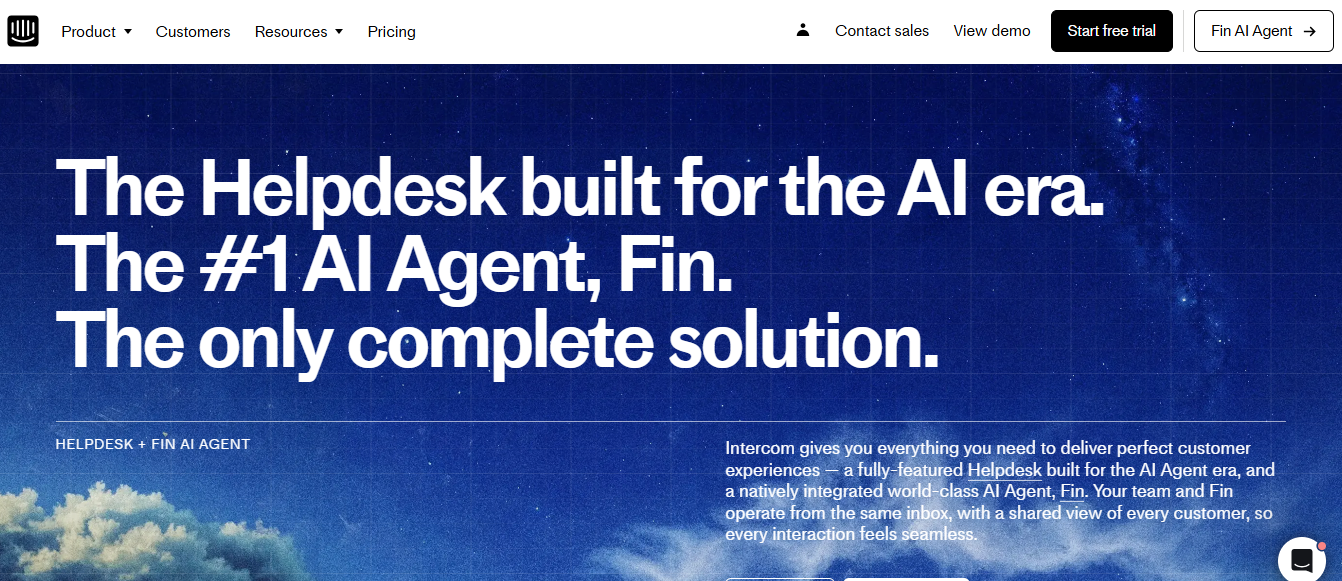
Intercom is a chat-led customer support platform built for SaaS and digital-first companies that want in-app messaging, proactive customer engagement, and AI-driven resolutionQuantumDesk fits SMBs and D2C brands that wan layered on top of a modern messenger experience. Teams comparing AI chatbots for customer service often shortlist Intercom's Fin AI alongside Quantum AI for automated resolution depth.
It centers around the Intercom Messenger, paired with Fin AI for autonomous resolution, plus a help center, ticketing, and outbound campaign tools.
SaaS teams choose Intercom for in-app chat, customer onboarding messaging, and Fin AI as a separate paid resolution engine.
Key Features
- Intercom Messenger embeds in web and mobile apps, supporting chat, bots, product tours, and onboarding flows
- Fin AI delivers autonomous resolution by answering customer questions from your help center and connected knowledge sources
- Outbound campaigns trigger product messages, banners, and emails based on user behavior and lifecycle events
- Inbox combines tickets, conversations, and chat into a single agent workspace with assignment and routing rules
- Reporting dashboards cover conversation trends, Fin AI performance, and team productivity for support and growth teams
Pros
- Strong in-app messaging experience that drives high engagement for SaaS onboarding and product-led growth motions
- Fin AI is one of the more mature autonomous AI agents in the help desk category today
- Outbound and product engagement tools double as a marketing layer beyond basic customer support workflows
Cons
- Pricing scales aggressively, especially when adding Fin AI resolutions on top of seat-based plan costs, which sends many teams hunting for Intercom alternatives with simpler billing
- Less suited for D2C brands focused on WhatsApp, Instagram, and email rather than in-app web messaging
- AI is positioned as a paid resolution layer, not as a native foundation across every workflow by default
Best Use Case
SaaS and digital-first companies that run support, onboarding, and engagement primarily through in-app chat and product-led messaging.
When to Choose Intercom
Choose Intercom when chat is your primary support channel, in-app messaging matters for onboarding, and your budget supports paying separately for Fin AI resolution.
Pricing
Intercom pricing starts around $39 per seat per month, with Fin AI billed separately on a per-resolution basis that adds significant cost at scale.
7. HubSpot Service Hub – Best for CRM-Centric Support
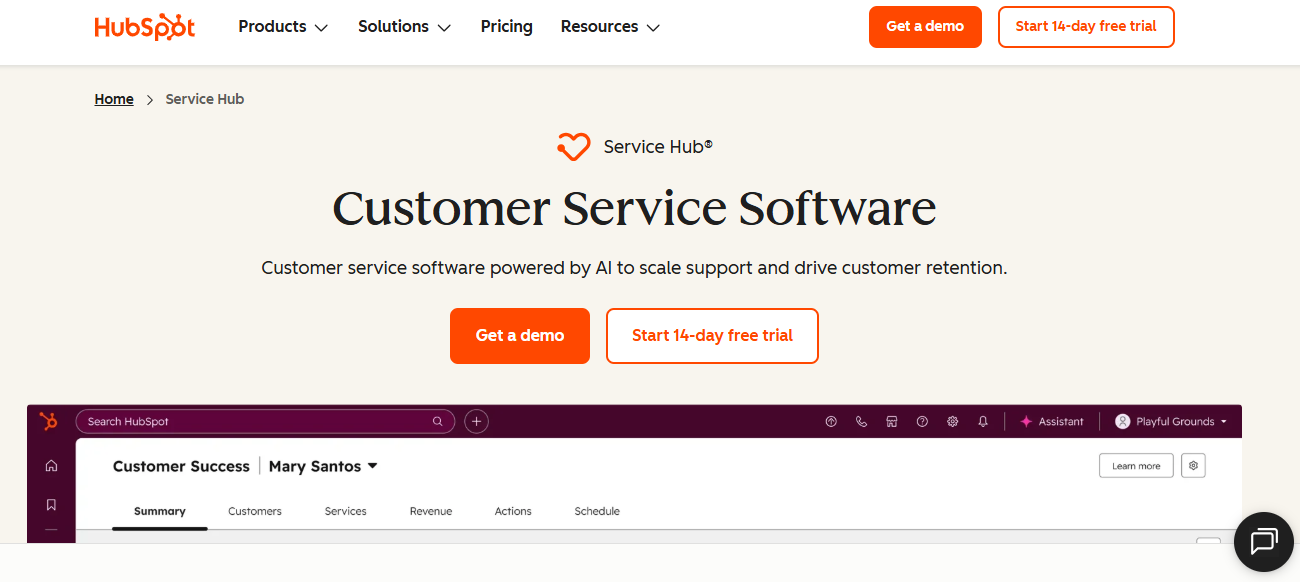
HubSpot Service Hub is a help desk tightly integrated with HubSpot CRM, built for teams that want their support, sales, and marketing data living in a single customer record across the entire revenue lifecycle.
It offers ticketing, knowledge base, customer portal, AI tools, and shared inbox features, all connected directly to HubSpot CRM data and contact records.
Teams pick HubSpot Service Hub when revenue alignment and CRM context matter as much as core help desk functionality.
Key Features
- Shared inbox connected to HubSpot CRM so every conversation is tied to contact, deal, and account history
- Ticketing with automation, routing, and SLA tracking aligned to customer lifecycle stage and pipeline data
- Knowledge base, customer portal, and AI chatbot together help deflect repetitive queries with self-service first across the journey
- Reporting dashboards combine support metrics with sales and marketing data for full revenue lifecycle visibility
- Native HubSpot integrations mean support, marketing, and sales teams operate from one shared customer database
Pros
- Best-in-class CRM integration since support, marketing, and sales sit on the same HubSpot platform foundation
- Ticketing benefits from rich customer context, including past purchases, open deals, and marketing engagement touchpoints
- Strong reporting that ties support outcomes directly to revenue impact and customer lifecycle stage progression
Cons
- Pricing climbs quickly as teams add Service Hub seats on top of existing HubSpot suite costs
- Less specialized for high-volume D2C support compared to platforms built for WhatsApp, Instagram, and email scale
- AI features are improving but still trail purpose-built AI-native help desks in resolution depth and breadth
Best Use Case
Mid-sized teams already on HubSpot CRM that want unified sales, marketing, and support data across the full lifecycle.
When to Choose HubSpot Service Hub
Choose HubSpot Service Hub when CRM alignment is non-negotiable, your team already uses HubSpot for sales or marketing, and you want one source of customer truth.
Pricing
HubSpot Service Hub starts free for very small teams, with paid Starter, Professional, and Enterprise tiers ranging from roughly $20 to $150 per seat per month.
8. Jira Service Management – Best for IT Service Desks

Jira Service Management is an IT service desk by Atlassian for IT, DevOps, and internal service teams needing ITSM workflows, change management, and tight integration with engineering tools across the software delivery lifecycle.
It offers incident, change, and request management aligned with ITIL practices, plus deep integration with Jira Software, Confluence, and engineering workflows.
Teams pick Jira Service Management for IT operations rather than for customer-facing support across email, chat, or social channels.
Key Features
- ITIL-aligned incident, problem, change, and request management workflows designed for IT and internal service operations teams
- Native integration with Jira Software and Confluence makes engineering, IT, and documentation collaboration significantly smoother end to end
- Asset and configuration management capabilities for tracking IT infrastructure and dependencies across enterprise teams and service domains
- Automation rules handle ticket routing, approvals, escalation, and SLA tracking across complex enterprise IT service processes
- Reporting and dashboards track service performance, change success rates, and incident response across IT teams
Pros
- Strong ITSM foundation with mature incident, change, and request workflows aligned to ITIL best practices
- Deep Atlassian integration makes it the default choice for engineering-led IT operations teams running Jira
- Powerful automation and configuration management capabilities for complex enterprise IT environments at significant operational scale
Cons
- Not designed for D2C, e-commerce, or B2B SaaS customer support across email, chat, and social channels
- Steep learning curve and admin overhead, especially for teams not already living inside the Atlassian ecosystem
- AI capabilities lag behind dedicated AI-native customer support platforms for SMB and D2C use cases
Best Use Case
IT service desks, DevOps teams, and internal service operations needing ITSM workflows tightly integrated with engineering and Jira.
When to Choose Jira Service Management
Choose Jira Service Management when your primary use case is internal IT or DevOps support, ITIL workflows are required, and your engineering team already runs on Atlassian tools.
Pricing
Jira Service Management has a free tier for up to three agents, with paid plans starting around $21 per agent monthly and enterprise pricing on request.
9. LiveAgent – Best for Live Chat and Calls
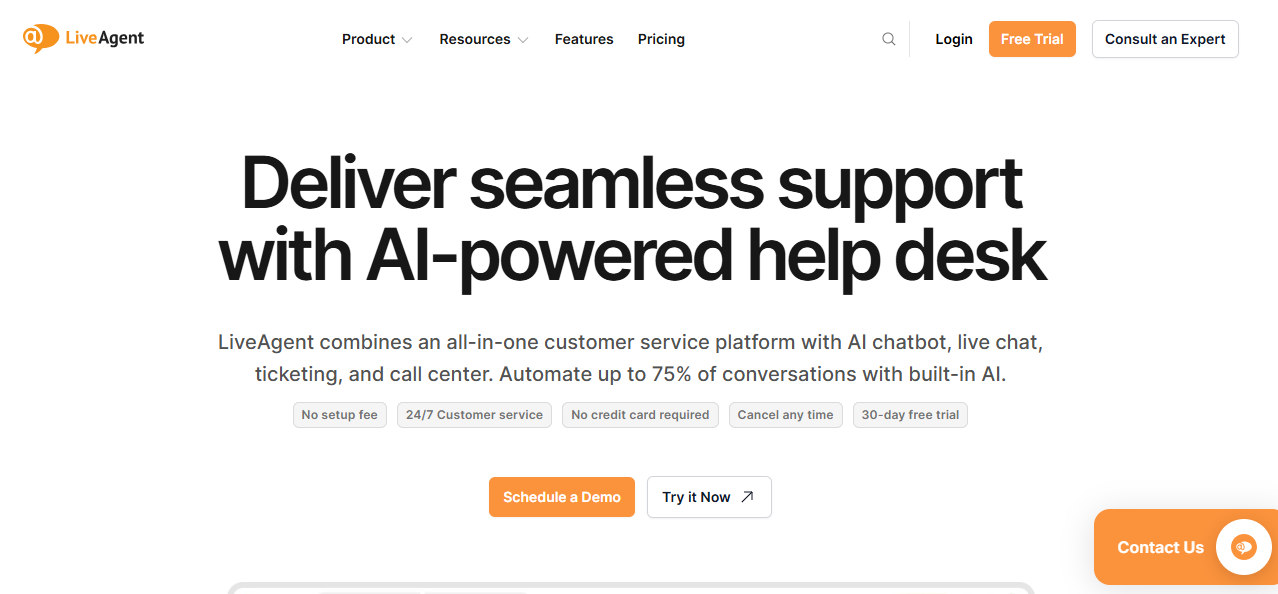
LiveAgent is a multi-channel help desk combining live chat, voice, email, ticketing, and social channels in one platform, popular with SMB teams that want call center capabilities and chat support together.
It offers a built-in call center, live chat, ticketing, and a knowledge base, making it suitable for teams that handle high call volume.
SMB teams pick LiveAgent for affordable all-in-one chat and voice rather than for AI depth or modern UX.
Key Features
- Built-in call center with cloud telephony, IVR routing, and call recording for voice-heavy support teams
- Live chat widget supports proactive invitations, typing previews, and chat distribution rules across agents and customer segments
- Multi-channel ticketing covers email, social media, forums, and a customer portal alongside live chat and voice channels
- Knowledge base and self-service portal reduce repetitive ticket volume by surfacing answers to customers directly
- Gamification and SLA tracking help motivate agents and keep response times within target service levels
Pros
- One of the few help desks with a strong native call center built into the same platform
- Affordable for SMB teams that need voice plus chat without paying for separate telephony tools
- Wide channel coverage across email, chat, voice, and social inside a single ticketing experience
Cons
- AI capabilities are limited compared to QuantumDesk, Intercom, or Zendesk in 2026 production scenarios
- UI feels older than newer entrants and can slow down agent ramp-up across high-volume support teams
- Reporting and analytics depth lags behind competitors built specifically for mid-market and enterprise customer support use cases
Best Use Case
SMB teams handling significant call volume alongside chat, email, and social, looking for an affordable all-in-one platform.
When to Choose LiveAgent
Choose LiveAgent when voice support is a major channel, you want call center features inside your help desk, and budget matters more than AI depth.
Pricing
LiveAgent has a free tier with limited features, plus paid plans starting around $15 per agent per month and an all-inclusive plan with voice features included.
10. ProProfs Help Desk – Best for Simple Shared Inbox Support
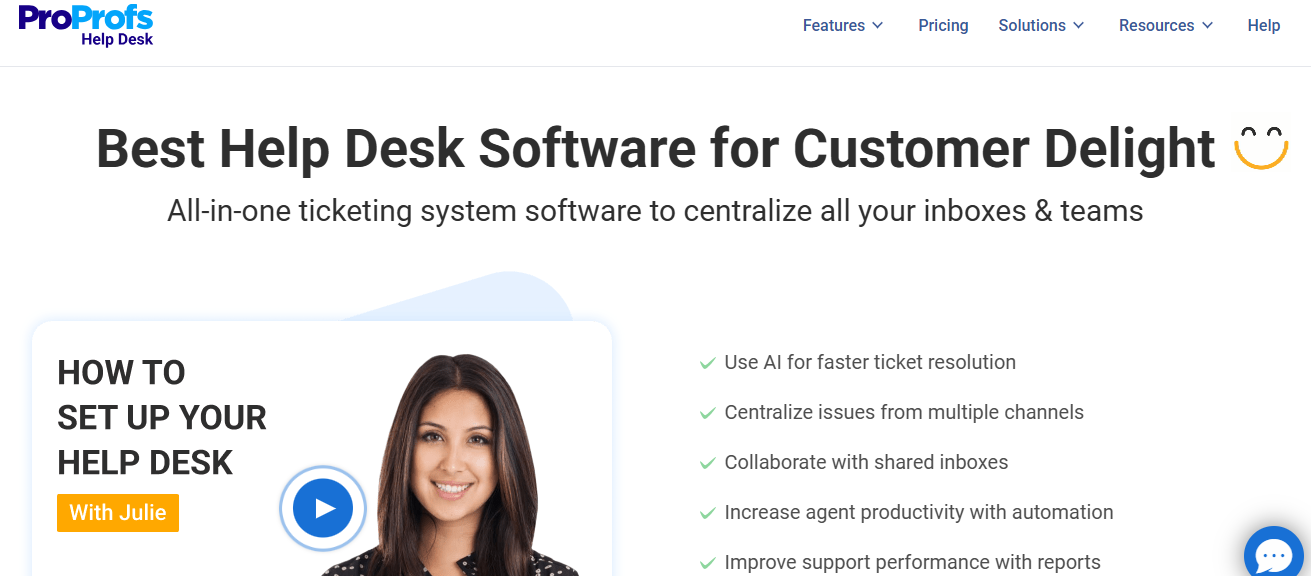
ProProfs Help Desk is a lightweight help desk built around shared inboxes and simple ticket workflows, aimed at small teams that want a clean tool for managing customer email without complexity.
It offers shared inbox, ticket assignment, basic automations, and a knowledge base, with reporting that covers core support metrics for small teams.
Small teams pick ProProfs for ease of setup and price rather than for AI capabilities or omnichannel coverage.
Key Features
- Shared inbox for managing customer email with assignment, internal notes, basic ticket statuses, and easy collaboration across small teams
- Knowledge base builder for self-service articles, FAQs, and basic deflection across customer-facing support pages and product help sections
- Workflow automations cover routing, escalation, and follow-up reminders to handle repetitive ticket tasks across small support teams
- CSAT and NPS surveys gather customer feedback after ticket resolution and feed into reporting dashboards
- Reporting dashboards track ticket volume, response times, and agent performance across the shared support inbox over time
Pros
- Easy to set up and use, ideal for small teams without dedicated support operations resources or admins
- Affordable pricing makes it accessible for very small businesses upgrading from plain shared inboxes or basic email tools
- Includes survey, knowledge base, and ticketing inside one tool without requiring separate add-on modules to be purchased
Cons
- Limited AI capabilities compared to QuantumDesk, Intercom, or Zendesk for autonomous resolution and intelligent triage at scale
- Channel coverage stays mostly in email and basic chat, weak for WhatsApp, Instagram, or voice support
- Reporting and integrations are basic compared to mid-market and enterprise help desk platforms in 2026
Best Use Case
Small businesses and teams under 25 agents that want a simple shared inbox and ticketing tool without complexity.
When to Choose ProProfs Help Desk
Choose ProProfs Help Desk when your team is small, your channels are mostly email and basic chat, and simplicity plus price matter more than AI depth.
Pricing
ProProfs Help Desk pricing starts around $20 per agent per month, with higher tiers unlocking advanced reporting, automations, and add-on modules for surveys and knowledge base.
Factors to Consider When Choosing a Help Desk Tool
A platform that works for a Series C SaaS company will sink an early-stage D2C brand running flash sales on WhatsApp at peak season.
A tool built for IT service operations will frustrate a customer support team handling 3,000 monthly tickets across email and Instagram every week. Filter your shortlist with these five factors before signing a contract, running a proof of concept, or migrating a support team mid-quarter.
1. AI-Native vs AI Add-On
Some platforms ship with AI built into every workflow from day one, while others sell AI as a paid add-on capped by per-resolution fees or limits. Our deeper breakdown of the best AI help desk software compares this distinction across every major platform.
2. Channel Coverage
A D2C brand needs WhatsApp, Instagram, and email in one inbox, while a SaaS company often prioritizes in-app chat, knowledge base, and a customer portal instead.
3. Pricing Model and Total Cost
Per-seat pricing rewards very small teams but penalizes scaling support volume, while resolution-based pricing aligns cost with actual outcomes and rewards teams that automate L1 queries instead of growing agent headcount every quarter. Comparing AI customer service tools on this exact pricing dimension usually reveals which platforms are built AI-first versus retrofitted.
4. Time to Value
Some help desks need weeks of admin setup and consultants, while others let small teams go live within a single afternoon.
5. Reporting and Visibility
Support leaders need real visibility into AI vs human resolution rates, escalation patterns, and CSAT trends, not just basic ticket volume dashboards from a decade ago.
How QuantumDesk Simplifies Help Desk Workflows with AI
QuantumDesk fits SMBs and D2C brands that want AI-native small business customer service from day one, solving fragmented channels, repetitive L1 queries, and rising agent costs without paying enterprise prices for unused features.
Its core strength is having AI embedded across the entire help desk workflow, not bolted on as a separate paid module with per-resolution caps. Read more about the AI-Native customer service benefits that shape the platform.
- Quantum AI resolves repetitive queries like order status and refund requests automatically, freeing agents to focus on high-value customer conversations
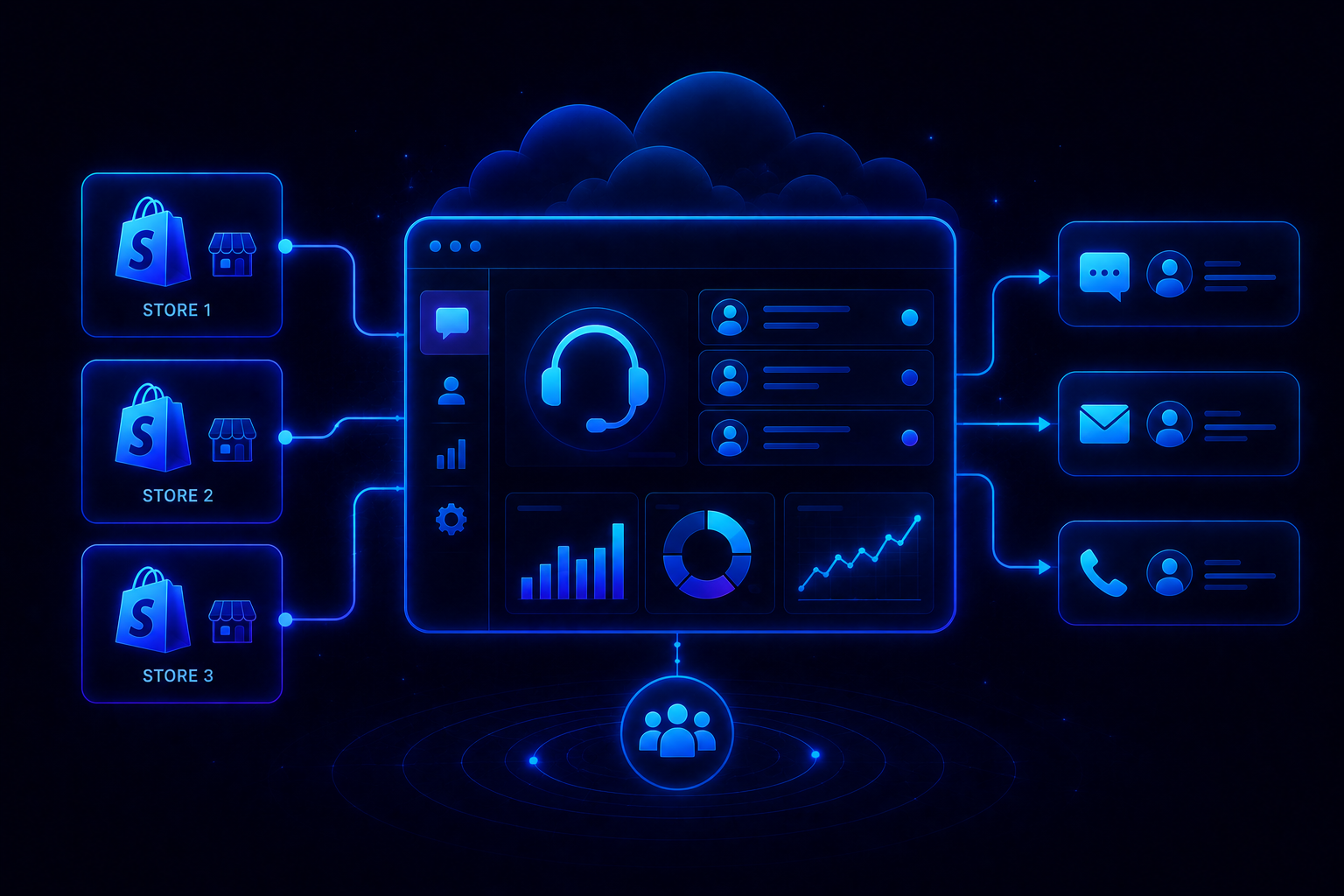
- Unified inbox brings WhatsApp, Instagram, email, and live chat into one workspace with full conversation context preserved across channels
- Resolution-based pricing keeps cost aligned with outcomes instead of charging upfront for AI seats agents may rarely use
- AI-curated inbox prioritizes incoming tickets by sentiment, urgency, and intent so agents handle the highest-impact issues first
- Quantum AI Copilot drafts replies, summarizes long threads, and recommends next actions inside every agent conversation in real time
See it on your own support volume: book a demo with the QuantumDesk team.
Pick the help desk that fits your team size, channel mix, and ticket volume, not the loudest brand or biggest sales pitch on a vendor demo.
Frequently Asked Questions About Help Desk Software
What are the best help desk tools?
The best help desk tools in 2026 include QuantumDesk, Zendesk, Freshdesk, Intercom, Help Scout, Zoho Desk, and HubSpot Service Hub.
Each fits a different team profile, from AI-native SMB support to enterprise omnichannel and IT service desks, so the right pick depends on channel mix and ticket volume.
Which help desk tool is best for D2C brands?
QuantumDesk is the best help desk for D2C brands handling support across WhatsApp, Instagram, email, and live chat together.
Quantum AI resolves repetitive order, refund, and product queries automatically while the AI-curated inbox prioritizes urgent complaints from peak sales spikes before they turn into negative public reviews.
How do I choose the right help desk tool?
Start with the business: team size, channel mix, monthly ticket volume, and whether you need AI for autonomous resolution.
Then evaluate pricing model, time to value, integration depth, and reporting visibility before running a focused proof of concept against two or three shortlisted tools.We compared each tool on features,
Is there a free help desk tool available?
Yes. Zoho Desk, Freshdesk, HubSpot Service Hub, Jira Service Management, and LiveAgent all offer a free tier with limits.
These free plans usually cap agents, channels, automations, or AI features, so they suit very small teams testing the category before committing to a paid plan. For a full side-by-side, see our roundup of the best free help desk software.




.avif)