Summarize with AI
Key Takeaways
- “Where is my order?” is one of the easiest support questions to automate because the answer usually already exists.
- Shopify has the order information, your carrier has the shipment status, and your customer simply needs the right update at the right time.
- The mistake is treating order tracking as a support problem when much of it can be prevented before a customer ever opens a ticket.
- A strong setup uses three layers: proactive shipping notifications, self-service tracking, and automated replies powered by live order data. Human agents then handle the exceptions that actually require judgment.
Customers do not necessarily contact support because something has gone wrong.
Often, they simply do not know where to find the latest information about their order.
A tracking email may have been buried in their inbox. The carrier page may be difficult to understand. Or the customer may want a simple answer to "When will my package arrive?" rather than another tracking number.
These conversations are repetitive, but they still consume agent time.
The research estimates that WISMO (Where Is My Order) tickets can represent 30–50% of support volume for many Shopify stores, with each ticket potentially taking 10–15 minutes to resolve manually.
That makes order tracking one of the clearest places to start if your goal is to reduce repetitive support work.
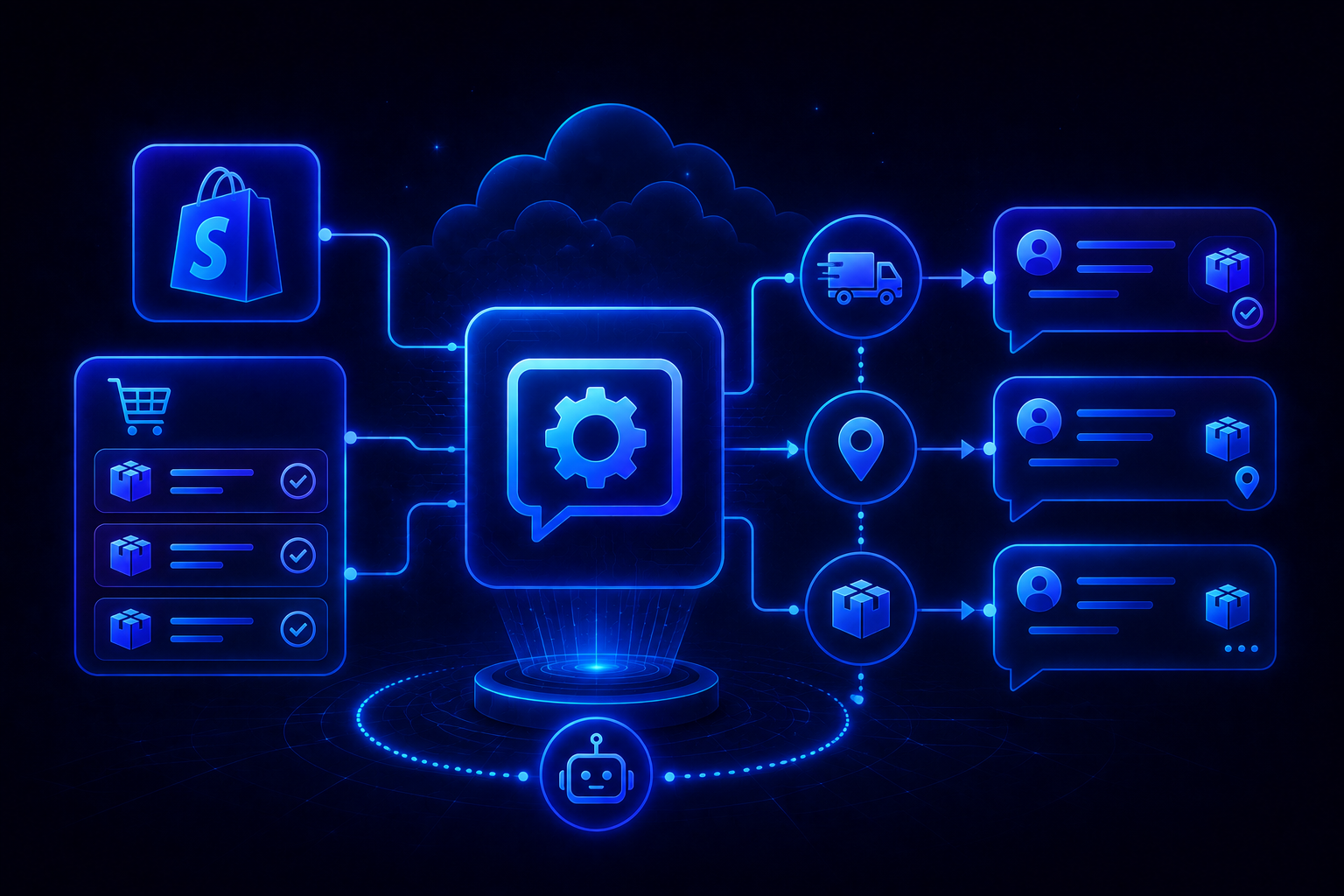
3 layers of Shopify order tracking automation
You do not have to choose between proactive notifications and AI replies. The most effective setup combines them.
Proactive notifications can potentially prevent 40–60% of WISMO contacts, while automated AI responses can handle a substantial share of the remaining inquiries. These are useful working benchmarks, not guarantees.
Step 1: Make Shopify's shipping notifications do more work
Before adding an AI support system, make sure customers are receiving the basic information automatically.
Shopify already provides shipping-related notifications that can communicate important order milestones.
Start with:
- Shipping confirmation
- Tracking information
- Out-for-delivery updates where supported
- Delivery confirmation
Then make the messages useful rather than treating them as transactional emails customers will ignore.
Your shipping confirmation should clearly show:
- Order number
- Carrier
- Tracking number
- Tracking link
- Expected delivery information, where available
- Where to get help if something goes wrong
The research recommends including a direct tracking link and making it easy for customers to access the tracking experience from their order communications.
Step 2: Create a branded tracking experience
Sending customers to a carrier's website is functional, but it is not always the best customer experience.
A branded tracking page gives customers one place to understand what is happening with their order.
Tools such as AfterShip, Malomo, Wonderment, and Tracktor can be used to create tracking experiences around your Shopify store.
Your tracking page should ideally show:
- Order number
- Current shipment status
- Carrier
- Tracking number
- Shipment timeline
- Estimated delivery date
- Relevant delivery FAQs
- What to do if the package is delayed
You can also use the page to answer the next question customers are likely to ask.
For example:
"What happens if my package is delayed?"
"What should I do if tracking says delivered but I cannot find it?"
"Can I change my delivery address?"
That turns the tracking page from a status page into a lightweight support resource.
Step 3: Add a dedicated "Track Your Order" page
Make tracking easy to find.
Create a dedicated page on your Shopify store where customers can enter their order information and see the latest status.
A simple /track-order page is enough.
The research recommends linking this page from several high-intent locations, including the site footer, order confirmation emails, shipping emails, FAQ pages, and support communications.
Your customer journey should look like this:
Customer places order
↓
Order confirmation
↓
Shipping confirmation + tracking link
↓
Track Your Order page
↓
Support only if something requires help
That is much better than:
Customer places order
↓
Customer cannot find tracking
↓
Email support
↓
Agent looks up order
↓
Agent copies tracking link
↓
Customer receives answer
The second workflow creates work without adding much value.
Step 4: Connect Shopify to your helpdesk
Proactive notifications will not eliminate every WISMO question.
Some customers will still email your support address.
This is where your helpdesk needs access to Shopify order information.
The connection should allow your support system to retrieve information such as:
- Order number
- Order status
- Items purchased
- Tracking number
- Carrier
- Tracking URL
- Order value
- Customer information
The research specifically recommends verifying the Shopify connection with a test order before enabling automated responses.
Test the connection
Send a test email such as:
"Where is my order?"
Open the resulting ticket and verify that the associated Shopify information is available.
Do not move to full automation until the order data is being pulled correctly.
A wrong tracking number is worse than no automated response at all.
Step 5: Create an automated WISMO response
Once your helpdesk can access live Shopify data, you can automate the actual reply.
There are two basic approaches.
Rule-based automation
A rule identifies common WISMO phrases and sends a predefined response using order variables.
This works well when the question is simple and your response does not need much interpretation.
For example:
"Hi {{customer.first_name}}, your order {{order.number}} has shipped via {{carrier}}. You can track it here: {{tracking_url}}."
AI-powered automation
AI can interpret different ways customers ask the same question.
For example:
- "Where's my package?"
- "Can you tell me where my order is?"
- "Has my order shipped?"
- "What's happening with order #1234?"
- "When should I expect my delivery?"
Instead of creating a separate rule for every variation, AI can identify the intent and retrieve the relevant Shopify information.
The research suggests that AI can potentially resolve 70–90% of remaining WISMO tickets, depending on the quality of the setup and the complexity of the store's support environment.
Treat that as a target to test against, not an expected outcome.
Step 6: Give AI the right WISMO workflow
Do not simply tell your AI:
"Answer order tracking questions."
Give it a clear workflow.
A basic WISMO workflow should be:
1. Identify the customer
↓
2. Find the relevant Shopify order
↓
3. Check fulfillment status
↓
4. Retrieve tracking information
↓
5. Explain the current status
↓
6. Provide the tracking link
↓
7. Escalate if there is an exception
For example:
Customer: "Where is my order?"
AI: "Your order #1847 shipped via UPS on August 24 and is currently in transit. The latest tracking update shows it is expected to arrive on August 28. You can follow the shipment here: [tracking link]."
That is a complete answer.
Compare that with:
"You can track your order using the tracking link in your shipping confirmation email."
The second response technically answers the question, but it still makes the customer do the work.
Good automation should resolve the question, not redirect it.
Step 7: Do not automate every delivery problem
This is where many WISMO automations go wrong.
A normal "Where is my order?" question is predictable.
A package that has been missing for 12 days is not.
Your automation needs exception handling.
Route these situations to a human:
- Tracking shows a carrier exception
- Package is significantly delayed
- Tracking says delivered but customer cannot find it
- Package appears lost
- Customer requests a refund
- Customer wants to change an address
- Order value exceeds your defined threshold
- Customer is particularly frustrated
- Tracking information is missing or inconsistent
The research recommends explicitly creating escalation rules for delayed, lost, refund-related, and high-value orders.
The principle is simple:
Automate status questions. Escalate problems.
That keeps AI useful without allowing it to make promises or decisions it should not make.
Step 8: Test before switching automation on
Do not test only the obvious question.
Take at least 10 recent WISMO conversations and run them through the proposed workflow.
Test different scenarios:
Check every response for:
- Accuracy: Is the order information correct?
- Completeness: Does it answer the actual question?
- Tone: Does it sound like your brand?
- Escalation: Does it recognize when a human is required?
The research recommends testing real WISMO tickets before deployment and reviewing accuracy, completeness, and tone.
Step 9: Monitor the automation after launch
Automation is not something you configure once and forget.
Track what happens after customers start using it.
The most useful metrics include:
- WISMO ticket volume
- WISMO automation rate
- AI deflection rate
- Escalation rate
- CSAT for automated conversations
- Average response time
- Agent time spent on WISMO
The research proposes 70–90% as a working target for AI deflection and 4.0+/5.0 for CSAT on automated WISMO conversations.
More importantly, look at why conversations are being escalated.
If 25% of automated conversations are escalating because customers are asking about delayed deliveries, that tells you something.
You may need better carrier data, clearer delay messaging, or a separate workflow for exceptions.
The escalation data is not just a failure metric.
It tells you where the automation needs to improve.
What does the cost saving actually look like?
Consider a store handling 500 WISMO tickets per month.
If each ticket takes around 15 minutes, the support team spends approximately 125 hours every month handling order-status questions.
At a hypothetical $25 hourly labor cost, that is $3,125 in agent time.
Now imagine proactive notifications prevent 50% of those contacts.
That leaves 250 tickets.
If self-service tracking prevents another 25%, around 187 tickets remain.
If AI then resolves 80% of those remaining conversations, only around 37 WISMO tickets reach human agents.
That represents a theoretical 92.6% reduction in WISMO tickets in this example.
The numbers will vary significantly by store, carrier mix, customer behavior, and automation quality.
The useful takeaway is not the exact 92.6%.
It is that multiple small interventions can compound into a major reduction in repetitive support work.
Where QuantumDesk fits
QuantumDesk is designed around the idea that AI should do more than draft a response for your support team.
For Shopify brands, order tracking is a good example of where that distinction matters.
The information needed to answer a WISMO question already exists in your ecommerce systems. Your support team should not have to manually find the order, check the status, copy the tracking number, and write essentially the same response hundreds of times.
With an AI-first support setup, routine order-status questions can be handled automatically while conversations involving genuine delivery problems can be routed to your team.
The important part is the separation between routine requests and exceptions.
A customer asking for a tracking link should not need an agent.
A customer whose package has been marked delivered but never arrived probably does.
That is the kind of workflow QuantumDesk can help Shopify brands build: automate predictable support conversations, use customer and order context to make those responses useful, and keep human agents focused on cases where their involvement actually matters.
A simple Shopify WISMO automation checklist
Before you launch, make sure you have these pieces in place:
Customer-facing
- Shipping confirmation is enabled
- Tracking links are included in shipping communications
- Customers have access to a dedicated tracking page
- Tracking page is linked from key areas of the store
- Delivery FAQs are easy to find
Helpdesk
- Shopify is connected to your helpdesk
- Order and tracking data sync correctly
- WISMO tickets can be identified
- Automated responses have access to live order information
AI or automation
- WISMO intent is configured
- Tracking information is included in responses
- Responses use customer and order context
- Delayed and lost orders have escalation rules
- Refund requests are routed appropriately
- Automated responses have been tested against real tickets
Measurement
- WISMO volume is tracked
- Automation rate is tracked
- CSAT is monitored
- Escalation reasons are reviewed
- Failed responses are added back into the workflow
Frequently asked questions
What does WISMO mean in ecommerce support?
WISMO stands for "Where Is My Order?" It describes customer questions about order status, shipment progress, tracking information, or expected delivery.
Can Shopify automatically answer order-tracking questions?
Shopify can provide customers with shipping and tracking information through its notifications and order experience. To automatically respond to inbound support questions, you typically need a helpdesk or automation layer that can access Shopify order data.
Should I use rules or AI for WISMO automation?
Rules work well for highly predictable questions with straightforward responses. AI is more flexible when customers phrase the same question in many different ways or when the response needs to interpret order context.
For most growing stores, a combination can make sense.
What happens when an order is delayed?
Do not treat a delayed order exactly like a normal tracking request.
Create an exception workflow that identifies delayed, lost, or carrier-exception shipments and routes those conversations to a human when necessary. AI can still explain the latest status, but it should not invent delivery dates or promise outcomes the business cannot guarantee.
How much can WISMO automation reduce support volume?
There is no universal reduction rate.
The research model combines proactive notifications, self-service tracking, and AI responses to illustrate a potential 90%+ reduction in WISMO contacts, but actual results depend heavily on your existing ticket volume, shipping communication, tracking quality, and automation setup.




.avif)