Summarize with AI
Key Takeaways
- If multiple Shopify stores belong to the same business, you generally do not need a separate support operation for every store.
- A centralized helpdesk can bring email, chat, social conversations, order information, and reporting into one workspace while still keeping each store's policies and brand voice separate.
- The important part is the architecture. One dashboard does not mean one set of rules.
- Your support team should share the infrastructure while each store retains its own routing, macros, knowledge, SLAs, and customer context.
Running one Shopify store is relatively simple.
Running three, five, or ten changes the support operation completely. Each store may have a different brand voice, product catalog, shipping policy, return window, and customer base, while the same support team is expected to manage all of them.
The obvious solution is to give every store its own support setup.
That is also how things start getting expensive and difficult to manage.
Agents end up switching between helpdesks, Shopify admin accounts, inboxes, and knowledge bases just to answer routine questions. Managers lose the ability to see what is happening across the business, while customers can receive inconsistent answers depending on which store they contacted.
A better approach is to centralize the support operation without flattening the differences between your stores.
This guide explains how to do that, including the architecture to choose, how to connect multiple Shopify stores, how to keep store-specific workflows intact, and where AI can help your team scale.
Why multi-store support becomes difficult so quickly
Consider a business operating five Shopify stores.
One store receives 300 tickets a month. Another receives 250. The remaining three receive 180, 120, and 90.
That is 940 tickets every month.
At 15 minutes per ticket, the team is already spending roughly 235 hours each month handling support before accounting for the time spent switching between systems.
The bigger problem is operational fragmentation.
Your agents may have to:
- Log into multiple helpdesks
- Switch between Shopify admin accounts
- Find the correct order manually
- Remember different return policies
- Maintain duplicate macros
- Check different knowledge bases
- Compile reports separately
- Keep track of different brand voices
The research behind this model estimates that multi-store support can create an $8,000–$15,000 monthly operational burden when duplicated tools, labor inefficiencies, and fragmented workflows are combined.
You do not solve this simply by putting everything into one inbox.
You need to build the right structure underneath it.
Choose the right multi-store support architecture
There are three approaches worth considering.
Architecture 1: One helpdesk, multiple Shopify stores
This is usually the most practical option when several stores operate under the same legal entity.
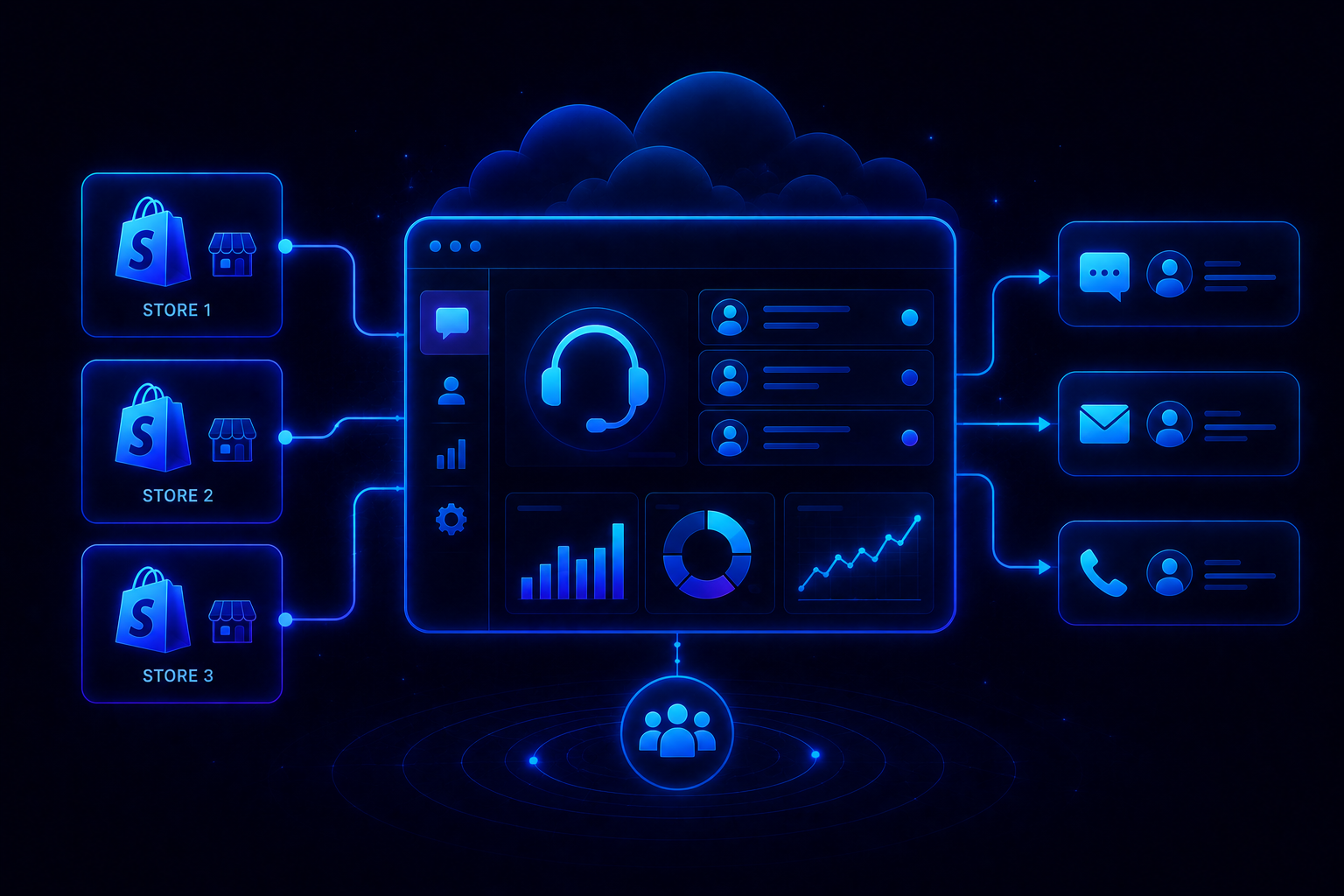
You connect every Shopify store to the same helpdesk and give agents one workspace.
The advantages are straightforward:
- One inbox
- Shared agent team
- Centralized reporting
- Shared operational infrastructure
- Less tool duplication
- Easier AI deployment
The important caveat is that customer and Shopify data can become complicated when the same customer purchases across multiple connected stores.
Store-level identification and routing therefore need to be designed carefully.
Architecture 2: Separate helpdesks
Separate accounts make more sense when stores operate as genuinely independent businesses.
For example, different legal entities, completely separate support teams, or substantially different operating policies can justify keeping support isolated.
You give up the convenience of a unified dashboard, but you also reduce the possibility of cross-store data or workflow conflicts.
Architecture 3: Consolidate the Shopify stores
Some businesses may be able to replace multiple stores with one Shopify store using regional or market configurations.
This creates the cleanest support architecture because inventory, customer data, and support infrastructure can all be centralized.
But this is not a support optimization project anymore.
It is a broader commerce and migration decision, so it only makes sense when the stores can realistically share the same underlying business structure.
A simple decision rule
Same legal entity? Start by evaluating one helpdesk with multiple stores.
Separate legal entities? Keep support environments separated unless there is a strong reason not to.
Stores are essentially different regional versions of the same business? Consider whether consolidation makes sense.
How to set up one dashboard for multiple Shopify stores
Once you have decided to centralize support, do not connect everything at once and hope the structure sorts itself out.
Build the system in stages.
Step 1: Connect your first Shopify store
Start with one store and verify the entire support workflow before adding the others.
The connection should allow your support platform to access the information agents actually need:
- Order number
- Order status
- Products purchased
- Order value
- Tracking number
- Tracking URL
- Customer information
Then test it with an actual order.
Send a support message such as:
"I have a question about my order."
Open the resulting ticket and make sure the correct Shopify order information appears.
This test matters because connecting the store is only the beginning.
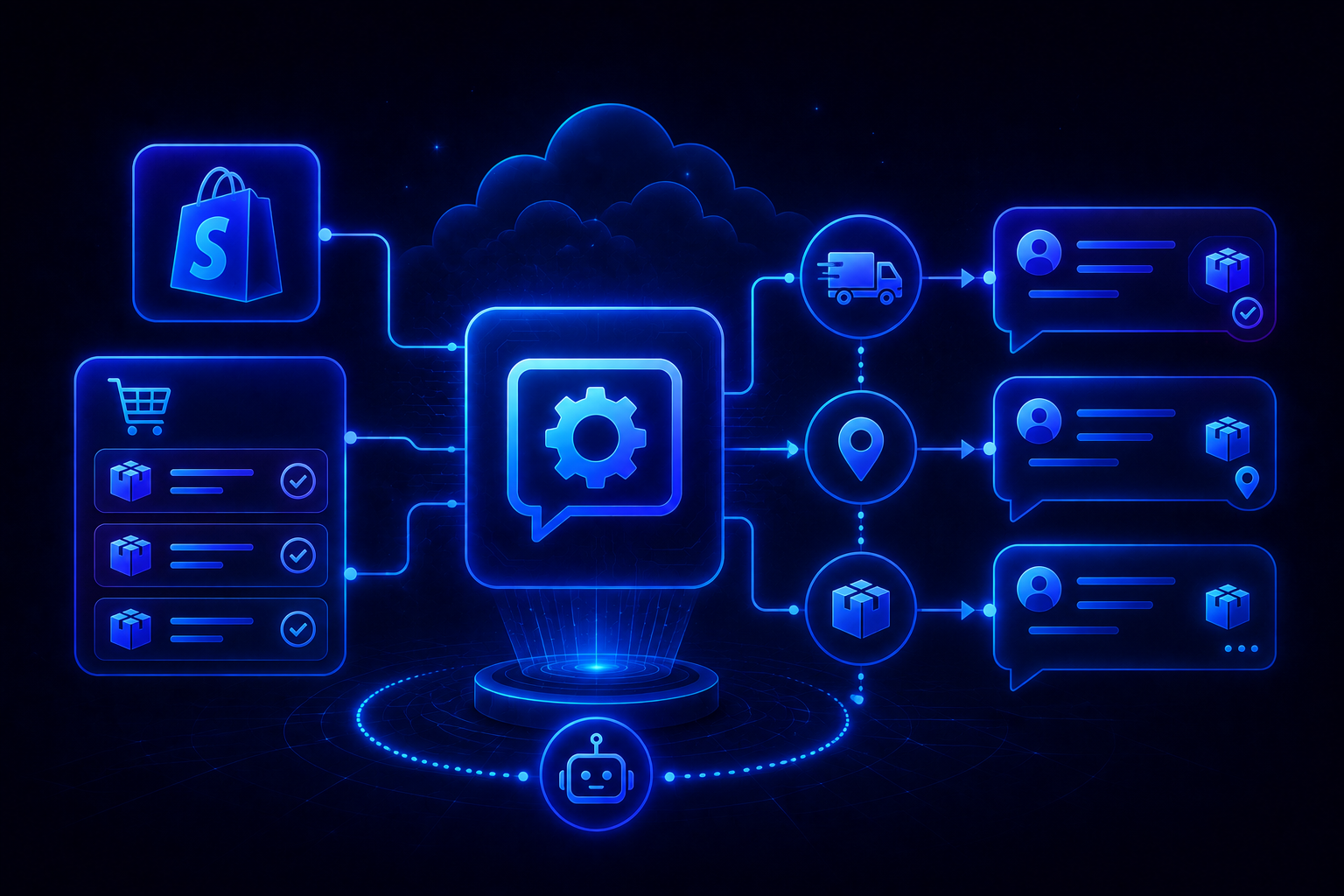
You need to know that ticket → customer → order → support response works correctly before replicating the setup across additional stores.
Step 2: Connect the remaining stores
Once the first integration works, add the other Shopify stores one at a time.
For each store:
- Connect the Shopify integration.
- Authorize the required permissions.
- Confirm order data is syncing.
- Connect the appropriate support channels.
- Send a test message.
- Verify that the ticket is attributed to the correct store.
The research suggests allowing roughly 15–20 minutes per additional store for the basic connection process.
Use clear internal names from the beginning.
For example:
- Brand A — US
- Brand A — EU
- Brand B — Main
- Brand C — Wholesale
This sounds trivial, but it becomes important once agents are handling hundreds of tickets across several stores.
Step 3: Build store-specific views
A unified inbox should not mean that every agent sees every ticket all the time.
Create views that allow your team to work at both levels.
Store-specific views
Create a queue for each store:
Brand A — Open Tickets
Brand B — Open Tickets
Brand C — Open Tickets
This lets agents focus on the stores they are responsible for.
Cross-store views
You should also create views that intentionally cut across stores.
For example:
- All VIP customers
- All refund requests
- All urgent tickets
- All WISMO tickets
- All unresolved tickets
- All negative-sentiment conversations
This gives managers a business-wide view without requiring separate reporting from every store.
The research specifically recommends using store-level and cross-store views to avoid constantly switching between separate support environments.
Step 4: Keep macros store-specific
This is where many centralized support systems go wrong.
You can standardize the structure of your support workflows without standardizing every answer.
A return policy for Brand A may allow 30 days.
Brand B may allow 60.
Brand C may only accept returns for unused products.
Using one generic return macro across all three stores creates an obvious problem.
Instead, build separate versions:
Brand A — Return Request
Brand B — Return Request
Brand C — Return Request
Then standardize the underlying response structure.
For example:
- Acknowledge the request.
- Confirm the relevant order.
- Explain the applicable policy.
- Provide the next step.
- Tell the customer whether further action is required.
This gives your team consistency without sacrificing accuracy.
Step 5: Create store-specific rules
Automation should understand which store a conversation belongs to before taking action.
Useful store-specific workflows include:
- Ticket routing
- Priority assignment
- VIP escalation
- Refund requests
- WISMO tagging
- SLA handling
- Negative sentiment escalation
For example:
Brand B — Refund Escalation
Trigger: New ticket
Condition: Message contains refund, money back, or cancel
Action: Add refund-request tag
Action: Assign to the manager team
The research also highlights an important limitation with multi-store setups: workflows that rely heavily on Shopify customer conditions can become problematic when customers have purchased from multiple connected stores.
That is why testing cross-store customer scenarios is important.
Step 6: Give every store its own knowledge base
Centralization does not mean combining all your policies into one giant knowledge base.
That can actually make AI and agents less accurate.
Instead, separate information into:
Shared knowledge
Information that genuinely applies across the business.
Examples:
- General support procedures
- Escalation guidelines
- Company-wide tone
- Common operational processes
Store-specific knowledge
Information that differs between brands.
Examples:
- Shipping times
- Return windows
- Refund policies
- Product information
- Warranty terms
- Promotions
- Contact details
The research recommends maintaining separate knowledge bases while keeping them under a consistent version-control process.
For each store, maintain:
Owner
Last updated date
Policy changes
New products
Seasonal changes
Review these regularly.
The biggest risk is not having five knowledge bases.
It is having five knowledge bases that quietly become inaccurate over time.
Step 7: Unify phone and social support where it makes sense
Email is usually the easiest channel to centralize.
But the same principle can apply to phone, WhatsApp, Facebook, Instagram, and other customer conversations.
You can maintain separate customer-facing identities while routing the conversations into the same operational workspace.
For example:
Brand A phone number → Central support system
Brand B phone number → Central support system
Brand C phone number → Central support system
The customer still interacts with the correct brand.
Your support team gets one place to manage the conversation.
The research recommends this approach particularly for teams that want a consistent support operation across stores while preserving store-specific knowledge and brand voice.
Step 8: Build cross-store reporting
Once all stores are connected, the biggest benefit may not be the unified inbox.
It is the visibility.
Instead of asking five teams for five reports, you can compare stores using the same operational metrics.
Track:
- Ticket volume
- Response time
- Resolution time
- CSAT
- AI resolution rate
- Top ticket reasons
- Escalation rate
- Agent workload
Then look at the differences.
If Brand A has a much higher WISMO rate than Brand B, investigate why.
If Brand C has the lowest CSAT, look at the conversations behind the score.
If all five stores suddenly see more shipping tickets, you may have a carrier or fulfillment problem rather than five separate support problems.
That is the value of cross-store reporting.
You start seeing patterns that are invisible when every store operates in isolation.
Step 9: Use AI across stores without losing context
AI becomes particularly useful once you have multiple stores because repetitive support volume compounds quickly.
A centralized AI system can handle common questions such as:
- Where is my order?
- What is your return policy?
- How do I start a return?
- What are your shipping times?
- Can I change my address?
- What material is this product made from?
But the AI needs to know which store it is representing.
The answer for one brand should not accidentally pull the return policy from another.
That means AI needs access to:
- The correct store
- The correct customer
- The correct order
- The correct knowledge base
- The correct brand voice
When those pieces are in place, AI can resolve routine requests while escalating conversations that require judgment.
That is a much better use of centralization than simply putting every ticket into one large queue.
Step 10: Add a multi-store operating layer
At two stores, the founder or support manager can probably keep everything aligned.
At five or more, someone should own the system.
That person does not necessarily need to manage every ticket.
Their job is to maintain the operating model.
They should own:
- Store integrations
- Routing rules
- Knowledge-base updates
- Macro governance
- Reporting
- AI performance
- SLA consistency
- Cross-store process improvements
The research recommends considering a dedicated multi-store operations role once the business reaches around five or more stores.
Without ownership, centralized support can slowly become centralized chaos.
What can you actually save by consolidating?
Consider the five-store example above.
The baseline model assumes:
- 5 separate helpdesks
- $4,500/month in helpdesk costs
- 940 tickets/month
- 235 agent hours/month
- $5,875/month in labor
That puts the modeled support operation at $10,375/month before other operational inefficiencies.
The research's modeled consolidated scenario reduces the helpdesk cost to $900/month and agent time to 188 hours, while applying a 40% AI deflection assumption.
That produces a modeled total cost of $3,720/month, or approximately $6,655 in monthly savings.
Those numbers are an illustrative scenario, not a guaranteed outcome.
The more important takeaway is that consolidation can attack several costs simultaneously:
Duplicate software → lower
Agent switching time → lower
Manual ticket handling → lower
Reporting effort → lower
Repetitive support volume → lower through automation
Where QuantumDesk fits
For multi-store Shopify businesses, the challenge is not simply finding a bigger inbox.
It is giving the support team a centralized operating layer without losing the context that makes each store different.
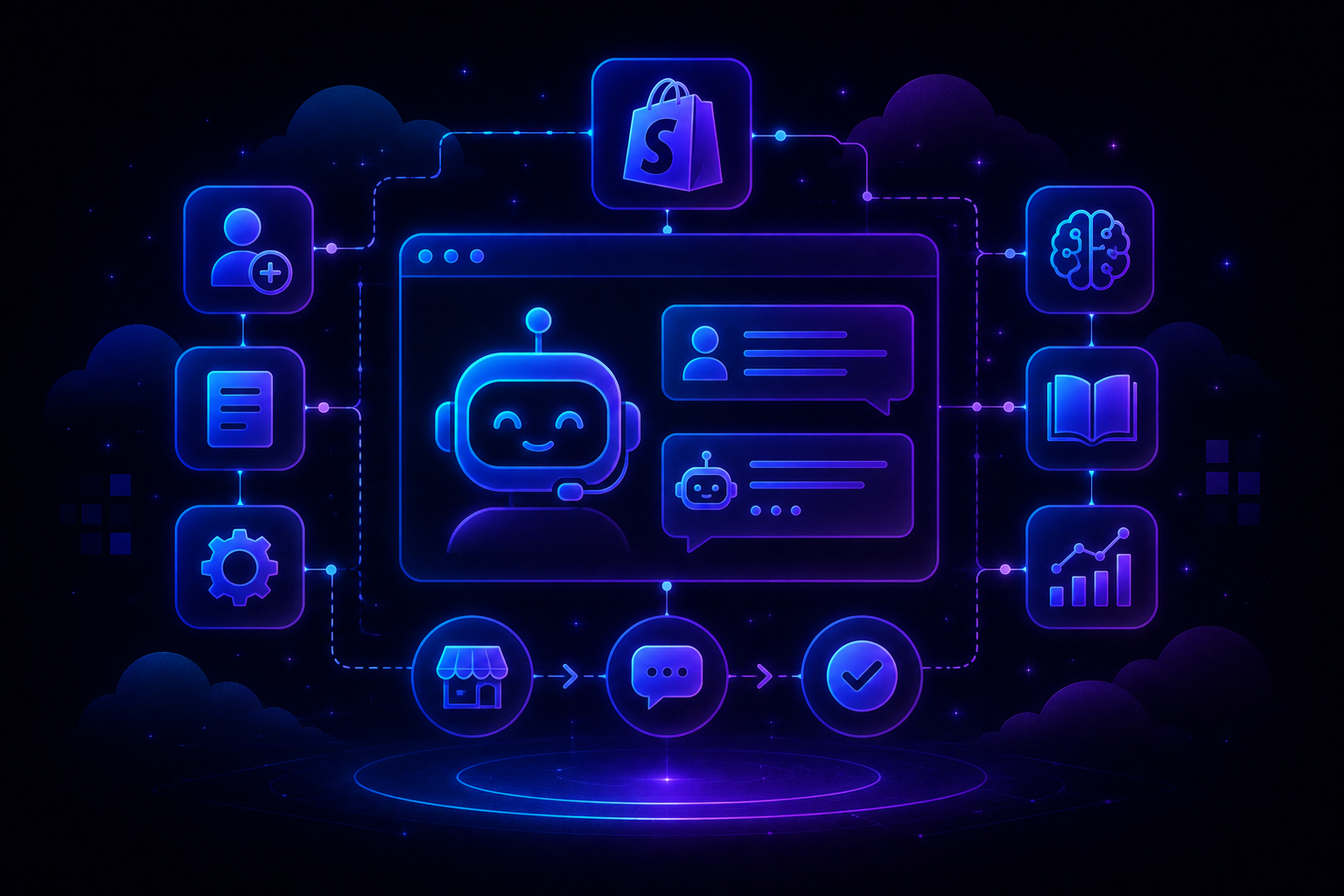
QuantumDesk is built around an AI-native support model where conversations across channels can be managed from a unified workspace, while AI handles repetitive requests and helps agents work with customer context.
That makes the multi-store use case particularly relevant.
Instead of having separate support operations for every brand, you can structure the system around:
- One support workspace
- Store-specific customer context
- Store-specific knowledge
- Store-specific workflows
- Unified agent operations
- AI-powered resolution
- Cross-store support insights
The distinction matters.
A customer buying from Brand A should receive Brand A's policies and tone. A customer contacting Brand B should not suddenly get the same response simply because both stores share the same support team.
QuantumDesk's AI-native approach is designed to make that centralized model possible while keeping the underlying customer context intact.
The goal is not to make multiple stores behave like one store.
It is to make multiple support operations feel like one well-run system.
A practical 30-day rollout plan
You do not need to rebuild your entire support operation in one weekend.
Week 1: Infrastructure
- Choose your support architecture
- Connect the first Shopify store
- Test order synchronization
- Connect the remaining stores
- Connect email and chat channels
- Establish store naming conventions
Week 2: Workflows
- Create store-specific views
- Build macros
- Create routing rules
- Define escalation workflows
- Separate store knowledge bases
- Assign owners
Week 3: Automation
- Identify the top repetitive ticket categories
- Automate WISMO and basic order questions
- Configure AI knowledge
- Add escalation rules
- Test cross-store customer scenarios
Week 4: Reporting
- Build store-level dashboards
- Build cross-store dashboards
- Compare CSAT and response times
- Review AI resolution rates
- Identify the three biggest recurring support problems
Then repeat the process.
The objective is not simply to consolidate your inbox.
It is to continuously make the entire support operation more efficient.
Frequently asked questions
Can I manage multiple Shopify stores from one helpdesk?
Yes. A number of helpdesk platforms support multiple Shopify store connections within one support environment. The important consideration is whether the platform can preserve store-level routing, policies, customer context, and reporting.
Should every Shopify store have its own support team?
Not necessarily.
If the stores belong to the same business and have similar operational requirements, a centralized team can be more efficient. Separate teams may make more sense when the brands have substantially different policies, markets, or legal structures.
How do I keep different brand voices in one dashboard?
Use store-specific macros, knowledge bases, routing rules, and AI instructions while keeping the underlying support infrastructure shared.
The agent should always know which store the conversation belongs to before responding.
Is it safe to use AI across multiple Shopify stores?
It can be, provided the AI has reliable store and customer context and clear boundaries around what it can access and do.
Start with low-risk, repetitive requests such as order status, shipping questions, and basic product information. Escalate exceptions and sensitive requests to human agents.
When should a Shopify business centralize support?
There is no magic store count.
If your team is already switching between helpdesks, duplicating workflows, maintaining separate reports, or losing customer context, you are probably already paying the operational cost of fragmentation.
At that point, centralizing support is worth evaluating.




.avif)