Summarize with AI
Key Takeaways
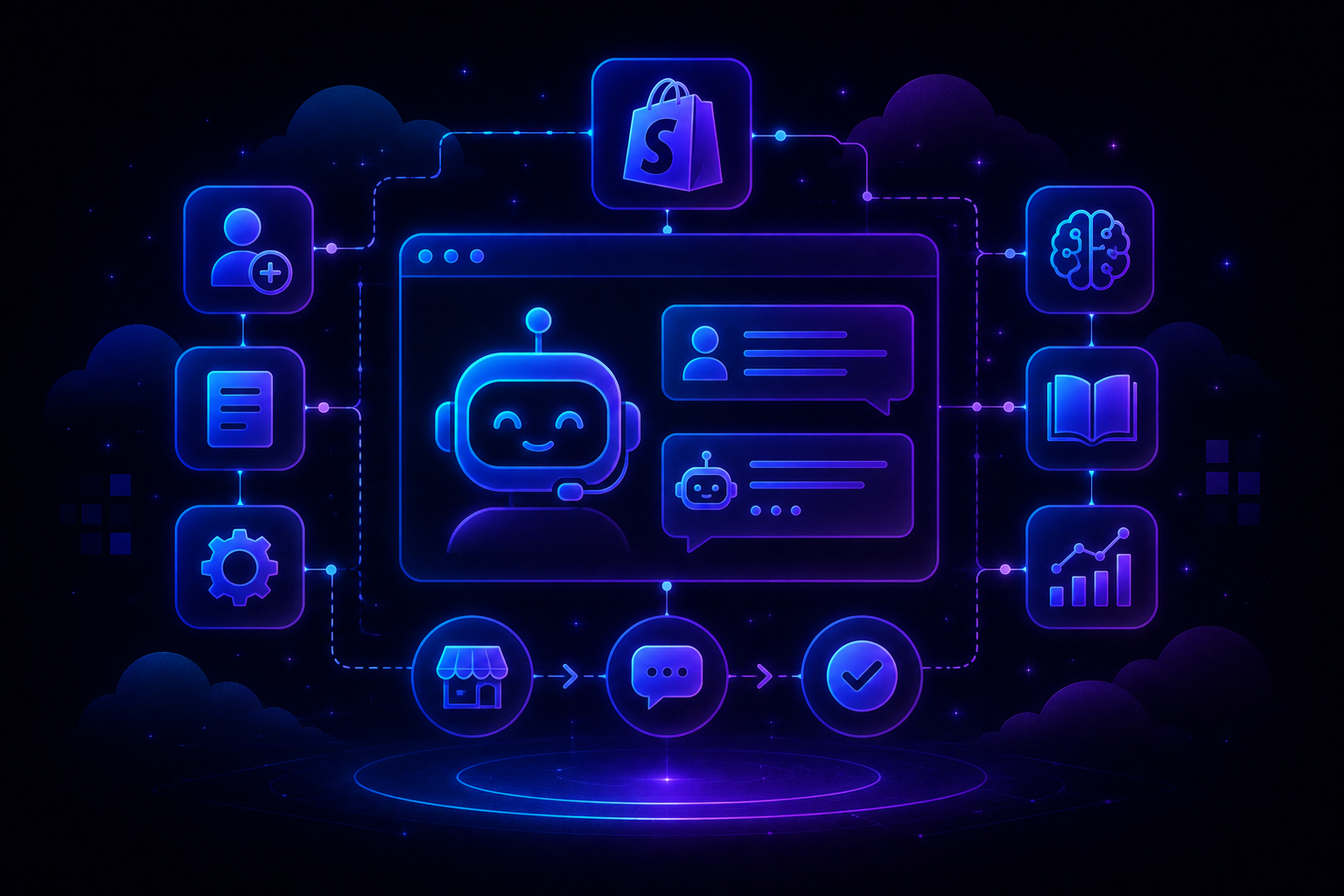
- You do not need to wait until your Shopify store is handling hundreds of support tickets to introduce AI.
- The better approach is to build support into your store from the beginning, starting with the questions customers are most likely to ask and the tasks your team should not have to handle manually.
- For a new Shopify store, that usually means connecting your support platform to Shopify, giving AI access to accurate product and policy information, automating common questions such as order tracking and returns, and creating clear rules for when a human should take over.
- The goal is not to automate every customer interaction. It is to make sure your team is spending its time on conversations that actually require a person.
Launching a Shopify store creates support demand much earlier than most founders expect.
Customers start asking about shipping, returns, products, order status, sizing, delivery timelines, and cancellations as soon as orders start moving. If every question lands in the founder's inbox, support quickly becomes another full-time job.
That is why the support setup should happen alongside the store setup rather than after ticket volume becomes a problem.
AI can handle repetitive questions immediately, while more complicated conversations can still go to a human. This gives a new store a support system that can grow without requiring the team to manually answer every customer from day one.
Step 1: Choose your customer support setup
Before configuring AI, decide what your support stack should look like. The research identifies three common approaches for Shopify stores:
For a Shopify-first business, a Shopify-connected helpdesk is usually the simplest starting point because the AI can work with customer, order, and product information.
A standalone chatbot can work for a smaller operation, but it may not provide the same depth of helpdesk functionality as your support volume grows.
The important thing is to choose based on where the store is going, not just its current order volume.
Step 2: Connect your support platform to Shopify
The first technical requirement is giving your AI access to the information it needs to answer customers accurately.
For a Shopify-connected setup, this means connecting the support platform to your Shopify store and authorizing the relevant permissions.
Once connected, AI can potentially work with information such as:
- Customer details
- Order history
- Order status
- Shipping information
- Product details
- Product variants
A generic chatbot can say, "You can check your order status using your tracking link." A connected support system can potentially look up the actual order and provide the customer with the relevant information.
What to connect
At minimum, connect:
Shopify → Helpdesk → Support email → Chat
Step 3: Build your AI knowledge base
Connecting Shopify is only half the setup. AI also needs to know how your business works. Start with the information customers are most likely to ask about.
Your initial knowledge base should include:
- Shipping policy
- Domestic and international delivery information
- Return policy
- Refund policy
- FAQs
- Product information
- Sizing information
- Product materials
- Care instructions
- Common product-specific questions
The research recommends using four primary sources: policy pages, FAQs, product pages, and manually written Q&A pairs.
Do not assume your website contains everything AI needs. Your policy page might say that returns are accepted within 30 days, but customers may ask whether sale items qualify, whether exchanges are possible, or who pays return shipping.
Add real customer questions
If your store already has customer conversations, use them.
Take 10–20 real questions and create examples showing how you want them answered. This helps the AI understand not only the information customers need, but also how they actually phrase their questions.
If the store is brand new, start with realistic questions you expect customers to ask and update the knowledge base once real conversations begin.
Step 4: Start with three high-volume support use cases
Do not try to automate your entire support operation on day one.
Start with three areas where the questions are repetitive and the answers are relatively predictable.
1. Order status
Customers asking "Where is my order?" should be one of the first use cases you automate.
AI should be able to retrieve the relevant order information and provide tracking details rather than simply directing the customer to another page.
2. Returns and exchanges
AI can explain your return policy, eligibility requirements, and the steps customers need to follow.
Where your system supports it, the AI can also direct customers to the appropriate return portal.
3. Product questions
Give AI access to product information so customers can ask about materials, sizing, differences between products, and care instructions without requiring an agent.
These three categories are a strong starting point because they combine relatively high support volume with clearly defined information.
Step 5: Give AI permission to take actions
Answering questions is useful.
Completing tasks is where AI can create significantly more value.
For example, instead of telling a customer how to cancel an order, AI could potentially check whether the order has shipped and cancel it if it meets the conditions.
The research identifies actions such as order cancellation and shipping-address updates as examples of workflows that can be automated when the relevant conditions are met.
Start with low-risk actions.
For example:
Customer: "I need to cancel my order."
AI: Checks whether the order has shipped.
If not shipped: AI completes the cancellation and confirms it.
If already shipped: AI hands the conversation to a human or explains the available options.
For sensitive actions, require customer confirmation before the action is completed.
That extra step protects customers from accidental changes while still removing most of the manual work.
Step 6: Define when AI should hand over to a human
A good AI support system needs boundaries.
Your goal should not be to make AI handle the highest possible percentage of conversations. It should handle the conversations it can resolve reliably.
Create escalation rules for situations such as:
- High-value refunds
- Angry or frustrated customers
- Policy exceptions
- Complex product questions
- Damaged or incorrect orders
- Questions outside the knowledge base
- Multiple failed AI responses
- Customers explicitly asking for an agent
The research recommends keeping handoff rules relatively simple when first launching because excessive escalation conditions can cause AI to send too many conversations to human agents.
A useful principle is:
AI handles the predictable. Humans handle the judgment calls.
That gives customers a clear path to human support without making agents responsible for every routine question.
Step 7: Make the AI sound like your brand
Accuracy matters most, but tone matters too.
A customer should not feel like they have suddenly left your store and entered a generic chatbot.
Give the AI examples of how your brand communicates.
You can define whether your tone is:
- Friendly and casual
- Professional and polished
- Minimal and direct
- Playful
- Premium
Then provide several example responses.
For a casual brand, a response might be:
"Absolutely! You can return your order within 30 days of delivery. Start your return here."
For a more formal brand:
"You can initiate a return within 30 days of delivery using our returns portal."
The information is the same.
The experience is different.
The research recommends testing multiple sample questions after configuring tone to ensure the responses actually match the brand.
Step 8: Test AI before letting it talk to customers
Never launch AI directly against live customers without testing it first.
Use real customer questions whenever possible.
Test straightforward cases:
- "Where is my order?"
- "Can I return this?"
- "How long does shipping take?"
- "What size should I get?"
- "What's the difference between these two products?"
Then test edge cases.
Try questions such as:
- "My package says delivered but I don't have it."
- "Can I return something I already wore?"
- "I want a refund but I lost my receipt."
- "My order is late."
- "Can I change the address after ordering?"
Review every response for four things:
- Accuracy: Is the information correct?
- Completeness: Did AI answer the entire question?
- Tone: Does it sound like your brand?
- Handoff: Did it recognize when a human was needed?
The research recommends testing around 20 real or realistic customer questions and using the results to improve knowledge, tone, and escalation rules before deployment.
Step 9: Launch one channel at a time
You do not need to turn AI on everywhere simultaneously.
Start with email.
It is generally easier to monitor because conversations are asynchronous and your team has more time to review what AI is doing.
Once the first set of conversations looks good, expand to chat.
SMS and other channels can follow once the workflows are proven.
The research recommends deploying AI channel by channel and monitoring the results before expanding the rollout.
This also makes troubleshooting much easier.
If something goes wrong, you know which channel and workflow needs attention instead of having to diagnose your entire support operation.
Step 10: Keep humans in the loop initially
For the first week, consider using a human-in-the-loop approach.
AI drafts or handles the response, but your team reviews the output before it reaches customers.
This gives you a real-world test environment.
Your team will quickly identify gaps that were not obvious during testing:
- Missing policy information
- Incorrect assumptions
- Unnatural responses
- Poor escalation decisions
- Questions customers ask differently than expected
Tag these conversations and use them to improve the knowledge base.
Once AI consistently produces accurate responses, you can gradually allow it to handle more conversations automatically.
What should you measure after launch?
AI support should be evaluated using more than the number of tickets it handles.
Track both efficiency and customer experience.
The research uses 40–60% as a potential deflection range for AI chatbots and recommends monitoring response time, CSAT, and AI accuracy alongside deflection. These should be treated as working benchmarks rather than guarantees for every store.
A high deflection rate means very little if customers are unhappy with the responses.
How AI support should evolve as your Shopify store grows
Your support setup does not need to look the same at every stage.
Under 500 orders/month
Focus on the basics.
Set up a strong help center, branded order tracking, self-service returns, and AI for common questions.
500–2,000 orders/month
Start expanding automation.
Add Shopify-connected AI, more detailed product knowledge, and workflows for cancellations, returns, and other repetitive tasks.
2,000–10,000 orders/month
Move toward a more complete support operation.
Add smarter routing, more automated actions, broader channel coverage, and deeper reporting.
The research uses progressively higher deflection targets as store volume increases, but the important takeaway is not the exact percentage. Your automation should expand as your support volume and operational complexity increase.
Where QuantumDesk fits
For a new Shopify store, the biggest advantage of setting up AI early is avoiding the need to rebuild your support operation once ticket volume starts growing.
QuantumDesk takes an AI-native approach to customer support, where AI is built into the support workflow rather than being treated as something that is added after the helpdesk is already established.
That makes it possible to build your support operation around AI from the beginning.
Instead of creating a large queue and then figuring out which tickets can be automated, you can start by identifying the conversations that should never require a human in the first place.
For a Shopify brand, that can include questions around orders, shipping, returns, product information, and other repetitive requests.
A customer with a straightforward tracking question should not need to wait for an agent. A customer whose order is missing, damaged, or stuck in transit may need one.
QuantumDesk's approach is built around this distinction: automate routine conversations while giving human agents the context they need when escalation is necessary.
That can make AI support more than a cost-saving exercise.
It becomes part of the infrastructure that allows a new Shopify store to scale its customer support without scaling manual workload at the same rate.
A simple 30-day implementation plan
You do not need a complicated AI implementation project to get started.
Week 1: Build the foundation
Connect Shopify, your support email, and your primary customer support channel.
Document your shipping, return, refund, and product policies.
Week 2: Train the AI
Create knowledge entries for your most important policies and products.
Set up workflows for order status, returns, and product questions.
Week 3: Test and launch
Test 20 real or realistic customer questions.
Fix knowledge gaps and escalation problems, then launch on one channel with human oversight.
Week 4: Optimize
Review AI-handled conversations and measure deflection, response time, CSAT, and accuracy.
Expand into additional workflows only when the existing ones are performing reliably.
This approach gives you a support system that grows with your store instead of becoming something you have to rebuild once customer volume becomes difficult to manage.
Frequently asked questions
When should a new Shopify store start using AI customer support?
Ideally, from the beginning.
You do not need thousands of tickets to benefit from AI. Setting up the knowledge base, Shopify connection, and basic automation early means your support operation is ready as order volume grows.
What should AI handle first for a Shopify store?
Start with predictable, high-volume questions such as order tracking, shipping, returns, refunds, and basic product information.
Once those workflows are reliable, introduce actions such as cancellations, address updates, and return initiation.
Can AI customer support replace human agents?
It should not be viewed as a complete replacement for human support.
AI is most useful for repetitive and predictable conversations. Humans should remain available for complex issues, exceptions, complaints, high-value cases, and situations where AI does not have enough information to provide a reliable answer.
How do I make AI sound like my brand?
Give it explicit tone guidance and several examples of how your team normally responds to customers.
Then test responses against real customer questions. If the tone feels too formal, robotic, or generic, refine the instructions and examples before expanding automation.
What is the most important metric for AI customer support?
Deflection rate is useful, but it should never be viewed in isolation.
Track deflection alongside AI accuracy, CSAT, first response time, escalation rate, and agent workload. A successful AI support setup should reduce manual work without making the customer experience worse.
The best time to build that system is before your support queue becomes a problem.




.avif)