.jpg)
Summarize with AI
Key Takeaways
- AI helps automate repetitive queries, allowing small teams to handle more volume without hiring
- A unified omnichannel inbox ensures consistent conversations across all customer touchpoints
- Faster, more personalized responses improve customer experience and long-term loyalty
- The right tools combine automation, prioritization, and agent support to scale efficiently
For small businesses, customer service directly impacts growth. Customer loyalty and word-of-mouth play a huge role in sustaining revenue, which makes every interaction count.
In practice, strong customer service helps small businesses:
- retain customers and increase repeat purchases
- build trust through consistent, reliable support
- turn everyday interactions into long-term relationships
This guide breaks down how to build and improve customer service in 2026, covering practical strategies, the role of AI in scaling lean teams, and the best tools available today.
What Does Customer Service Mean for Small Businesses?
Customer service is the process of supporting customers before, during, and after they purchase from your business. The key elements of customer service cover every interaction a customer has with your team, including questions, complaints, refund requests, or product help. When it is handled well, customers come back, spend more, and recommend your business to others.
Enterprise teams have the resources to recover from poor experiences, larger headcounts, dedicated escalation teams, and the brand equity to re-acquire lost customers. Salesforce research shows that 72% of customers will switch brands after a bad experience, even if they like the brand. For enterprises, that is a manageable loss. For small businesses, it is not.
Small businesses do not have that buffer. According to Microsoft's Global State of Customer Service report, 58% of customers say they would not return to a business after a single poor experience. Every interaction carries more weight because customers form their impression of the entire business from how they are treated, not just the product they receive.
Customers who choose small businesses often expect a more personal experience. Salesforce's State of the Connected Customer report found that 70% of customers say it is important to interact with someone who knows their history with the business. Small businesses are better positioned to deliver that by default, but only if the support operation is set up to maintain it as volume grows.
What small businesses should prioritize:
- Responding quickly across all channels customers use to reach out
- Delivering a consistent experience regardless of who on the team handles the query
- Managing growing support volume without over-hiring or burning out existing agents
- Building trust through personalized interactions that make customers feel heard
- Handling repetitive queries efficiently so agents can focus on more complex issues
How Can Small Businesses Improve Their Customer Service?
The right strategies make a bigger difference, helping teams stay organized, respond faster, and manage increasing support volume without adding unnecessary complexity.
The six strategies below focus on practical improvements small businesses can implement regardless of their current setup.
1. Centralize All Customer Conversations in One Place
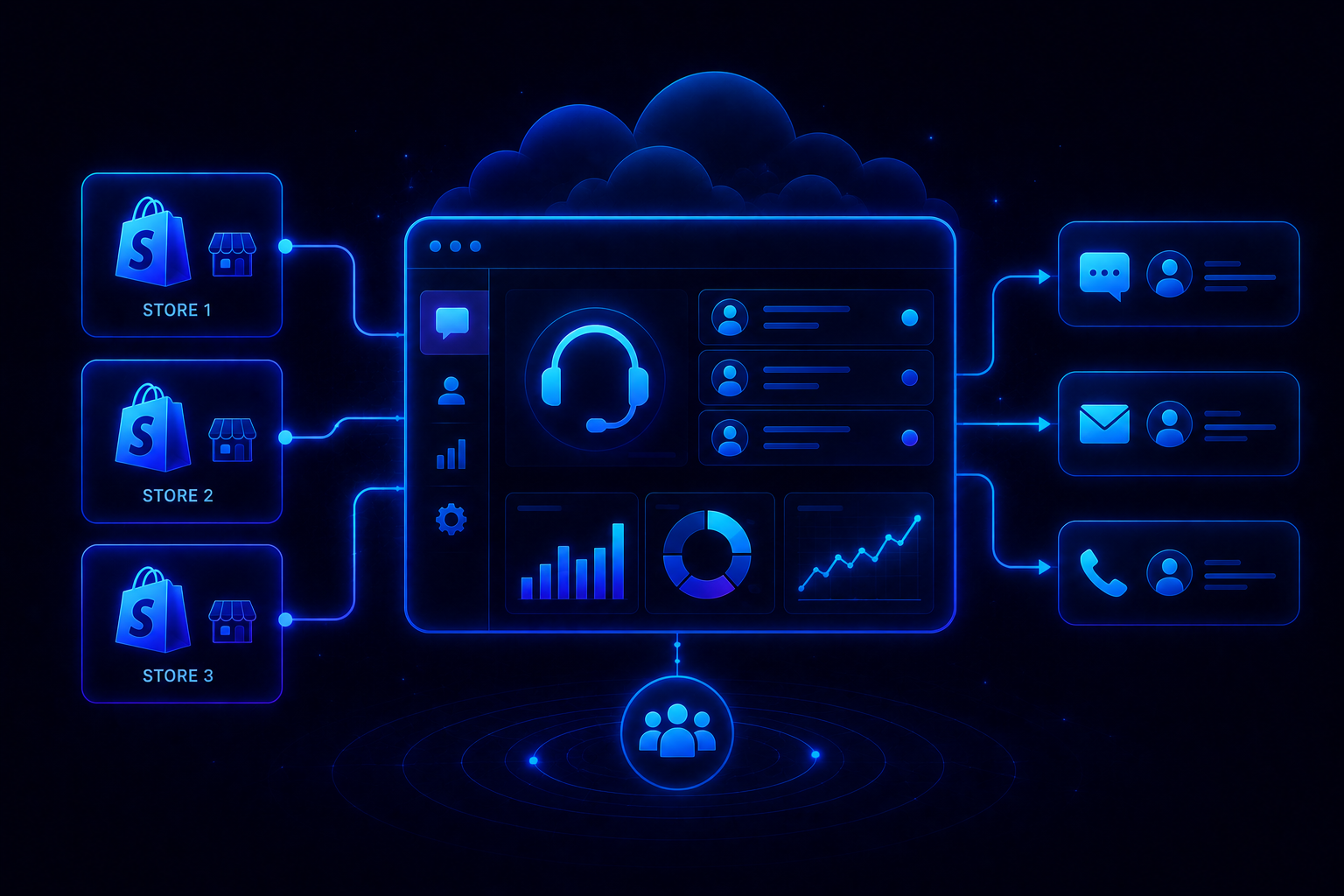
For many small businesses, one of the biggest customer service challenges is managing conversations across multiple channels with a small team and no centralized support system. When queries from email, WhatsApp, Instagram, and live chat are handled in separate tools, it becomes harder to track context, assign ownership, and maintain a consistent customer experience.
Bringing all conversations into a single workspace gives agents full visibility into customer history. This reduces missed queries, improves response time, and ensures customers do not have to repeat information when they follow up.
A centralized system also helps teams monitor response times and understand which channels are driving the most volume.
2. Automate Responses to Repetitive Queries
A significant portion of support queries involves routine requests such as order status, refunds, account access, and policy-related questions. Handling these manually increases workload and slows down response times.
Customer service automation allows businesses to resolve common requests instantly without agent involvement. More complex issues can still be routed to agents with full context.
This improves efficiency in three key ways:
- reduces response time for common queries
- allows agents to focus on higher-value conversations
- increases overall support capacity without increasing team size
3. Set Clear Response Time Expectations
Customers expect timely communication, but more importantly, they expect clarity. When response timelines are unclear, it leads to repeated follow-ups and dissatisfaction.
Setting clear response time expectations through automated acknowledgments helps manage this. Informing customers when they can expect a reply improves transparency and reduces uncertainty.
Consistency is critical. Meeting defined response timelines builds trust more effectively than setting unrealistic expectations.
4. Train Agents with Consistent Support Playbooks
Agents may handle similar queries differently without clear guidelines. This creates inconsistency in responses and affects the overall customer experience.
A support playbook standardizes how common queries are handled. It can include response guidelines, escalation steps, and predefined answers for frequently asked questions.
Even a concise playbook improves response quality and reduces onboarding time for new agents.
5. Use Customer Feedback to Continuously Improve
Customer feedback provides direct insight into the support experience. However, its value depends on how consistently it is reviewed and applied.
Tracking feedback across interactions helps identify recurring issues, gaps in response quality, and delays in specific channels.
Regularly reviewing this data allows businesses to make targeted improvements and refine their support processes over time.
6. Leverage AI to Assist Agents in Real Time
AI-powered tools can support agents during live interactions by helping them respond faster and more accurately.
These tools can:
- draft responses based on context
- summarize conversations
- suggest next actions
- Prioritize incoming queries
For small teams handling multiple conversations, this reduces manual effort and helps maintain consistency. When AI is integrated directly into the support workflow, it becomes easier for teams to use it effectively without changing how they work.
What are the Benefits of Better Customer Service for Small Businesses?
Improving customer service directly impacts how a small business grows and operates day to day. Beyond customer satisfaction, it affects retention, costs, team efficiency, and long-term revenue.
1. Higher Customer Retention Rates
Customers are more likely to return when their issues are handled quickly and properly. For small businesses, this matters because repeat customers contribute more consistently to revenue than new ones. Improving support quality reduces churn and increases lifetime value without increasing acquisition spend.
2. Stronger Word-of-Mouth and Referrals
Positive service experiences often turn into recommendations. When customers feel taken care of, they are more willing to share that experience with others. For businesses that rely on organic growth, this becomes a steady and low-cost source of new customers.
3. Reduced Support Costs Over Time
As processes improve and automation is introduced, fewer queries require manual handling. This reduces the effort needed per ticket and allows the same team to manage higher volumes. Over time, support costs stabilize even as the business scales.
4. Faster Resolution Times and Fewer Escalations
Clear workflows and better tools help agents resolve issues without delays or unnecessary back-and-forth. Fewer tickets need escalation, which keeps operations running more smoothly and reduces the load on senior team members.
5. Increased Agent Productivity and Reduced Burnout
Handling repetitive queries manually can slow teams down and lead to fatigue. Introducing automation and better support systems allows agents to focus on more meaningful interactions, improving both productivity and job satisfaction.
How to Implement AI in Small Business Customer Service?
AI is now accessible to small businesses without requiring large teams or technical expertise. Modern platforms are designed to be set up quickly and work within existing workflows. With the right approach, teams can introduce AI in a structured way and start seeing improvements without disrupting day-to-day operations.
Step 1 — Audit Your Current Support Workflow
Before adding AI, take a close look at how support currently works. Track where queries come from, how they are handled, and where delays happen. Look at response times, handoffs, and tasks that require repeated manual effort. This gives you a clear baseline to compare against once changes are introduced.
Step 2 — Identify the Queries That Can Be Automated
Once the workflow is clear, common patterns start to stand out. Queries like order status, refunds, account access, and basic product questions tend to follow the same structure. These are the best candidates for automation. Moving them out of the manual queue reduces pressure on the team.
Step 3 — Choose an AI-Native Support Platform
After identifying what to automate, the focus shifts to the platform. Systems where AI is built into the core handle resolution, prioritization, and agent support more effectively. Platforms like QuantumDesk bring these capabilities together, so teams can start using AI without changing how they already work.
Step 4 — Set Up Your Unified Support Inbox
With the platform in place, the next step is to bring all conversations into a single workspace. Email, chat, WhatsApp, and social channels often operate independently, creating gaps. A unified inbox keeps everything organized and gives agents full context for every interaction.
Step 5 — Configure AI Responses for Common Queries
The repetitive queries identified earlier can now be linked to automated responses. Connecting these to FAQs and product information ensures answers stay accurate. Testing these responses before going live helps maintain consistency and avoid incorrect replies.
Step 6 — Monitor Performance and Optimize Over Time
Once everything is running, performance needs to be reviewed regularly. Customer service metrics such as resolution time, automation rate, and customer satisfaction indicate what is working and what needs improvement. As more queries are handled, the system becomes more reliable and helps the team manage higher volumes without adding more people.
Best Customer Service Tools for Small Businesses
Choosing the right tool depends on how your team handles support today and how much you want to automate as you grow. The tools below are compared based on AI capabilities, channel coverage, ease of use, and pricing.
1.QuantumDesk
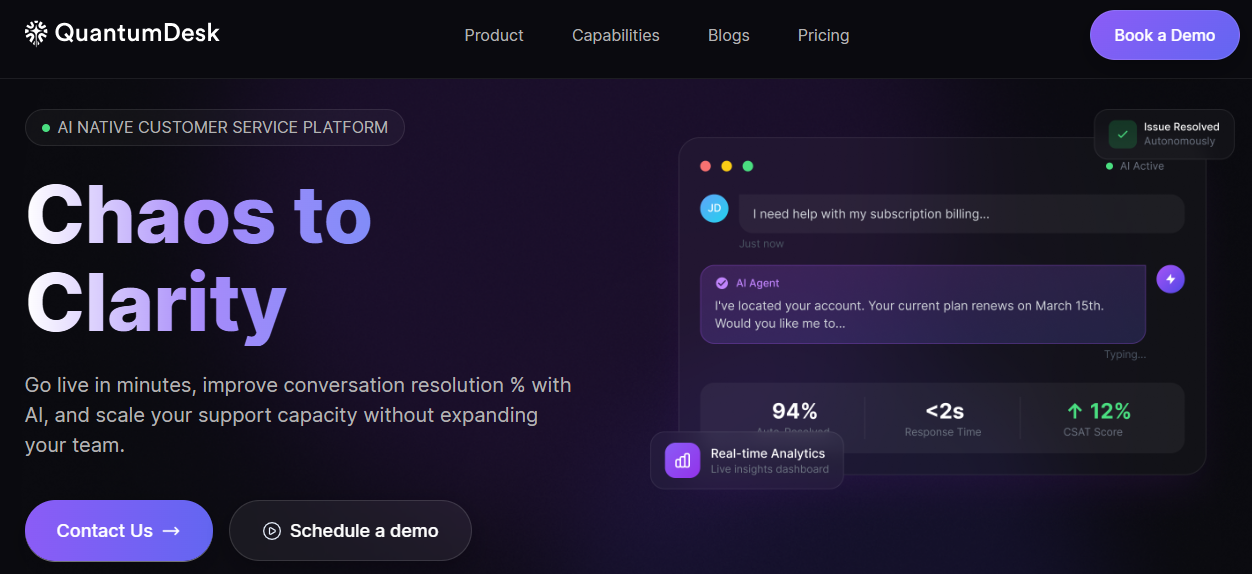
QuantumDesk is an AI-native customer support platform designed for D2C brands and B2B SaaS teams that manage support in-house. Instead of relying on ticket-first systems with AI layered on top, QuantumDesk is built with AI at the core, so automation, prioritization, and agent support are part of the workflow from the start.
For small business teams, this removes the usual setup complexity. There is no need to configure multiple tools or add separate AI modules. The system starts working from day one, handling repetitive queries, organizing incoming tickets, and assisting agents in real time.
As support volume grows, the platform helps teams handle more conversations without increasing headcount. This makes it a strong fit for businesses that want to improve response speed and consistency without expanding their support team.
Key Features
- AI resolution for repetitive queries such as order status, refunds, and account support
- Unified inbox across email, chat, WhatsApp, and social channels
- AI-based ticket prioritization using urgency, intent, and sentiment signals
- Real-time agent copilot for drafting replies, summarizing conversations, and suggesting next steps
- Centralized dashboard for tracking performance, resolution rates, and team activity
Why Small Businesses Should Consider QuantumDesk
- Reduces manual workload by automatically resolving a large share of incoming queries
- Brings all channels and workflows into one system instead of using multiple tools
- Helps teams handle higher support volume without hiring more agents
Pros
- AI is built into the platform, so there is no dependency on add-ons or external tools
- Combines automation, prioritization, and agent assistance in one workflow
- Improves response speed and consistency across all channels
Cons
- Currently in beta, so long-term enterprise validation is still evolving
- Compliance certifications like GDPR and SOC2 are in progress
- Pricing details are not fully public yet
Customer Review
Early users mention faster setup and immediate improvements in handling support volume. Teams moving from multiple tools highlight better visibility and reduced manual effort once everything is managed in one place.
Pricing
QuantumDesk uses a hybrid pricing model combining agent packs with usage-based credits, structured to scale with team size and support volume.
2. Freshdesk
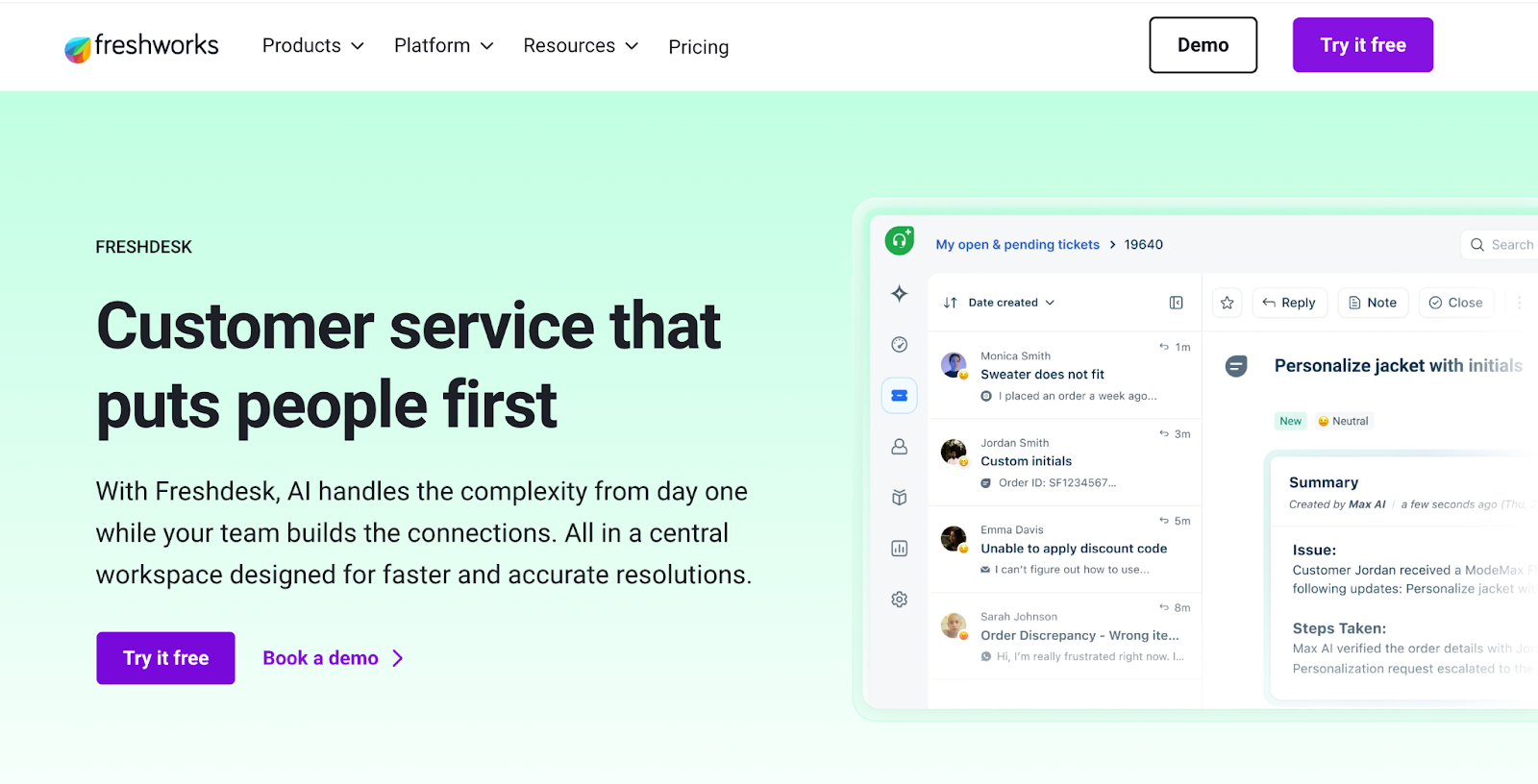
Freshdesk by Freshworks is a widely used helpdesk platform built around a ticket-based support system. It is designed for small and mid-sized businesses that want a structured way to manage customer queries while adding AI assistance through Freddy.
Freddy AI supports agents with reply suggestions, conversation summaries, and auto-tagging. The platform still relies on agents for most resolutions, but reduces manual effort by organizing tickets and surfacing relevant responses. This makes it suitable for teams that want incremental improvements without changing how their support system currently operates.
Key Features
- Freddy AI for reply suggestions, summaries, and writing assistance
- Auto-triage with recommended priority, status, and ticket fields
- Sentiment detection to flag important or urgent conversations
- Multi-channel support across email, chat, phone, and social
- Knowledge base tools for creating and managing help articles
Why Small Businesses Should Consider Freshdesk
- Works well for teams already using a ticket-based system and looking to improve efficiency
- Offers a familiar interface that does not require major workflow changes
- Suitable for businesses that want basic AI assistance without moving to a fully automated setup
Pros
- Easy to set up and adapt for teams new to Helpdesk tools
- AI features available within the same interface used by agents
- Free plan available for small teams
Cons
- Automation is limited since most queries still require agent involvement
- Advanced AI features are tied to higher-tier plans
- Managing multiple channels and workflows may require additional configuration
Customer Review
Users often highlight ease of use and quick setup. Many note that Freddy helps reduce repetitive work, especially for teams moving from email-based support, though most interactions still depend on agents.
Pricing
Freshdesk offers a free plan for small teams. Paid plans start at around $15 per agent per month on an annual billing plan, with additional AI capabilities and advanced features available in higher tiers.
3. Zoho Desk
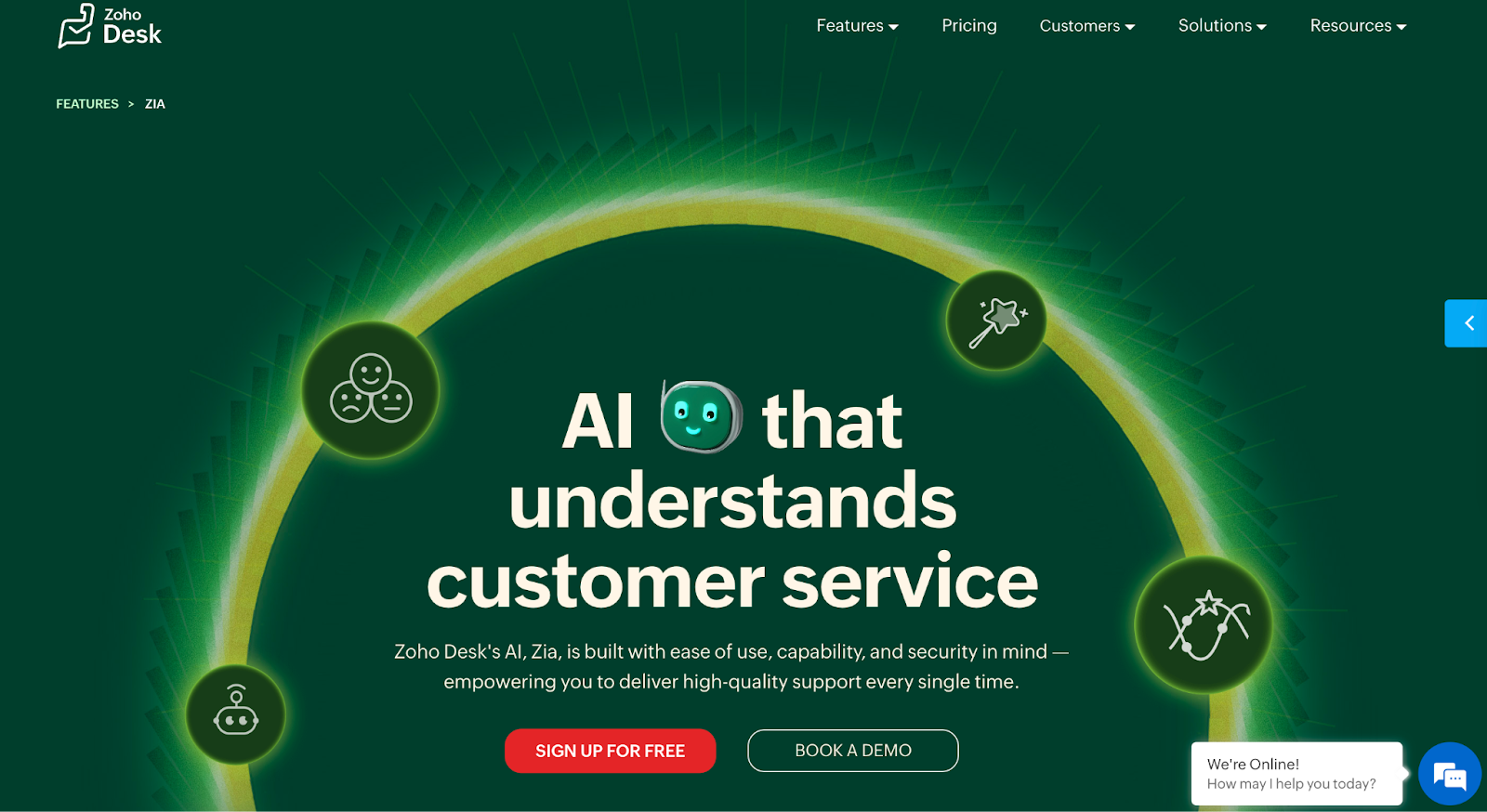
Zoho Desk is a multi-channel helpdesk platform focused on affordability. It is designed for small and mid-sized businesses that need a structured system to manage support without high upfront costs. AI features are available through Zia, which assists with ticket organization and basic automation.
Zia helps by tagging tickets, predicting fields, and identifying anomalies based on past data. The platform improves over time as more data is processed, but most workflows still depend on manual handling. This makes it a practical option for teams looking to organize support operations without investing heavily in automation.
Key Features
- Zia AI for ticket tagging, field prediction, and anomaly detection
- Multi-channel support across email, phone, chat, and social
- Workflow automation for routing, assignments, and escalations
- Custom dashboards and reporting tools
- Knowledge base for self-service support
Why Small Businesses Should Consider Zoho Desk
- Strong fit for teams working with limited budgets
- Helps organize and structure support operations as volume grows
- Useful for businesses already using Zoho products and looking for integration
Pros
- Competitive pricing compared to most helpdesk platforms
- Reduces manual effort through tagging and workflow automation
- Integrates well with the Zoho ecosystem
Cons
- AI capabilities are limited to assistance rather than full automation
- Advanced features require higher-tier plans
- Less suited for teams handling large volumes across multiple channels
Customer Review
Users often mention strong value for money. Teams moving from basic setups highlight improvements in organization and ticket management, though the depth of automation remains limited.
Pricing
Zoho Desk offers tiered pricing starting at around $4-$8 per agent per month on annual plans, with higher tiers unlocking additional features, channels, and AI capabilities.
Conclusion
Customer service is one of the few areas where small businesses have a structural advantage over larger competitors. Customers expect a more personal, attentive experience, and small teams are better positioned to deliver that, provided the operation is built to handle volume without breaking down.
The strategies covered in this guide, centralizing conversations, automating repetitive queries, setting clear response expectations, and using AI to support agents, are not complex to implement. They compound over time. Each improvement reduces friction in the next interaction.
The tools available in 2026 make this more accessible than it has been before. Platforms like QuantumDesk are built around the idea that a small team, with the right AI layer in place, can handle the support volume of a much larger one. That changes the economics of scaling support without adding headcount.
For small businesses evaluating where to start, the most practical step is to identify which queries are consuming the most agent time and which channels are creating the most coordination overhead. Solving those two problems first will have the most immediate impact on response times, team capacity, and customer experience.
FAQs
What is the difference between customer service and customer support for small businesses?
Customer service covers the overall experience a business creates across every interaction, from first contact to post-purchase follow-ups, while customer support focuses specifically on handling queries, resolving issues, and helping customers use the product or service. For small businesses, this means customer service defines how the brand is perceived, and support is the day-to-day execution that shapes that experience.
How many support agents does a small business typically need?
The number of support agents depends on ticket volume, query complexity, channels, and the level of automation in place. Small businesses handling low query volumes across limited channels can often operate with one or two agents, especially if repetitive queries are automated, while growing businesses may need to expand teams unless they use AI to handle higher volumes efficiently.
Can a small business offer 24/7 customer support without hiring more staff?
Small businesses can offer 24/7 support by using AI to handle common queries such as order status, refunds, and account access at any time, while automated responses can acknowledge queries and set clear expectations for follow-ups on more complex issues. This approach keeps customers informed and supported without requiring additional staff.
What metrics should small businesses track to measure customer service performance?
Small businesses should focus on a few core metrics that clearly reflect performance, including first response time, resolution time, customer satisfaction score, ticket volume by channel, and the share of queries handled by AI versus agents, as these provide a clear view of speed, quality, and efficiency.
How does customer service affect small business revenue?
Customer service directly influences revenue by driving repeat purchases, increasing customer lifetime value, and generating referrals through positive experiences, while poor support leads to churn, negative reviews, and lost future sales, making service quality a critical factor in overall business growth.




.avif)