
Summarize with AI
Key Takeaways
- Top free help desk options in 2026 include QuantumDesk for AI-native D2C and SMBs, Zoho Desk for small teams, and FreeScout for self-hosting.
- SaaS free tools like Freshdesk are easier to set up, while self-hosted options like FreeScout and osTicket offer full data control.
- Most free help desk plans cap agents, channels, or AI features, so know your team size and ticket volume before choosing.
- QuantumDesk includes Quantum AI and unified inbox on the free starter plan, unlike tools that lock AI behind paid tiers.
- Pick the free help desk that matches your channels, agent count, and growth plan before evaluating the longest free feature list.
Choosing free help desk software is more about avoiding tools that look free upfront but cap your team, channels, or volume when scaling support. Meeting modern customer service expectations on a free plan means the cap shouldn't show up right when ticket volume starts to matter.
A customer bought a moisturizer based on a brand's quiz. Their skin reacted badly. They messaged chat support hoping for help, and got a generic FAQ.
Most free tools miss that message until the public post lands. The right free help desk in 2026 reads urgency in the language, pulls past purchases for context, and gets a real agent on it before screenshots start spreading online.
Some of the top free help desk software in 2026 include QuantumDesk (best for AI-native SMBs and D2C teams), Zoho Desk (best for small teams on Zoho), Freshdesk (best for SaaS teams), FreeScout (best for self-hosted inbox), and Jira Service Management (best for IT and dev teams).
We compared each tool on features, free tier limits, pros, cons, and the team it actually fits in 2026, so you can shortlist faster. If you want the broader picture beyond free tiers, our best help desk software comparison covers paid and premium platforms too.Most free help desks lock AI behind paid
How tools were evaluated:
- Hands-on testing across real support workflows on free plans
- Direct customer conversations and feedback from active users
- Reviews on G2, Capterra, and similar platforms
- Insights from Reddit and support community discussions
- Competitive positioning across the free help desk category
Pick the free help desk that fits your team size, channel mix, and ticket volume, not the longest feature list on a vendor landing page.
A Quick Comparison: Best 10 Free Help Desk Software
How We Chose These 10 Free Help Desk Tools
We chose these 10 free help desk tools by testing each one in real workflows, comparing free tier limits, and checking what actually holds up when teams scale beyond a small starting volume.
- G2, Capterra, and listing site analysis to verify real user ratings, review patterns, and team size fit
- Customer feedback and direct conversations with support leaders running active free help desks today
- Competitive benchmarking on free tier limits, agent caps, channel coverage, and AI capabilities in 2026
- Reddit and niche community discussions on what breaks first when teams outgrow a free plan
- Hands-on product exploration of dashboards, automations, integrations, and real ticketing flows on free plans
- Pricing model and upgrade path considerations for teams that may eventually move beyond the free tier
10 Best Free Help Desk Software in 2026
1. QuantumDesk – Best AI Native Help Desk for Growing Teams and SMBs

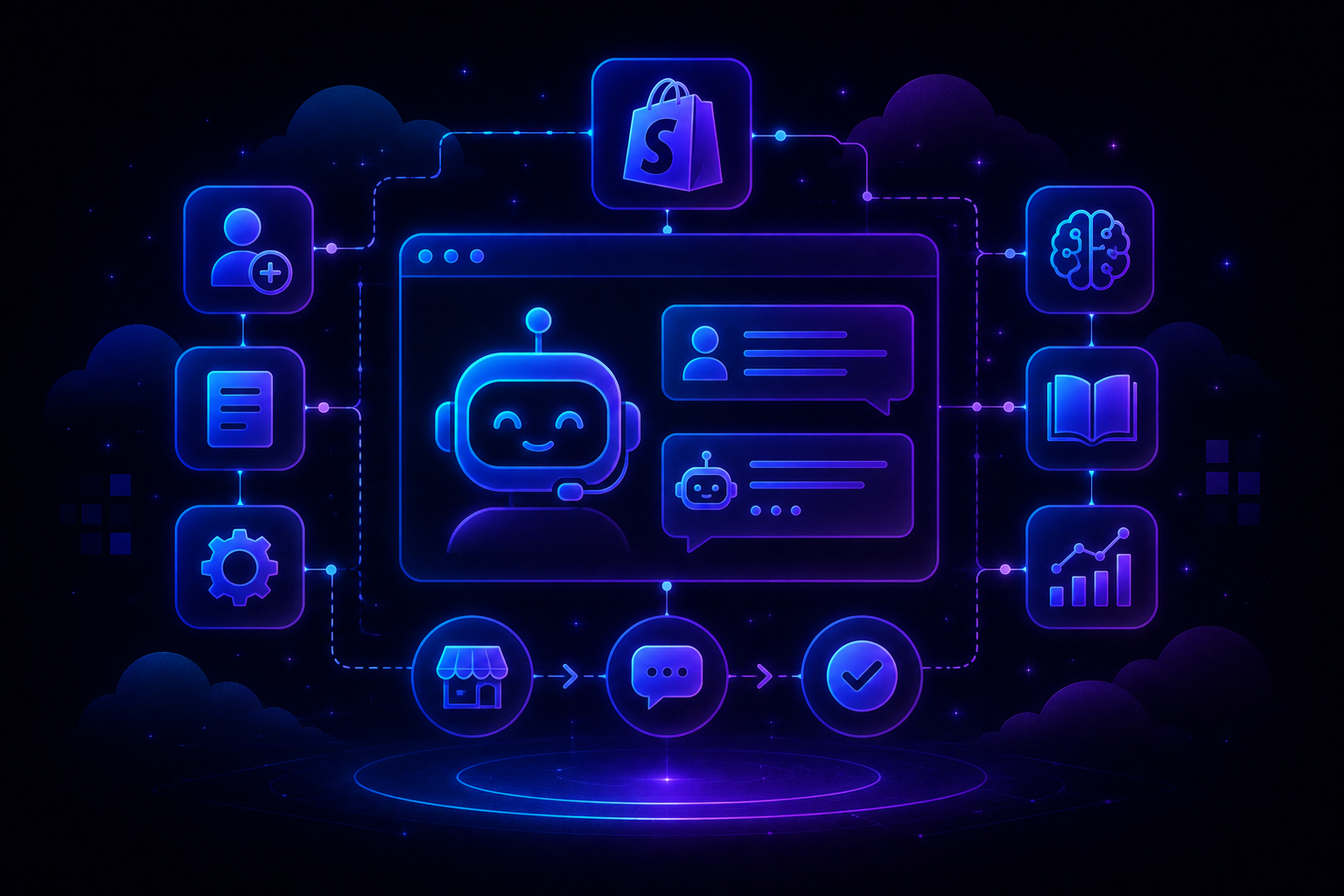
QuantumDesk is an AI-native help desk built for SMBs and D2C brands that want AI resolution, multi-channel inbox, and core ticketing on a free starter plan rather than paying upfront for AI add-ons. It centralizes WhatsApp, email, Instagram, and chat in one workspace where Quantum AI resolves repetitive tickets and routes the rest with full context preserved.
Unlike legacy free help desks where AI sits behind a paid plan, AI is embedded into every workflow at no upfront cost.
Take a fitness brand handling 800 tickets a month. Most queries are about subscription cancellations, broken equipment claims, or missing items from peak season bundle deliveries.
On QuantumDesk, Quantum AI auto-resolves the cancellation flows from policy, the unified inbox keeps Instagram damage photos and email order numbers in one thread, and Quantum AI Copilot drafts the missing-item replacement before the agent finishes reading the customer message.
Key Features
- Quantum AI resolves repetitive customer queries like order status, refund requests, and product questions on the free starter plan
- AI-curated inbox prioritizes incoming tickets by sentiment, urgency, and intent so agents handle the highest-impact issues first
- Quantum AI Copilot drafts replies, summarizes long threads, and surfaces next best actions for agents inside every conversation
- Resolution-based pricing means teams only pay when AI resolves a ticket, with the free starter included by default
Pros
- AI is built into the free starter plan from day one, not locked behind a paid add-on
- Resolution-based pricing keeps costs aligned with actual value, especially for SMBs scaling support volume past free limits
- Designed for SMB and D2C scale, not a stripped-down version of an enterprise platform sold downstream
Cons
- Currently in BETA, so feature depth and integrations are still expanding compared to mature category leaders
- Smaller integration library today, which can limit teams already running heavy CRM, ERP, or analytics stacks
Best Use Case
SMB and D2C teams handling 100 to 1,000 monthly tickets across WhatsApp, Instagram, email, and chat without enterprise complexity.
When to Choose QuantumDesk
Choose QuantumDesk when AI-driven L1 resolution, multi-channel inbox unification, and a generous free starter matter more than enterprise feature depth or legacy integration breadth.
Pricing
QuantumDesk offers a free starter plan with AI included, then resolution-based pricing where teams pay for AI-resolved tickets instead of paying upfront for an AI add-on.
2. Freshdesk – Best for Free SaaS Teams
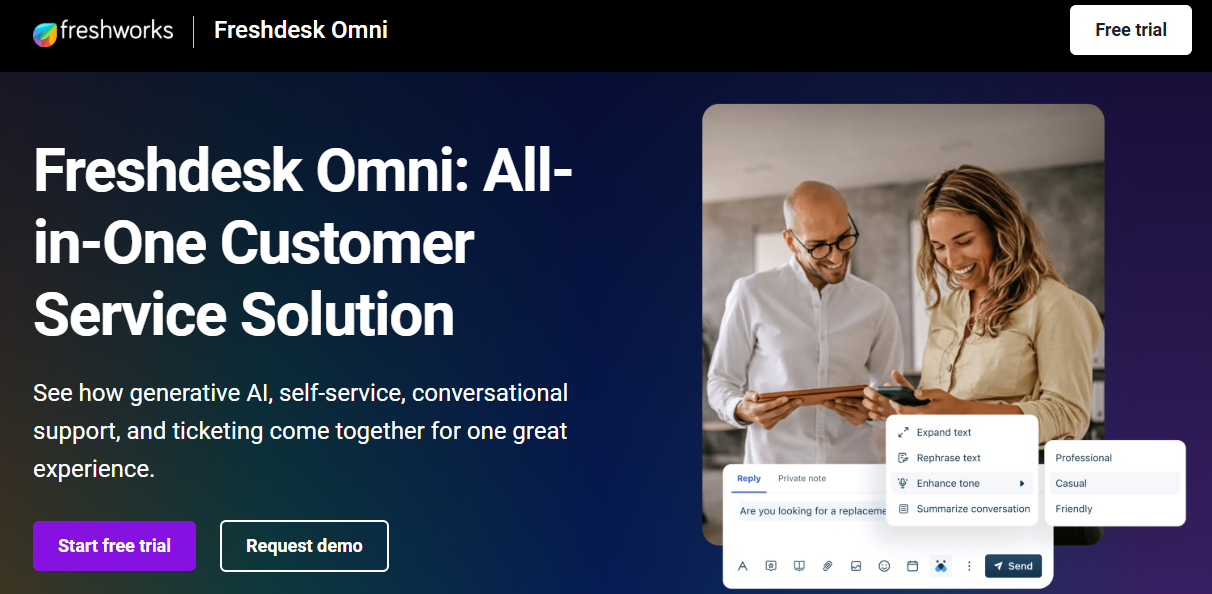
Freshdesk offers one of the most generous free help desk plans, supporting unlimited agents, basic email ticketing, and a knowledge base, making it a popular starting point for early-stage SaaS support teams.
The free plan covers email tickets, contact management, and basic team collaboration, with paid tiers unlocking automation, multi-channel, and Freddy AI features.
SaaS teams pick Freshdesk for free because of unlimited agents and a clean upgrade path when ticket complexity grows.
Key Features
- Free plan supports unlimited agents handling email tickets, basic contact management, and a knowledge base for self-service
- Email ticketing with team inbox, internal notes, and shared workflows for early-stage SaaS support teams
- Knowledge base builder for FAQs, articles, and basic deflection without needing a paid plan upgrade
- Reporting dashboards on the free tier track ticket volume, response times, and basic agent activity
- Clear upgrade path to paid Freshdesk plans as teams need automations, SLA management, and Freddy AI
Pros
- One of the few free help desks that supports unlimited agents, removing per-seat headcount pressure entirely
- Easy to set up for early-stage SaaS teams that have no dedicated support operations resources or admins yet
- Solid upgrade path inside the Freshworks ecosystem when free plan limits become a real bottleneck
Cons
- Free plan is email-only, with no chat, social, or WhatsApp coverage built into the base tier
- Automation, SLA tracking, and Freddy AI all require paid plans, which limits free tier scalability
- Reporting is shallow on free, making it hard for support leaders to track AI versus human resolution
Best Use Case
Early-stage SaaS teams with email-only support volume and unlimited agents that need a low-friction starting point.
When to Choose Freshdesk
Choose Freshdesk's free plan when your volume is mostly email, your team is small or growing, and you want a clean upgrade path inside Freshworks. Read the Freshdesk reviews breakdown for more on real user experiences.
Pricing
Freshdesk's free plan covers unlimited agents and email ticketing. Paid plans start around $15 per agent per month and unlock automation, multi-channel, and Freddy AI.
3. Zoho Desk – Best for Scalable Free Tier
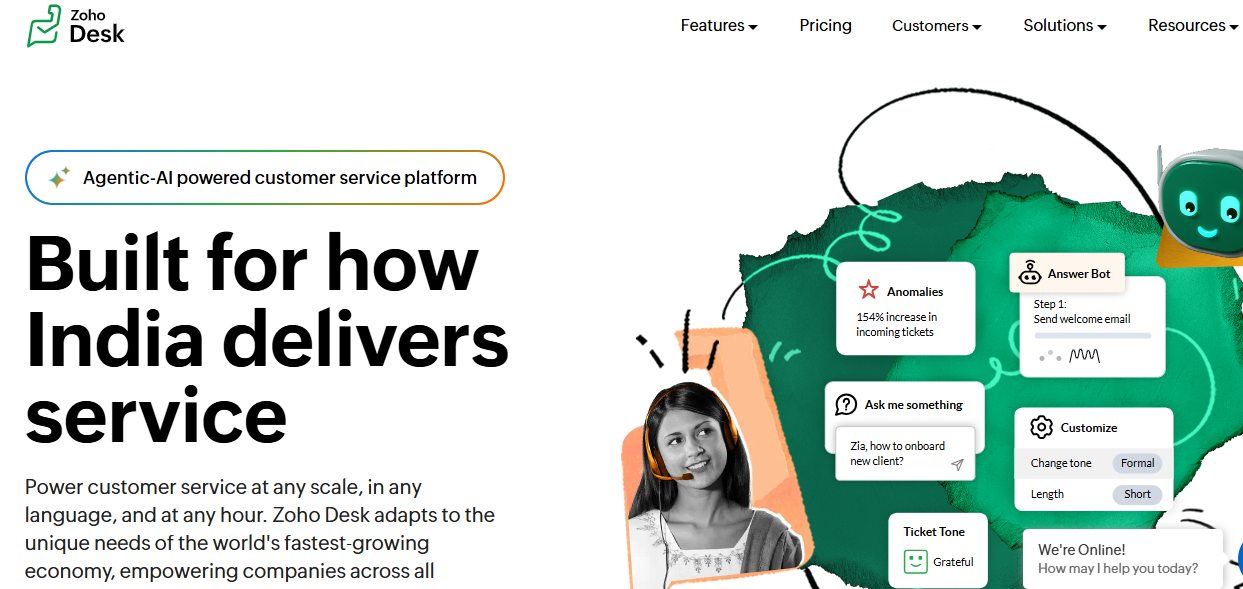
Zoho Desk offers a free help desk plan for up to three agents with email-based ticketing, knowledge base, and basic automation, scaling cleanly into paid tiers as teams grow inside the Zoho ecosystem.
The free plan integrates natively with Zoho CRM and other Zoho apps, making it ideal for very small teams already living inside Zoho One.
Zoho Desk free is best for budget-conscious SMBs already on Zoho rather than D2C teams needing WhatsApp or Instagram coverage.
Key Features
- Free plan supports up to three agents with email ticketing, basic automations, and a self-service knowledge base
- Native integration with Zoho CRM, Books, and Projects connects sales, finance, and support data in one place
- Self-service customer portal lets users track tickets, view articles, and submit new requests without paid plan upgrades
- Workflow automations on free cover routing, escalation, and SLA tracking for very small support teams
- Reporting dashboards track ticket volume, response times, and basic team performance metrics across the free Zoho Desk tier
Pros
- Strong free tier for SMBs already on Zoho One, with native integration into existing sales and finance tools
- Three free agents and basic ticketing make it usable for very small businesses on a tight budget
- Clear upgrade path inside the Zoho ecosystem when teams need multi-channel, AI, or advanced reporting features
Cons
- Three-agent cap on free plan is restrictive compared to Freshdesk or QuantumDesk for growing support teams
- Zia AI is shallow and mostly locked behind paid tiers, limiting free plan automation depth significantly
- Best value comes only inside the Zoho ecosystem, weaker for teams running mixed CRM and finance stacks
Best Use Case
Very small teams already on Zoho One that want a connected free help desk without paying premium prices upfront.
When to Choose Zoho Desk
Choose Zoho Desk free when your team is under three agents, budget is tight, and your sales or finance teams already run on Zoho applications today.
Pricing
Zoho Desk has a free plan for up to three agents. Paid tiers start around $14 per agent monthly, unlocking multi-channel, advanced automations, and Zia AI.
4. HubSpot Service Hub – Best for HubSpot CRM Users
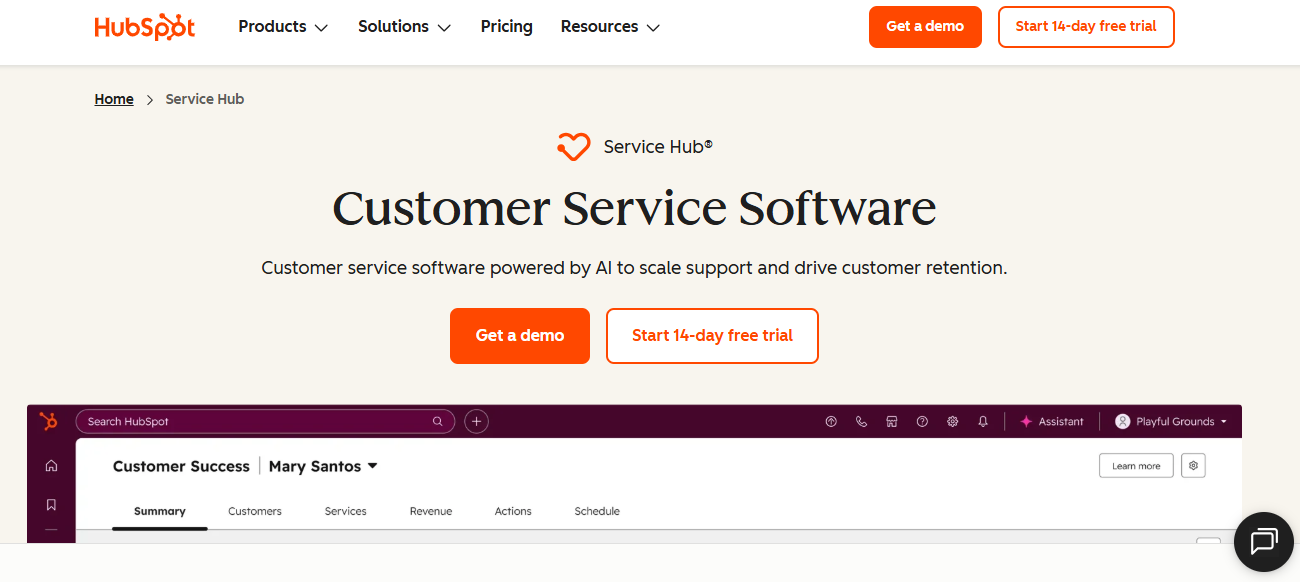
HubSpot Service Hub offers a free plan that connects ticketing directly to HubSpot CRM, making it a natural fit for teams already using HubSpot for sales or marketing and looking to add support data.
Free includes ticketing, shared inbox, basic live chat, and a help desk dashboard, all linked to HubSpot contact, company, and deal records.
Teams pick HubSpot Service Hub free when revenue alignment and CRM context matter as much as core help desk functionality.
Key Features
- Free plan includes ticketing, shared inbox, and basic chat connected directly to HubSpot CRM contact records
- Knowledge base and customer portal sit behind paid tiers, but free covers core ticketing and live chat
- Reporting dashboard on free tracks ticket volume, response times, and basic agent activity inside the HubSpot platform
- Native HubSpot integrations mean support, marketing, and sales teams operate from one shared customer database
- Easy upgrade path to Service Hub Starter, Professional, and Enterprise tiers as teams need more depth
Pros
- Best-in-class free CRM integration since support, marketing, and sales sit on the same HubSpot platform
- Free ticketing benefits from rich customer context, including past deals, marketing engagement, and contact history
- Strong reporting that ties support outcomes directly to revenue impact even on the free tier today
Cons
- Free plan caps several core features like knowledge base, customer portal, and AI chatbot behind paid tiers
- Less specialized for high-volume D2C support compared to platforms built for WhatsApp, Instagram, and email scale
- AI features are improving but still trail purpose-built AI-native help desks in resolution depth and breadth
Best Use Case
Small teams already on HubSpot CRM that want connected free ticketing, shared inbox, and basic chat with revenue context.
When to Choose HubSpot Service Hub
Choose HubSpot Service Hub free when CRM alignment is non-negotiable, your team already uses HubSpot for sales or marketing, and you want connected support data.
Pricing
HubSpot Service Hub starts free for very small teams. Paid Starter, Professional, and Enterprise tiers range from roughly $20 to $150 per seat per month.
5. Spiceworks – Best for IT Ticketing

Spiceworks is a free IT help desk platform built specifically for internal IT teams, supporting ticketing, asset tracking, and remote support, monetized through ads rather than charging IT departments directly for software.
It offers cloud and self-hosted options, with a community-driven knowledge base and integrations into common IT tools used by small to mid-sized teams.
Spiceworks fits internal IT teams on tight budgets rather than customer-facing support teams handling email, WhatsApp, or social channels.
Key Features
- Free IT help desk with ticketing, custom statuses, and ticket categories for internal IT support workflows
- Asset tracking and inventory management built in to help IT teams monitor devices, software, and configurations
- Remote support tools and integrations for common IT scenarios like password resets and software installs
- Active IT community offering articles, scripts, and peer-to-peer help across infrastructure, security, and support topics
- Cloud and self-hosted deployment options to fit different IT environments, security requirements, and on-premise policies
Pros
- Genuinely free for internal IT teams, with no agent caps or paid feature gates on core ticketing
- Strong IT-specific feature set including asset tracking, remote support, and configuration management built into the platform
- Active IT community provides real-world help and templates beyond what official product documentation usually covers alone
Cons
- Ad-supported model means the interface contains promotional content that some IT teams may find distracting at times
- Not designed for customer-facing support across email, chat, WhatsApp, Instagram, or other modern channels
- AI capabilities are limited, with no native intelligent triage or autonomous resolution like newer platforms
Best Use Case
Internal IT teams in SMBs needing free ticketing, asset tracking, and remote support without paying for ITSM software.
When to Choose Spiceworks
Choose Spiceworks when your use case is internal IT support, budget is tight, and you do not need customer-facing channels like WhatsApp, Instagram, or live chat.
Pricing
Spiceworks is free to use for internal IT teams. The platform monetizes through ads inside the product instead of charging departments directly for software access.
6. osTicket – Best for Open-Source Tickets

osTicket is a popular open-source help desk that runs on your own server, offering ticketing, custom workflows, and a self-service portal at zero license cost for teams willing to manage their own infrastructure.
It supports email piping, custom forms, ticket filters, and SLA tracking, with a hosted version available for teams that prefer not to self-host.
Teams pick osTicket for full control and zero license fees rather than for AI features or modern multi-channel coverage.
Key Features
- Self-hosted open-source ticketing with custom forms, fields, and ticket statuses for tailored team support workflows across departments
- Email piping and ticket filters automatically convert incoming customer emails into tickets and route them to teams
- Self-service portal lets customers track tickets, browse a knowledge base, and submit new requests directly
- SLA management and ticket assignment rules help teams stay on top of response and resolution targets
- Active developer community and plugins extend functionality beyond what the core open-source osTicket distribution offers today
Pros
- Open-source license means zero software cost, with full control over hosting, customization, and data ownership
- Highly customizable through custom fields, forms, ticket types, and plugins built by the open-source community
- Strong fit for teams with engineering resources that want a fully owned support stack without vendor lock-in
Cons
- Requires technical resources to install, host, secure, upgrade, and maintain the osTicket platform reliably over time
- UI feels dated and slows down agent ramp-up compared to most modern hosted help desk platforms today
- No AI capabilities or modern multi-channel support out of the box without significant custom integration work
Best Use Case
Engineering-led teams that want full control, zero license fees, and a self-hosted ticketing system without vendor lock-in.
When to Choose osTicket
Choose osTicket when your team has engineering bandwidth to host and maintain it, you need full data control, and built-in AI is not a priority.
Pricing
osTicket is free to download and self-host under an open-source license. A managed cloud version is available with paid tiers based on agents and storage requirements.
7. FreeScout – Best for Self-Hosted Help Desk
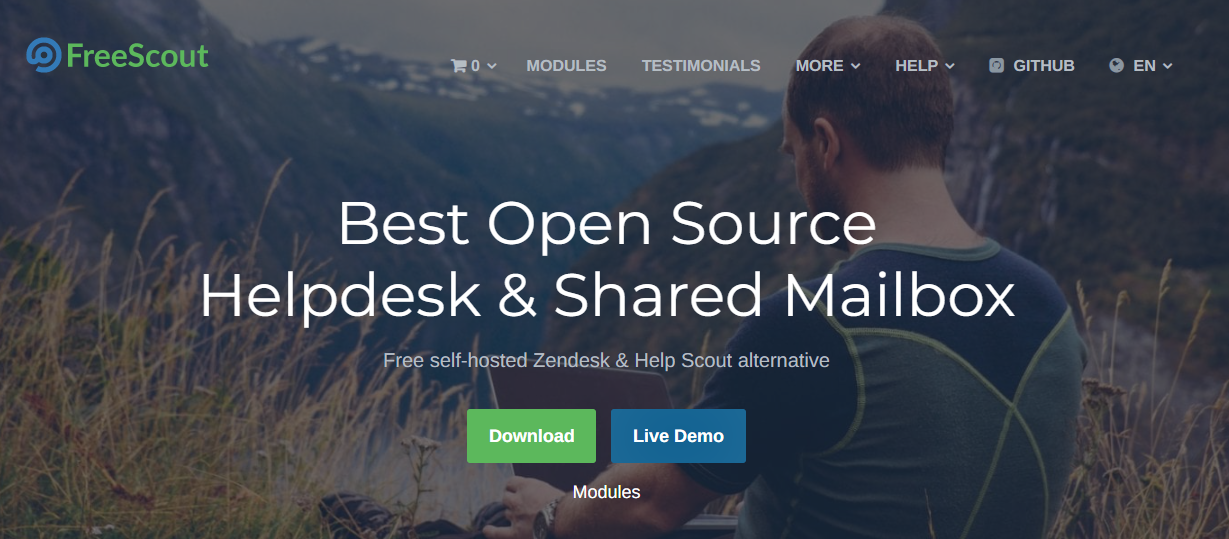
FreeScout is a self-hosted open-source help desk modeled after Help Scout, offering a clean shared inbox, conversation-style ticketing, and a built-in knowledge base for teams that want a modern email-first interface without subscription costs.
It runs on your own server with optional paid modules for chat, WhatsApp, and additional automations, keeping core ticketing free under the open-source license.
Teams choose FreeScout for the Help Scout experience without recurring SaaS pricing or vendor lock-in on customer data.
Key Features
- Self-hosted shared inbox with conversation-style ticketing modeled after the Help Scout user experience and overall feel
- Built-in knowledge base for self-service articles, FAQs, and customer-facing help center content management on your own server
- Optional paid modules add chat, WhatsApp, automations, and reporting beyond what the core open-source distribution offers today
- Tags, folders, custom fields, and team workflows let small support teams organize tickets at no cost
- Active community and module marketplace extend functionality through optional add-ons across most modern support workflows today
Pros
- Open-source license keeps core ticketing free, with full data control on your own infrastructure today
- Cleaner UI than osTicket and feels closer to modern hosted help desks like Help Scout in flow
- Modular pricing means teams pay only for the specific add-ons they actually need beyond core ticketing
Cons
- Requires self-hosting setup and ongoing maintenance, including server management, backups, security patches, and module updates
- Most non-core features sit behind paid modules, which can add up for teams needing chat or WhatsApp
- AI capabilities lag behind dedicated AI-native platforms in resolution depth, intelligent triage, and copilot features
Best Use Case
Small support teams that want a self-hosted shared inbox with a Help Scout feel without recurring SaaS pricing.
When to Choose FreeScout
Choose FreeScout when you want a self-hosted help desk with a modern email-first feel, full data control, and modular paid features layered only when needed.
Pricing
FreeScout core is free and open source. Paid modules for chat, WhatsApp, and advanced features are sold one-time, making total cost predictable for small support teams.
8. Raiseaticket – Best for Forever-Free Cloud

Raiseaticket is a cloud help desk with a forever-free plan, no agent or ticket caps, aimed at very small teams looking for hosted ticketing without trial expirations or upfront costs.
The free plan covers ticketing, customer portal, basic reporting, and email integration, with paid tiers reserved for branding, custom domains, and priority support.
Raiseaticket is best for very small teams that just want a hosted shared inbox without paid plan friction.
Key Features
- Forever-free cloud help desk with no agent caps, ticket caps, or hidden trial expirations on the base tier
- Email-based ticketing with automatic conversion of incoming emails into tickets routed to the right team members
- Customer self-service portal lets users track tickets, raise new requests, and view ticket histories online
- Basic reporting on ticket volume, response times, and agent performance available across the free plan today
- Paid tiers add custom branding, custom domains, advanced reporting, and priority support for growing teams
Pros
- Genuinely forever-free with no agent caps, which is rare in the cloud help desk category today
- Easy to set up for very small teams without dedicated support operations resources or admin overhead
- Hosted in the cloud, so teams skip the maintenance overhead of self-hosted alternatives like osTicket
Cons
- Feature depth lags behind Freshdesk, Zoho Desk, or HubSpot Service Hub for growing support operations and teams
- AI capabilities are limited, with no native intelligent triage or autonomous resolution like newer platforms
- Channel coverage stays mostly in email and a customer portal, weak for WhatsApp, Instagram, or chat
Best Use Case
Very small teams that want a hosted forever-free help desk with no agent caps or hidden trial expirations.
When to Choose Raiseaticket
Choose Raiseaticket when you want a forever-free cloud help desk, your team is very small, and you need basic ticketing without paying for advanced features.
Pricing
Raiseaticket is forever free for core ticketing with no agent caps. Paid tiers add custom branding, domains, advanced reporting, and priority support for growing teams.
9. Featurebase – Best for Product Feedback Tickets

Featurebase combines product feedback boards, feature voting, and ticketing in one tool, helping product and support teams track customer feedback and tickets together rather than scattering them across multiple disconnected tools.
The free plan supports a feedback board, public roadmap, basic ticketing, and changelog announcements, with paid tiers unlocking custom domains, branding, and integrations.
Featurebase is best for SaaS teams that want feedback and tickets in one place rather than separate help desk and roadmap tools.
Key Features
- Public feedback boards let customers submit, vote on, and track feature requests alongside their support tickets in real time
- Built-in ticketing with conversation threads, statuses, and assignment for handling customer issues directly inside the tool
- Public roadmap and changelog modules show customers what is planned, in progress, and recently shipped
- Free plan covers core feedback, ticketing, roadmap, and changelog without limiting board count or visibility
- Integrations with tools like Intercom, Slack, and GitHub help product and support teams stay aligned
Pros
- Combines feedback, roadmap, and tickets in one tool, removing the need for multiple disconnected support and product platforms
- Free plan is generous and covers most core functionality needed by early-stage SaaS product teams today
- Clean, modern UI that customers find easy to use when submitting feedback and tracking ticket progress
Cons
- Not a full multi-channel help desk, so teams supporting WhatsApp, Instagram, or voice need additional tools
- Free plan limits some advanced features like custom domains, branding control, and team-level integrations across the platform
- AI capabilities are limited compared to dedicated AI-native help desks for autonomous resolution and intelligent triage at scale
Best Use Case
SaaS teams that want product feedback, public roadmap, and tickets in one tool without paying for separate platforms.
When to Choose Featurebase
Choose Featurebase when your team needs feedback boards, roadmap, and ticketing together, your support is mostly product-driven, and you do not need deep multi-channel coverage.
Pricing
Featurebase has a generous free plan covering feedback, ticketing, roadmap, and changelog. Paid tiers start around $15 per month and unlock branding, integrations, and advanced features.
10. Jira Service Management – Best for Dev & IT Teams

Jira Service Management offers a free tier for up to three agents, built specifically for IT and DevOps teams that want ITSM workflows tightly integrated with Jira Software, Confluence, and the broader Atlassian ecosystem.
Free covers incident, change, and request management aligned with ITIL practices, plus core integration with engineering workflows already running inside Atlassian tools today.
Teams pick Jira Service Management free for IT and DevOps operations rather than for customer-facing support across email, chat, or social.
Key Features
- ITIL-aligned incident, problem, change, and request workflows available on the free tier for very small IT teams
- Native integration with Jira Software and Confluence connects engineering, IT, and documentation work in one stack
- Asset and configuration tracking sits behind paid tiers, but free covers core ticketing and ITIL request management
- Automation rules handle ticket routing, approvals, escalation, and SLA tracking inside complex enterprise IT processes
- Reporting and dashboards track service performance, change success rates, and incident response across IT teams
Pros
- Strong ITSM foundation with ITIL-aligned workflows on the free tier, rare among free help desk platforms
- Deep Atlassian integration makes it the default choice for engineering-led IT teams already running Jira
- Free for up to three agents, useful for small IT or DevOps teams testing the platform before scaling
Cons
- Not designed for D2C, e-commerce, or B2B SaaS customer support across email, chat, and social channels
- Three-agent cap on free plan limits scalability compared to Freshdesk or QuantumDesk for growing teams
- AI capabilities lag behind dedicated AI-native customer support platforms for SMB and D2C use cases
Best Use Case
Small IT and DevOps teams that need ITSM workflows tightly integrated with Jira Software and the Atlassian ecosystem.
When to Choose Jira Service Management
Choose Jira Service Management free when your use case is internal IT or DevOps, ITIL workflows are required, and your engineering team runs on Atlassian tools.
Pricing
Jira Service Management has a free tier for up to three agents. Paid plans start around $21 per agent monthly, with enterprise pricing available on request.
Factors to Consider When Choosing a Free Help Desk Tool
A free plan that fits a 50-ticket month often breaks at 500.
Some free tiers cap agents, others cap channels, and some hide reporting or AI behind paid plans. Filter your shortlist with these five factors before locking your support team into a tool you will outgrow in two quarters and need to migrate again.
1. Free Tier Limits
Free plans cap agents, tickets, channels, automations, or AI features. Know exactly which limit will hit your team first before committing to a tool.
2. Self-Hosted vs Cloud
Self-hosted free tools like osTicket cost zero in licenses but need engineering effort to install and maintain, while cloud free plans trade control for convenience.
3. AI Capabilities on FYes. Raiseaticket, osTicket, FreeScout, and Spiceworks all offer genuinelyree Plans
Most free help desks lock AI behind paid tiers, while AI-native platforms like QuantumDesk include ai chatbots for customer service, AI-curated inbox, and copilot features in the free starter plan from day one. Our deeper breakdown of the best AI help desk software compares this distinction across paid tiers as well.
4. Upgrade Path
Free is rarely the final state. Pick a tool with a clean upgrade path that QuantumDesk fits SMBs and D2C brands that want AI-native small business cdoes not force a painful migration later.
5. Channel Coverage
A D2C brand needs WhatsApp, Instagram, and email in one inbox, while a SaaS team often prioritizes in-app chat or a customer portal on free.
How QuantumDesk Simplifies Help Desk Workflows with AI
QuantumDesk fits SMBs and D2C brands that want AI-native small business customer service from day one, solving fragmented channels, repetitive L1 queries, and rising agent costs without paying enterprise prices for unused features.
Its core strength is having AI embedded across the entire help desk workflow with proven ai customer support accuracy, not bolted on as a paid add-on. This is what separates genuine AI customer service tools from bolt-on chatbot widgets.
- Quantum AI resolves repetitive queries like order status and refund requests automatically on the free starter plan, freeing agents for high-value conversations
- Unified inbox brings WhatsApp, Instagram, email, and live chat into one workspace with full conversation context preserved across channels
- Resolution-based pricing keeps cost aligned with outcomes instead of charging upfront for AI seats agents may rarely use
- AI-curated inbox prioritizes incoming tickets by sentiment, urgency, and intent so agents handle the highest-impact issues first
- Quantum AI Copilot drafts replies, summarizes long threads, and recommends next actions inside every agent conversation in real time
More on the AI in customer service benefits shaping the platform. See it on your own support volume: book a demo with the QuantumDesk team.
Pick the free help desk that fits your team size, channel mix, and ticket volume, not the longest feature list on a vendor landing page.
Frequently Asked Questions About Free Help Desk Software
What are the best free help desk tools?
The best free help desk tools in 2026 include QuantumDesk, Freshdesk, Zoho Desk, HubSpot Service Hub, FreeScout, and Spiceworks.
Each fits a different team profile, from AI-native SMB support and IT ticketing to self-hosted open-source desks. The right pick depends on channels and agent count.
Which free help desk tool is best for D2C brands?
QuantumDesk is the best free help desk for D2C brands handling support across WhatsApp, Instagram, email, and live chat together.
Quantum AI resolves repetitive order, refund, and product queries on the free starter plan while the AI-curated inbox prioritizes urgent complaints from peak sales spikes.
How do I choose the right free help desk tool?
Start with the business: team size, channel mix, monthly ticket volume, and whether you need AI for autonomous resolution today.
Then evaluate free tier limits, upgrade path, integration depth, and reporting visibility before testing two or three shortlisted tools on real volume in a small pilot. If budget opens up later, our best customer service software guide covers the paid category in full.
Is there a forever-free help desk tool?
Yes. Raiseaticket, osTicket, FreeScout, and Spiceworks all offer genuinely free tiers, with no trial expirations or aggressive paid upgrades.
These free plans usually trade convenience for control. Self-hosted tools need engineering effort, and ad-supported tools come with promotional content inside the agent workspace itself. For a broader category view beyond ticketing-only tools, see our roundup of the best free customer service software.




.avif)