Summarize with AI
Key Takeaways
- QuantumDesk is the best AI-native pick for SMBs and D2C brands, resolving L1 queries automatically with resolution-based pricing and live Shopify integration.
- Zendesk AI leads for enterprise-scale omnichannel support, with deep ITSM depth and the largest integration ecosystem, though pricing climbs fast with AI add-ons.
- Freshdesk Freddy AI is the top value pick for agent productivity, resolving routine tickets with AI-generated summaries and suggested replies at a mid-market price point.
- Intercom leads chat-first, conversational support for SaaS teams, with Fin AI reading your knowledge base to resolve complex queries on its own.
- Gorgias is the strongest pick for Shopify-first ecommerce brands, resolving shipping, return, and FAQ tickets using live store and order data.
- My AskAI works best as an add-on layer for teams that want AI without migrating off an existing Zendesk or Freshdesk setup.
Support teams in 2026 aren't asking whether to add AI anymore. They're asking which AI help desk actually resolves tickets instead of just routing them faster, and whether that resolution holds up once ticket volume triples during a launch or a seasonal spike.
I tested 10 AI help desk tools across real support workflows: SMB and D2C teams running WhatsApp and Instagram support, SaaS teams running in-app chat, and IT desks running internal ITSM queues.
Each platform handles a different mix of channels, ticket types, and AI resolution depth, and the gap between "AI-native" and "AI add-on" shows up fast once real ticket volume hits the queue.
This roundup breaks down what each tool actually does, where it fits, and where it falls short, so you can shortlist two or three tools that match your team size and channel mix instead of testing all 10 yourself.
A Quick Comparison of the Top AI Help Desk Software in 2026
How I Evaluated These 10 AI Help Desk Tools
I chose these 10 AI help desk tools by testing each one inside real support workflows, talking to teams actively running them, and benchmarking actual AI resolution depth rather than taking marketing pages at their word on automation rates and deflection metrics.
- I ran checks across G2, Capterra, and listing sites to verify real user ratings, review patterns, and AI feature performance across team sizes.
- Conversations with support leaders running active AI help desks shaped my read on what actually works across SMB, mid-market, and enterprise teams.
- I benchmarked AI capabilities, pricing models, and channel coverage against what each vendor actually delivers, beyond the claims on their feature pages.
- I have read through Reddit and niche community threads to surface real complaints and praise beyond polished marketing claims about AI resolution.
- Multiple days went into each platform's dashboard, automation flows, and copilot features rather than relying on a single demo call.
- Pricing and scalability got weighed for teams handling 500 to 10,000 monthly tickets with AI in the loop, beyond the entry-level plan.
In-Depth Review of the Best 10 AI-Native Help Desk Software in 2026
1. QuantumDesk – Best AI-Native Help Desk for Growing Teams and SMBs
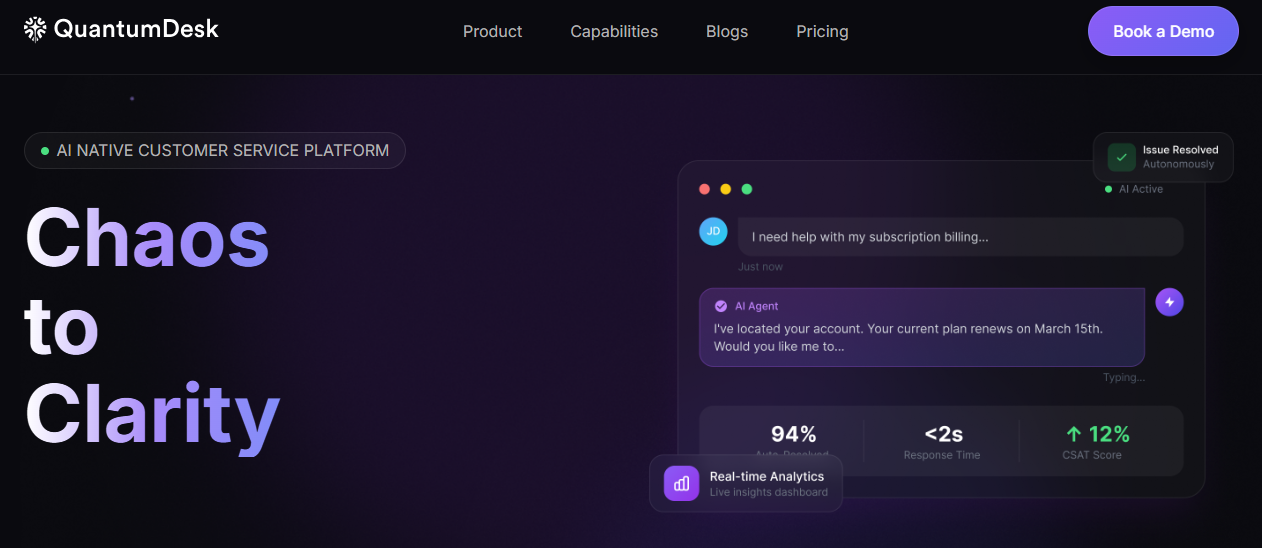
QuantumDesk is an AI-native help desk built for SMBs and D2C brands that automate L1 queries, unify channels, and grow support capacity without hiring more agents.
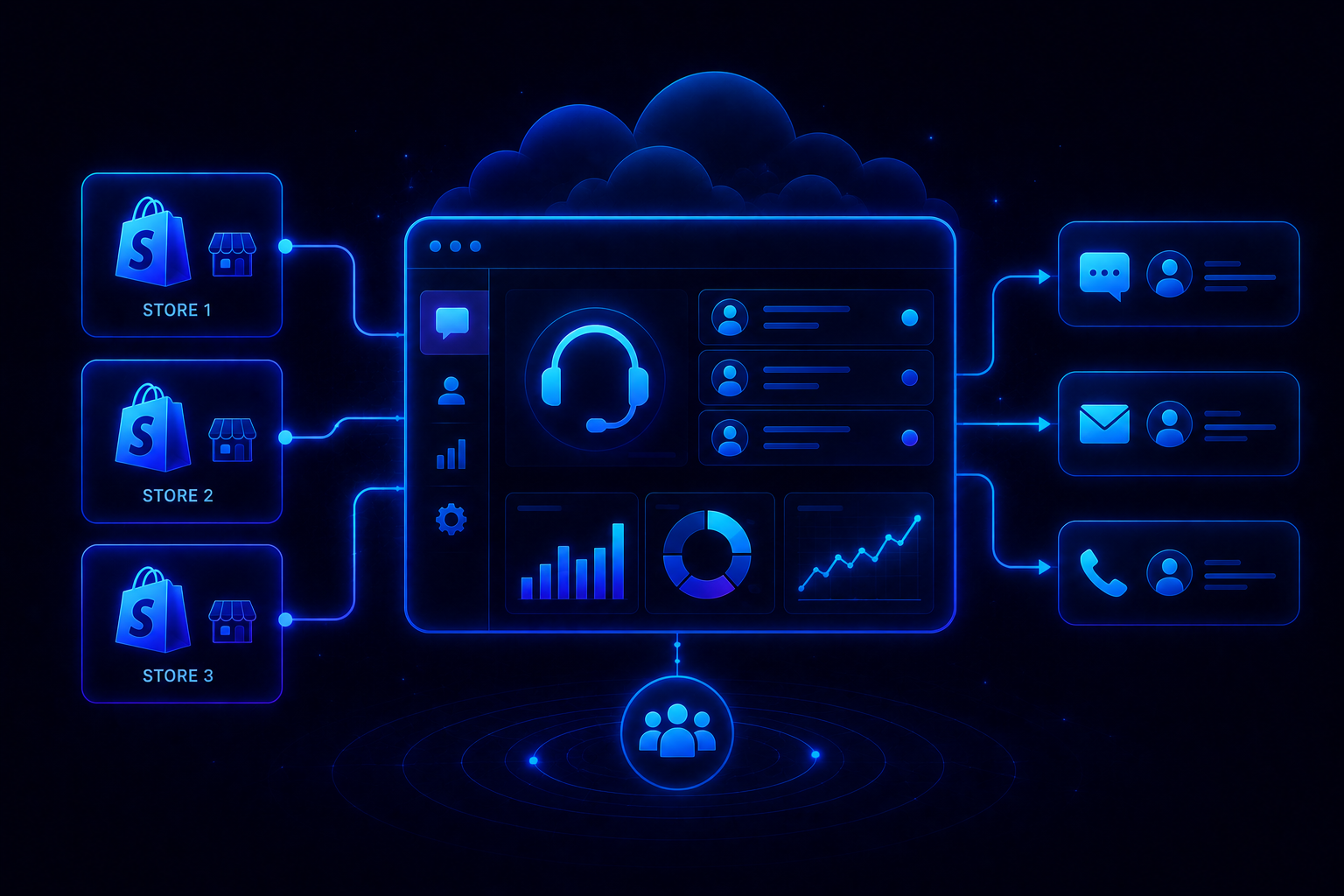
It centralizes WhatsApp, email, Instagram, and chat in one workspace, where Quantum AI resolves repetitive tickets and routes the rest with full context preserved. This agentic AI for customer service approach lets Quantum AI act on its own without approval.
Native Shopify integration is live too, pulling order status, order history, and customer profiles directly into every conversation. A food and beverage brand handling 800 monthly tickets makes exactly why this matters clear.
Quantum AI flagged that urgent complaint instantly, above 60 routine queries, so the agent resolved it before the event passed.
Key Features
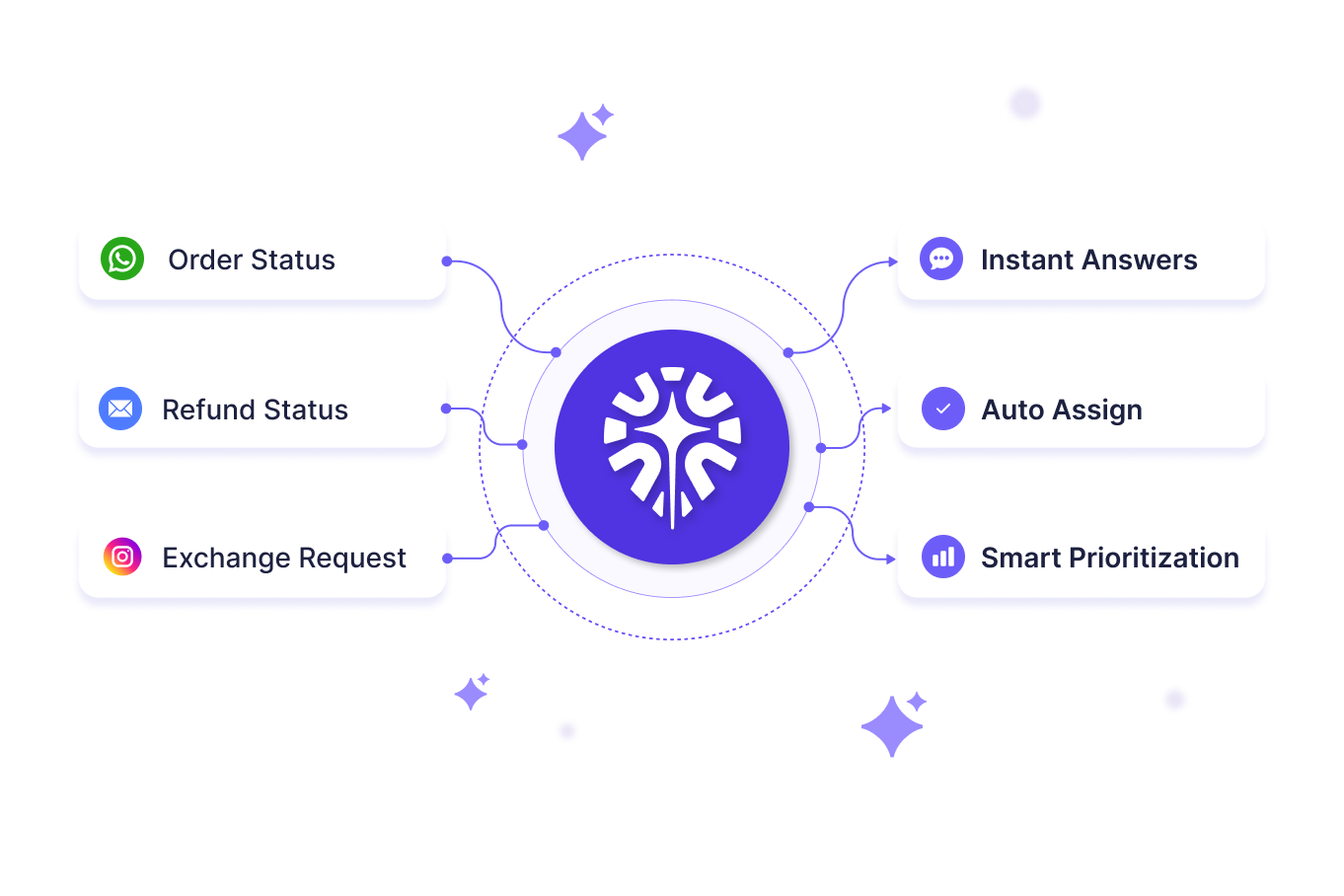
- Quantum AI resolves repetitive customer queries like order status, refund requests, and product questions without entering an agent's queue at all.
- Native Shopify integration surfaces order status, order history, and customer profiles directly into the conversation, live now for any Shopify-connected store.
- AI-curated inbox prioritizes incoming tickets by sentiment, urgency, and intent so agents always handle the highest-impact issues first.
- Quantum AI Copilot drafts replies, summarizes long threads, and surfaces next best actions for agents inside every live conversation.
- Resolution-based pricing means teams pay only for AI-resolved tickets instead of paying upfront for an AI add-on or per-seat license.
Pros
- AI is embedded into every workflow from day one, not sold as a separate paid add-on that requires additional budget approval cycles.
- Resolution-based pricing keeps costs aligned with actual value delivered, especially for SMBs scaling monthly support volume over time.
- Designed specifically for SMB and D2C scale, not a stripped-down version of an enterprise platform sold downstream to smaller teams.
Cons
- Still in BETA, so feature depth and enterprise-grade controls are expanding fast but haven't caught up to decade-old category leaders yet.
- Integration library beyond Shopify and core channels is still growing, which can matter for teams running heavy CRM, ERP, or analytics stacks.
Best Use Case
SMBs and D2C brands that want AI resolving repetitive order, refund, and product queries automatically, without paying enterprise prices for a fraction of the workflow.
When to Choose QuantumDesk
Choose QuantumDesk when your support volume is growing faster than your headcount and you want AI embedded into every conversation from day one, not sold as a separate add-on.
Pricing
QuantumDesk follows a resolution-based pricing model where teams pay for AI-resolved tickets rather than paying upfront for an AI add-on or per-seat AI license. See the QuantumDesk pricing page for current plans, or contact the team directly for a tailored demo walkthrough.
Ready to See QuantumDesk on Your Own Support Volume? Book a demo with the QuantumDesk team and see how Quantum AI, resolution-based pricing, and native Shopify integration work together on your actual ticket volume → Book a Demo
2. Zendesk – Best for Enterprise-Scale Omnichannel Support
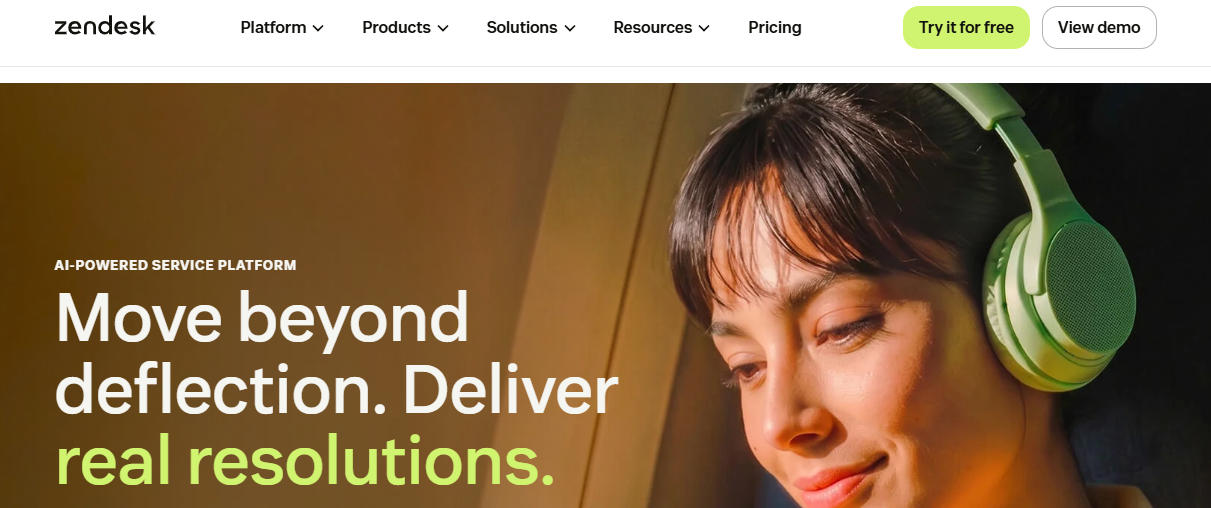
Zendesk is an established customer service platform that added AI intent detection, routing, and agent-assist tools on top of a decade-old ticketing system built for large teams.
Its AI layer analyzes incoming tickets to detect intent and sentiment, then routes them to the right team automatically while agents get suggested replies drawn from historical ticket data across every channel.
Key Features
- AI intent and sentiment detection routes tickets automatically to the right team, macro, or escalation path based on ticket content.
- Agent Copilot suggests replies drawn from historical ticket data and knowledge base articles inside every conversation.
- Deep integration ecosystem connects to hundreds of tools across CRM, commerce, and internal engineering systems.
Pros
- Integration ecosystem is the largest in the category, which matters for enterprises running complex, multi-tool support stacks.
- Mature platform with over a decade of ticketing refinement, so core workflows rarely break under heavy load.
- Advanced routing handles complex team structures that smaller AI-native platforms aren't built to support yet.
Cons
- AI features are priced as an add-on on top of per-agent licensing, which raises total cost quickly as teams scale.
- Setup and configuration require more time and expertise than newer AI-native platforms built for faster onboarding.
- Pricing is steep for SMBs relative to platforms built specifically for smaller support teams.
Best Use Case
Large enterprises running complex, multi-team support operations that need deep integrations and mature omnichannel routing across every department.
When to Choose Zendesk
Choose Zendesk when your organization already runs a large, multi-team support operation and needs enterprise-grade routing and integration depth more than AI-native pricing.
Pricing
Zendesk's pricing starts on a per-agent basis across several tiers, with AI features priced as add-ons that increase total cost as ticket volume and automation needs grow.
3. Freshdesk – Best for Fast AI Adoption at Mid-Market Scale
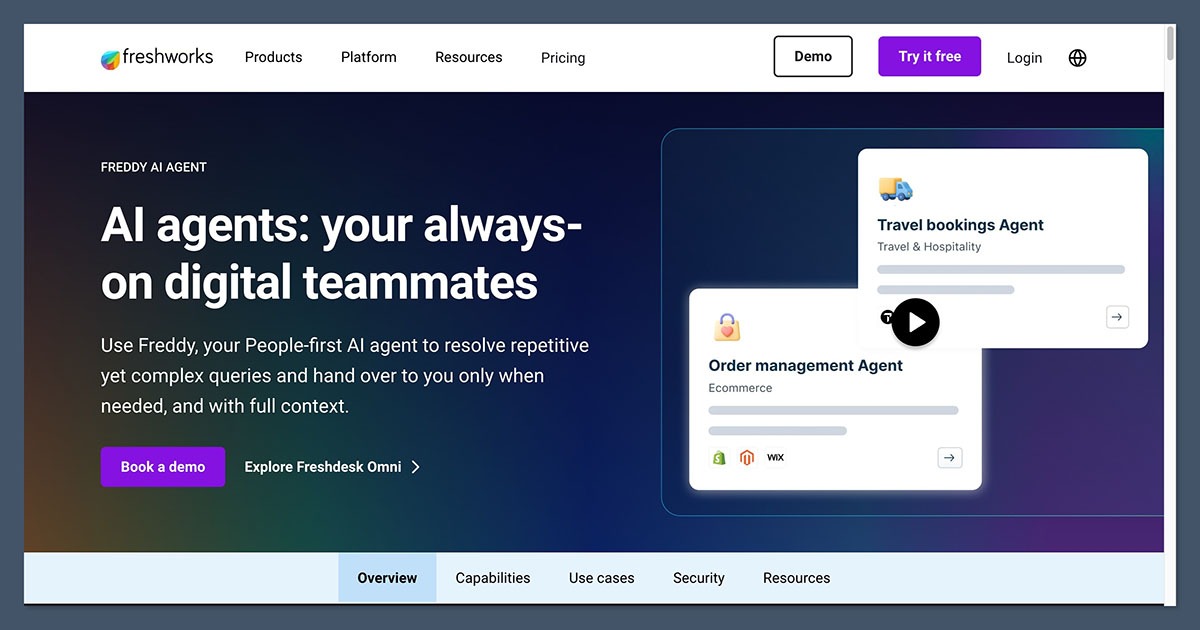
Freshdesk is a ticketing platform built for mid-market support teams, with Freddy AI layered on top to handle deflection, summarization, and suggested replies quickly.
Freddy AI reads incoming tickets to suggest solutions from the knowledge base, summarizes long threads for agents, and resolves simple queries through a self-service bot before an agent gets involved.
Key Features
- Freddy AI suggests solutions from your knowledge base for agents handling incoming tickets across every channel.
- Self-service bot resolves simple queries before tickets reach an agent, reducing overall ticket volume.
- AI-generated ticket summaries cut down the time agents spend reading long conversation threads.
Pros
- Freddy AI is easy to turn on without the lengthy configuration cycles some enterprise platforms require.
- Mid-market pricing sits below enterprise platforms while still delivering meaningful AI-assisted deflection.
- Self-service bot reduces ticket volume for common, repetitive questions before agents get involved.
Cons
- AI resolution depth is shallower than AI-native platforms built to handle full conversations without agent involvement.
- Freddy AI pricing is tiered separately from core ticketing plans, adding another line item to budget for.
- Customization options are more limited than platforms built for complex, multi-team enterprise workflows.
Best Use Case
Mid-market teams that want a fast, low-friction path to AI-assisted deflection and agent productivity without a lengthy AI rollout.
When to Choose Freshdesk
Choose Freshdesk when speed to value matters more than AI-native resolution depth and your team wants meaningful AI assistance without months of setup.
Pricing
Freshdesk's pricing runs across several per-agent tiers, with Freddy AI capabilities priced separately depending on usage and plan level.
4. Intercom – Best for Chat-First, Conversational Support
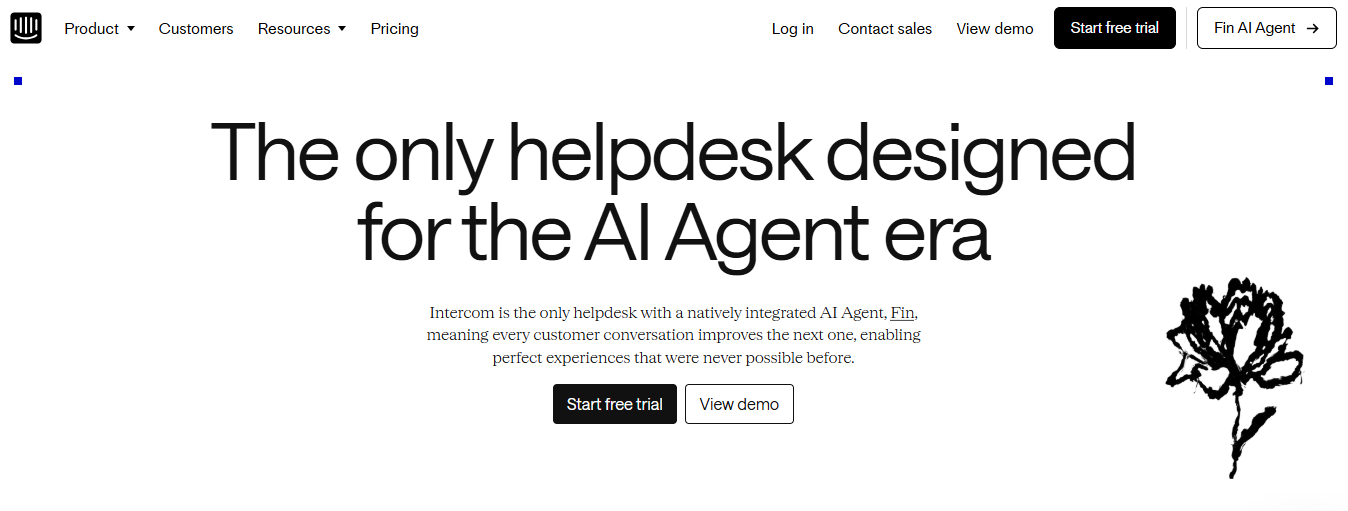
Intercom is a customer messaging platform built for SaaS and product-led teams that want proactive, conversational support inside the product rather than an email ticket queue.
It centralizes in-app chat, email, and help center content into one workspace, and Fin AI reads directly from your knowledge base to resolve complex questions on its own, part of why Conversational AI Is Transforming SaaS support.
Key Features
- Fin AI resolves complex queries autonomously by securely reading your connected knowledge base instead of relying on scripted bot flows.
- In-app messaging keeps support inside the product experience so users never have to leave the app to get help.
- Proactive outbound messaging triggers based on user behavior to catch issues before a customer files a ticket at all.
Pros
- Fin AI genuinely resolves tickets end-to-end rather than just routing them, which is rare among chat-first platforms at this price point.
- Proactive messaging catches issues before they become tickets, reducing reactive support volume for product-led teams.
- Feels native inside the product for SaaS teams that already run support through in-app chat rather than email.
Cons
- Per-resolution AI pricing on top of per-seat fees can get expensive fast for teams with high ticket volume.
- Omnichannel coverage outside chat and email is thinner than platforms built for WhatsApp- or Instagram-heavy D2C support.
- Less suited to B2B teams needing account-level context or ITSM-style workflows outside product-led SaaS use cases.
Best Use Case
SaaS and product-led teams that want proactive, conversational support built into the product rather than a traditional ticket queue.
When to Choose Intercom
Choose Intercom when in-app conversations drive most of your support volume and Fin AI's knowledge-base resolution matters more than omnichannel breadth or resolution-based pricing.
Pricing
Intercom's pricing starts on a per-seat basis, with Fin AI resolutions billed separately on a per-resolution basis as usage scales.
5. Risotto - Best for AI-Powered Internal Support
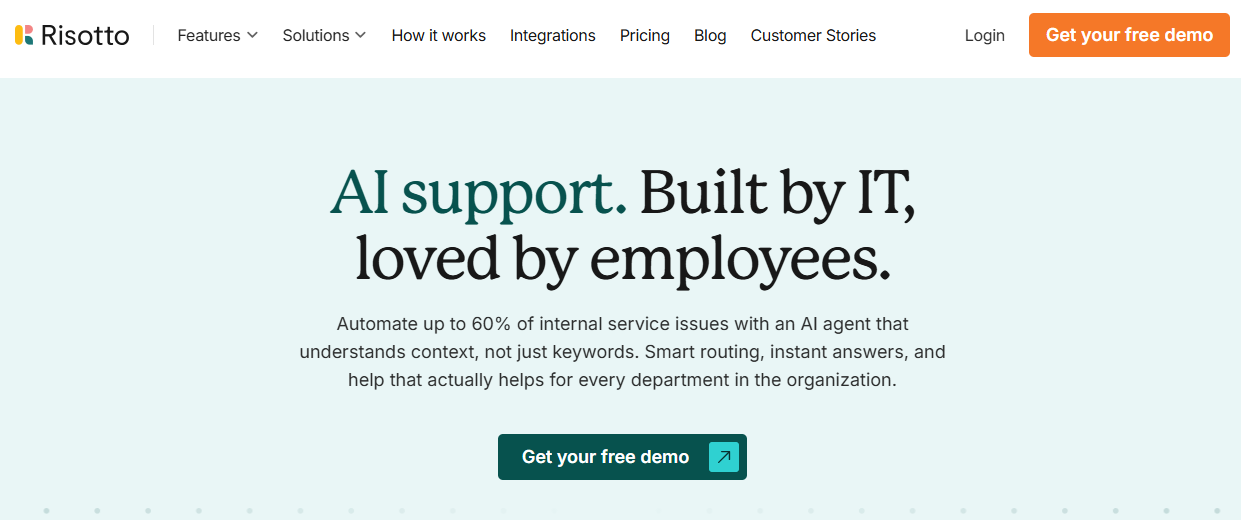
Risotto is an AI-powered help desk designed for internal support teams that want to automate repetitive employee requests and resolve common issues without relying on manual ticket handling.
It works across tools like Slack, Microsoft Teams, and email, allowing employees to ask questions and submit requests where they already work. Risotto can handle common IT support tasks, answer questions using connected knowledge sources, and route more complex requests to the right team or person.
Key Features
- AI-powered Tier-1 support handles repetitive employee questions and common IT requests automatically.
- Slack, Microsoft Teams, and email support lets employees get help without switching to a separate portal.
- ITSM integrations connect Risotto with existing help desk and ticketing systems.
- Automated workflows handle common requests such as software access, troubleshooting, and approvals.
- Cross-department support extends automation beyond IT to teams like HR, Finance, and Operations.
Pros
- Built specifically for internal support, making it a strong fit for employee-facing help desk operations.
- Conversational AI reduces repetitive tickets and allows employees to get help directly inside the tools they already use.
- Automates actions rather than simply answering questions, helping teams reduce manual support work.
- Works alongside existing ITSM tools, so organizations don't necessarily need to replace their current help desk.
Cons
- Primarily designed for internal support, making it less suitable for customer-facing help desk operations.
- Advanced workflows depend on integrations and configuration, particularly for more complex IT processes.
- Less established than traditional help desk platforms in the broader AI help desk market.
Best Use Case
Companies that want to automate internal IT support and repetitive employee requests across Slack, Microsoft Teams, and email while keeping their existing ITSM infrastructure.
When to Choose Risotto
Choose Risotto when your main goal is reducing repetitive internal support work and giving employees faster answers without forcing them to submit every request through a traditional help desk portal.
Pricing
Risotto offers custom pricing based on the organization's requirements and support workflows.
6. Gorgias – Best for E-commerce and Shopify Brands
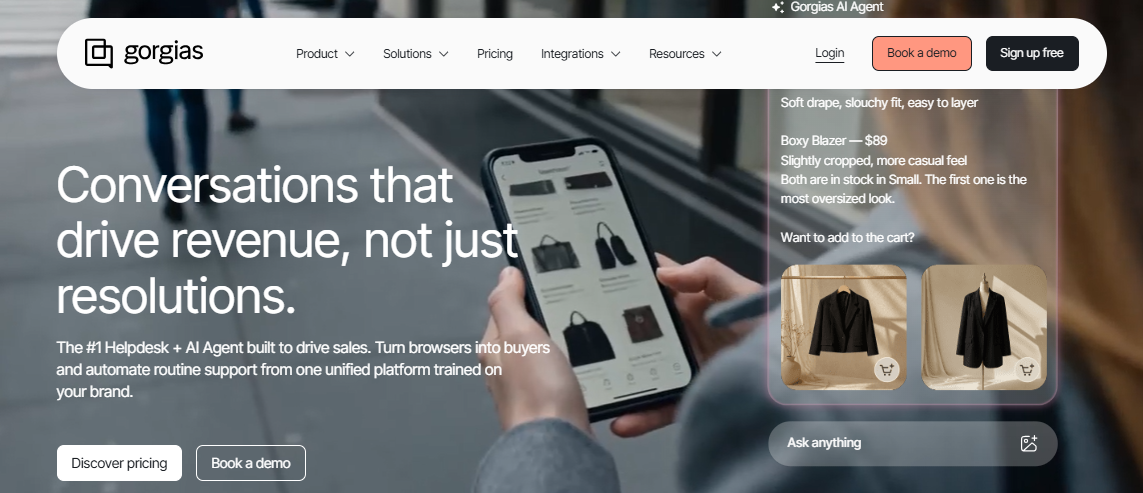
Gorgias is an ecommerce customer experience platform built specifically for Shopify, BigCommerce, and WooCommerce brands that need AI resolving order and shipping questions using live store data.
Its AI Agent connects directly to store and order data to resolve routine ecommerce queries instantly, while the shared helpdesk keeps every channel in one inbox for conversations that still need a human touch.
Key Features
- AI Agent connects to store data to resolve shipping, return, and FAQ questions instantly without an agent touching the ticket.
- Native Shopify, BigCommerce, and WooCommerce integrations surface order and customer history directly inside every conversation.
- Helpdesk unifies email, chat, social, and voice into one inbox built specifically around ecommerce ticket types.
Pros
- Deep Shopify-native automation resolves the exact repetitive queries D2C brands see most: order status, returns, and shipping questions.
- Ticket-based pricing avoids per-agent fees, which suits stores that flex support headcount around seasonal spikes.
- Revenue-linked reporting gives ecommerce teams a way to tie support performance directly to business outcomes.
Cons
- Built specifically for ecommerce, so it's a weak fit for B2B SaaS, internal IT, or account-based support use cases.
- AI Agent works best with clean store and order data, so messy catalogs or fragmented inventory setups limit automation depth.
- Less suited to teams needing deep CRM or ITSM integrations outside the ecommerce and marketing tool stack.
Best Use Case
Shopify, BigCommerce, and WooCommerce brands that want AI resolving order, shipping, and return questions using live store data.
When to Choose Gorgias
Choose Gorgias when ecommerce order and shipping queries make up most of your ticket volume and ticket-based pricing fits better than a per-agent model.
Pricing
Gorgias's pricing is ticket-volume based rather than per-agent, with the AI Agent billed on a pay-per-resolution basis and add-ons like Voice and SMS priced on top.
7. Pylon – Best for Slack-First B2B Support
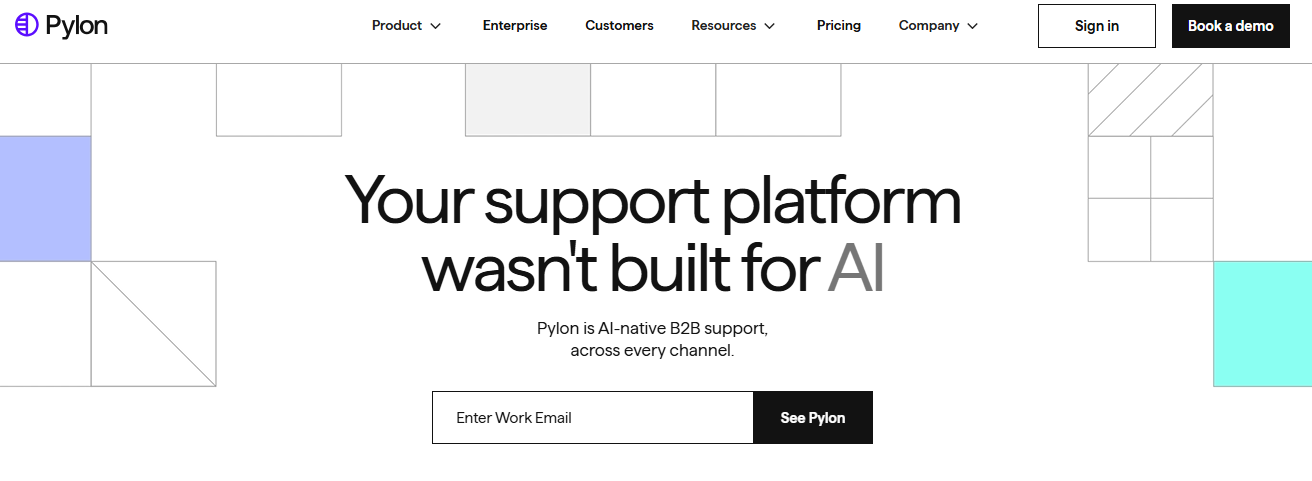
Pylon is a B2B customer support platform built for teams that manage customer relationships directly inside shared Slack channels rather than an email ticket queue.
It brings ticketing, account context, and AI-assisted responses into the same Slack channels customers already use, suiting B2B SaaS companies whose customers expect direct, real-time access to their vendor's support team.
Key Features
- Native Slack channel support keeps every customer conversation inside the Slack channel your team already manages.
- Account-level context surfaces alongside every conversation so agents see full customer history without switching tools.
- AI-assisted responses draft suggested replies based on account history and past resolutions.
Pros
- Built specifically for B2B teams already living in Slack with customers, rather than adapting a generic help desk.
- Account context reduces repetitive lookups for agents managing multiple customer relationships.
- Feels native to how B2B support relationships already work in Slack-first companies.
Cons
- Narrow fit outside Slack-based B2B support, so D2C and consumer-channel teams should look elsewhere.
- Smaller integration ecosystem than more established enterprise help desk platforms.
- Less mature AI resolution depth compared to platforms built around full ticket automation.
Best Use Case
B2B SaaS companies managing customer relationships primarily through shared Slack channels rather than traditional email tickets.
When to Choose Pylon
Choose Pylon when most of your B2B customer support already happens inside shared Slack channels and you want AI and ticketing layered directly on top.
Pricing
Pylon's pricing is generally quoted per seat, with exact figures provided directly by the Pylon sales team based on team size and account volume.
8. Zoho Desk – Best for Budget-Conscious Teams in the Zoho Ecosystem
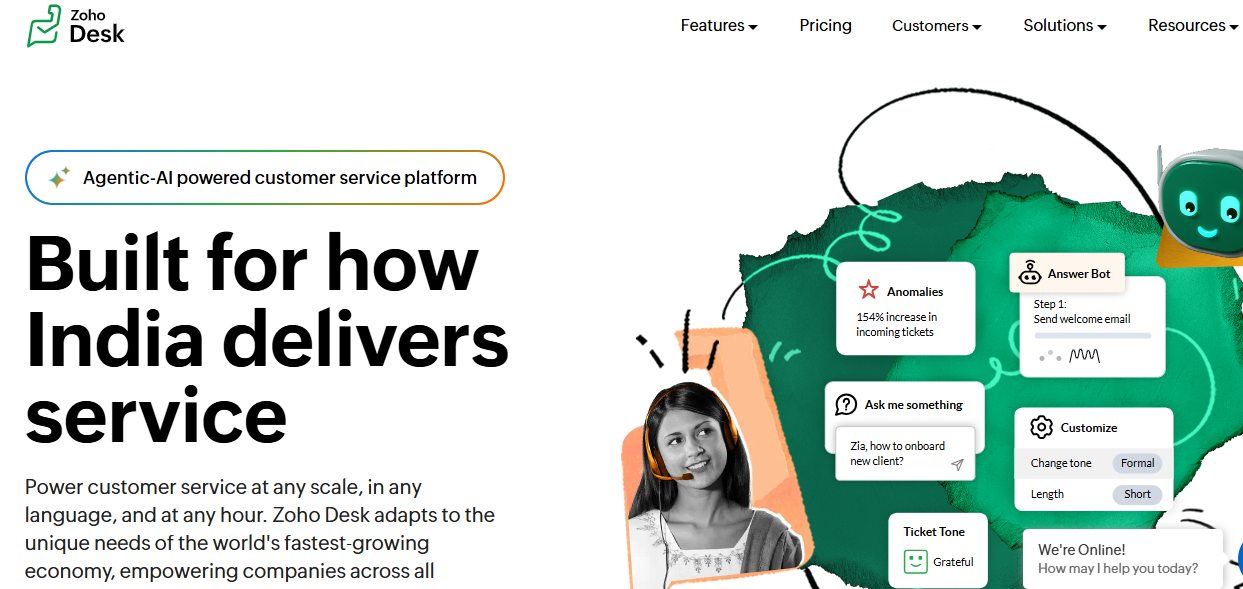
Zoho Desk is a help desk platform with Zia AI built into the broader Zoho suite, aimed at budget-conscious teams that want AI assistance without a premium price tag.
Zia AI handles sentiment analysis, ticket tagging, and reply suggestions, and works especially well for teams already using other Zoho products like Zoho CRM across their existing workflows.
Key Features
- Zia AI analyzes sentiment and auto-tags incoming tickets to speed up triage across every channel.
- Reply suggestions draw from historical ticket patterns inside the connected Zoho ecosystem.
- Deep integration with Zoho CRM and other Zoho apps for teams already running on the platform.
Pros
- Most affordable AI-enabled option for budget-conscious SMB and mid-market teams.
- Strong fit for teams already using Zoho CRM or other apps in the Zoho ecosystem.
- Straightforward setup without a steep learning curve for smaller support teams.
Cons
- AI resolution depth is shallower than platforms built AI-native from the ground up.
- Best value shows up mainly for teams already inside the Zoho ecosystem, less so as a standalone pick.
- Advanced automation features require higher-tier plans that narrow the pricing gap with competitors.
Best Use Case
Budget-conscious SMB and mid-market teams, especially those already using Zoho CRM or other Zoho ecosystem products.
When to Choose Zoho Desk
Choose Zoho Desk when affordability matters most and your team already runs on, or plans to adopt, other Zoho ecosystem products.
Pricing
Zoho Desk's pricing runs across several tiers, with Zia AI features included at the higher tiers rather than priced as a fully separate add-on.
9. Robylon – Best for Reducing Average Resolution Time
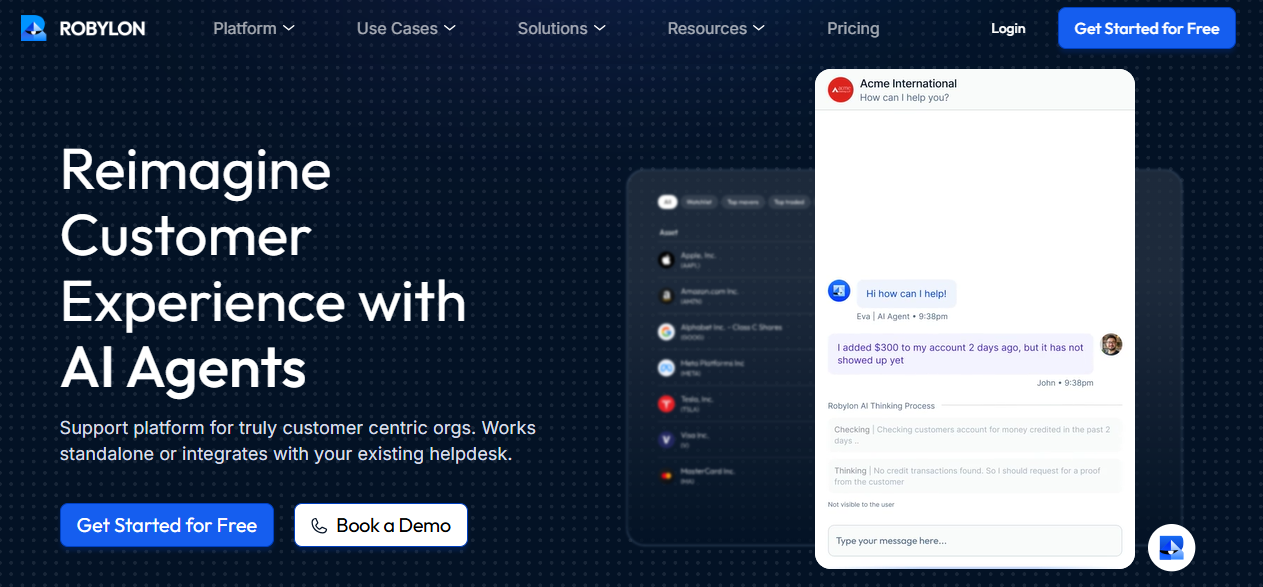
Robylon is an automation-focused support platform built around cutting average resolution time through AI-driven process automation across repetitive support workflows and internal handoffs.
It focuses less on channel breadth and more on automating the steps between ticket intake and resolution, using AI to handle data lookups, approvals, and follow-ups that slow agents down.
Key Features
- AI-driven process automation handles repetitive internal steps between ticket intake and resolution.
- Automated data lookups and approvals remove manual steps that typically slow agents down.
- Workflow builder configures automation rules without requiring engineering support.
Pros
- Measurable resolution time improvement is the platform's clearest, most direct value proposition.
- Automation reduces manual internal steps that often add delay beyond the actual customer response.
- Workflow builder is accessible to non-technical support operations teams.
Cons
- Narrower feature set than full-scale AI help desk platforms covering broader channel and ticketing needs.
- Less established track record compared to more mature category leaders in this list.
- Best results depend on workflows being mapped and configured correctly upfront.
Best Use Case
Teams whose primary support challenge is resolution speed and who want AI automating the internal steps between intake and resolution.
When to Choose Robylon
Choose Robylon when average resolution time is your top support metric and you want automation targeted specifically at internal workflow steps.
Pricing
Robylon's pricing is generally quoted directly by their sales team based on ticket volume and the scope of workflow automation required.
10. SysAid – Best for IT Help Desk and ITSM Automation
SysAid is an IT service management platform with AI-driven ticket routing and asset management, built for internal IT help desks rather than customer-facing support teams.
It handles incident management, change approvals, and asset tracking, with AI helping route internal tickets and predict resolution paths based on historical IT incident data across departments.
Key Features
- AI-driven ITSM routing directs internal tickets to the right team based on incident type and historical patterns.
- Asset management tracks hardware and software across the organization alongside the ticketing workflow.
- Change and incident management workflows support formal IT approval chains and escalation paths.
Pros
- Purpose-built for internal IT and ITSM workflows rather than adapted from a customer support platform.
- Asset management is integrated directly into the ticketing workflow, not a separate bolt-on tool.
- Strong fit for mid-market and enterprise IT teams managing formal change and incident processes.
Cons
- Not designed for customer-facing support, so D2C and SaaS support teams should look elsewhere.
- Setup requires IT-specific configuration that takes longer than consumer-facing help desk platforms.
- AI resolution focuses on routing and prediction rather than fully autonomous ticket resolution.
Best Use Case
Internal IT teams managing incident management, change approvals, and asset tracking across a mid-market or enterprise organization.
When to Choose SysAid
Choose SysAid when your primary need is internal ITSM automation, asset tracking, and formal IT change management rather than customer-facing support.
Pricing
SysAid's pricing is quoted directly by their sales team based on the number of assets, agents, and ITSM modules required.
How to Choose the Best AI-Powered Help Desk Solution?
A lifestyle brand running 2,000 monthly support tickets across WhatsApp and Instagram needs AI that resolves subscription cancellation requests automatically at 11 pm without touching an agent queue.
An IT service desk handling internal incident management needs ITSM workflows, asset tracking, and change approval chains, not AI tuned for order status updates and refund queries. Filter your shortlist with these six factors before signing a contract or committing to a platform migration mid-quarter.
1. AI-Native vs AI Add-On
What it is: Some platforms ship with AI embedded into every workflow from day one, while others sell AI as a paid add-on with per-resolution fees and separate pricing tiers layered on top of existing ticketing infrastructure.
Why it matters: An add-on AI layer usually means a second budget approval, a second configuration process, and AI that only touches part of the conversation instead of the whole workflow from intake to resolution.
2. Resolution Depth vs Routing Assistance
What it is: Ticket triage helps agents find the right conversations faster. Autonomous resolution handles the conversation entirely without an agent. The distinction between what makes an AI customer service agent genuinely autonomous versus merely assistive matters more than either label alone.
Why it matters: Paying for AI that only routes tickets faster is a different investment than paying for AI that actually closes tickets, and the two get priced very differently.
3. Channel Coverage
What it is: A D2C brand needs WhatsApp, Instagram, and email in one AI-curated inbox, while a B2B SaaS team often prioritizes in-app chat, Slack, and a knowledge base portal.
Why it matters: Matching channel coverage to your actual customer behavior matters more than feature count on a comparison sheet, since a platform missing your customers' primary channel isn't really an option.
4. Pricing Model and Total Cost
What it is: Per-seat pricing rewards small, stable teams but penalizes growth. Resolution-based pricing aligns cost with outcomes and rewards teams that automate L1 queries effectively.
Why it matters: Understanding the total cost model before comparing feature depth prevents surprises when ticket volume scales by two or three times mid-year.
5. Integration Depth and Data Context
What it is: AI resolution is only as good as the data it can access. Platforms that connect to your order management system, CRM, and product catalog resolve AI in customer service scenarios faster than those working only from a static knowledge base.
Why it matters: Without live data access, AI can answer generic questions but can't tell a customer where their specific order actually is, which is most of what support volume is made of.
6. Scalability
What it is: Scalability covers how a platform handles ticket volume that doubles during a launch, a flash sale, or a seasonal peak, without requiring emergency reconfiguration or a sudden jump in per-seat costs.
Why it matters: A tool that works well at 500 tickets a month can buckle at 5,000 if automation, routing, and reporting weren't built to flex with volume, forcing a painful migration right when support pressure is highest.
Why Is QuantumDesk the Best AI-Native Help Desk Software?
QuantumDesk earns the top spot on this list because it's the platform built specifically for AI-native small business customer service, solving fragmented channels, repetitive L1 queries, and rising agent costs without asking SMBs and D2C brands to pay enterprise prices for AI that only covers part of the workflow.
Every other platform on this list makes you choose: AI-native design or SMB-friendly pricing, deep Shopify integration or omnichannel coverage, agent copilot or autonomous resolution. QuantumDesk doesn't force that trade-off. Read more about the AI-native customer service benefits that shape the platform, and how they translate into measurable AI customer support accuracy rather than vendor claims.
For D2C brands specifically, native Shopify integration means Quantum AI already knows the order, the customer, and the purchase history the moment a WhatsApp or Instagram message comes in, so agents skip the manual lookup entirely.
- Quantum AI resolves repetitive queries like order status and refund requests automatically, freeing agents to focus on high-value conversations that require human judgment.
- Unified inbox brings WhatsApp, Instagram, email, and live chat into one workspace with full conversation context preserved across every channel.
- Native Shopify integration pulls order and customer data directly into every conversation, live now for any store running on Shopify.
- Resolution-based pricing keeps cost aligned with outcomes instead of charging upfront for AI seats that agents may rarely trigger in practice.
- AI-curated inbox prioritizes incoming tickets by sentiment, urgency, and intent so agents always handle the highest-impact issues first.
- Quantum AI Copilot drafts replies, summarizes long threads, and recommends next actions inside every agent conversation in real time.
Pick the AI help desk that fits your team size, channel mix, and resolution goals, not the most aggressive AI claims on a vendor demo.
Frequently Asked Questions About AI Help Desk Software
What are the best AI help desk tools?
In my testing, the best AI help desk tools in 2026 are QuantumDesk, Zendesk, Freshdesk, Intercom, Gorgias, Zoho Desk, SysAid, and eesel AI, each fitting a different team profile and use case.
From AI-native SMB support and Shopify-specific automation to enterprise ticket triage, chat-first SaaS support, and IT automation, the right pick depends on your channel mix, ticket volume, and whether you need AI built into the platform or layered on top of existing infrastructure. If AI depth matters less than broad functionality, our roundup of the best help desk software covers the wider category too.
Which AI help desk tool is best for D2C brands?
QuantumDesk is the best AI help desk for D2C brands handling support across WhatsApp, Instagram, email, and live chat in one unified workspace, especially now that native Shopify integration is live.
Quantum AI resolves repetitive order, refund, and product queries automatically while the AI-curated inbox prioritizes urgent complaints from peak sales spikes before they escalate into negative public reviews that cost the brand future customers and repeat purchases. Gorgias is worth a look too if your ticket volume is almost entirely Shopify order and shipping questions.
How do I choose the right AI help desk tool?
Start with the business: team size, channel mix, monthly ticket volume, and whether you need autonomous AI resolution or AI-assisted triage and agent support.
Then evaluate pricing model, integration depth, AI coverage, and time to value before running a focused proof of concept against two or three shortlisted tools on real support volume rather than sandbox demos.
Is there a free AI help desk tool available?
Yes. QuantumDesk, Freshdesk, Zoho Desk, and Jira Service Management all offer free or starter tiers with AI capabilities included at varying depth and scale. Our best free help desk software roundup breaks down each free tier in detail.
Most free AI plans cap agents, resolution volume, or AI feature depth, making them best suited for small teams testing AI chatbots for customer service workflows before committing to a paid plan with full autonomous resolution coverage.



.avif)