
Summarize with AI
Key Takeaways
- Top free customer service tools in 2026 include QuantumDesk for AI-native D2C and SMBs, HubSpot Service Hub for CRM integration, and Freshdesk for easy ticketing.
- HubSpot Service Hub and Freshdesk lead for overall free feature depth, with unlimited users and beginner-friendly setup across small teams.
- Zoho Desk suits teams already on the Zoho ecosystem, while Jira Service Management is best for IT and internal technical support workflows.
- QuantumDesk includes Quantum AI and a unified inbox on the free starter plan, unlike tools that lock AI resolution behind paid tiers.
- Pick the free tool that matches your channels, agent count, and growth path before comparing feature checklists or upgrade pricing alone.
Choosing free customer service software is more about avoiding tools that feel free upfront but cap your team, channels, or volume the moment things start to scale. Meeting modern customer service expectations on a free plan means the cap shouldn't show up right when ticket volume starts to matter.
A customer ordered a specific variety pack for a family gathering. The wrong assortment arrived instead. They contacted support that evening and got a 48-hour auto-reply.
Most free customer service tools never see urgency in messages like that. The right free option in 2026 picks up the time-sensitive language, surfaces past order history, and gets a real human responding before the family event happens without it.
Some of the top free customer service software in 2026 include QuantumDesk (best for AI-native SMBs), HubSpot Service Hub (best for CRM-connected ticketing), Freshdesk (best for unlimited agents), Zoho Desk (best for Zoho ecosystem teams), and ProProfs Help Desk (best for forever-free shared inbox).
We compared each tool on free tier features, limits, pros, cons, and the kind of team it actually fits in 2026, so you can shortlist faster. If budget opens up later, our best customer service software guide covers the paid category in full.Yes. ProProfs Help Desk, Hiver, and HubSpot Service Hub
How tools were evaluated:
- Hands-on testing across real customer service workflows on free plans
- Direct customer conversations and feedback from active users
- Reviews on G2, Capterra, and similar platforms
- Insights from Reddit and support community discussions
- Competitive positioning across the free customer service category
Pick the free customer service tool that fits your team size, channel mix, and ticket volume, not the longest free feature list on a landing page.
A Quick Comparison: Best 10 Free Customer Service Software
How We Chose These 10 Free Customer Service Tools
We chose these 10 free customer service tools by testing each one in real workflows, comparing free tier limits, and checking what actually holds up when teams scale beyond a small starting volume.
- G2, Capterra, and listing site analysis to verify real user ratings, review patterns, and team size fit
- Customer feedback and direct conversations with support leaders running active free customer service operations today
- Competitive benchmarking on free tier limits, agent caps, channel coverage, and AI capabilities in 2026
- Reddit and niche community discussions on what breaks first when teams outgrow a free plan
- Hands-on product exploration of dashboards, automations, integrations, and ticketing flows on free plans
- Pricing model and upgrade path considerations for teams that may eventually move beyond the free tier
10 Best Free Customer Service Software in 2026
1. QuantumDesk – Best Free AI-Native Customer Service for Growing Teams

QuantumDesk is an AI-native customer service platform built for SMBs and D2C brands that want AI resolution, multi-channel inbox, and core ticketing on a free starter plan rather than paying upfront for AI add-ons. It centralizes WhatsApp, email, Instagram, and chat in one workspace where Quantum AI resolves repetitive tickets and routes the rest with full context preserved. This makes it a natural fit for small business customer service teams that need enterprise-grade automation without enterprise budgets.
Unlike legacy free customer service, where AI sits behind a paid plan, AI is embedded into every workflow at no upfront cost.
Take a D2C apparel brand handling 1,500 monthly tickets. Most queries are about size mismatches, return windows, peak sale shipping delays, and Instagram complaints rolling in.
On QuantumDesk, Quantum AI handles the size exchange and return window queries automatically on the free starter plan, while the AI-curated inbox surfaces sale-period complaints by sentiment, and Quantum AI Copilot drafts replies grounded in the customer's full order history.
Key Features
- Quantum AI resolves repetitive customer queries like order status, refund requests, and product questions on the free starter plan
- AI-curated inbox prioritizes incoming tickets by sentiment, urgency, and intent so agents handle the highest-impact issues first
- Quantum AI Copilot drafts replies, summarizes long threads, and surfaces next best actions for agents inside every conversation
- Resolution-based pricing means teams only pay when AI resolves a ticket, with the free starter included by default
Pros
- AI is built into the free starter plan from day one, not locked behind a paid add-on
- Resolution-based pricing keeps costs aligned with actual value, especially for SMBs scaling support volume past free limits
- Designed for SMB and D2C scale, not a stripped-down version of an enterprise platform sold downstream
Cons
- Currently in BETA, so feature depth and integrations are still expanding compared to mature category leaders
- Smaller integration library today, which can limit teams already running heavy CRM, ERP, or analytics stacks
Best Use Case
SMB and D2C teams handling 100 to 1,000 monthly tickets across WhatsApp, Instagram, email, and chat without enterprise complexity.
When to Choose QuantumDesk
Choose QuantumDesk when AI-driven L1 resolution, multi-channel inbox unification, and a generous free starter matter more than enterprise feature depth or legacy integration breadth.
Pricing
QuantumDesk offers a free starter plan with AI included, then resolution-based pricing where teams pay for AI-resolved tickets instead of paying upfront for an AI add-on.
2. Help Scout – Best for Free AI Drafting
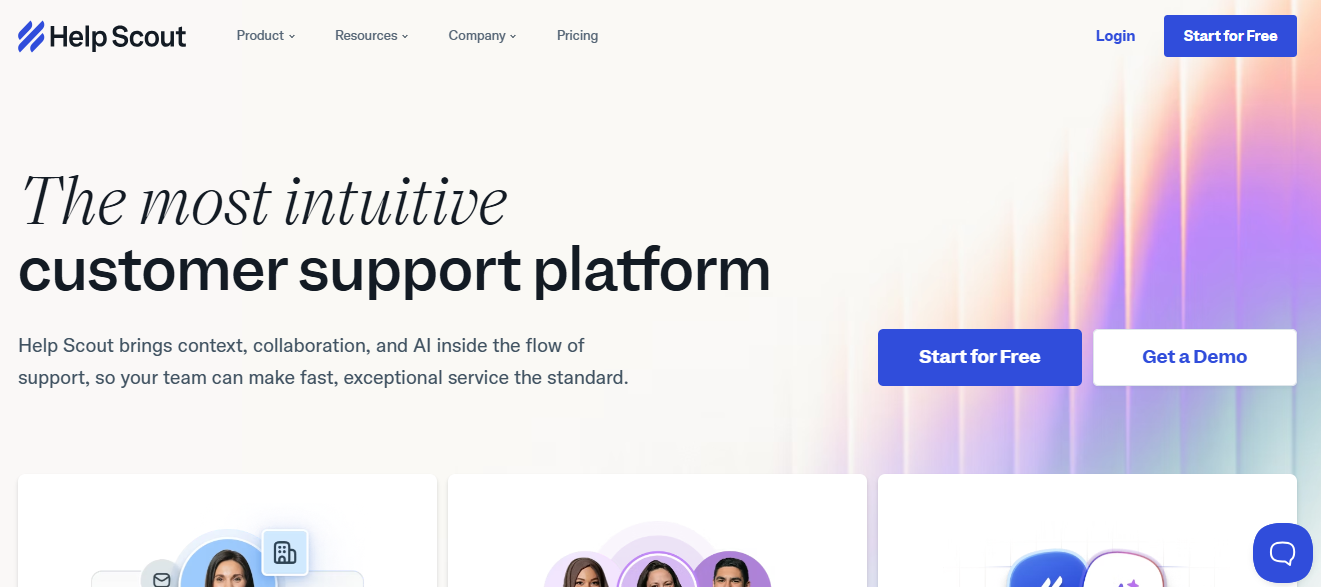
Help Scout is a shared-inbox customer service platform with AI Assist drafting available on its free trial, designed for teams that value a personal email-first tone over heavy ticketing or complex multi-channel routing.
It offers shared inbox, knowledge base, Beacon widget, and AI Assist features that draft replies, summarize threads, and shift tone for outgoing customer messages.
Teams choose Help Scout when email-first tone matters more than complex multi-channel routing or AI bot deflection at scale.
Key Features
- Shared inbox that looks and feels like email, reducing agent ramp-up time and keeping conversations personal
- AI Assist features draft replies, summarize long threads, and shift tone to match brand voice across messages
- Knowledge base builder with Beacon widget for embedding self-service into any product or marketing page
- Workflows automate triage tasks like assignment, tagging, and follow-ups based on email content and message rules
- Reporting tracks volume, response times, CSAT, and team workload across the shared inbox over time today
Pros
- Email-first interface keeps agent training light and feels natural for teams already living in inbox workflows
- AI Assist on the free trial lets small teams test drafting, summaries, and tone shifts quickly
- Strong knowledge base and Beacon widget make self-service easy to deploy on any website or product
Cons
- Free option is limited to a trial period, not a permanent free plan like Freshdesk or Zoho Desk
- Multi-channel coverage stays mostly in email, weaker for WhatsApp, Instagram, voice, or social DM channels
- AI Assist is helpful for drafting but does not autonomously resolve tickets like Quantum AI or Fin AI
Best Use Case
Email-first SMB and SaaS teams that want to test AI drafting on a free trial before committing to a paid plan.
When to Choose Help Scout
Choose Help Scout when most of your support volume comes through email, your team values conversational tone, and you want to test AI drafting before paying.
Pricing
Help Scout offers a free trial, with paid tiers starting around $22 per user per month and AI features available on standard plans and above.
3. Freshdesk – Best for Free Integrations
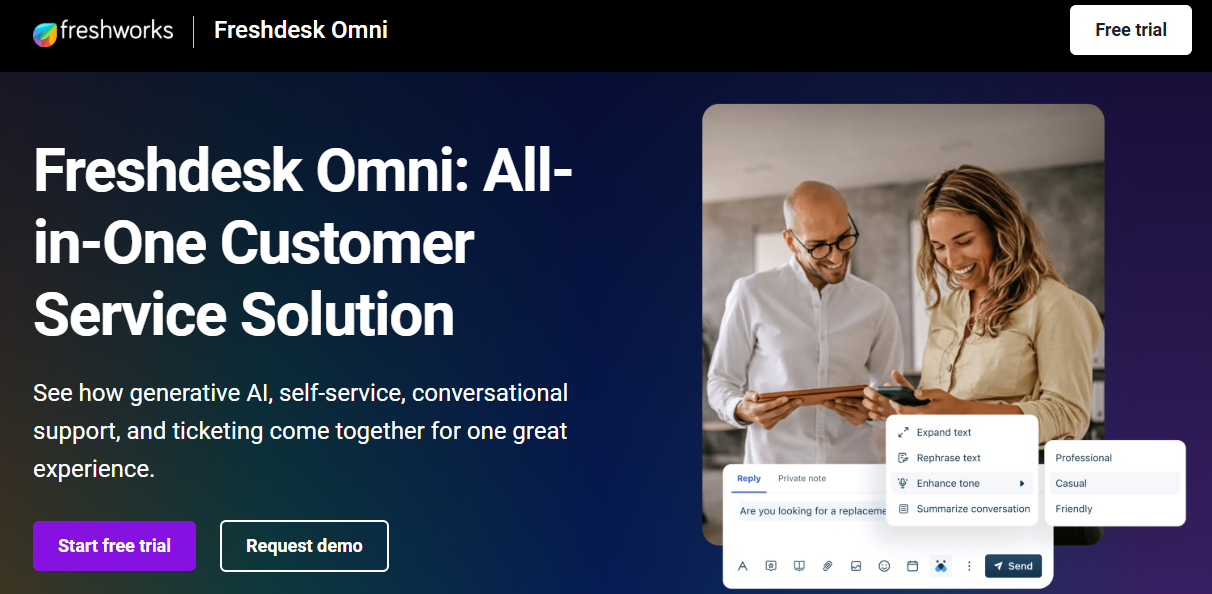
Freshdesk offers one of the most generous free customer service plans, supporting unlimited agents, basic email ticketing, knowledge base, and a wide library of free integrations across CRM, e-commerce, and analytics tools.
The free plan covers email tickets, contact management, and basic team collaboration, with paid tiers unlocking automation, multi-channel coverage, and Freddy AI features.
Teams pick Freshdesk free for unlimited agents and the easy upgrade path when integration depth or multi-channel becomes a real need.
Key Features
- Free plan supports unlimited agents handling email tickets, basic contact management, and a knowledge base for self-service
- Email ticketing with team inbox, internal notes, and shared workflows for early-stage SaaS support teams
- Free integrations across CRM, e-commerce, analytics, and communication tools available through the Freshworks marketplace ecosystem today
- Knowledge base builder for FAQs, articles, and basic deflection without needing a paid plan upgrade
- Reporting dashboards on the free tier track ticket volume, response times, and basic agent activity
Pros
- One of the few free customer service tools that supports unlimited agents, removing per-seat headcount pressure entirely
- Easy to set up for early-stage teams without dedicated support operations resources or admin overhead
- Solid upgrade path inside the Freshworks ecosystem when free plan limits become a real bottleneck
Cons
- Free plan is email-only, with no chat, social, or WhatsApp coverage built into the base tier
- Automation, SLA tracking, and Freddy AI all require paid plans, which limits free tier scalability
- Reporting is shallow on free, making it hard for support leaders to track AI versus human resolution
Best Use Case
Early-stage teams with email-only customer service volume and unlimited agents needing a low-friction starting point.
When to Choose Freshdesk
Choose Freshdesk's free plan when your volume is mostly email, your team is small or growing, and you want a clean upgrade path inside Freshworks. Read the Freshdesk reviews breakdown for more on real user experiences.
Pricing
Freshdesk's free plan covers unlimited agents and email ticketing. Paid plans start around $15 per agent per month and unlock automation, multi-channel, and Freddy AI.
4. Tidio – Best for Free Live Chat
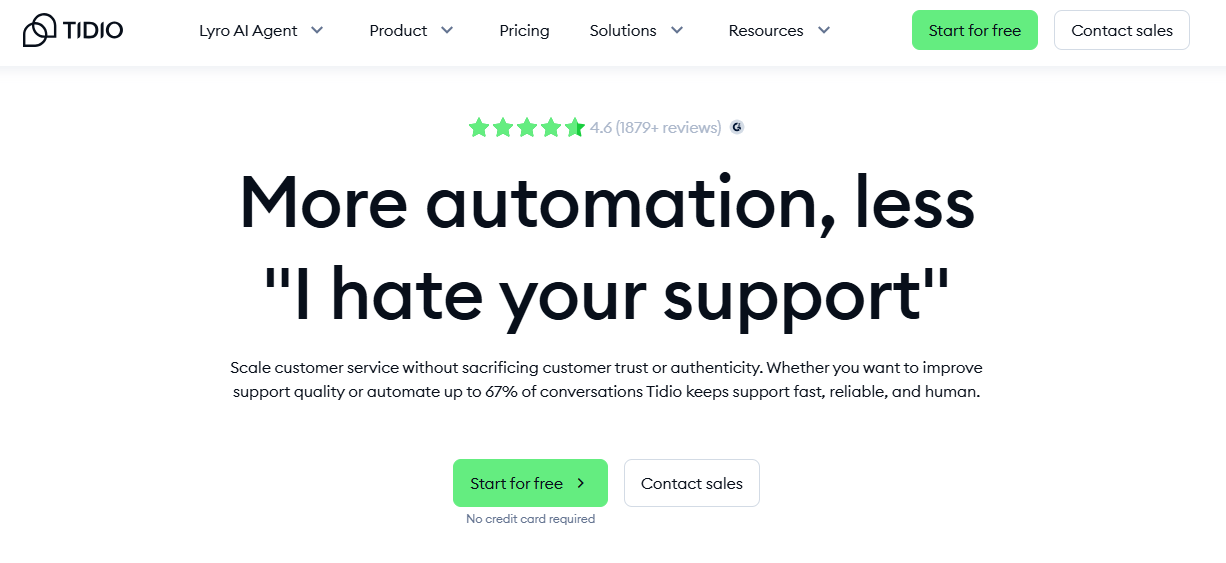
Tidio is a live chat and chatbot platform built for small e-commerce sites, with a free plan offering chat widget, basic bot flows, and Lyro AI for handling repetitive customer queries.
The free plan caps conversations and Lyro AI replies per month, suiting small online stores that handle low chat volume but want some automation.
Teams pick Tidio free for chat-first e-commerce support rather than for unified multi-channel coverage or deep ticketing depth.
Key Features
- Free live chat widget that embeds easily on Shopify, WooCommerce, and most other e-commerce site builders today
- Lyro AI agent handles repetitive product, order, and shipping queries within a monthly free conversation cap
- Visual chatbot builder with prebuilt flows for cart abandonment, lead capture, and FAQ deflection scenarios on free
- Email and Messenger inbox for handling customer messages alongside live chat in one shared workspace
- Reporting dashboards track chat volume, bot resolution rates, and operator performance across the free plan
Pros
- Easy installation on popular e-commerce platforms, often live within minutes for small online stores today
- Lyro AI on free gives small teams a taste of automated chat resolution at no upfront cost
- Clean, modern interface that feels purpose-built for chat-led e-commerce support rather than complex ticketing workflows
Cons
- Free plan caps conversations and AI replies, breaking down quickly when chat volume grows past a few hundred monthly
- Limited multi-channel coverage compared to QuantumDesk, Freshdesk, or Zendesk for WhatsApp, Instagram, or social DMs
- Reporting and integrations are basic on free, suiting only very small e-commerce sites with light chat volume
Best Use Case
Small e-commerce sites handling under 500 monthly conversations on chat that want a free entry point with AI deflection.
When to Choose Tidio
Choose Tidio free when chat is your primary support channel, you run a small e-commerce site, and you want to test AI deflection without paying upfront.
Pricing
Tidio's free plan caps conversations at 50 monthly and limits Lyro AI replies. Paid plans start around $29 per month with higher limits and more channels.
5. HubSpot Service Hub – Best for Free CRM Suite
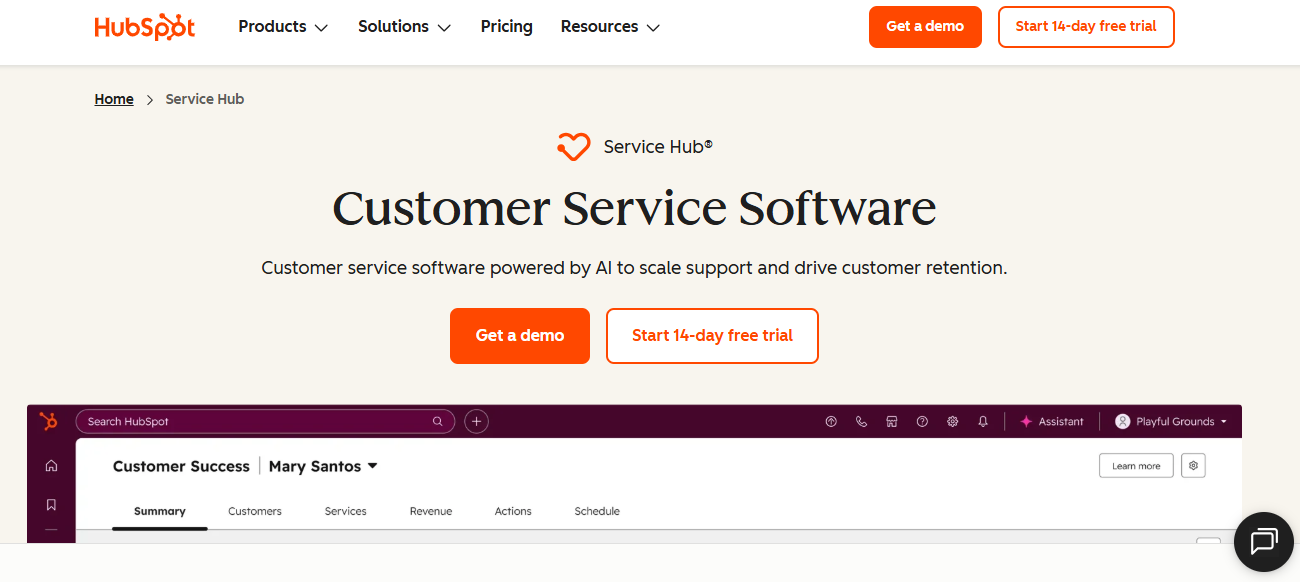
HubSpot Service Hub offers a free plan that connects ticketing to HubSpot CRM, fitting teams already using HubSpot for sales or marketing and looking to add free customer service workflows.
Free includes ticketing, shared inbox, basic live chat, and a help desk dashboard, all linked to HubSpot contact, company, and deal records.
Teams pick HubSpot Service Hub free when revenue alignment and CRM context matter as much as core customer service functionality.
Key Features
- Free plan includes ticketing, shared inbox, and basic chat connected directly to HubSpot CRM contact records
- Knowledge base and customer portal sit behind paid tiers, but free covers core ticketing and live chat
- Reporting dashboard on free tracks ticket volume, response times, and basic agent activity inside the HubSpot platform
- Native HubSpot integrations mean service, marketing, and sales teams operate from one shared customer database
- Easy upgrade path to Service Hub Starter, Professional, and Enterprise tiers as teams need more depth
Pros
- Best-in-class free CRM integration since service, marketing, and sales sit on the same HubSpot platform
- Free ticketing benefits from rich customer context, including past deals, marketing engagement, and contact history
- Strong reporting that ties customer service outcomes directly to revenue impact even on the free tier today
Cons
- Free plan caps several core features like knowledge base, customer portal, and AI chatbot behind paid tiers
- Less specialized for high-volume D2C support compared to platforms built for WhatsApp, Instagram, and email scale
- AI features are improving but still trail purpose-built AI-native customer service platforms in resolution depth
Best Use Case
Small teams already on HubSpot CRM that want connected free ticketing, shared inbox, and basic chat with revenue context.
When to Choose HubSpot Service Hub
Choose HubSpot Service Hub free when CRM alignment is non-negotiable, your team already uses HubSpot for sales or marketing, and you want connected support data.
Pricing
HubSpot Service Hub starts free for very small teams. Paid Starter, Professional, and Enterprise tiers range from roughly $20 to $150 per seat per month.
6. REVE Chat – Best for Website Live Chat

REVE Chat is a website live chat platform with a free plan for small businesses wanting a simple chat widget, basic bot automation, and a few channels without an enterprise suite.
The free tier covers a basic chat widget, limited operator seats, and prebuilt bot flows, suiting small business sites with low chat volume.
Teams pick REVE Chat free when chat is the only channel they need and depth of features is not yet a priority.
Key Features
- Free chat widget that embeds on websites through a simple JavaScript snippet, with no developer help required
- Prebuilt bot flows for FAQ deflection, lead capture, and basic customer onboarding scenarios on the free plan
- Visitor analytics show real-time site activity, geo-location, and visitor source data useful for chat targeting
- Limited multi-channel support with optional add-ons for WhatsApp, Facebook Messenger, and Viber on paid plans
- Canned responses and basic chat routing built for small operator teams handling low daily chat volumes
Pros
- Free plan is suitable for very small business websites that need only basic live chat functionality
- Prebuilt bots reduce repetitive answers without requiring custom development or third-party integration setup time on free plans
- Easy to install and configure within an afternoon on most small business websites today and tomorrow
Cons
- Free plan limits operator seats and chat volume, which restricts growth potential for scaling teams
- AI capabilities are limited compared to QuantumDesk or Tidio for autonomous resolution and intelligent triage today
- Multi-channel coverage like WhatsApp and Messenger sits behind paid plans rather than the free tier
Best Use Case
Very small business websites needing basic live chat without paying for enterprise customer engagement features.
When to Choose REVE Chat
Choose REVE Chat free when your team needs only basic website live chat, your volume is low, and you do not need multi-channel or AI deflection.
Pricing
REVE Chat's free plan offers a basic chat widget and limited operator seats. Paid plans start around $13 per agent monthly with WhatsApp and Messenger add-ons.
7. Hiver – Best for Gmail-Based Support
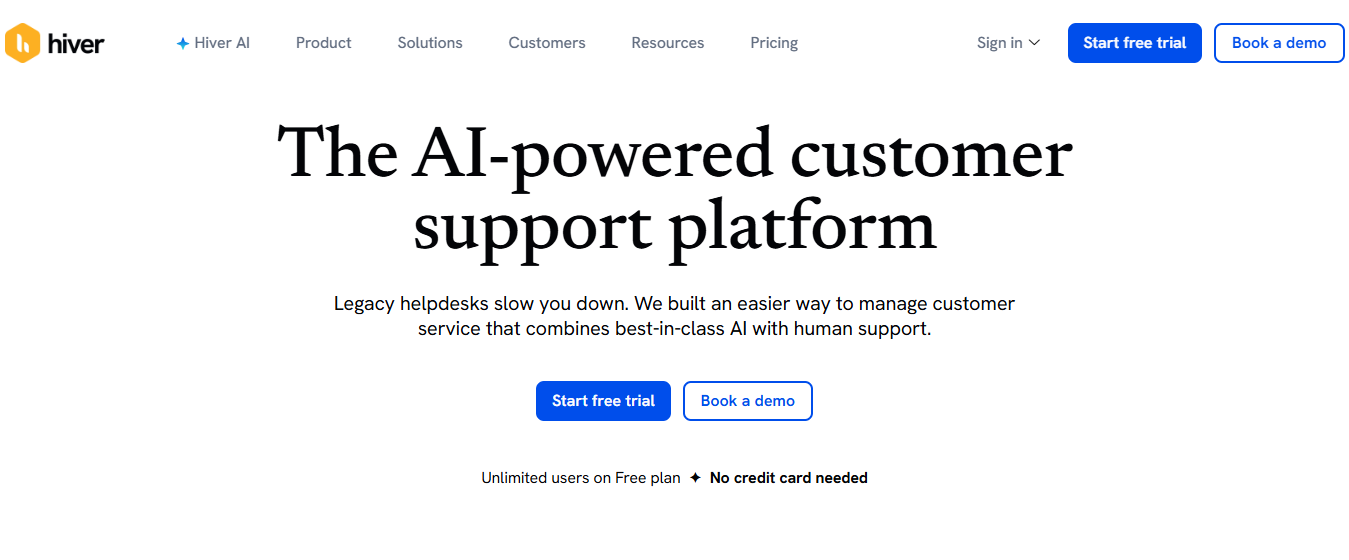
Hiver is a customer service tool built directly inside Gmail, letting small teams manage shared inboxes, assign emails, and track support tickets without leaving the Gmail interface or learning a new help desk platform.
The free tier offers basic shared inbox functionality with email assignment, internal notes, and small team collaboration directly within the Gmail workspace.
Teams pick Hiver when their support volume runs through Gmail and they prefer no separate help desk platform.
Key Features
- Shared inbox functionality built directly into Gmail without requiring a separate browser tab, app, or window
- Email assignment, status tracking, and internal notes turn group inboxes into structured customer service workflows easily
- Collision detection prevents two agents from replying to the same email at the same exact time
- SLA tracking and basic reporting on response times available across the free Hiver plan tiers today
- Integrations with Gmail-native tools like Google Drive, Calendar, and Workspace apps for connected workflows
Pros
- Zero ramp-up for teams already using Gmail, with no new interface to learn or adopt
- Free plan removes the need for a separate help desk for very small teams running on email
- Tight Google Workspace integration makes it ideal for SMBs already standardized on Google productivity tools today
Cons
- Free plan caps users and features tightly, with most automation and reporting behind paid tiers today
- Locked into Gmail, which limits scalability for teams growing beyond shared inbox-style customer support workflows
- AI capabilities are limited compared to QuantumDesk or Help Scout for autonomous resolution and copilot drafting
Best Use Case
Very small teams already on Google Workspace running customer support entirely through a shared Gmail inbox today.
When to Choose Hiver
Choose Hiver when your team is already on Gmail, your support volume is mostly email, and you do not want a separate help desk platform.
Pricing
Hiver's free plan offers basic shared inbox features for small teams. Paid plans start around $19 per user monthly and unlock automation, SLA, and AI features.
8. Enjo – Best for AI Automation at Scale

Enjo is an AI automation platform built for IT and internal support teams, offering AI agents that resolve repetitive tickets, automate workflows, and integrate with Slack, Microsoft Teams, and major IT service tools.
The free tier lets small teams test AI agent automation across a limited number of conversations, with paid tiers unlocking higher volumes and deeper integrations.
Enjo fits IT and operations teams running on Slack or Teams rather than D2C teams handling WhatsApp or Instagram support.
Key Features
- AI agents resolve repetitive IT and internal support queries directly inside Slack and Microsoft Teams channels
- Workflow automation for ticket creation, routing, and resolution across connected IT service management and helpdesk tools
- Integrations with Jira, ServiceNow, Zendesk, and Freshservice support connected enterprise IT service workflows across teams
- Free tier supports limited conversations per month, suitable for testing AI automation at small scale
- Reporting dashboards track AI resolution rates, escalation patterns, and automation impact on internal support volume metrics
Pros
- Strong AI automation built specifically for IT and internal support, not retrofitted from customer service
- Slack and Teams integration means employees raise tickets in the same place where they already work daily
- Free tier offers a real way to test AI agent capabilities before committing to a paid tier
Cons
- Not built for customer-facing D2C, e-commerce, or B2B SaaS support across email, chat, or social
- Free conversation cap is tight, requiring most teams to upgrade quickly to make automation truly useful at scale
- Documentation and community resources are still maturing compared to Zendesk or Freshdesk in 2026 across regions
Best Use Case
IT and internal operations teams that want AI automation inside Slack or Teams without paying upfront for enterprise tiers.
When to Choose Enjo
Choose Enjo free when your use case is internal IT support, your team works in Slack or Teams, and you want to test AI automation first.
Pricing
Enjo offers a free tier with limited monthly conversations for testing AI agents. Paid tiers scale by conversation volume, integrations, and team size with custom quotes.
9. Chatbase – Best for Content-Trained Chatbots

Chatbase is a chatbot builder that lets teams train AI bots on their own documents, websites, and help center content, offering a free tier suitable for testing trained chatbots on small business websites.
The free plan caps message credits, training sources, and bot count, suiting individual developers and small teams testing AI chatbot capabilities before scaling.
Chatbase fits teams that want a custom AI chatbot trained on their content rather than a full multi-channel customer service platform.
Key Features
- Train AI chatbots on documents, PDFs, websites, and help center URLs in just a few clicks
- Embed trained chatbots on websites, in apps, or via API for custom integration scenarios across products
- Free tier includes limited message credits, training sources, and chatbot count for early-stage testing today
- Conversation logs and analytics show user questions, bot responses, and accuracy metrics tracked over time
- Integrations with Slack, WhatsApp, Zapier, and other tools to deploy chatbots across customer-facing channels
Pros
- Quick setup that lets non-technical users train and deploy a custom chatbot in under an hour
- Free tier is enough to validate whether a content-trained chatbot actually fits your use case today
- Strong API and integrations for embedding chatbots into existing customer-facing websites and product flow surfaces
Cons
- Free plan caps are tight, requiring quick upgrade for any team running real production chat volume
- Not a full customer service platform, so teams still need a help desk for ticketing and routing
- AI accuracy depends heavily on training data quality, with limited content or thin docs hurting results
Best Use Case
Small teams or developers who want to deploy a custom AI chatbot trained on their own content.
When to Choose Chatbase
Choose Chatbase free when you need a custom AI chatbot trained on your own content, your volume is low, and you do not need full ticketing.
Pricing
Chatbase offers a free plan with limited message credits and one chatbot. Paid tiers start around $19 per month, scaling by message credits and chatbot count.
10. ProProfs Help Desk – Best for Forever-Free Help Desk
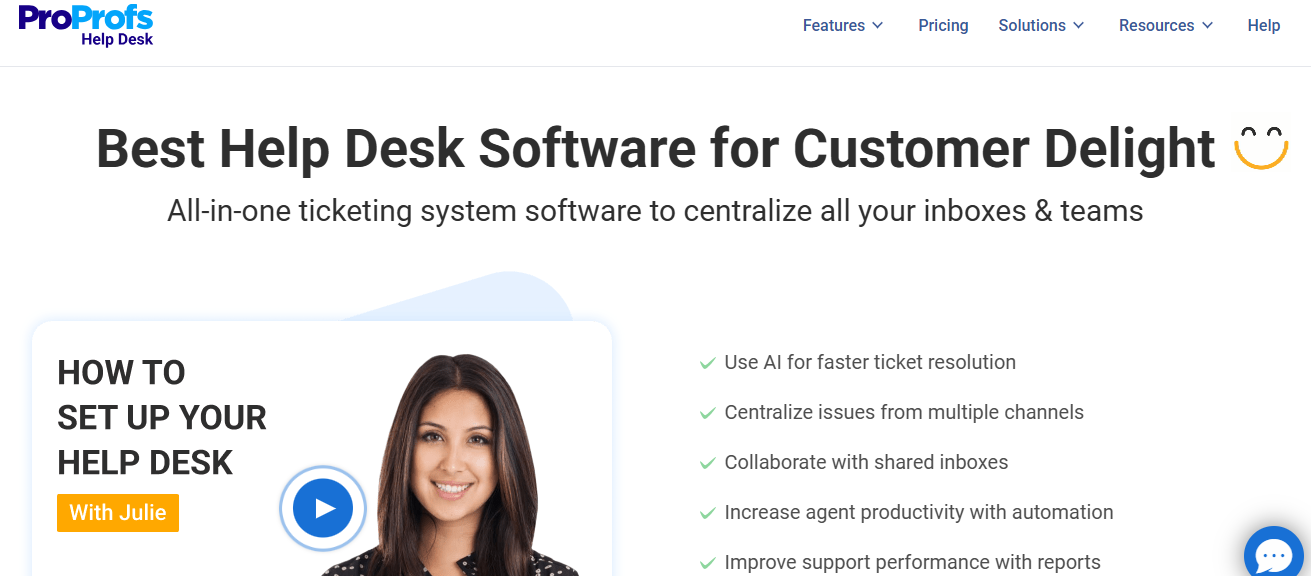
ProProfs Help Desk offers a forever-free shared inbox plan aimed at small teams that want a clean tool for managing customer email and basic ticket workflows without paid plan friction or trial expirations.
The forever-free tier covers shared inbox, ticket assignment, internal notes, and basic reporting for very small support teams running on email volume.
Small teams pick ProProfs for ease of setup and price rather than for AI capabilities or omnichannel coverage out of the box.
Key Features
- Forever-free shared inbox for managing customer email with assignment, internal notes, and basic ticket statuses
- Knowledge base builder for self-service articles, FAQs, and basic deflection across customer-facing support pages today
- Workflow automations on free cover routing, escalation, and follow-up reminders for repetitive customer ticket tasks
- CSAT and NPS surveys gather customer feedback after ticket resolution and feed into reporting dashboards
- Reporting dashboards track ticket volume, response times, and agent performance across the shared support inbox
Pros
- Forever-free with no agent caps, which is rare in the cloud customer service category today
- Easy to set up for small teams without dedicated support operations resources or admin overhead today
- Includes survey, knowledge base, and ticketing inside one tool without separate add-on modules being required
Cons
- Limited AI capabilities compared to QuantumDesk, Tidio, or Chatbase for autonomous resolution and intelligent triage at scale
- Channel coverage stays mostly in email and basic chat, weak for WhatsApp, Instagram, or voice support
- Reporting and integrations are basic compared to mid-market and enterprise customer service platforms in 2026
Best Use Case
Very small teams under 10 agents that want a forever-free shared inbox and ticketing tool without complexity.
When to Choose ProProfs Help Desk
Choose ProProfs Help Desk when your team is small, channels are mostly email, and simplicity plus forever-free pricing matter more than AI depth or omnichannel reach.
Pricing
ProProfs Help Desk offers a forever-free shared inbox plan for small teams. Paid plans start around $20 per agent monthly, unlocking advanced reporting and automations.
Factors to Consider When Choosing a Free Customer Service Tool
A free plan that fits 50 monthly tickets often breaks at 500. Choosing a free customer service tool is more about avoiding the wall you hit when your team or ticket volume grows past the free limits.
Some free tiers cap agents, others cap channels, and some hide reporting or AI behind paid plans entirely. Filter your shortlist with these five factors before locking your team into a tool yQuantumDesk fits SMBs and D2C brands that want ai customer serviceou will outgrow in two quarters and need to migrate again.
1. Free Tier Limits
Free plans cap agents, tickets, channels, automations, or AI features. Know exactly which limit will hit your team first before committing to a tool. Our best help desk software comparison breaks down these same limits across paid ticketing platforms.
2. Channel Coverage
A D2C brand needs WhatsApp, Instagram, and email in one inbox, while a SaaS team often prioritizes in-app chat or a customer portal on free.
3. AI Capabilities on Free Plans
Most free customer service tools lock AI behind paid tiers, while AI-native platforms include ai chatbots for customer service, AI-curated inbox, and copilot features in the free starter plan from day one.
4. Upgrade Path
Free is rarely the final state. Pick a tool with a clean upgrade path that does not force a painful migration later.
5. Time to Value
Some free customer service tools need hours of setup and configuration, while others let small teams go live within a single afternoon on real customer volume.
How QuantumDesk Simplifies Customer Service with AI
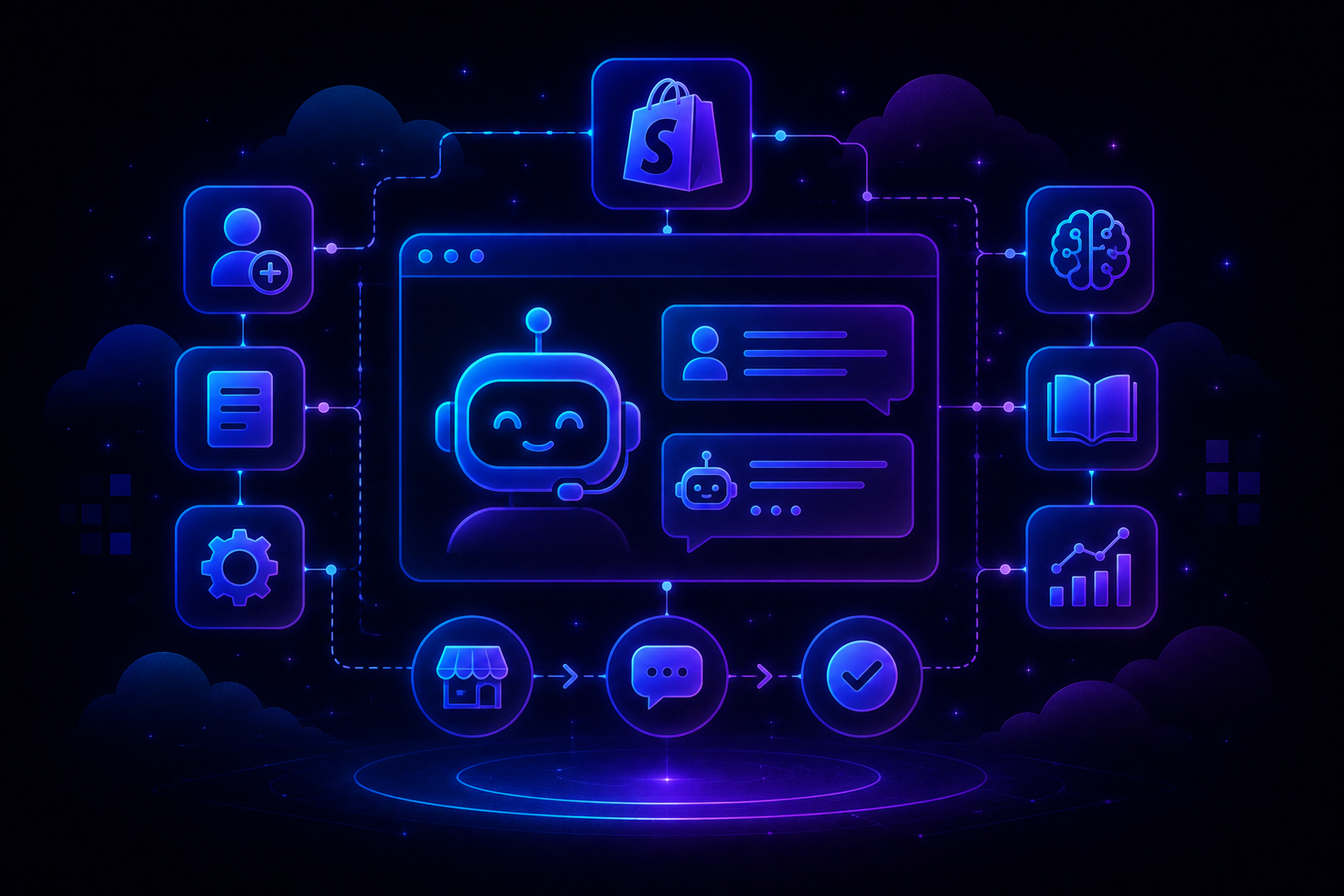
QuantumDesk fits SMBs and D2C brands that want ai customer service tools built AI-first from day one, solving fragmented channels, repetitive L1 queries, and rising agent costs without paying enterprise prices for unused features.
Its core strength is having AI embedded across the entire customer service workflow with proven ai customer support accuracy, not bolted on as a paid module.
- Quantum AI resolves repetitive queries like order status and refund requests automatically on the free starter plan, freeing agents for high-value conversations
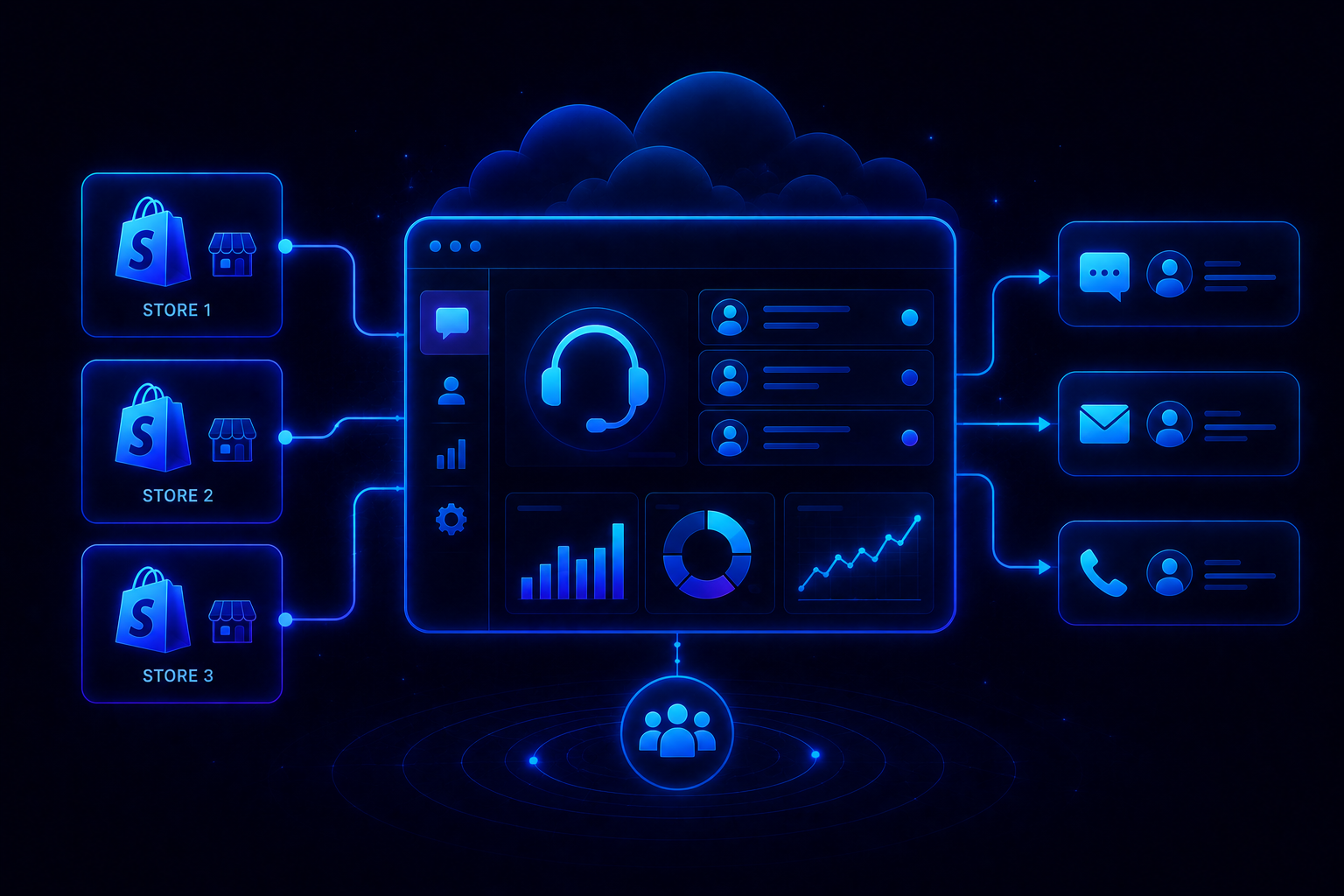
- Unified inbox brings WhatsApp, Instagram, email, and live chat into one workspace with full conversation context preserved across channels
- Resolution-based pricing keeps cost aligned with outcomes instead of charging upfront for AI seats agents may rarely use
- AI-curated inbox prioritizes incoming tickets by sentiment, urgency, intent, and channel so agents handle the highest-impact issues first
- Quantum AI Copilot drafts replies, summarizes long threads, and recommends next actions inside every agent conversation in real time
More on the AI-Native customer service benefits shaping the platform. See it on your own support volume: book a demo with the QuantumDesk team.
Pick the free customer service tool that fits your team size, channel mix, and ticket volume, not the longest free feature list on a landing page.
Frequently Asked Questions About Free Customer Service Software
What are the best free customer service tools?
The best free customer service tools in 2026 include QuantumDesk, Freshdesk, Zoho Desk, HubSpot Service Hub, Hiver, Tidio, and ProProfs Help Desk.
Each fits a different team profile, from AI-native SMB support and Gmail-based inboxes to e-commerce live chat and CRM-connected ticketing. Pick depends on channels and volume.
Which free customer service tool is best for D2C brands?
QuantumDesk is the best free customer service tool for D2C brands handling support across WhatsApp, Instagram, email, and live chat together.
Quantum AI resolves repetitive order, refund, and product queries on the free starter plan while the AI-curated inbox prioritizes urgent complaints from peak sales spikes.
How do I choose the right free customer service tool?
Start with the business: team size, channel mix, monthly ticket volume, and whether you need AI for autonomous resolution today.
Then evaluate free tier limits, upgrade path, integration depth, and reporting visibility before testing two or three shortlisted tools on real volume in a small pilot.
Is there a forever-free customer service tool?
Yes. ProProfs Help Desk, Hiver, and HubSpot Service Hub all offer forever-free customer service tiers with usage limits today.
These free plans usually cap agents, channels, automations, or AI features, so they suit small teams testing the category before committing to a paid plan upgrade. For a ticketing-focused comparison, see our roundup of the best free help desk software.




.avif)