Summarize with AI
Key Takeaways
- QuantumDesk is the best overall pick for teams that want live chat backed by AI resolution, not just a messaging widget.
- LiveChat leads for overall functionality, pairing built-in ticketing and targeted triggers with a highly customizable widget for growing support teams.
- tawk.to remains the best free option, offering unlimited agents, ticketing, and chat history without ever charging for the core product.
- Zendesk stays the top pick for enterprise teams, layering autonomous resolution agents onto a mature, omnichannel ticketing suite.
- The most important buying consideration is AI resolution depth, since a widget that only routes chats leaves agents doing the work.
Live chat software ranges from simple website widgets to AI-native platforms that actually resolve conversations instead of just routing them.
I tested, compared, and reviewed 10 live chat platforms against real support and sales workflows. It's built for SMBs, ecommerce brands, SaaS teams, and enterprise support leads comparing AI depth against price. See our chatbot guide.
This guide shows what each tool resolves versus deflects, so you can pick QuantumDesk or the right fit.
Quick Tabular Comparison of the Top Live Chat Software in 2026
How Did We Choose These 10 Live Chat Software?
I shortlisted these 10 platforms by testing each one against real support and sales chat workflows, building on our broader AI chatbots for customer service research, instead of relying on vendor claims.
- Verified AI resolution claims by testing repetitive queries to check for hallucination risk on live chat conversations.
- Evaluated widget customization and setup speed, including native Shopify integration depth, by checking how quickly each tool goes live on a real storefront.
- Reviewed verified ratings on G2 and Capterra, filtering specifically for live chat and small-team feedback rather than generic reviews.
- Read Reddit and support community threads to see which tools teams actually kept running past the free trial.
- Compared channel coverage across web chat, email, WhatsApp, and social, since live chat rarely runs alone. See our customer engagement tools guide for the full picture.
- Benchmarked pricing models against typical chat volume to flag tools that get expensive fast as usage and seats scale.
- Tested scalability under growing chat volume by checking how each platform handles rising conversations without adding headcount.
In-Depth Review of the Best 10 Live Chat Software in 2026
1. QuantumDesk – Best AI-Native Live Chat Software
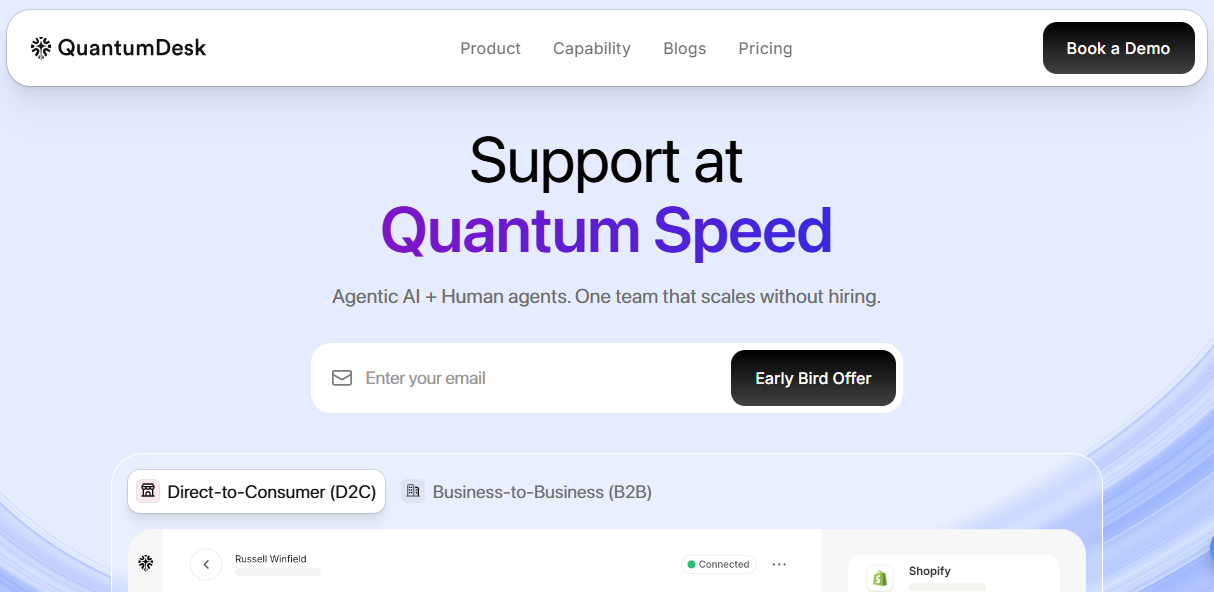
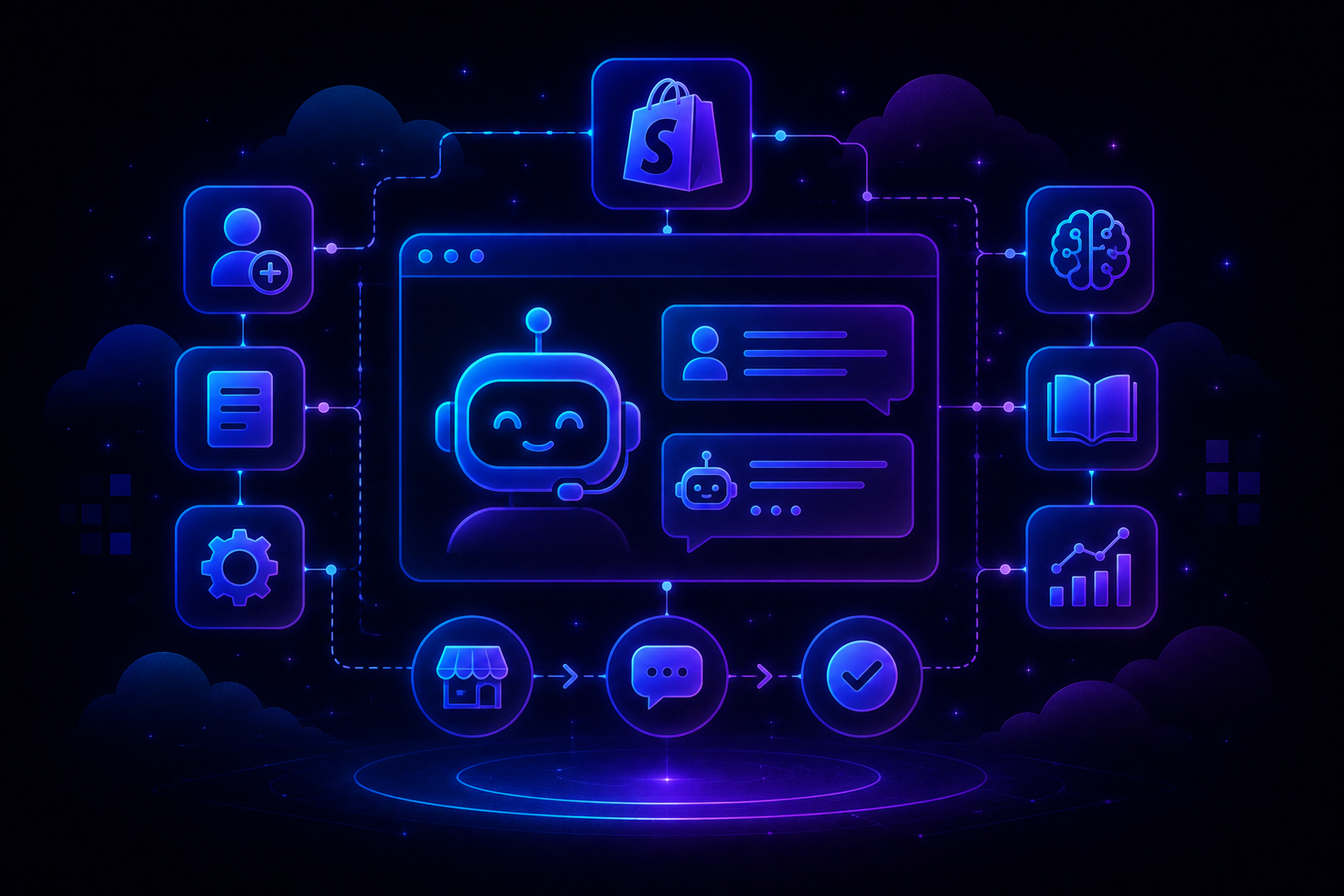
QuantumDesk is an AI-native platform built for teams, including Shopify and ecommerce brands, that want live chat backed by real resolution, not just a messaging widget bolted onto a website.
Quantum AI resolves chat conversations automatically across order status, billing, and account questions, while the Unified Inbox keeps every channel in one workspace.
What sets it apart is native Shopify data inside every chat conversation, paired with resolution-based pricing instead of per-agent licenses that punish growing teams.
Key Features
- Quantum AI resolves repetitive chat queries automatically across order status, billing, refunds, and account questions, without an agent touching the conversation.
- Native Shopify integration surfaces live order data directly inside the chat widget, useful for ecommerce teams running live chat support.
- Quantum AI Copilot drafts replies and summarizes long chats in real time, cutting response time for human agents.
- AI-Curated Inbox prioritizes incoming chats by urgency, sentiment, and customer value, so teams handle high-impact conversations first.
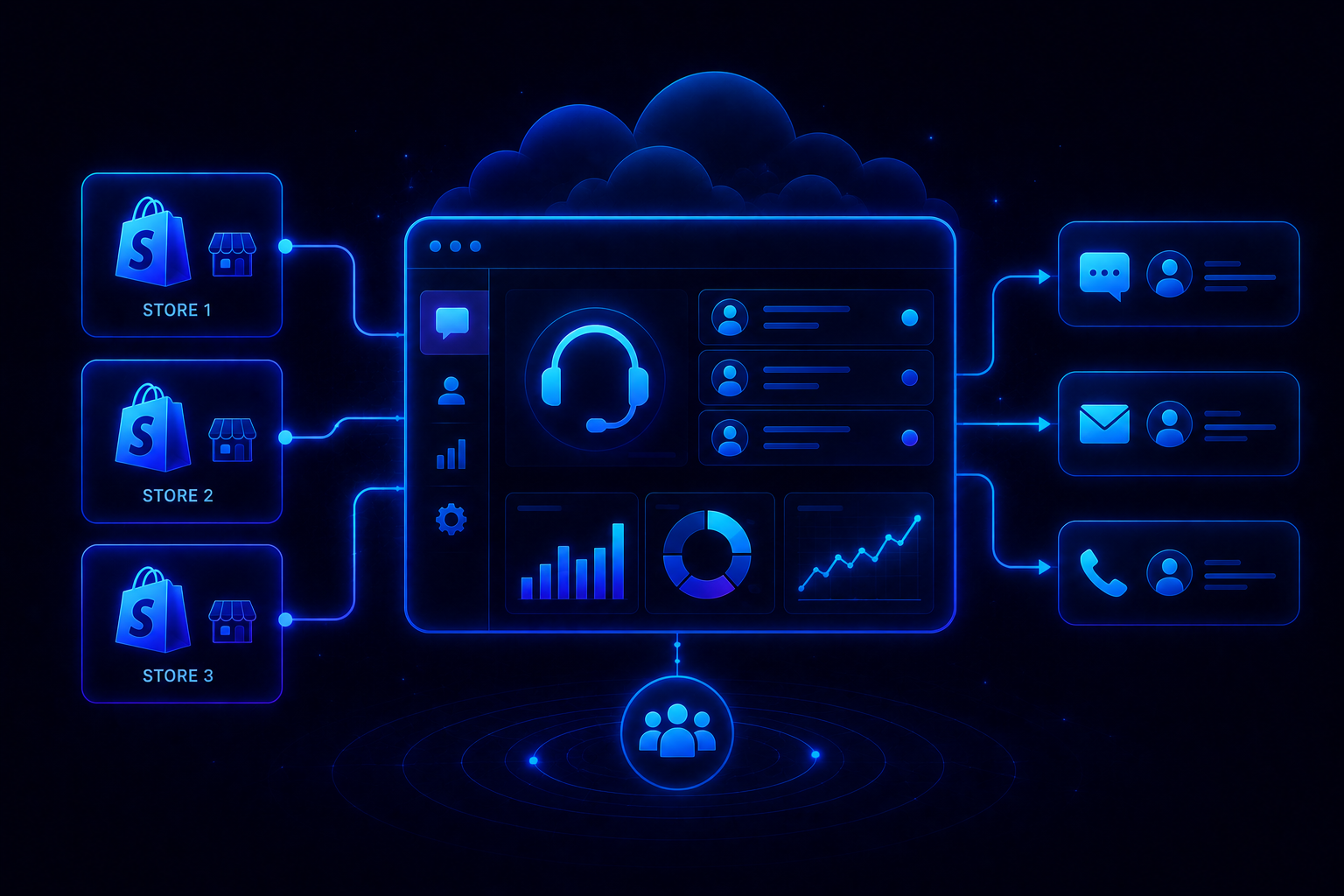
- Unified Inbox centralizes live chat, WhatsApp, email, and Instagram into one workspace, useful for teams without dedicated channel owners.
- Admin analytics surface AI resolution rates and CSAT trends, giving support leaders visibility without a dedicated ops hire.
Pros
- AI is embedded into every conversation from day one, removing the need for a separate AI chatbot add-on.
- Resolution-based pricing keeps costs aligned with chat volume instead of per-agent licenses that scale faster than support budgets.
- Native Shopify integration ships built in, giving ecommerce teams live order data without third-party connector delays.
Cons
- Fewer established live chat case studies compared to dedicated widget-first incumbents that have served websites for over a decade.
- Deepest native integration currently centers on Shopify and ecommerce data, so non-ecommerce teams get a more general feature set.
Best Use Case
Teams that want live chat backed by AI resolution instead of a standalone widget, especially ecommerce and Shopify-based brands.
When to Choose QuantumDesk
Choose QuantumDesk when you need live chat that resolves conversations automatically instead of just routing them to a human agent.
Pricing
QuantumDesk follows a resolution-based pricing model where teams pay for AI-resolved conversations rather than per-agent licenses. Visit the QuantumDesk pricing page for a tailored quote.
2. LiveChat – Best for Overall Functionality
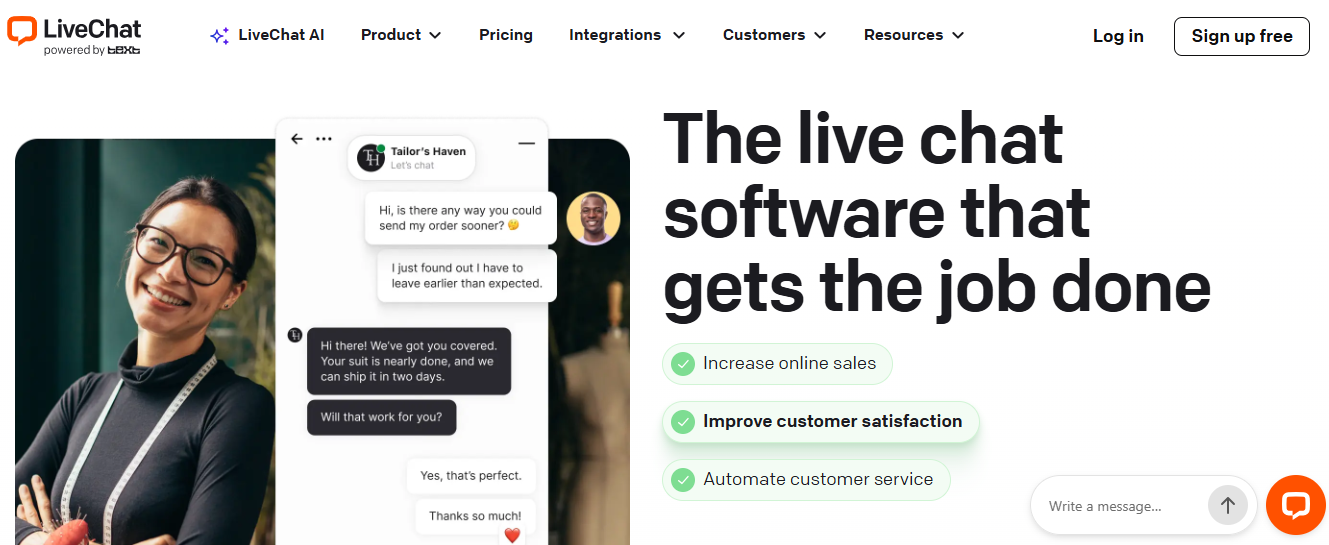
LiveChat is the industry-standard live chat tool built for support teams that want built-in ticketing, targeted triggers, and a highly customizable chat widget.
It shows agents a live preview of what a visitor is typing before they hit send, letting teams respond faster than most competitors.
Key Features
- Live typing preview lets agents see visitor messages before they're sent, cutting response time on live conversations.
- Built-in ticketing keeps unresolved chats tracked as tickets instead of getting lost once a visitor closes the tab.
- Targeted triggers and customizable widgets let teams tailor chat behavior by page, visitor segment, or campaign.
Pros
- Highly customizable widget design suits teams that want full control over chat appearance and behavior.
- Built-in ticketing bridges the gap between live chat and longer-running support conversations.
- Mature, widely adopted platform with a long track record across support team sizes.
Cons
- AI resolution depth is shallower than platforms built AI-first for autonomous chat handling.
- Pricing climbs per agent as a team scales, without a ticket-volume-based alternative.
When to Choose LiveChat
Choose LiveChat when your team wants a mature, highly customizable chat widget with built-in ticketing.
Pricing
LiveChat starts around $25 per agent monthly. Compare LiveChat alternatives built AI-first from day one.
3. Intercom – Best for SaaS & Tech Companies
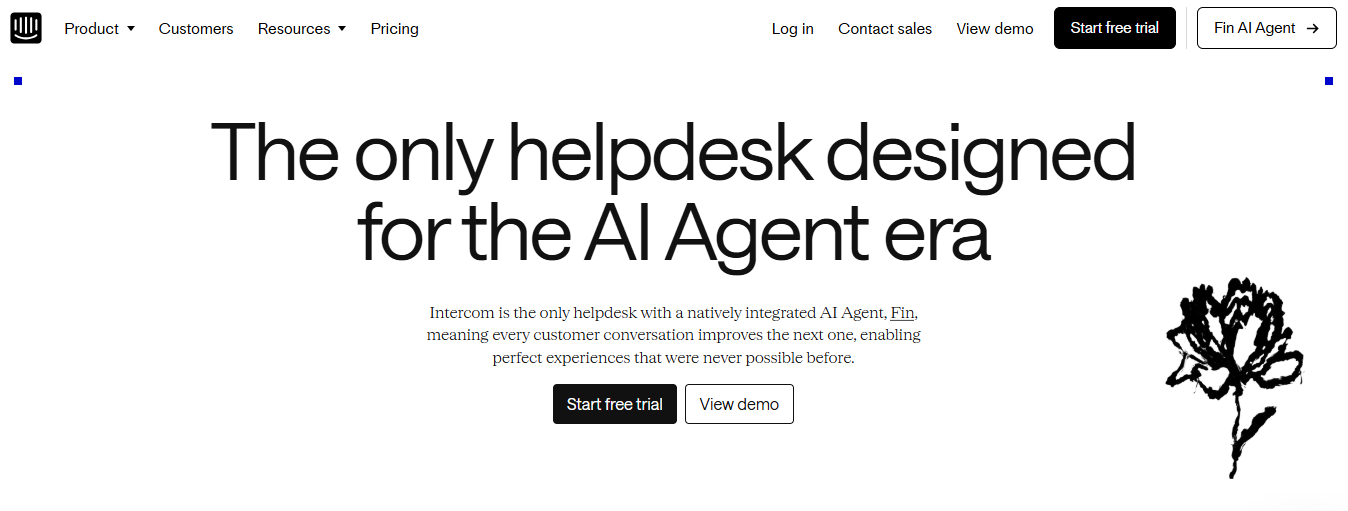
Intercom is built for SaaS and tech companies that want live chat layered with Fin AI, its industry-leading AI agent, and advanced onboarding tools.
It resolves queries grounded in help center content and supports proactive, in-app messaging tied to real user behavior.
Key Features
- Fin AI Agent resolves chat queries autonomously by pulling grounded answers from help center content.
- Proactive Business Messenger triggers engagement based on in-app behavior before a visitor needs to ask for help.
- Advanced onboarding tools guide new users through product setup directly inside the chat widget.
Pros
- Industry-leading AI agent handles complex, product-specific queries better than most chat-only competitors.
- Proactive messaging improves feature adoption for SaaS teams running product-led growth motions.
- Deep customization suits technical teams building custom onboarding and engagement flows.
Cons
- Premium pricing scales quickly with usage, making it costly for smaller teams.
- Less suited to ecommerce-specific queries like order tracking without added connectors. Compare Intercom alternatives built AI-first.
When to Choose Intercom
Choose Intercom when your SaaS team wants live chat backed by an advanced AI agent and onboarding tools.
Pricing
Intercom pricing is variable based on usage. See Intercom's official pricing page for current rates.
4. tawk.to – Best Free, Full-Featured Live Chat
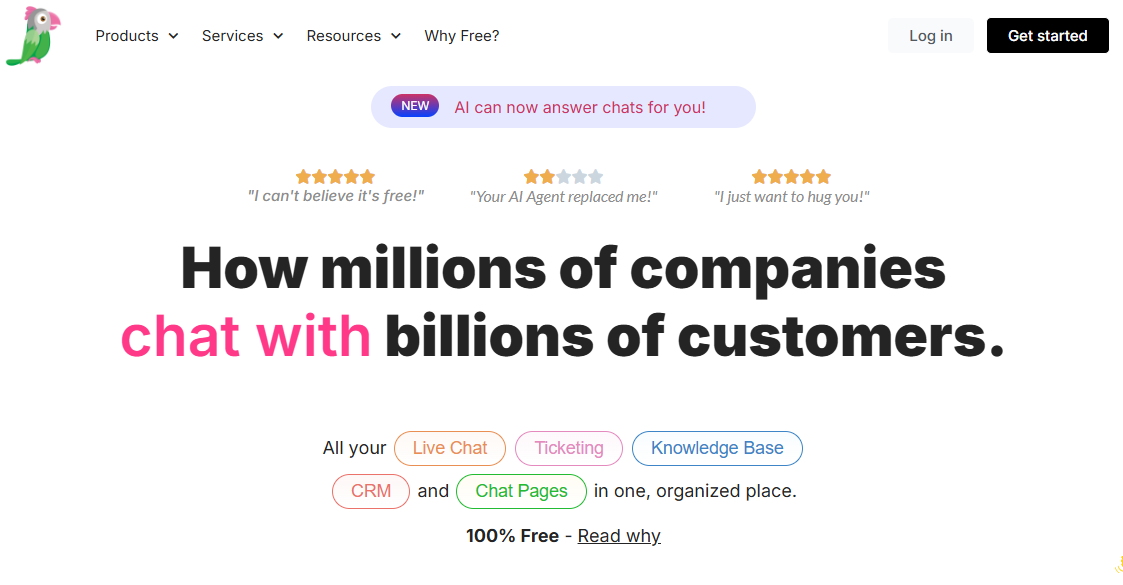
tawk.to offers completely free live chat with unlimited agents, ticketing, and chat history, built for budget-conscious teams that still want robust features.
Unlike most free trials, tawk.to never charges for the core chat product, making money instead through white-labeling and hired live agents.
Key Features
- Unlimited agents and chat history come free forever, without a hidden cap on team size.
- Robust visitor tracking shows real-time behavior so agents understand context before replying.
- Built-in ticketing keeps unresolved chats organized without needing a separate helpdesk tool.
Pros
- Completely free core product removes the financial barrier for small and budget-conscious teams.
- Unlimited agents and history make it viable even as a small team grows.
- Robust feature set rivals paid competitors despite the zero-cost entry point.
Cons
- AI resolution capabilities are minimal compared to platforms built AI-first for automation.
- Monetization through white-labeling and hired agents can add unexpected costs later.
When to Choose tawk.to
Choose tawk.to when your team needs free, full-featured live chat without an AI resolution layer.
Pricing
tawk.to is 100% free, with paid add-ons available for white-labeling and hired agents.
5. Tidio – Best for Ecommerce & AI Chatbots
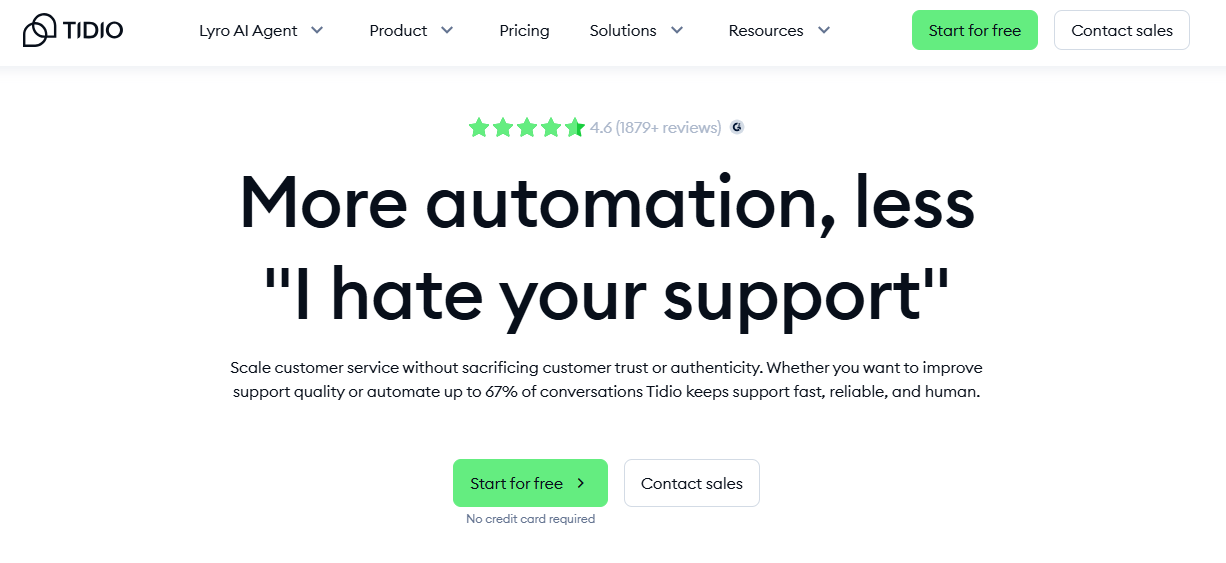
Tidio is built for ecommerce teams that want AI chatbots tightly integrated with Shopify and Wix, resolving repetitive questions automatically.
Lyro AI handles routine queries while agents see live carts, automating order-tracking responses without manual lookup.
Key Features
- Lyro AI resolves repetitive questions automatically, trained directly on store content and FAQs.
- Live cart visibility lets agents see what a shopper is browsing before starting a conversation.
- Tight Shopify and Wix integrations automate order-tracking responses without a separate connector.
Pros
- Deep ecommerce-native integration suits Shopify and Wix stores better than generic chat widgets.
- Free tier gives small ecommerce teams a genuine way to test AI chat before paying.
- Live cart tracking helps agents personalize conversations based on real shopping behavior.
Cons
- AI resolution depth is shallower than platforms built for complex, multi-step account queries.
- Less suited to B2B or non-ecommerce teams outside Shopify and Wix.
When to Choose Tidio
Choose Tidio when your ecommerce store needs AI chat tightly integrated with Shopify or Wix.
Pricing
Tidio offers a free tier, with paid plans starting around $20 per month. Compare Tidio alternatives built AI-first from day one.
6. Zendesk – Best Enterprise Support Suite
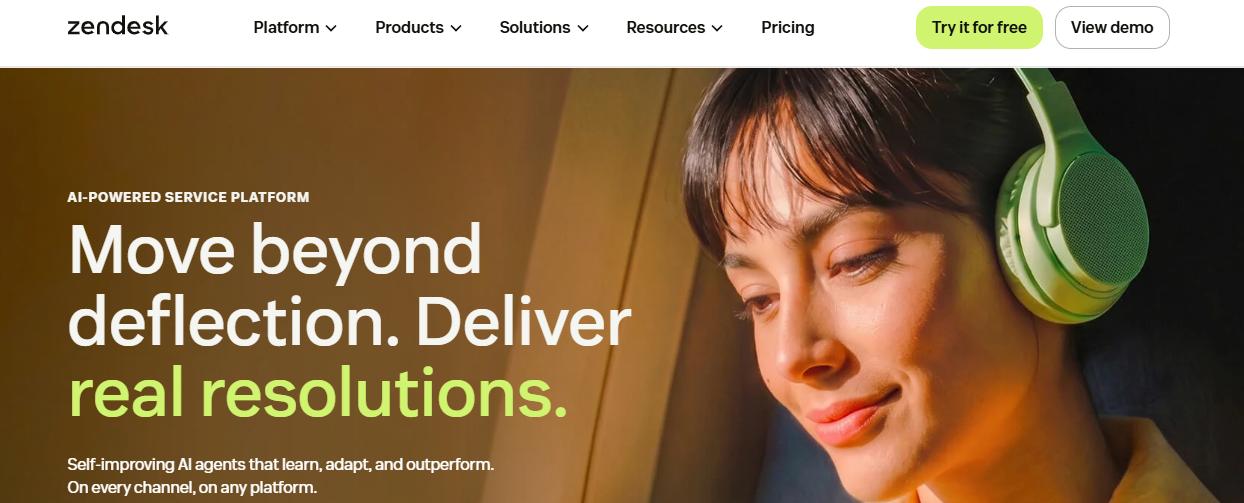
Zendesk is built for enterprise support teams that want live chat inside a full omnichannel suite, with advanced routing and massive integrations.
It tracks conversations across channels natively, layering autonomous resolution agents on top of mature ticketing workflows.
Key Features
- Omnichannel tracking follows a conversation across chat, email, and social without losing context.
- Advanced routing directs incoming chats to the right agent based on skill, urgency, or workload.
- Massive integration marketplace connects to nearly any tool already in an enterprise tech stack.
Pros
- Broad compliance certifications suit enterprise teams selling into regulated industries.
- Mature, feature-rich platform with a long track record across large support organizations.
- Deep app marketplace supports complex, custom routing and workflow needs.
Cons
- Pricing climbs quickly as agent count and AI add-ons scale.
- AI resolution depth lags AI-native platforms built specifically for autonomous chat handling. Compare Zendesk alternatives built AI-first.
When to Choose Zendesk
Choose Zendesk when your enterprise team needs live chat inside a full, mature omnichannel support suite.
Pricing
Zendesk starts around $19 per agent monthly, rising to $69 for advanced tiers. See the official Zendesk pricing page for full tiers.
7. HubSpot Live Chat – Best for CRM Integration
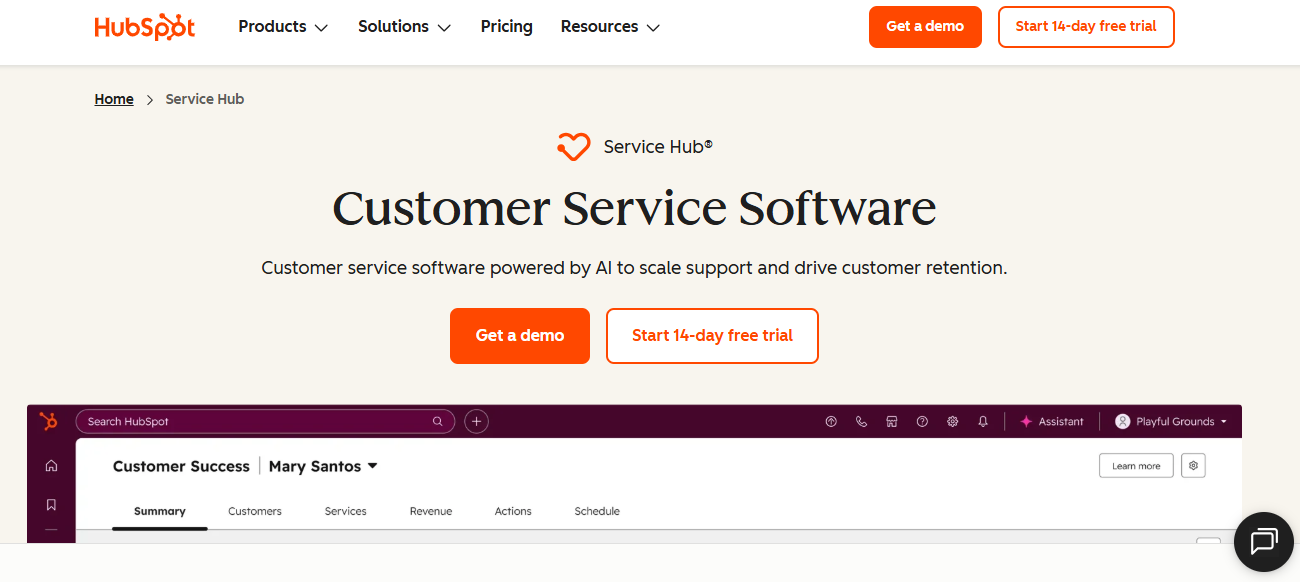
HubSpot Live Chat automatically logs every chat transcript directly into a visitor's CRM profile, built for teams already running HubSpot for sales or marketing.
It's free with HubSpot's free CRM tools, tying every conversation to the same customer record across teams.
Key Features
- Automatic transcript logging ties every chat to the same CRM record used by sales and marketing.
- Free live chat comes bundled with HubSpot's free CRM tools, no separate purchase required.
- Native ticketing and routing keep unresolved chats visible across the shared customer timeline.
Pros
- Free entry point removes the cost barrier for teams already using HubSpot's CRM.
- Unified customer data across marketing, sales, and service is powerful for HubSpot-committed teams.
- Familiar interface reduces onboarding time for teams already using HubSpot daily.
Cons
- Value depends heavily on existing HubSpot investment; standalone, better options likely exist.
- AI resolution depth is shallower than platforms built AI-first for autonomous chat handling.
When to Choose HubSpot Live Chat
Choose HubSpot Live Chat when your team already runs marketing and sales on HubSpot's free CRM.
Pricing
HubSpot Live Chat is free with HubSpot's free CRM tools. See the official HubSpot pricing page for paid tiers.
8. Zoho SalesIQ – Best for SMBs
Zoho SalesIQ is built for small and mid-sized businesses that want affordable geo-tracking, digital signature options, and built-in translation features.
It fits naturally into the Zoho ecosystem, giving budget-conscious teams enterprise-style features at SMB-friendly pricing.
Key Features
- Geo-tracking shows visitor location in real time, helping agents tailor conversations by region.
- Digital signature options let teams close deals or confirm agreements directly inside a chat.
- Built-in translation breaks language barriers for teams supporting international visitors.
Pros
- Affordable pricing suits small and mid-sized teams comparing cost against enterprise alternatives.
- Translation and geo-tracking features rival pricier, enterprise-only competitors.
- Native Zoho ecosystem integration suits teams already using Zoho apps.
Cons
- Value depends heavily on existing Zoho investment; standalone, better options likely exist.
- AI resolution depth is shallower than platforms built AI-first for autonomous support.
When to Choose Zoho SalesIQ
Choose Zoho SalesIQ when your SMB wants affordable geo-tracking and translation features inside live chat.
Pricing
Zoho SalesIQ pricing follows the broader Zoho ecosystem, with affordable per-operator plans for small teams.
9. LiveAgent – Best for Agent Gamification
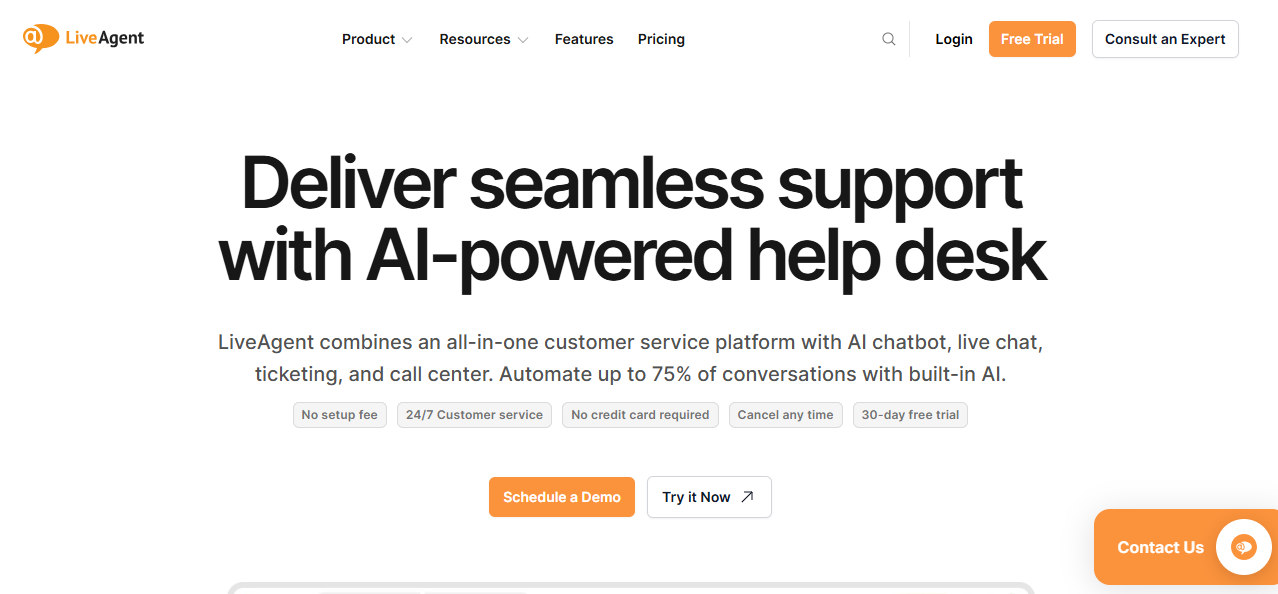
LiveAgent combines live chat with ticketing and built-in gamification, built for support teams that want to motivate agents through badges and performance levels.
It's a simple, feature-rich tool that layers game mechanics on top of standard chat and ticketing workflows.
Key Features
- Built-in gamification awards badges and levels to agents based on resolution speed and volume.
- Ticketing functionality keeps unresolved chats tracked alongside email and social conversations.
- Simple setup gets a working widget live without a lengthy implementation.
Pros
- Gamification features help motivate agents in high-volume, repetitive support environments.
- Feature-rich platform bundles chat, ticketing, and a call center in one tool.
- Affordable per-agent pricing suits small and mid-sized support teams.
Cons
- AI resolution capabilities are minimal compared to platforms built AI-first for automation.
- Gamification adds limited value for teams without high-volume, repetitive ticket patterns.
When to Choose LiveAgent
Choose LiveAgent when your team wants live chat with built-in gamification to motivate agents.
Pricing
LiveAgent starts around $10 per agent monthly for its most basic paid tier.
10. Drift – Best for B2B Sales & Conversational Marketing
Drift is built for B2B sales teams that want live chat tied directly to pipeline generation, qualifying leads through AI-powered conversations.
It positions chat as a marketing and sales tool first, routing qualified conversations straight to a sales rep.
Key Features
- AI-powered conversational marketing qualifies leads automatically based on chat responses and visitor behavior.
- Pipeline-focused routing sends qualified conversations directly to the right sales rep in real time.
- Account-based targeting tailors chat experiences for high-value visitor accounts.
Pros
- Strong fit for B2B sales teams prioritizing pipeline generation over support resolution.
- Account-based targeting suits enterprise sales motions with defined target accounts.
- Deep integration with marketing and sales tools supports a full funnel view.
Cons
- Premium pricing starting around $2,500 monthly puts it out of reach for small teams.
- Built for sales conversations first, with less depth for post-purchase support resolution.
When to Choose Drift
Choose Drift when your B2B sales team wants live chat built for pipeline generation, not support.
Pricing
Drift pricing starts around $2,500 per month, positioning it toward larger B2B sales teams.
How to Choose the Best Live Chat Software?
Live chat carries a different risk than a support ticket: a slow or wrong reply happens in front of a visitor who is deciding whether to buy or leave. These five factors help you evaluate the right live chat software before signing a contract.
1. Evaluate AI Capabilities
Decide which AI tier your team needs: FAQ deflection, a copilot drafting replies for agents, or full autonomous resolution that closes conversations on its own instead of just routing them.
2. Check Automation Workflows
Confirm the tool executes actions like order lookups or refund approvals automatically, rather than only deflecting conversations back into a live agent queue every single time a visitor asks.
3. Verify Integrations
Check whether the platform connects natively to your stack, especially Shopify, your CRM, or your billing system, since fragmented integrations force constant tab-switching for every agent.
4. Assess Scalability
Evaluate whether pricing scales with chat volume rather than a rigid seat count, since a sale, launch, or campaign can spike traffic overnight without any warning at all.
5. Compare Pricing and ROI
Compare free tiers, per-agent, and per-resolution pricing against your realistic monthly chat volume, and factor in add-on fees before committing to a plan you might outgrow.
Why is QuantumDesk the Best Live Chat Software?
QuantumDesk is built for teams that want live chat backed by AI resolving Shopify orders, billing, and account questions automatically, not a widget that only starts a conversation.
Every other platform on this list asks teams to choose between a simple chat widget, an enterprise suite, or ecommerce-specific automation, whether you sell on Shopify or run a SaaS product. QuantumDesk does not force that trade-off.
Key Capabilities of QuantumDesk
- Quantum AI resolves repetitive chat queries automatically, eliminating conversation volume across support, billing, and order questions without agent involvement.
- Native Shopify integration surfaces live order data inside every chat, useful for ecommerce teams selling on Shopify.
- Unified Inbox centralizes live chat, WhatsApp, email, and Instagram, useful for lean teams without dedicated channel owners.
- AI-Curated Inbox prioritizes incoming chats by urgency and customer value, so teams handle high-impact conversations first.
- Resolution-based pricing keeps costs aligned with chat volume instead of charging per agent as the team grows.
This is the same problem behind hiring more agents not fixing support: chat volume outpaces headcount long before revenue catches up, and QuantumDesk is built to close that gap with automation instead of a bigger team. For ecommerce brands specifically, see our best live chat software for ecommerce guide.
Pick the platform that fits your team's stack, chat volume, and growth stage. See how QuantumDesk handles support for your team → Book a Demo
Frequently Asked Questions About Live Chat Software
What are the best live chat software in 2026?
In my testing, the best live chat software in 2026 are QuantumDesk, LiveChat, and Intercom for SaaS teams.
QuantumDesk leads for AI-native chat resolution, LiveChat leads for overall functionality, and tawk.to leads for free, full-featured chat.
Which live chat software is best for small businesses?
tawk.to and QuantumDesk are the best options for small teams that want low-cost entry without complex configuration.
tawk.to's free tier covers unlimited agents and chat history, while QuantumDesk's resolution-based pricing keeps costs aligned with chat volume as the team grows.
How do I choose the right live chat software for my business?
Start with your channel mix and support volume before comparing AI accuracy, since the right tool depends on how customers reach out.
Ecommerce sellers should evaluate QuantumDesk or Tidio, SaaS teams should look at Intercom, and enterprise teams should consider Zendesk.
Is there a free live chat software available?
Yes, tawk.to offers a completely free plan, and HubSpot Live Chat is free with HubSpot's free CRM tools.
Free tiers suit teams testing live chat before committing to a paid plan, though most outgrow them once AI resolution needs expand.
What features should I look for in a live chat software?
Prioritize AI that resolves repetitive queries automatically, plus native integration with Shopify, your CRM, or your existing tech stack.
Chat that only routes conversations to an agent does little to reduce the repetitive queries filling a support team's queue.



.avif)