Summarize with AI
Key Takeaways
- QuantumDesk is the best overall pick for B2B SaaS teams, resolving account and billing queries automatically with native product context.
- Fini leads for account-aware technical support, reasoning over live account states and plan configurations to resolve complex SaaS queries accurately.
- Intercom's Fin AI is the top pick for product-led SaaS, resolving in-app queries instantly with pricing tied to each resolution.
- Zendesk AI remains strongest for enterprise-scale teams, pairing mature ticketing workflows with autonomous resolution agents already standardized org-wide.
- The most important buying consideration is account-aware accuracy, since B2B SaaS queries involve configurations that generic AI often misreads.
B2B SaaS support means fielding integration failures, billing disputes, and account configuration questions that generic chatbots consistently get completely wrong.
I tested, compared, and reviewed 10 AI help desk platforms against real B2B SaaS workflows. It's built for SaaS founders and support teams managing onboarding, billing, and integration queries. See our SaaS help desk guide.
This guide shows what each tool resolves versus deflects, so you can pick QuantumDesk or the right fit.
Quick Tabular Comparison of the Top AI Help Desk Software for B2B SaaS in 2026
How Did We Choose These 10 AI Help Desk Software for B2B SaaS?
I shortlisted these 10 platforms by testing each one against real B2B SaaS support workflows, building on our broader AI agents for customer support research, instead of relying on vendor claims.
- Verified AI accuracy claims by testing account-specific and technical queries to check for hallucination risk on complex tickets.
- Evaluated integration depth by checking how many external systems each platform connects to for pulling live account data.
- Reviewed verified ratings on G2 and Capterra, filtering specifically for B2B SaaS and technical support team feedback rather than generic reviews.
- Read Reddit and SaaS founder community threads to see which tools support teams actually kept running past the free trial.
- Compared channel coverage across Slack, email, in-app chat, and Teams, since B2B SaaS support rarely runs through a single channel.
- Benchmarked pricing models against typical SaaS ticket volume to flag tools that get expensive fast as usage and seats scale.
- Tested scalability under growing support volume by checking how each platform handles rising ticket counts without adding headcount.
In-Depth Review of the Best 10 AI Help Desk Software for B2B SaaS in 2026
1. QuantumDesk – Best AI-Native Help Desk for B2B SaaS Teams
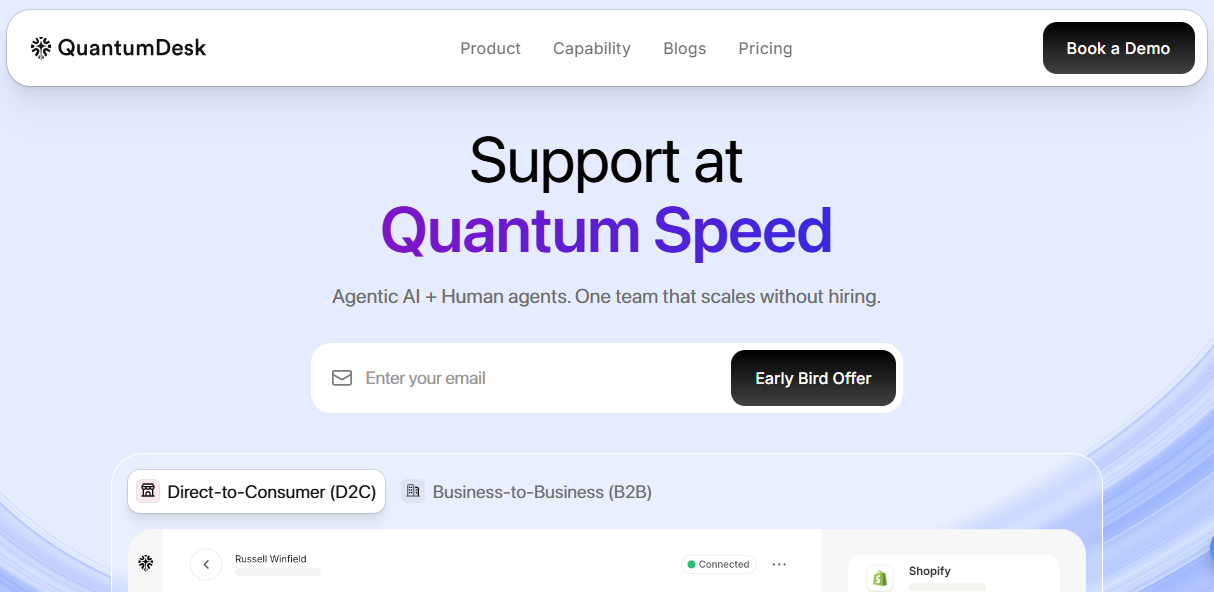
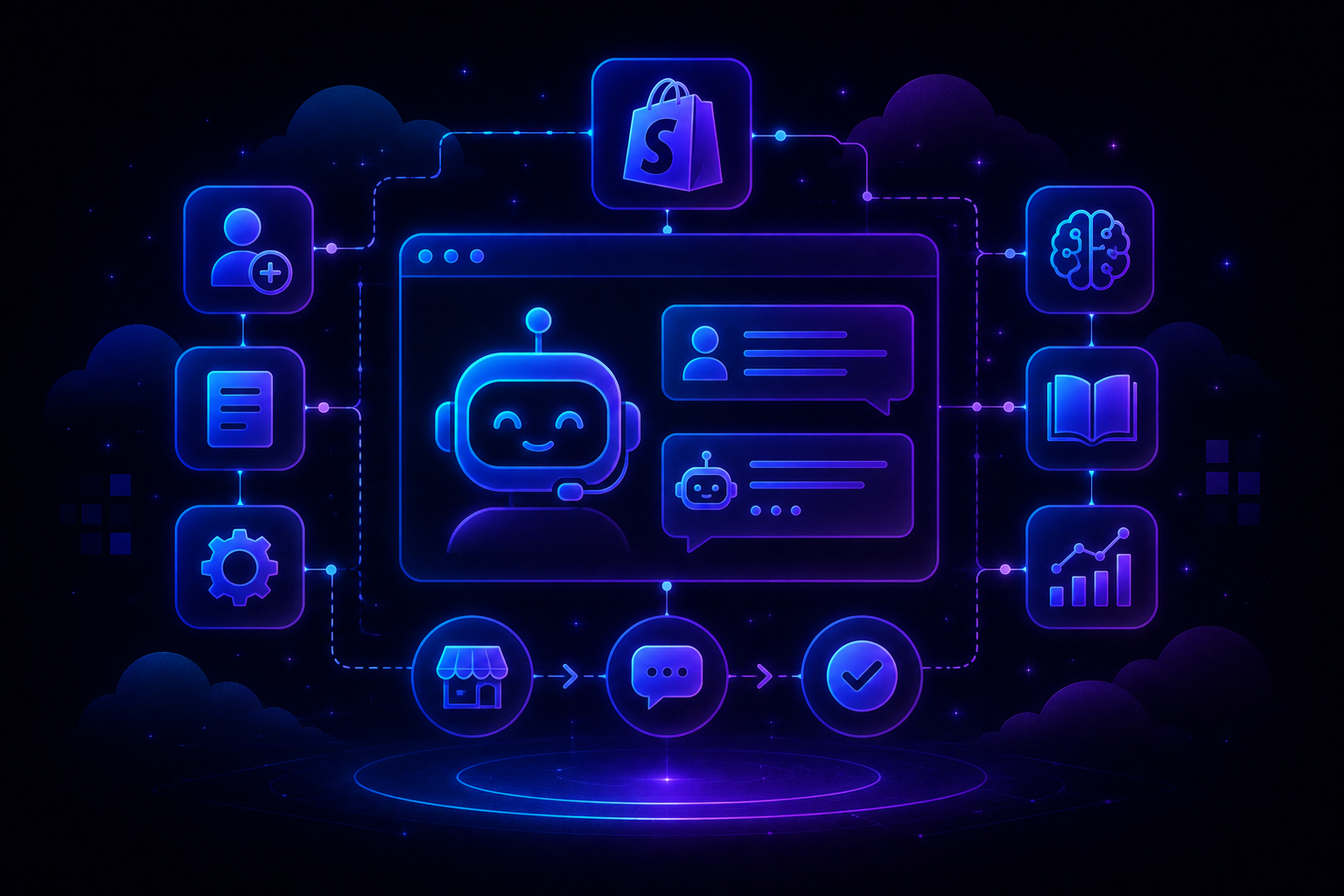
QuantumDesk is an AI-native help desk platform built for B2B SaaS teams that want AI resolving account, billing, and technical queries from day one instead of a ticketing system with AI added as an afterthought.
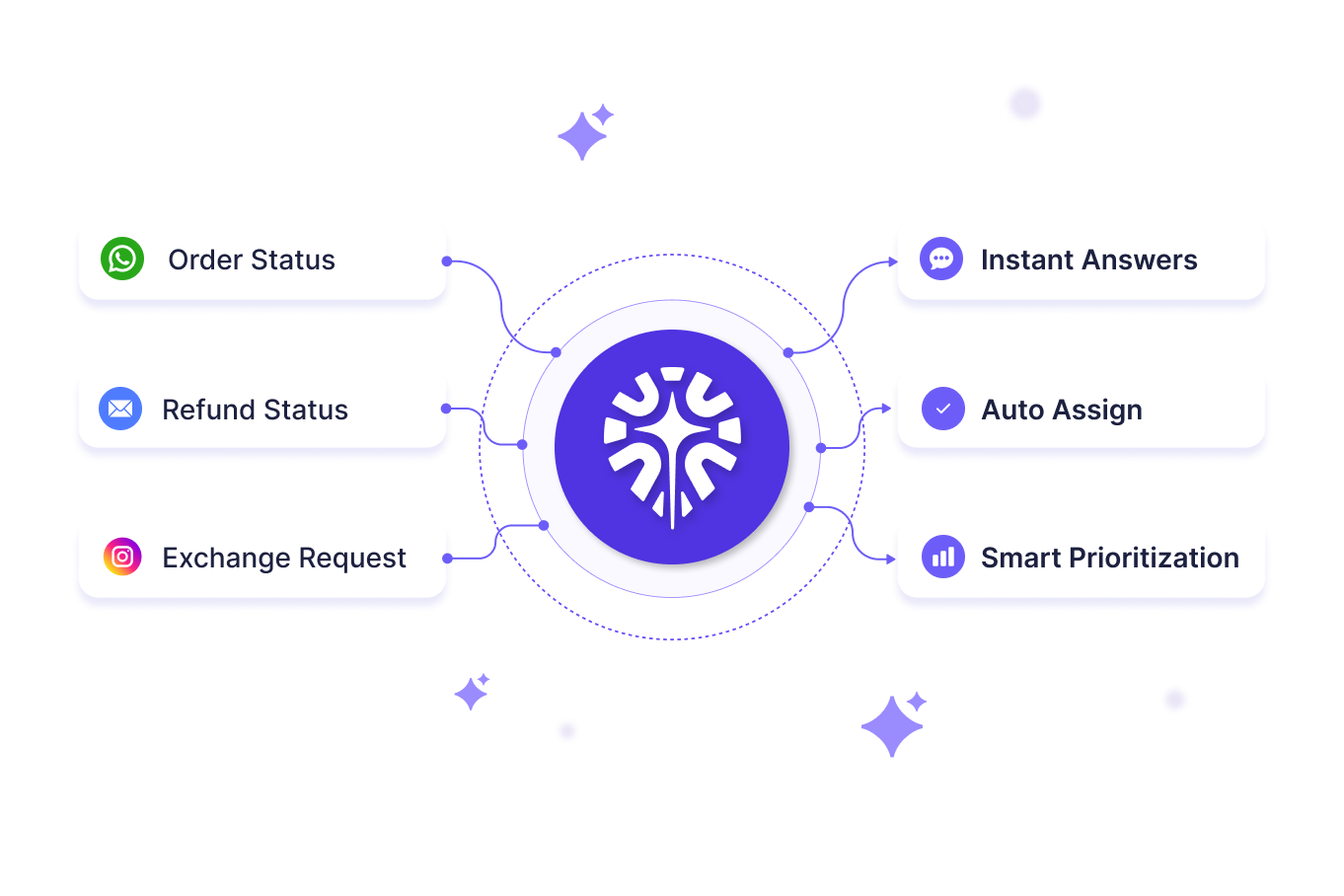
Quantum AI handles repetitive account and billing queries automatically, while the AI-Curated Inbox prioritizes technical escalations so lean support teams focus on complex issues first.
What sets it apart is resolution-based pricing paired with a Unified Inbox, instead of per-seat licenses that punish growing SaaS teams.
Key Features
- Quantum AI resolves repetitive account and billing queries automatically across plan changes, invoice questions, and access issues, without an agent touching the ticket.
- Quantum AI Copilot drafts technical replies and summarizes long support threads in real time, cutting onboarding time for new support hires.
- AI-Curated Inbox prioritizes incoming tickets by urgency, sentiment, and customer value, so support teams handle high-value accounts first.
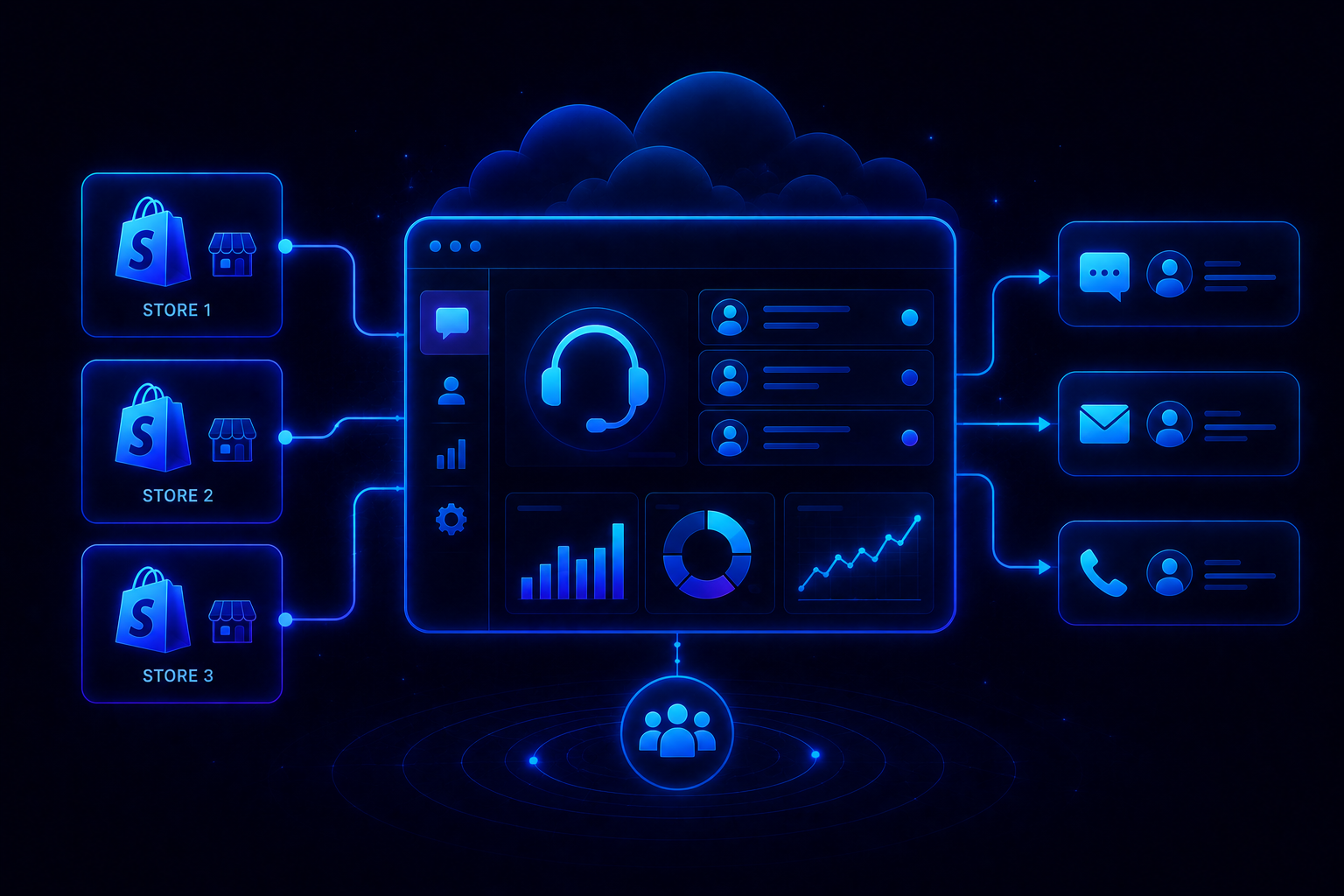
- Native Shopify integration surfaces order and billing context directly in the workspace, useful for B2B SaaS companies running usage-based or ecommerce-adjacent billing.
- Unified Inbox centralizes email, chat, and Slack into one workspace, useful for lean support teams without dedicated channel owners.
- Admin analytics surface AI resolution rates and escalation patterns, giving support leaders visibility without a dedicated ops hire.
Pros
- AI is embedded into the workflow from day one, removing the need to budget for a separate AI add-on.
- Resolution-based pricing keeps costs aligned with ticket volume instead of per-seat licenses that scale faster than SaaS support budgets.
- Account-aware context ships built in, giving technical support teams live product and billing data without third-party connector delays.
Cons
- Fewer established B2B SaaS case studies compared to incumbents that have served enterprise support teams for years.
- Deepest native integration currently centers on Shopify and ecommerce data, so pure SaaS teams get a more general feature set.
Best Use Case
B2B SaaS teams, especially those with technical products or multi-user accounts, that need AI resolving account and billing queries automatically without enterprise pricing.
When to Choose QuantumDesk
Choose QuantumDesk when your SaaS team needs AI-native automation and outcome-based pricing that scales with rising ticket volume instead of a growing seat count.
Pricing
QuantumDesk follows a resolution-based pricing model where SaaS teams pay for AI-resolved tickets rather than per-seat licenses. Visit the QuantumDesk pricing page for a tailored quote.
2. Fini – Best for Account-Aware Technical Support
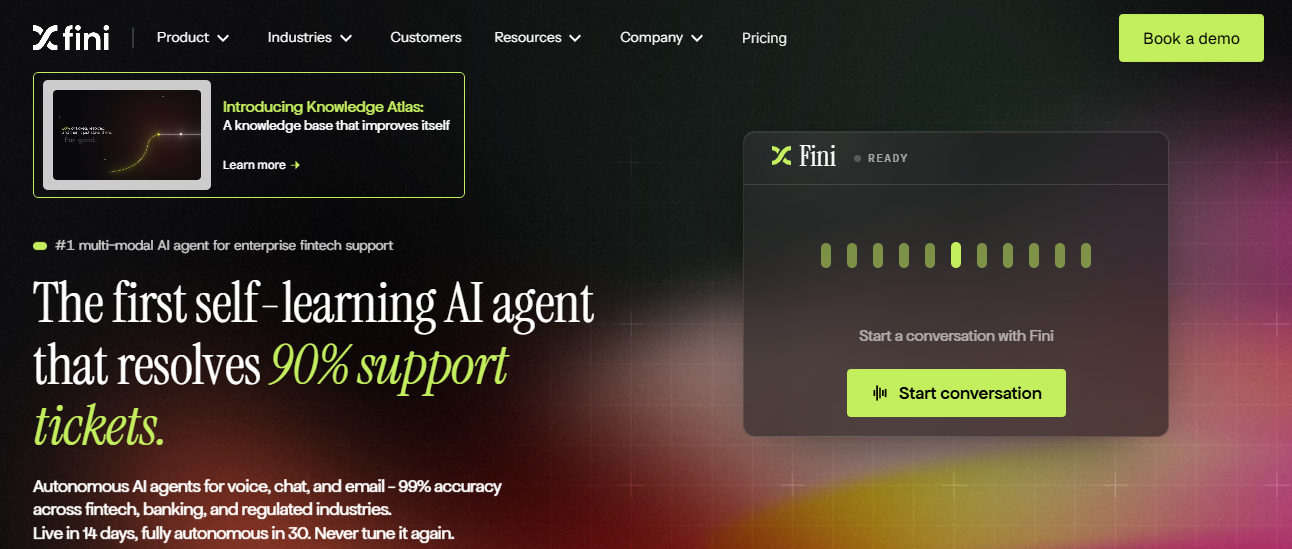
Fini is an AI support platform built for B2B SaaS products with deep integrations, multi-user accounts, and complex plan configurations that most generic AI chatbots consistently misread or hallucinate on.
It reasons over live account state and plan data across 20 or more connected systems, with real-time PII shielding built into every conversation, a strength independent Fini AI reviews often highlight.
Key Features
- Reasons over user account state and plan configurations to resolve technical queries that require real product context, not just documentation.
- Connects to 20+ external systems to pull live billing, usage, and account data directly into every support conversation.
- Deploys in about 48 hours by reading existing product documentation, skipping the lengthy manual knowledge-base setup most tools require.
Pros
- Highest reported accuracy on technical queries, with vendor claims of 98% resolution accuracy and zero hallucinations on complex configurations.
- Fast deployment reading existing docs gets account-aware support live in about 48 hours instead of weeks of configuration.
- Real-time PII shielding protects sensitive account and billing data automatically across every connected system and conversation.
Cons
- Narrower focus on B2B SaaS means less depth for ecommerce or consumer-facing support workflows outside technical accounts.
- Pay-per-resolution pricing can climb quickly for SaaS teams with unpredictable or seasonal ticket volume spikes throughout the year.
When to Choose Fini
Choose Fini when your SaaS product has deep integrations and complex account configurations that need account-aware, technical accuracy.
Pricing
Fini offers a free entry tier, with paid plans priced at roughly $0.69 per resolution as usage scales.
3. Intercom (Fin AI) – Best for Product-Led SaaS Growth
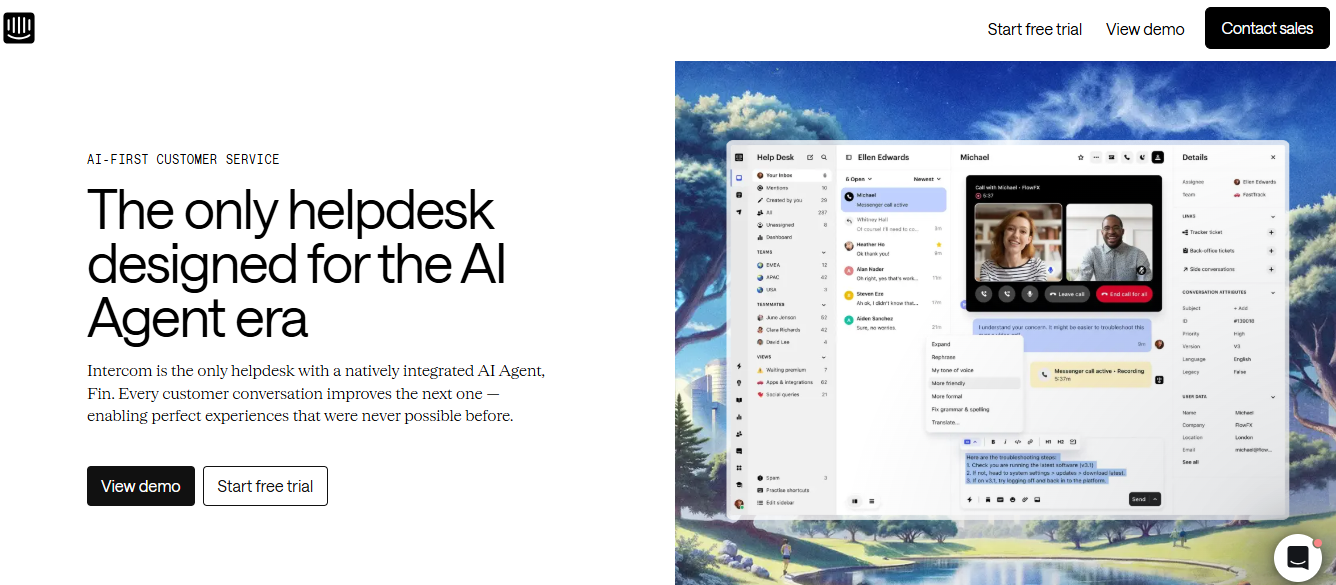
Intercom's Fin AI Agent is built for product-led SaaS companies that run support primarily through in-app chat, onboarding flows, and a conversational messenger widget embedded across the product experience.
It resolves queries grounded strictly in your help center content and charges only for successful resolutions instead of billing per seat alone.
Key Features
- Fin AI Agent resolves in-app queries instantly by pulling grounded answers directly from your help center and product documentation.
- Outcome-based pricing charges per resolution, at roughly $0.99 each on top of seat-based plans, instead of billing for every conversation.
- Proactive Business Messenger engages users based on in-app behavior before they need to file a support ticket.
Pros
- Highly accurate resolution with seamless handoff to human agents when a technical query gets too complex to resolve.
- Proactive messaging reduces onboarding friction and improves feature adoption for product-led SaaS teams during early trial and onboarding stages.
- Outcome-based pricing means you pay only for tickets Fin actually resolves, not every conversation it touches.
Cons
- Pay-per-resolution costs can climb quickly if conversation volume spikes unexpectedly during a product launch or campaign.
- Works best fully embedded inside the broader Intercom ecosystem. Compare Intercom alternatives built AI-first from day one.
When to Choose Intercom (Fin AI)
Choose Intercom Fin when your SaaS support runs primarily through in-app chat and onboarding flows.
Pricing
Intercom Fin is priced around $0.99 per resolution on top of seat-based plans. See Intercom's official pricing page for current rates.
4. Zendesk AI – Best for Enterprise-Scale SaaS Support
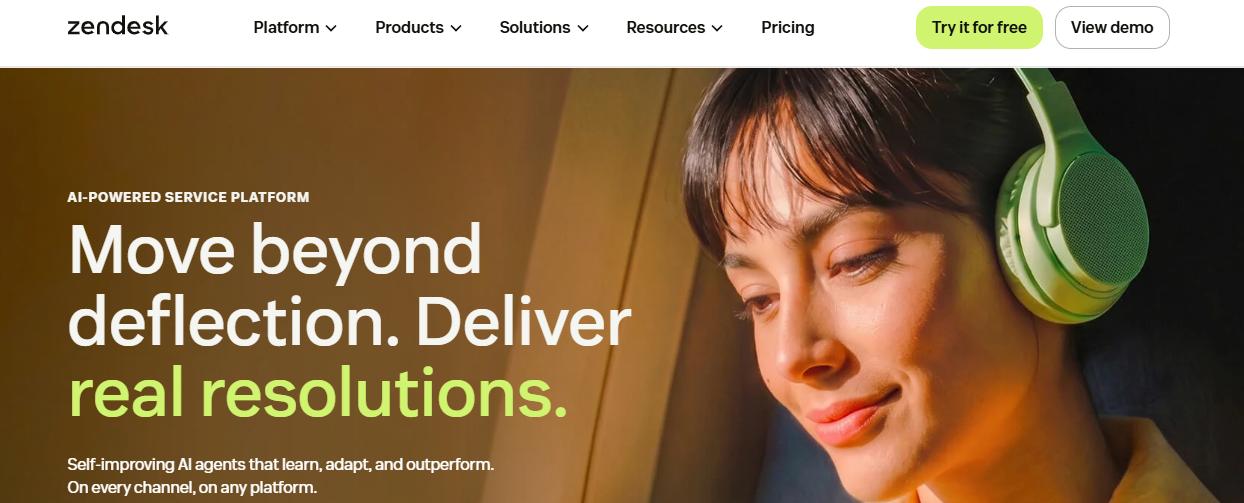
Zendesk AI is built for enterprise SaaS teams already standardized on omnichannel ticketing, pairing a mature agent workspace with autonomous resolution agents trained on advanced AI models.
It layers intent detection, sentiment analysis, and autonomous resolution on top of ticketing workflows already trusted across large, multi-team support organizations.
Key Features
- Autonomous resolution agents handle repetitive queries across messaging, email, and voice, built on Zendesk's advanced AI models.
- Mature ticketing workflows and a deep app marketplace support complex routing across large, multi-team support organizations.
- Advanced intent and sentiment classification runs natively inside the agent workspace to prioritize urgent tickets automatically.
Pros
- Broad compliance certifications including SOC 2, ISO 27001, and HIPAA suit SaaS companies selling into regulated industries.
- Deep app marketplace connects to nearly any tool already in an enterprise SaaS tech stack without custom builds.
- Mature platform with a long enterprise track record across support team sizes and industries.
Cons
- Per-seat base pricing climbs quickly as automation scales, since AI capabilities are billed as a separate add-on.
- AI resolution depth lags AI-native platforms built specifically for autonomous, account-aware resolution. Compare Zendesk alternatives built AI-first.
When to Choose Zendesk AI
Choose Zendesk AI when your SaaS team already runs on Zendesk and needs enterprise-grade compliance and ticketing maturity.
Pricing
Zendesk starts around $19 per agent monthly, with AI capabilities added at roughly $50 per agent. See the official Zendesk pricing page for full tiers.
5. Freshdesk (Freddy AI) – Best for Budget-Conscious Consolidation
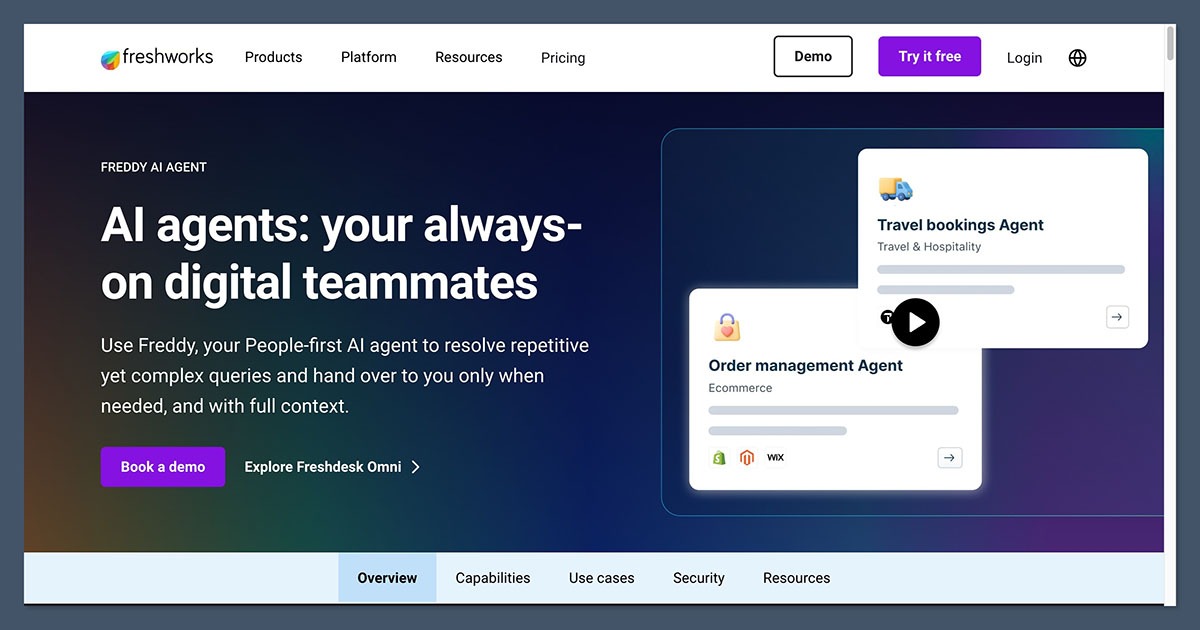
Freshdesk pairs a budget-friendly helpdesk with Freddy AI, built for growing SaaS teams that want quick deployment and single-vendor consolidation instead of stitching together separate support tools.
Freddy Copilot drafts replies and auto-tags tickets for human agents, though cross-system knowledge retrieval outside the Freshworks environment stays limited.
Key Features
- Freddy Copilot drafts replies and auto-tags tickets, cutting manual triage time for growing SaaS support teams.
- Vertical-specific automation templates speed up setup for common SaaS billing and account workflows.
- No-code automation studio lets non-technical teams configure workflows without engineering support.
Pros
- Budget-friendly pricing suits growing SaaS teams comparing total cost against enterprise-grade alternatives.
- Fast deployment gets a working helpdesk live without a lengthy implementation project.
- Single-vendor consolidation works well for teams already using Freshworks products like Freshservice.
Cons
- Cross-system knowledge retrieval is limited outside the Freshworks environment, a gap noted across several Freshdesk alternatives comparisons.
- Advanced automations require upgrading to higher-priced tiers as SaaS ticket volume grows.
When to Choose Freshdesk (Freddy AI)
Choose Freshdesk when your SaaS team wants fast, budget-friendly deployment and already runs other Freshworks products.
Pricing
Freshdesk starts around $15 per agent monthly, with Freddy AI priced separately. See the official Freshdesk pricing page for current tiers.
6. Pylon – Best for B2B-Native Omnichannel Support
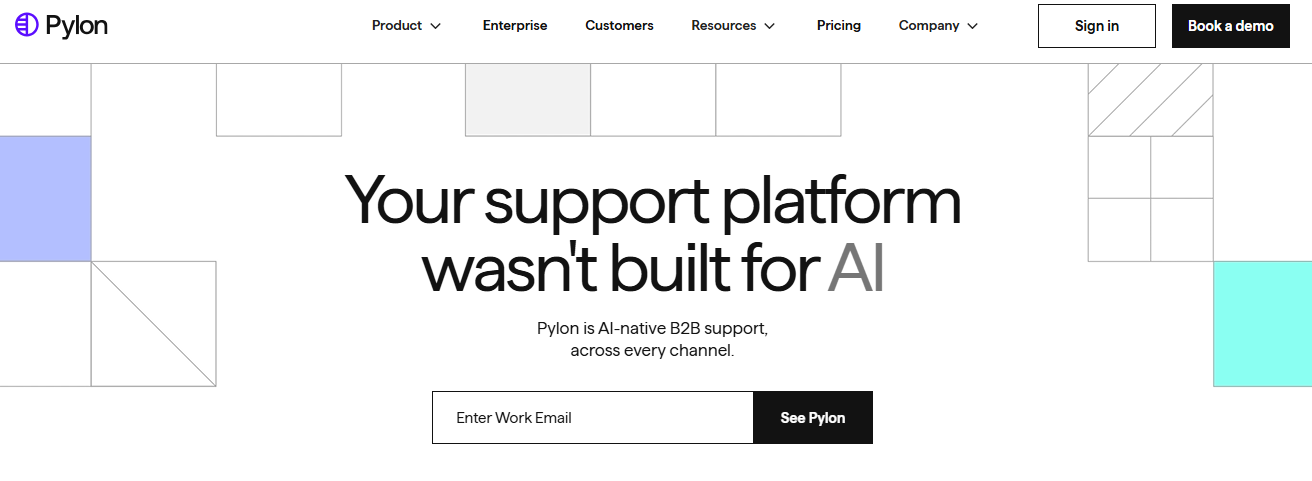
Pylon is a support platform built specifically for B2B SaaS, offering omnichannel coverage across Slack, Teams, WhatsApp, Telegram, Discord, and email in one workspace.
Its AI agents categorize issues, draft responses, and surface account health signals, while Account Intelligence flags churn risk directly from support interactions.
Key Features
- AI agents categorize issues and draft responses automatically, routing conversations to the right person without manual triage.
- Account Intelligence surfaces churn risk and upsell signals directly from support interactions and ticket patterns.
- Omnichannel coverage spans Slack, Teams, and WhatsApp, tracking every conversation as a trackable issue in one workspace.
Pros
- Purpose-built for B2B workflows rather than adapted from a general-purpose, consumer-facing helpdesk.
- Slack- and Teams-native support fits how modern B2B SaaS customers actually reach out for help.
- Account Intelligence adds revenue-relevant insight beyond pure ticket resolution for customer success teams.
Cons
- Less suited to high-volume B2C support than B2B, account-based SaaS workflows.
- Smaller ecosystem and brand recognition than legacy helpdesk incumbents. Compare Pylon alternatives built AI-first.
When to Choose Pylon
Choose Pylon when your B2B SaaS customers reach out primarily through Slack, Teams, or WhatsApp instead of email.
Pricing
Pylon pricing is quoted based on team size and channel mix; contact their team for a SaaS-specific quote.
7. Kustomer – Best for High-Volume SaaS with Deep Context
Kustomer is built for high-volume SaaS teams that need full customer context, pulling billing, usage, and interaction history into a single, unified timeline.
Native AI drafts responses and routes conversations based on that timeline, though its SaaS-specific integrations are shallower than platforms built for technical accounts.
Key Features
- Unified customer timeline surfaces billing and usage history instantly, so agents never switch tabs to look up account data.
- Native AI drafts responses and routing suggestions based on full conversation and account context.
- Custom workflows and automation handle repetitive, high-volume ticket patterns across large support teams.
Pros
- Deep contextual view suits complex, recurring customer relationships better than a standard ticket-only interface.
- Native AI ships built in rather than as a bolted-on module requiring separate configuration.
- Strong fit for high-volume support teams managing large, active customer bases.
Cons
- Per-seat pricing runs higher than most SaaS-focused competitors as support teams scale.
- Less suited to deep technical, account-aware resolution than platforms built for SaaS product complexity. Compare Kustomer alternatives built AI-first.
When to Choose Kustomer
Choose Kustomer when your SaaS team needs a full customer timeline across billing, usage, and support history.
Pricing
Kustomer starts around $89 per seat monthly, positioning it toward high-volume SaaS teams with larger support budgets.
8. HubSpot Service Hub – Best for Teams Already Running HubSpot
HubSpot Service Hub makes sense for SaaS teams already using HubSpot for marketing or sales, tying every support ticket to the same CRM record.
Its Customer Agent AI surfaces suggested replies from existing knowledge base content, though AI resolution depth is shallower than AI-native platforms.
Key Features
- Native ticketing ties every conversation to the same CRM record used by sales and marketing teams.
- Customer Agent AI surfaces suggested replies drawn from existing knowledge base and help content.
- Automated ticket routing directs incoming requests to the right team member without manual sorting.
Pros
- Unified customer data across marketing, sales, and service is powerful for HubSpot-committed SaaS teams.
- Familiar interface reduces onboarding time for teams already using HubSpot daily.
- Scalable option that grows with a SaaS team without requiring a platform switch later.
Cons
- Value depends heavily on existing HubSpot investment; standalone, better options likely exist for pure support use cases.
- AI resolution depth is shallower than platforms built AI-first for autonomous, technical support.
When to Choose HubSpot Service Hub
Choose HubSpot Service Hub when your SaaS team already runs marketing and sales on HubSpot's CRM.
Pricing
HubSpot Service Hub starts around $20 per seat monthly, rising on higher tiers. See the official HubSpot pricing page for current tiers.
9. Enjo – Best for Slack and Teams-Native Support

Enjo is built for B2B customer success teams managing support requests directly inside Slack or Microsoft Teams, without forcing customers into a separate portal.
It resolves tickets inside shared channels and integrates with major existing help desks, working alongside whatever ticketing system a SaaS team already runs.
Key Features
- Resolves tickets directly inside Slack or Teams without requiring customers to open a separate support portal.
- Integrates with major existing help desks like Salesforce, Zendesk, and Jira instead of replacing them outright.
- Works with any existing helpdesk setup, including standalone deployment for teams without one at all.
Pros
- Fits how B2B customer success teams already work, inside the same shared channels as internal collaboration.
- Free tier includes 200 AI replies monthly, giving smaller SaaS teams a real way to test it.
- Layers onto existing tools instead of requiring a full helpdesk migration project.
Cons
- Narrower scope than a full help desk platform, since it works best as a layer on existing tools.
- Less suited to teams without a heavy Slack or Teams-based support workflow already in place.
When to Choose Enjo
Choose Enjo when your customer success team already lives inside Slack or Microsoft Teams for daily work.
Pricing
Enjo offers a free tier with 200 AI replies monthly, with paid plans scaling as ticket volume grows.
10. Help Scout – Best for Small SaaS Teams Wanting Simple Support
Help Scout combines a shared inbox, Docs knowledge base, and Beacon AI, built for small SaaS teams that want clean, email-first support without a steep learning curve.
Beacon AI resolves routine queries directly from knowledge base content, though automation depth lags behind AI-native platforms built for complex, multi-step resolution.
Key Features
- Beacon AI resolves routine queries 24/7 directly from existing knowledge base and Docs content.
- Shared inbox keeps small teams organized without a complex ticketing structure or steep setup.
- Agent drafts and summaries reduce the time spent reading context before replying to a ticket.
Pros
- Clean, simple interface appeals to small SaaS teams that value ease of use over feature depth.
- Minimal admin overhead makes it easy to maintain without a dedicated support operations hire.
- Predictable per-seat pricing keeps budgeting straightforward for small, early-stage support teams.
Cons
- Lighter automation depth than AI-native competitors built for autonomous, account-aware resolution. Compare Help Scout alternatives built AI-first.
- Primarily designed around email, limiting fit for Slack- or Teams-first SaaS support teams.
When to Choose Help Scout
Choose Help Scout when your small SaaS team wants simple, email-first support without a steep learning curve.
Pricing
Help Scout starts around $25 per user monthly, keeping budgeting predictable for small, early-stage support teams.
How to Choose the Best AI Help Desk Software for B2B SaaS?
B2B SaaS support carries a different risk than generic customer service: a wrong answer on a billing or configuration query can break a customer's workflow. These five factors help you evaluate the right AI help desk before signing a contract.
1. Evaluate AI Capabilities
Decide which AI tier your SaaS team needs: FAQ deflection, a copilot drafting replies for agents, or full autonomous resolution that closes tickets on its own.
2. Check Automation Workflows
Confirm the tool executes actions like plan changes or refund approvals automatically, rather than only deflecting technical tickets back into a human support queue every single time.
3. Verify Integrations
Check whether the platform connects natively to your stack, especially Slack, your billing system, or product database, since fragmented integrations force constant tab-switching for fintech and dev-tools SaaS teams alike.
4. Assess Scalability
Evaluate whether pricing scales with ticket volume rather than a rigid seat count, since a growing SaaS product can spike support volume overnight after a single product release or outage.
5. Compare Pricing and ROI
Compare free tiers, per-seat, and per-resolution pricing against your realistic monthly ticket volume, and factor in add-on fees before committing to a plan you might quickly outgrow.
Why is QuantumDesk the Best AI Help Desk Software for B2B SaaS?
QuantumDesk is built for B2B SaaS teams that need AI resolving account, billing, and technical queries automatically, without paying enterprise prices for capabilities a lean team won't use for years.
Every other platform on this list asks SaaS teams to choose between a generic chatbot, an enterprise helpdesk, or account-aware resolution sold separately, whether you run a dev-tools platform, a fintech product, or a vertical SaaS suite. QuantumDesk does not force that trade-off.
Key Capabilities of QuantumDesk
- Quantum AI resolves repetitive account and billing queries automatically, eliminating ticket volume without agent involvement on routine SaaS support requests.
- Unified Inbox centralizes Slack, email, and chat, useful for lean SaaS support teams without dedicated channel owners managing each platform separately.
- AI-Curated Inbox prioritizes technical escalations by urgency and customer value, so support teams handle high-impact enterprise accounts first, every single day.
- Real-time admin dashboard gives support leaders visibility into AI resolution rates and escalation patterns without a dedicated ops hire.
- Resolution-based pricing keeps costs aligned with ticket volume instead of charging per seat as the SaaS team grows.
This is the same problem behind hiring more agents not fixing support: ticket volume outpaces headcount long before revenue catches up, and QuantumDesk is built to close that gap with automation instead of a bigger team.
Pick the platform that fits your SaaS team's stack, ticket volume, and growth stage. See how QuantumDesk handles support for your team → Book a Demo
Frequently Asked Questions About AI Help Desk Software for B2B SaaS
What are the best AI help desk software for B2B SaaS?
In my testing, the best AI help desk software for B2B SaaS in 2026 are QuantumDesk, Fini, and Intercom Fin AI.
QuantumDesk leads for AI-native, account-aware automation, Fini leads for technical accuracy on complex configurations, and Zendesk AI leads for enterprise-scale ticketing.
Which AI help desk software is best for SMBs building B2B SaaS products?
QuantumDesk and Help Scout are the best options for small SaaS teams that want low-cost entry without complex configuration.
QuantumDesk's resolution-based pricing keeps costs aligned with ticket volume as the team grows, while Help Scout's simple, email-first interface suits early-stage support teams.
How do I choose the right AI help desk for my SaaS product?
Start with your product's technical complexity and support volume before comparing AI accuracy, since account-aware resolution matters more for complex SaaS products.
Technical SaaS teams should evaluate QuantumDesk or Fini, product-led teams should look at Intercom Fin, and enterprise teams should consider Zendesk AI.
Is there a free AI help desk software for B2B SaaS?
Yes, Enjo offers a free tier with 200 AI replies monthly, and Fini offers a free entry tier before per-resolution billing starts.
Free tiers suit SaaS teams testing AI deflection before committing to a paid plan, though most outgrow them once technical ticket volume expands.
What features should I look for in an AI help desk for B2B SaaS?
Prioritize AI that reasons over live account and billing data, plus native integration with Slack, your CRM, or your product stack.
AI that only deflects to generic FAQ links does little to resolve the account-specific, technical tickets filling a SaaS support team's inbox.



.avif)