Summarize with AI
Key Takeaways
- Customer service software for SaaS has evolved from ticket management into AI-native platforms that resolve onboarding, billing, and integration queries automatically while carrying full product context into every conversation.
- QuantumDesk leads the list as the only AI-native platform that resolves 60 to 80 percent of Tier-1 SaaS queries automatically with write-access integrations, no per-resolution fees, and AI embedded across the entire workflow from day one.
- Zendesk and Salesforce Service Cloud are strong choices for enterprise SaaS operations with complex routing and SLA requirements, though AI capabilities on both sit behind higher-tier paid add-ons rather than the core platform.
- Intercom and Help Scout are best suited for product-led and early-stage B2B SaaS teams respectively, though Intercom's per-resolution pricing scales quickly as AI usage grows beyond initial estimates.
- The right platform depends on team stage, ticket volume, whether product context needs to flow into conversations, and whether AI resolves queries autonomously or simply deflects them toward agents.
The wrong customer service platform does not just slow your support team. It hands a churn risk to your renewal conversation and a reason to leave to every customer waiting more than a day on an integration issue.
I've been trying to integrate your API for two days with no help → raised a ticket via the support portal → got an automated confirmation → waited four days with no update → escalated to the sales team directly → the issue was resolved but the experience left me questioning whether to renew.
A customer who reached renewal with a complaint already attached to their account history.
SaaS support teams face this daily. The challenge is not just ticket volume. It is that every unresolved onboarding question, billing discrepancy, and integration failure carries a renewal signal that the right platform surfaces immediately, and the wrong one buries under a queue.
This guide compares 10 Best SaaS help desk software and customer service platforms across features, AI resolution depth, pricing models, and real-world SaaS fit to help teams find the right solution.
How tools were evaluated:
- Hands-on testing across real SaaS support workflows
- Customer conversations and user feedback
- Review platforms like G2 and Capterra
- Insights from Reddit and SaaS support communities
- Competitive positioning analysis
Whether you run a lean startup support team or a scaling B2B SaaS operation with tiered support tiers, this comparison will help you find the right platform based on your specific team stage, ticket type, and automation requirements.
A Quick Comparison: 10 Best Customer Service Software for SaaS Companies
How We Evaluated These Customer Service Software Platforms for SaaS
We selected these platforms by analyzing real-world SaaS support workflows, comparing AI resolution depth, and evaluating how effectively each solution improves Tier-1 deflection, agent productivity, and product-context visibility for teams managing growing ticket volumes.
- G2, Capterra, and software marketplace analysis to verify ratings, review patterns, and SaaS-specific fit across team sizes and growth stages
- Customer feedback from SaaS support teams to surface real usage patterns beyond vendor marketing claims and product pages
- Competitive benchmarking across AI resolution capability, omnichannel coverage, product context integration, and pricing model transparency in 2026
- Reddit discussions and SaaS support communities for unfiltered user feedback on daily operational performance, pricing surprises, and edge cases
- Hands-on product exploration of ticketing workflows, AI capabilities, and integration depth with common SaaS tools
- Pricing, scalability, and total cost modeling for teams at early, mid, and high-growth stages including AI add-on and per-resolution fee structures
Top 10 Customer Service Software for SaaS Companies in 2026
1. QuantumDesk – Best AI-Native Customer Service Platform for Scaling SaaS Teams
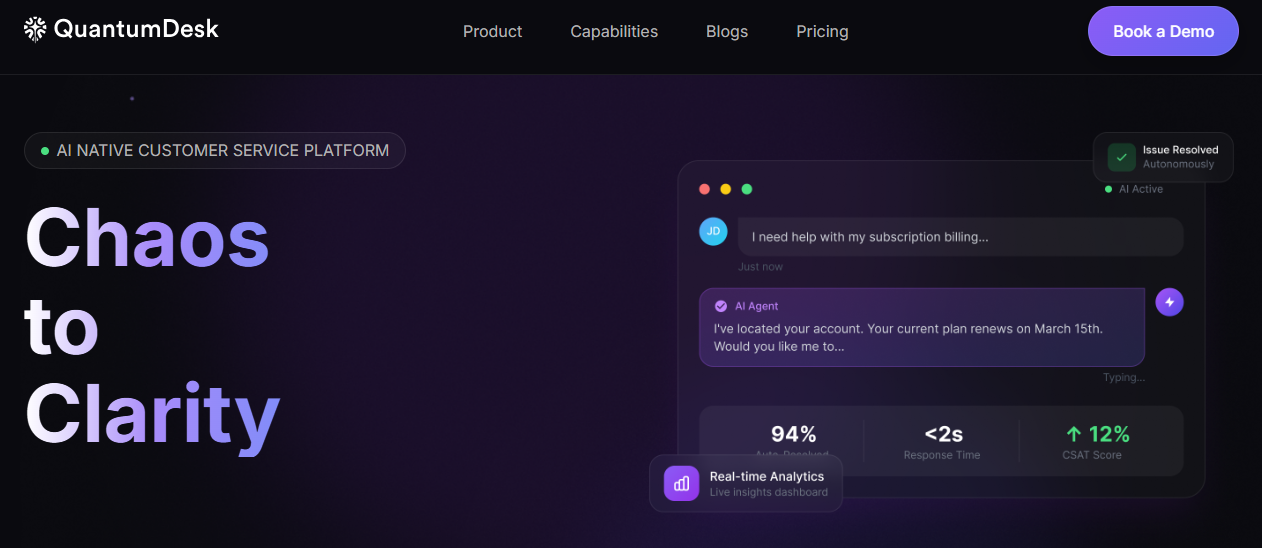
QuantumDesk is an AI-native customer service platform for SaaS companies where Quantum AI resolves Tier-1 queries autonomously, not just deflects them. Unlike Zendesk and Intercom, which charge per resolution or add AI as a separate module, QuantumDesk builds intelligence into the entire workflow from day one, delivering ai native customer service benefits without per-resolution fees that compound at scale.
I've been trying to integrate your API for two days with no help → raised a ticket via the portal → got automated confirmation → waited four days → escalated to sales directly → issue resolved but left me questioning renewal.
One churn-risk ticket that should have been caught in hours. With QuantumDesk, the portal ticket is flagged as high urgency by sentiment analysis, the API integration request routes to a technical specialist immediately with full conversation history and API logs surfaced, and Quantum AI Copilot drafts a response with troubleshooting steps and an escalation path. Resolved in under two hours, not four days, with the renewal conversation intact.
QuantumDesk multiplies agent capacity so SaaS teams handle significantly more onboarding, billing, and integration tickets without hiring to match volume growth.
Key Features
- Quantum AI resolves 60 to 80 percent of routine Tier-1 SaaS queries autonomously using write-access integrations to check billing, update tickets, surface usage data, and process plan changes without human intervention
- Unified conversational workspace that centralizes email, live chat, WhatsApp, in-app messages, and social media into one agent interface with full product context and conversation history preserved across every channel switch
- Quantum AI Copilot that drafts context-aware responses, summarizes complex multi-turn technical threads, identifies customer intent, and suggests next actions so agents resolve faster with consistent quality
- AI-curated inbox that prioritizes incoming tickets by urgency, sentiment, and churn-risk signals so critical API issues, billing disputes, and onboarding blockers surface immediately rather than waiting in a generic queue
- Admin analytics dashboard tracking AI versus human resolution rates, escalation patterns, agent productivity, and CSAT trends in real time so support leaders optimize workflows before problems reach renewal conversations
Pros
- AI resolution is built into the core workflow without per-resolution billing, meaning ticket volume can double without the cost structure compounding the way Intercom or Zendesk add-ons do at scale
- Product context flows into every conversation through write-access integrations, so agents stop asking customers to repeat account details and start resolving with full subscription, billing, and usage data already visible
- Omnichannel context preservation means a SaaS customer who opens a chat, follows up by email, and escalates via WhatsApp never loses conversation history or needs to re-explain the issue from scratch
Cons
- Newer platform compared to Zendesk and Salesforce, with longer enterprise market presence and more extensive legacy system integration catalogs built over the years
- Less recognized among enterprise procurement teams, currently evaluating vendors already embedded in their standard shortlists and approval frameworks
Best Use Case
Scaling SaaS companies and B2B support teams that need AI to resolve Tier-1 queries autonomously, not just surface suggested replies, while keeping full product context visible to agents handling complex escalations.
When to Choose QuantumDesk
Choose QuantumDesk when your SaaS team is handling significant onboarding, billing, and integration ticket volume and needs Agentic AI for Customer Service that resolves without charging per resolution, rather than an AI add-on that inflates cost as usage grows.
Pricing
Custom pricing based on team size and support volume. Contact the QuantumDesk team for current plans and a tailored demo built around your SaaS ticket types and resolution requirements.
Ready for AI That Resolves, Not Just Deflects? Explore how Quantum AI handles onboarding, billing, and integration tickets automatically, unifies your support channels, and scales SaaS support capacity without growing your team → Book a Demo
2. Zendesk – Best for Enterprise SaaS with Complex Routing and High-Volume Operations
Zendesk is the industry benchmark for enterprise customer service, used by large SaaS organizations that need mature ticketing infrastructure, SLA enforcement, advanced routing logic, and a 1,500-plus app integration marketplace to support operations at scale.
Teams choose Zendesk for its proven enterprise deployment history and extensive customization depth rather than for AI-native design or pricing suited to leaner SaaS teams. Its combination of omnichannel coverage, analytics, and ecosystem breadth makes it the standard evaluation choice for enterprise support operations.
Key Features
- Omnichannel ticketing consolidating email, chat, voice, social, and self-service into one workspace with full conversation history and SLA tracking across every support tier
- Zendesk AI that classifies incoming tickets by intent and sentiment, suggests replies to agents, and auto-resolves common SaaS inquiries with knowledge base content at scale
- 1,500-plus app marketplace connecting Zendesk to CRM platforms, developer tools, billing systems, and product analytics without custom integration development
Pros
- Proven at enterprise scale with deployment history across the largest SaaS organizations managing millions of support tickets annually across multiple geographies
- Mature integration marketplace makes it straightforward to connect existing CRM, billing, and product stack tools that most enterprise SaaS teams already run
Cons
- Zendesk Copilot AI costs an additional $50 per agent per month on top of base licensing, making total AI-enabled cost significantly higher than platforms with AI embedded natively
- Pricing starts around $55 per agent per month and scales quickly with seats and add-ons, creating budget challenges for mid-market and early-growth SaaS teams
- Setup and configuration require significant admin time and often dedicated implementation resources, a meaningful barrier for lean SaaS support operations
Best Use Case
Enterprise SaaS companies managing high ticket volumes with complex multi-tier routing, strict SLA requirements, and a broad third-party integration ecosystem that demands proven deployment history.
When to Choose Zendesk
Choose Zendesk when enterprise omnichannel coverage, deep customization, and a mature integration marketplace matter more than AI-native design or predictable cost efficiency as ticket volume and agent count scale.
Pricing
Zendesk Suite plans start around $55 per agent per month, with Zendesk Copilot AI available as a $50 per agent per month add-on and advanced enterprise configurations increasing total cost further.
3. Intercom – Best for Product-Led SaaS Teams Prioritizing In-App Messaging
Intercom is a customer messaging platform built for product-led SaaS companies that need in-app communication, proactive engagement, and an AI agent synced to live product data to handle complex queries without routing them immediately to a human.
Teams choose Intercom for its best-in-class messaging UX and Fin AI Agent capabilities rather than for traditional SLA-focused ticketing depth or predictable cost structure at high AI resolution volumes. It works best for PLG companies where in-app support and proactive engagement are primary customer success drivers.
Key Features
- Fin AI Agent that resolves complex customer queries using live help center content and API data loops, handling SaaS-specific questions about feature usage, account limits, and plan capabilities
- In-app messaging and proactive engagement tools that reach customers at key product moments before issues escalate into reactive support tickets requiring human intervention
- Account-aware routing that identifies high-value accounts by subscription tier or usage signal and routes their conversations to specialized support queues with appropriate priority
Pros
- Best-in-class messaging UX creates an in-app support experience that feels native to the product rather than a redirected external help desk that breaks the product journey
- Fin AI handles complex SaaS queries using live API data, going beyond static knowledge base deflection to resolve questions with real account context
Cons
- Per-resolution pricing at $0.99 per Fin AI resolution compounds quickly for high-volume SaaS teams, making total monthly cost difficult to predict as AI usage grows
- Traditional SLA management and structured ticket queue workflows are less developed than dedicated ticketing platforms built specifically for tiered support operations
- Base seat pricing of $29 per seat plus per-resolution AI fees creates a pricing model that surprises teams scaling from early-stage to growth-stage volumes
Best Use Case
Product-led SaaS companies where in-app messaging, proactive user engagement, and AI-powered self-service are the primary support motion rather than high-volume structured ticketing workflows.
When to Choose Intercom
Choose Intercom when in-app messaging quality and proactive engagement matter most, your customers primarily contact support from inside the product, and per-resolution AI pricing fits within your budget model at projected usage volume.
Pricing
Intercom Essential plans start at $29 per seat per month with Fin AI resolutions billed at $0.99 each. Advanced and Expert tiers add higher-volume capabilities, custom reporting, and additional workflow features.
4. Freshdesk – Best for Mid-Market SaaS Needing Enterprise Features at Lower Cost
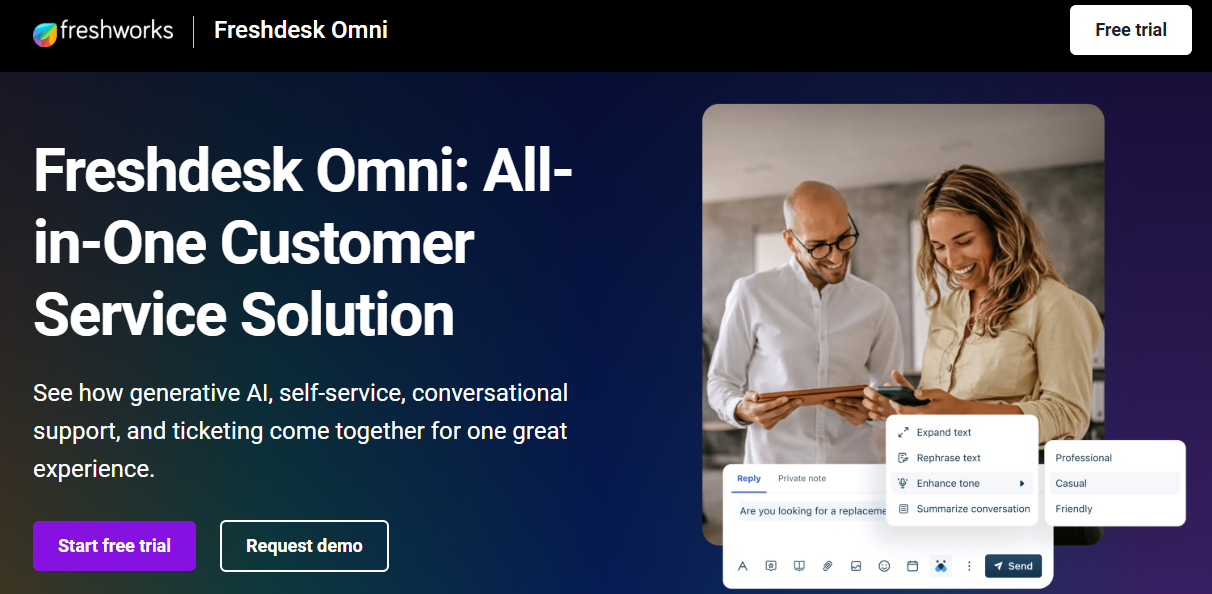
Freshdesk is a customer support platform from Freshworks used by mid-market SaaS companies that need multichannel ticketing, SLA management, and AI-assisted workflows at a fraction of the cost of enterprise alternatives like Zendesk or Salesforce.
Teams choose Freshdesk for its balance of automation depth, omnichannel coverage, and accessible pricing rather than for AI-native resolution or the product-context depth that more specialized SaaS platforms provide. It is a practical upgrade from shared inboxes without the implementation overhead of enterprise platforms.
Key Features
- Multichannel ticketing capturing email, live chat, phone, WhatsApp, and social media conversations into a unified workspace with full thread history and SLA tracking
- Freddy AI that generates ticket summaries, suggests context-aware replies to agents, automates responses to repetitive queries, and deflects common SaaS questions before they reach the queue
- Bug escalation automation with workflow rules that tag, prioritize, and route technical tickets to the right engineering-linked queues without manual sorting by support leads
Pros
- Entry pricing around $15 to $19 per agent per month delivers solid omnichannel coverage and automation depth that growing SaaS teams need without Zendesk-level investment
- Fast setup means SaaS teams can deploy, configure SLA rules, and start resolving tickets within hours rather than days of implementation time
Cons
- Freddy AI Copilot is a paid add-on rather than embedded natively, meaning full AI assistance requires an additional budget line that compounds as agent count grows
- Product context integration depth lags behind platforms with write-access API integrations that surface subscription data, usage signals, and billing history alongside tickets automatically
- Reporting at lower plan tiers is limited compared to enterprise platforms for SaaS leaders needing cross-tier performance visibility and custom dashboards
Best Use Case
Mid-market SaaS teams that need solid omnichannel ticketing, SLA management, and AI-assisted workflows without enterprise pricing or the deployment complexity of Zendesk or Salesforce.
When to Choose Freshdesk
Choose Freshdesk when your SaaS team needs to move beyond a shared inbox quickly, budget is a meaningful constraint, and AI assistance as a paid add-on is acceptable rather than requiring it to be natively embedded from day one.
Pricing
Freshdesk plans start around $15 per agent per month for Growth, with Pro and Enterprise tiers adding advanced analytics, custom roles, and AI capabilities. Freddy AI Copilot is available as a separate paid add-on.
5. Help Scout – Best for Early-Stage B2B SaaS Teams
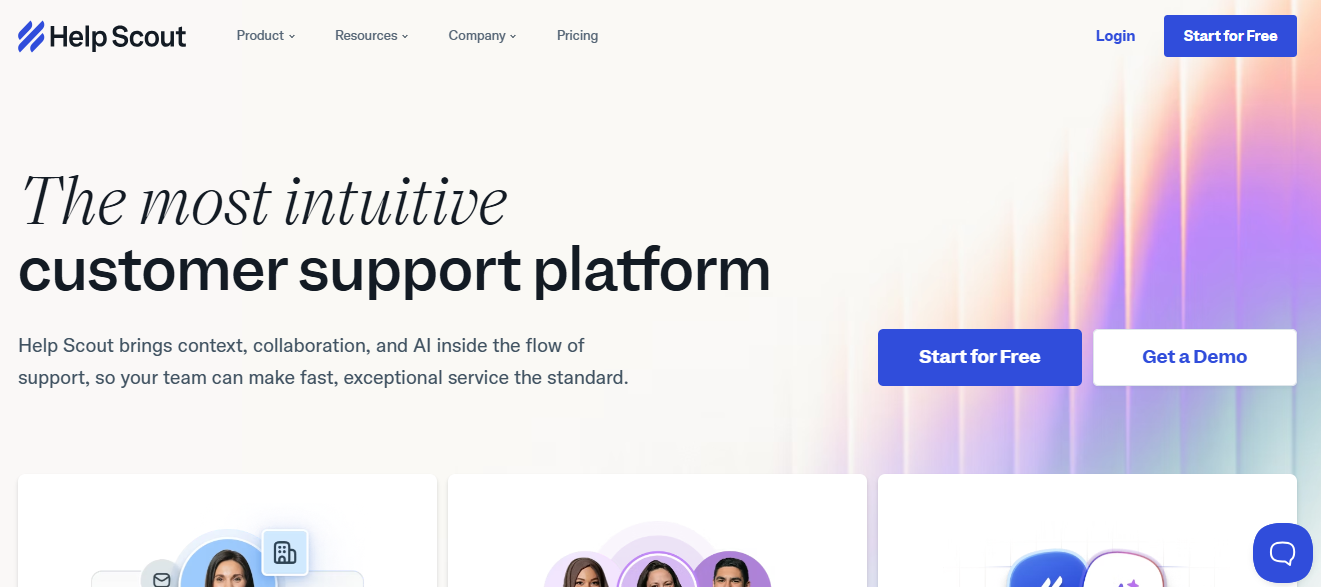
Help Scout is a customer support platform built for early-stage and relationship-heavy B2B SaaS teams that prioritize personalized, conversation-quality support over automation scale, where every reply feels like a personal email matters as much as resolution speed.
Teams choose Help Scout for its collaborative shared inbox, customer profile depth, and included AI drafting rather than for sophisticated ticket routing, product context integration, or high-volume queue management. It is the tool for SaaS teams where the support motion is still largely relationship-driven and agents know their customers by name.
Key Features
- Collaborative shared inbox where support emails look and feel like personal conversations rather than support tickets, with customer profile history visible alongside every incoming message
- AI drafting, summarization, and knowledge base article generation included across base plans without a premium add-on, giving small SaaS teams meaningful AI assistance without extra budget
- Docs self-service platform natively adjacent to the support inbox, allowing knowledge base articles to be surfaced in chat, email signatures, and customer portals without third-party integrations
Pros
- Unlimited users on every plan makes Help Scout cost-predictable for early-stage SaaS teams where the whole company touches support without a per-seat billing model that penalizes collaboration
- AI drafting included at base pricing avoids the add-on cost structure that makes Zendesk and Freshdesk AI meaningfully more expensive for lean teams needing basic assistance
Cons
- Product context integration and API-level data surfacing are limited compared to platforms with write-access integrations that pull billing, usage, and subscription data into conversations automatically
- Not suited for high-volume operations requiring sophisticated ticket triage, skills-based routing, or SLA enforcement across multiple tiered support queues
- Channel coverage lags behind full omnichannel customer service platforms, with stronger depth in email and live chat than in WhatsApp, in-app messaging, or voice
Best Use Case
Early-stage and relationship-heavy B2B SaaS teams where support quality and conversation feel matter more than automation depth, and the team manages a defined set of accounts rather than high-volume anonymous ticket flows.
When to Choose Help Scout
Choose Help Scout when your SaaS support motion is primarily email-based, your team is small, every customer knows their account manager, and a shared inbox that feels like genuine conversation fits better than a structured ticketing queue.
Pricing
Help Scout plans start around $50 per month for up to 100 contacts on the Standard plan, with Plus and Pro tiers adding advanced reporting, custom fields, and higher contact and conversation limits.
6. HubSpot Service Hub – Best for Sales-Led B2B SaaS Teams on HubSpot
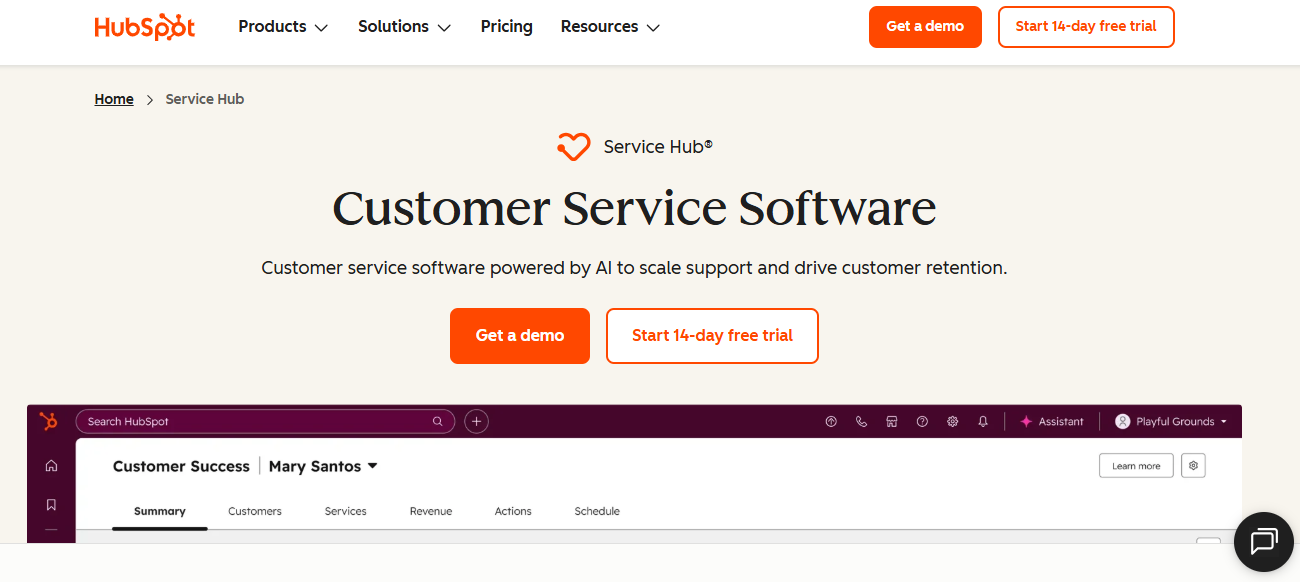
HubSpot Service Hub is a customer service platform used by sales-led B2B SaaS companies already running HubSpot CRM that need support operations directly connected to the same customer record driving deal pipelines, marketing campaigns, and renewal conversations.
Teams choose HubSpot Service Hub for its complete data alignment across support, sales, and marketing rather than for standalone ticketing depth or AI resolution capabilities independent of the broader HubSpot ecosystem. Every support ticket is linked to the customer's full lifecycle record from first marketing touch to current renewal stage.
Key Features
- CRM-aligned ticketing that links every support conversation to the customer's HubSpot contact record including deal stage, subscription tier, marketing engagement, and previous service history
- Breeze AI that handles account-aware priority routing, drafts context-aware responses, and automates follow-up workflows based on customer lifecycle stage and support history
- Customer feedback and CSAT tools built directly into the support workflow alongside ticketing, eliminating the need for a separate satisfaction measurement platform for HubSpot-first teams
Pros
- Complete data alignment across support, sales, and marketing gives SaaS teams a unified customer view that eliminates the blind spots created by running support on a disconnected platform
- Breeze AI routing using account context means high-value renewal-risk accounts surface to senior agents automatically rather than entering the same queue as routine product questions
Cons
- Value is primarily realized within the HubSpot ecosystem, limiting appeal for SaaS teams not already standardized on HubSpot across sales and marketing operations
- Plans start around $90 per seat per month for Service Hub Professional, pushing total cost significantly above mid-market alternatives for growing SaaS teams with multiple agents
- Standalone help desk depth is shallower than Zendesk or Freshdesk for SaaS teams needing advanced routing logic, tiered SLA enforcement, or high-volume queue management
Best Use Case
Sales-led B2B SaaS companies fully committed to HubSpot where support tickets need to be connected to CRM deal data, renewal timelines, and marketing engagement in one unified customer record.
When to Choose HubSpot Service Hub
Choose HubSpot Service Hub when your SaaS business is standardized on HubSpot, account context from sales and marketing must inform every support conversation, and the unified customer view across all functions justifies the per-seat investment.
Pricing
HubSpot Service Hub Starter plans begin around $15 per seat per month, with Professional at $90 per seat and Enterprise tiers adding advanced automation, custom reporting, and Breeze AI capabilities.
7. Zoho Desk – Best for Budget-Conscious SaaS Teams on the Zoho Ecosystem
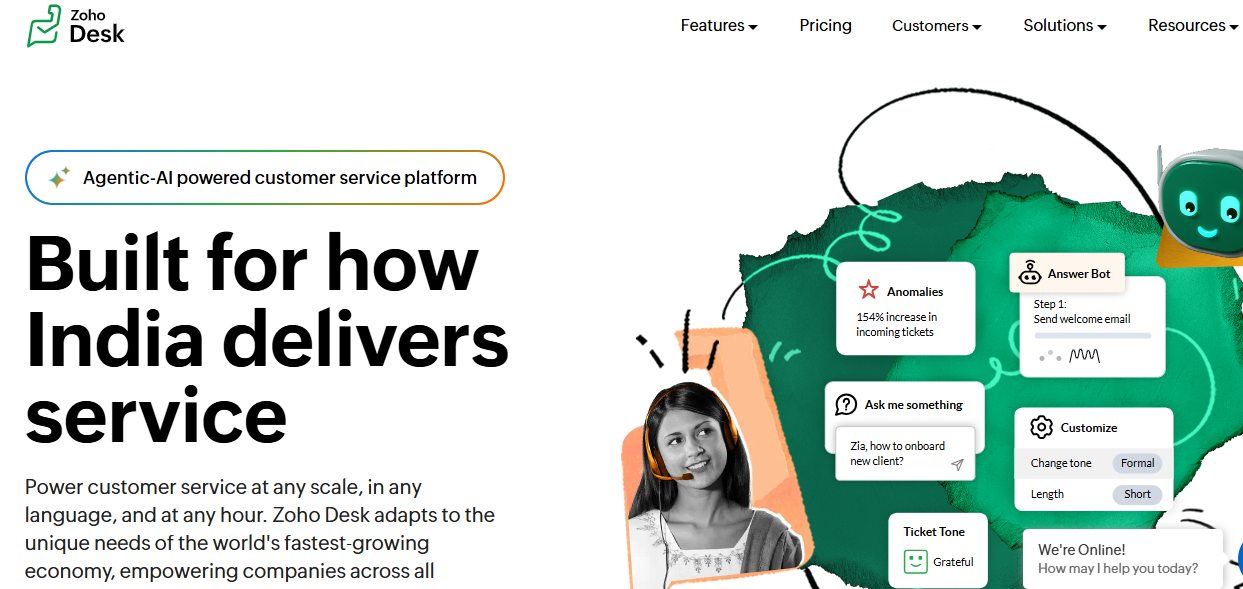
Zoho Desk is a context-aware support platform used by cost-conscious SaaS teams already standardized on Zoho that need omnichannel ticketing, workflow automation, and AI assistance at a price point that early-stage and bootstrapped companies can sustain.
Teams choose Zoho Desk for its low total cost and deep Zoho CRM integration rather than for AI-native resolution depth or enterprise-grade routing at high ticket volumes. It delivers strong value for teams where Zoho is already the operational backbone across sales, marketing, and support.
Key Features
- Contextual inbox that surfaces customer account history, previous tickets, and CRM data from Zoho directly within each incoming support conversation without manual lookup
- Zia AI that suggests responses, analyzes customer sentiment, auto-tags tickets, and flags volume anomalies across the support queue for proactive team management
- Configurable workflow automation for ticket routing, escalation, and assignment based on business rules, customer priority, and issue type without requiring technical implementation resources
Pros
- Entry pricing around $14 per agent per month delivers omnichannel coverage, AI assistance, and Zoho CRM integration at a cost point that early-stage SaaS teams can justify without budget approval cycles
- Deep Zoho ecosystem integration means customer data flows natively between Zoho CRM, Zoho Campaigns, and Zoho Desk without custom API work
Cons
- AI resolution quality and product context depth lag significantly behind AI-native platforms for SaaS teams prioritizing autonomous query handling at meaningful ticket volumes
- Steeper configuration learning curve than Help Scout or Freshdesk, which can delay onboarding for lean teams without dedicated admin resources managing the initial setup
- Teams outside the Zoho ecosystem lose the primary integration advantage, making Zoho Desk less compelling compared to alternatives at similar price points
Best Use Case
Budget-conscious SaaS teams already standardized on Zoho CRM that need solid omnichannel ticketing and functional AI assistance without enterprise pricing or complex deployment requirements.
When to Choose Zoho Desk
Choose Zoho Desk when budget is the primary constraint, your team already runs on Zoho products, and functional automation with Zoho CRM data flowing into support conversations justifies the platform choice.
Pricing
Zoho Desk plans start around $14 per agent per month for the Standard plan, with Professional and Enterprise tiers adding advanced automation, AI capabilities, and expanded integration depth as team size grows.
8. Salesforce Service Cloud – Best for Enterprise SaaS with Salesforce Data Gravity
Salesforce Service Cloud is an enterprise customer service platform used by large SaaS organizations already running Salesforce CRM that need complex workflow governance, Einstein AI, and Agentforce autonomous agents built on the same data infrastructure powering their entire enterprise operation.
Teams choose Salesforce Service Cloud for its near-unlimited customization depth and Salesforce data gravity rather than for deployment simplicity or cost efficiency at mid-market scale. It is the natural choice for enterprise SaaS companies where support must operate within the same governance framework as sales and finance.
Key Features
- Einstein AI that classifies tickets, suggests next-best-actions, generates knowledge articles, and surfaces account health signals from Salesforce CRM data alongside every support conversation
- Agentforce autonomous AI agents that handle complex SaaS support queries end-to-end using Salesforce data, escalating to human agents only when the situation exceeds defined confidence thresholds
- Enterprise governance and compliance with role-based access controls, audit trails, data residency options, and security frameworks suited for SaaS organizations operating under strict regulatory requirements
Pros
- Agentforce autonomous agents represent the most advanced AI resolution capability on this list for SaaS teams already running full Salesforce infrastructure with rich CRM data
- Near-unlimited customization through Salesforce's platform and AppExchange makes it possible to configure support workflows for the most complex enterprise SaaS operational requirements
Cons
- Entry pricing starting at $25 per user per month scales significantly for enterprise configurations, and full Agentforce capabilities require Salesforce Data Cloud investment that raises total cost substantially
- Implementation complexity requires Salesforce administrators, dedicated consultants, and extended deployment timelines that lean SaaS teams cannot absorb without significant resource investment
- Primary value is realized within the Salesforce ecosystem, making it a poor fit for SaaS organizations not already standardized on Salesforce across sales, operations, and finance
Best Use Case
Enterprise SaaS organizations running Salesforce CRM that need autonomous AI agents, complex workflow governance, and support operations built on the same data infrastructure as their entire enterprise.
When to Choose Salesforce Service Cloud
Choose Salesforce Service Cloud when your enterprise SaaS operation is fully standardized on Salesforce, AI-powered autonomous agents using Salesforce data are a strategic priority, and implementation investment is justified by organizational scale.
Pricing
Salesforce Service Cloud plans start at $25 per user per month for Starter, with Enterprise and Unlimited tiers adding Einstein AI, Agentforce, and full platform extensibility at significantly higher per-user costs.
9. Gleap – Best for SaaS Teams Needing In-App Bug Reporting Alongside Support
Gleap is an all-in-one SaaS support platform used by product and engineering teams that need in-app bug reporting with console logs, session replay, and screenshots connected directly to customer support workflows without managing separate bug tracking and helpdesk tools.
Teams choose Gleap for its combined support, feedback, and bug reporting capabilities rather than for high-volume ticketing infrastructure or enterprise-grade SLA management. It works best for SaaS teams where engineering and support need to share the same incident context without copying data between tools.
Key Features
- In-app bug reporting that captures console logs, environment data, session replay, and screenshots automatically when customers submit a report, giving engineering everything needed to reproduce issues
- Kai AI that handles common customer queries automatically across chat, email, and in-app channels and routes complex issues to agents with full bug context already attached
- Roadmap and feature request tools built into the support workflow so product teams can connect customer feedback directly to prioritization decisions without exporting data to a separate platform
Pros
- Bug report context depth is unmatched on this list for SaaS teams where engineering reproducibility requires more than a screenshot and a customer description
- All-in-one design reduces tool-switching between support, feedback, and roadmap tools that SaaS teams typically manage across three to five separate platforms
Cons
- Custom pricing and limited public plan transparency make budget planning difficult for teams in early evaluation without committing to a full sales cycle conversation
- Ticketing depth and SLA management are less developed than dedicated enterprise helpdesk platforms for SaaS teams managing large multi-tier support operations with strict response targets
- Less widely recognized in enterprise procurement processes, which can extend evaluation and approval timelines for organizations running formal vendor selection
Best Use Case
Product-focused SaaS teams and mobile app companies that need in-app bug reporting with engineering-grade context connected directly to customer support conversations and product feedback workflows.
When to Choose Gleap
Choose Gleap when your SaaS team's biggest support friction is reproducing technical issues from customer reports, engineering needs logs and session data alongside every bug ticket, and consolidating support with feedback tools matters.
Pricing
Gleap pricing is available on request and tailored to team size, support volume, and feature requirements. Contact the team for current plans based on your SaaS product scale and bug reporting needs.
10. LiveAgent – Best for Chat-First SaaS Teams Wanting Built-In Voice at Low Cost
LiveAgent is a customer support platform used by SaaS teams where live chat is the primary support channel and competitive all-in-one pricing across chat, email, and built-in voice support covers the full contact footprint without separate telephony investment.
Teams choose LiveAgent for its competitive pricing, fast setup, and integrated call routing rather than for deep AI-powered resolution or enterprise-level workflow management. It works best for SaaS companies where real-time chat response speed drives customer satisfaction and voice support is a meaningful part of the contact mix.
Key Features
- Live chat with fast load speeds that minimizes initiation friction for SaaS customers seeking immediate help during active product use or onboarding sessions
- Built-in call center with VoIP integration, IVR routing, and call recording that adds voice support without requiring a separate telephony platform alongside the helpdesk
- Gamification and agent performance tools including leaderboards, badges, and performance benchmarks that SaaS support teams use to motivate agents handling high-volume real-time queues
Pros
- Competitive all-in-one pricing at $15 per agent per month covers live chat, email, ticketing, and voice without per-channel or per-resolution add-on fees that compound at scale
- Built-in call center removes the need for a separate telephony platform, reducing the tool stack and integration overhead for SaaS teams that field voice support alongside chat
Cons
- AI capabilities are less developed than platforms built for autonomous SaaS Tier-1 resolution, making it weaker for teams prioritizing intelligent query handling over real-time chat speed
- Enterprise routing complexity and advanced workflow customization lag behind Zendesk and Freshdesk for larger SaaS operations with intricate escalation and SLA requirements
- Limited product context integration compared to SaaS-specific platforms that surface subscription data, usage signals, and billing history alongside incoming tickets automatically
Best Use Case
SaaS teams and growing businesses where live chat is the primary support channel, voice support is part of the contact mix, and competitive all-in-one pricing matters more than deep AI resolution capabilities.
When to Choose LiveAgent
Choose LiveAgent when real-time chat response speed drives your CSAT, voice support needs to be available without a separate telephony tool, and predictable all-in-one pricing at low per-agent cost is a priority.
Pricing
LiveAgent plans start at $15 per agent per month for the Small plan, with Medium, Large, and Enterprise tiers adding expanded features, higher support capacity, and additional channel access as team size grows.
How to Choose the Best Customer Service Software for SaaS
SaaS support operations differ from every other context on this list. Customers are technical, ticket types span onboarding, billing, bugs, and feature requests simultaneously, and every unresolved escalation carries a renewal risk. Use these five factors to sharpen your evaluation before shortlisting platforms.
1. AI Resolution vs. AI Deflection
The distinction for SaaS teams is whether AI resolves queries using live product data or deflects them to agents. Test platforms with real SaaS documentation and messy technical questions before committing to any pricing tier.
2. Product Context in Every Conversation
Agents need subscription tier, usage data, billing history, and API logs visible alongside every ticket. Evaluate whether context flows into conversations automatically or requires manual lookup across disconnected tools that slow resolution time down.
3. Pricing Model Transparency at Scale
Per-agent fees, per-resolution AI billing, and add-on costs for customer service automation compound fast. Calculate the total cost at 2x your current agent count and AI usage volume before committing based on the entry-level pricing shown on the homepage.
4. Omnichannel Coverage Without Context Loss
SaaS customers contact support through in-app chat, email, WhatsApp, and social, often about the same issue on the same day. Evaluate whether the platform preserves full conversation history when customers switch channels or forces them to repeat themselves. Understanding the AI vs Human Customer Support balance helps set the right expectations here.
5. Integration Depth with Product and CRM Data
The best SaaS support platforms surface billing data, usage signals, and account health alongside tickets through write-access integrations. Confirm the platform can update records, process plan changes, and close the loop without requiring agents to switch between systems mid-conversation.
How QuantumDesk Simplifies SaaS Customer Service for Scaling Teams
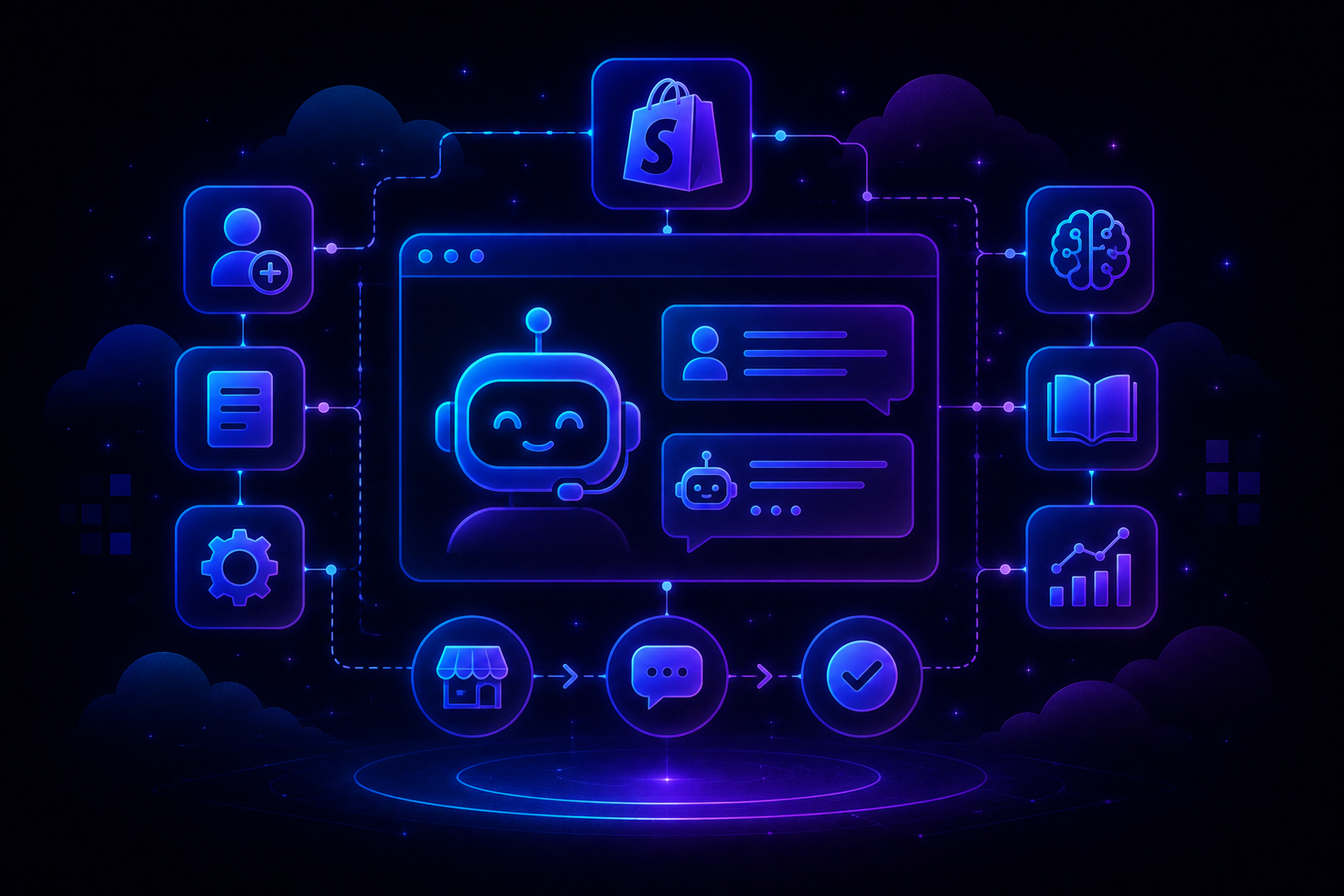
QuantumDesk is built for SaaS support teams that need to resolve Tier-1 tickets autonomously, surface product context without manual lookup, and scale support capacity without adding headcount every time ticket volume grows alongside the user base.
Its AI-native architecture means Quantum AI does not just suggest replies or deflect tickets to a knowledge base. It resolves them using write-access integrations, carries live product context into every conversation, and gives support leaders real-time visibility into the patterns that predict churn before they reach the renewal conversation.
- Quantum AI resolves 60 to 80 percent of routine SaaS Tier-1 queries autonomously, handling onboarding, billing, and integration tickets without human intervention using write-access integrations
- Unified Workspace centralizes email, chat, WhatsApp, in-app, and social into one interface with full product context preserved across every channel switch and every conversation
- AI Copilot drafts context-aware responses, summarizes complex technical threads, and suggests next actions so agents resolve escalations faster without reconstructing conversation history manually
- AI-Curated Inbox prioritizes by urgency, sentiment, and churn-risk signal so API integration failures and billing disputes surface immediately rather than waiting behind routine low-priority requests
- Admin Analytics tracks AI versus human resolution rates, escalation patterns, and CSAT trends in real time so support leaders optimize workflows before problems reach renewal conversations
Whether your focus is how to scale customer support through autonomous AI resolution or improving response speed on complex technical escalations, QuantumDesk gives SaaS support teams the foundation to handle more without hiring more.
Frequently Asked Questions About Customer Service Software for SaaS
What are the best customer service software platforms for SaaS companies in 2026?
Leading options include QuantumDesk, Zendesk, Intercom, Freshdesk, Help Scout, HubSpot Service Hub, Zoho Desk, Salesforce Service Cloud, Gleap, and LiveAgent.
The right choice depends on team stage, ticket type mix, whether product context needs to flow into conversations automatically, and whether AI resolution is a day-one requirement or a future add-on. Teams exploring the full Best Customer Service Software landscape can use this comparison as a starting point before narrowing to two or three platforms for a focused evaluation.
Which customer service software is best for early-stage SaaS teams?
Help Scout, Freshdesk, and Zoho Desk are among the strongest options for early-stage SaaS teams needing fast deployment, accessible pricing, and functional ticket management without enterprise configuration complexity.
QuantumDesk is also well-suited for growing SaaS teams expecting Tier-1 ticket volume to increase quickly, since AI resolution is built into the platform from the start rather than added as a paid module when volume growth makes the cost model unsustainable. Teams also evaluating Best Help Desk Software will find this comparison helpful for benchmarking across categories.
How do I choose the right customer service software for my SaaS company?
Start by identifying your biggest operational challenge: unresolved Tier-1 volume, lack of product context in tickets, channel fragmentation, per-resolution AI billing surprises, or the inability to scale support without proportionally growing headcount.
Then compare AI resolution depth versus deflection, product context integration, pricing model transparency at scale, omnichannel coverage, and total cost at realistic growth projections before narrowing to two or three platforms for a hands-on evaluation against your actual SaaS ticket types.
Is there a free customer service software option for SaaS teams?
Freshdesk, HubSpot Service Hub, and Zoho Desk each offer free plans or entry-level tiers with basic ticketing and shared inbox functionality suited to early-stage SaaS teams testing core workflows before committing to paid plans.
Free plans work well for founders and very small teams handling low ticket volumes. Most SaaS teams handling more than a few hundred monthly tickets will need a paid plan to access the AI Customer Service Agent capabilities, product context integrations, and SLA management that meaningfully reduce manual workload as the user base grows.



.avif)