
Summarize with AI
Key Takeaways
- Customer service automation evolves from rule-based workflows to AI-assisted and fully agentic AI resolution systems
- Agentic AI systems can autonomously resolve customer issues with minimal ongoing human intervention
- AI-assisted automation improves agent productivity using contextual suggestions and connected knowledge systems
- Businesses should integrate automation directly with CRM and customer support workflows for accurate resolution
- Modern automation combines proactive engagement, intelligent escalation, and 24/7 customer support availability
Customer expectations have changed. Users now expect instant responses, 24/7 support availability, and consistent experiences across channels.
Support teams are struggling to manage rising ticket volumes, repetitive questions, and fragmented conversations across chat, email, WhatsApp, and social platforms. Businesses are turning to customer service automation to improve response speed, reduce operational pressure, and maintain support quality without continuously expanding teams.
For D2C brands in apparel, cosmetics, food, and fitness, automation often determines whether a damaged-delivery complaint gets resolved within hours or escalates into a public review.
According to industry benchmarks, businesses can reduce support operational costs by up to 40% using automation. Modern AI systems now resolve a large share of repetitive customer queries without agent involvement.
- AI automates repetitive customer questions and reduces manual agent workload
- Intelligent routing helps urgent tickets reach the right support teams faster
- Automation enables continuous support across multiple channels and time zones
- Modern AI systems combine automation with human escalation when required
You will learn how customer service automation works, which tools businesses use, implementation best practices, common mistakes to avoid, and how AI-native platforms improve customer support operations.
Quick Comparison: Levels of Customer Service Automation
Rule-based systems match predetermined keywords and follow scripted decision trees. AI-assisted tools give agents real-time context, summaries, and response recommendations.
Agentic AI for customer service goes further. It completes actions like refund processing, return label generation, and order verification across connected business systems without human involvement.
What is customer service automation?
Customer service automation uses technology to handle support tasks with limited or no human intervention. Businesses automate repetitive workflows like answering FAQs, routing tickets, sending updates, and resolving predictable requests across multiple channels.
- Traditional automation relied heavily on static workflows and scripted interactions.
- Modern automation uses AI, machine learning, sentiment analysis, and conversational systems that understand customer intent and deliver more contextual support.
I ordered a protein supplement before a marathon. The package stopped updating for five days. I contacted support through Instagram. Received the same canned response twice. Opened a refund dispute. Posted publicly about the experience. Never ordered from the brand again.
One delayed response can quickly become a lost customer, negative social proof, and increased pressure on already overloaded support teams.
What technologies power customer service automation?
- AI-native customer service platforms embed automation directly into workflows, improving prioritization, escalation handling, and operational visibility
- AI chatbots for customer service manage repetitive conversations and provide instant answers across websites, messaging apps, and support channels
- Automated ticket routing prioritizes conversations based on urgency, intent, and customer sentiment
- Self-service portals help customers resolve common problems independently without waiting for human assistance
- CRM integrations provide automation systems with customer history and account information for personalized interactions
- AI copilots assist agents with summaries, recommendations, and next-best actions during live conversations
The goal of automation is not replacing support teams. It is helping businesses resolve repetitive issues faster while allowing agents to focus on higher-value customer interactions.
How does customer service automation work?
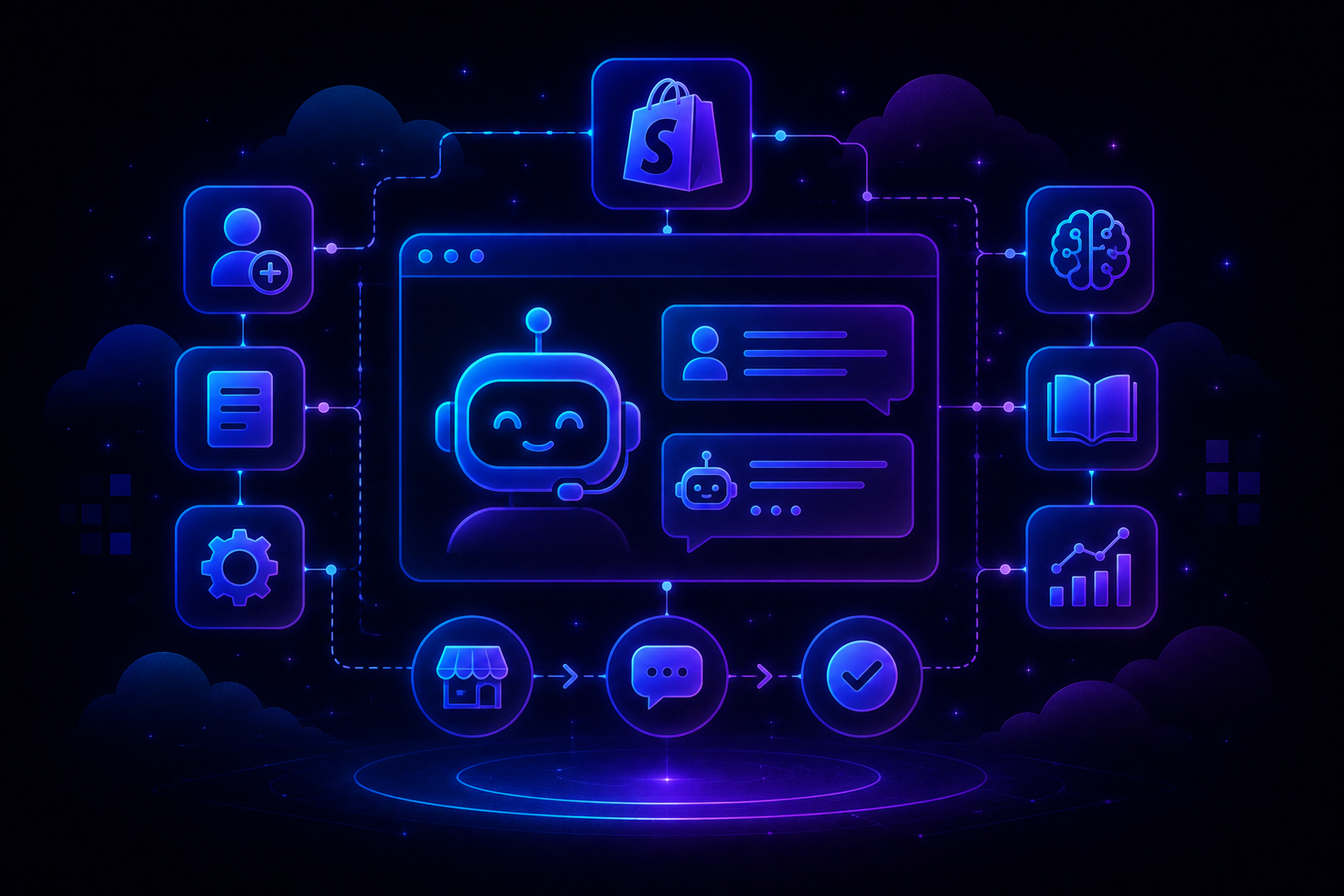
Modern customer service automation follows a structured workflow. It combines customer intent detection, connected business systems, AI-based decision-making, and human escalation when required.
This process helps businesses handle large support volumes while improving response speed and operational consistency.
1. Capturing customer requests
Automation systems receive customer queries through channels like chat, email, WhatsApp, voice calls, or social media. The system normalizes these inputs into structured data, preserving channel origin, customer identity, and raw content.
It then identifies the issue using natural language understanding.
2. Understanding intent and sentiment
AI systems analyze the conversation to detect customer intent, urgency, frustration level, and the type of support required.
A calm "When will my order arrive?" triggers a different workflow than "WHERE IS MY ORDER????" Sentiment analysis detects that emotional intensity and decides the next workflow action automatically.
3. Retrieving information from connected systems
The system pulls information from CRMs, order management platforms, billing tools, and knowledge bases. It assembles a full customer profile, including order history, previous interactions, and account standing.
This context identifies the most accurate response or resolution path.
4. Automating resolution
Automation can complete actions like password resets, refund processing, order tracking updates, appointment confirmations, or account verification without requiring live agent involvement.
For routine queries with high confidence scores, the system resolves the issue and removes the ticket from the queue entirely.
5. Escalating complex issues to human agents
When AI detects frustration, emotional concerns, or unresolved problems, the conversation is escalated to human agents with complete context preserved.
Agents receive conversation history, sentiment analysis, customer context, and AI-generated suggestions rather than starting from zero.
What are the best customer service automation tools and features?
Customer service automation platforms vary in capability. Some focus on basic rule-based workflows. Newer AI-native systems combine conversational AI, autonomous resolution, analytics, and unified support operations within a single intelligent platform.
Selecting the right AI Customer Service Tools depends on your team's size, ticket volume, and channel complexity.
1. AI-native customer service platforms
AI-native customer service platforms embed intelligence directly into support workflows instead of adding automation as a separate layer. This approach improves prioritization, automation quality, escalation handling, and operational visibility across support teams.
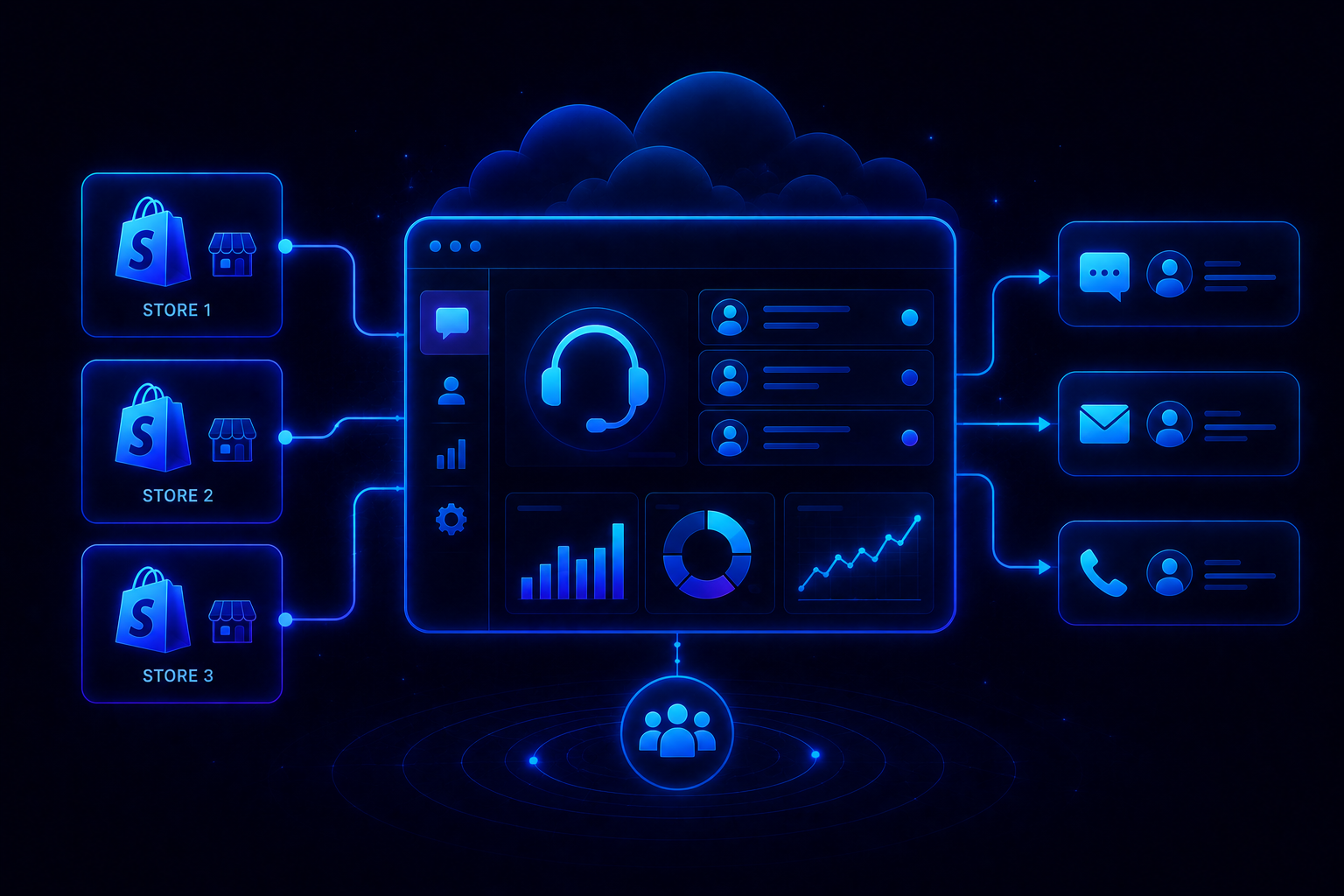
Platforms like QuantumDesk combine unified conversations, AI-curated inboxes, intelligent routing, and AI copilot assistance directly inside the support workflow. This helps businesses automate repetitive support tasks, improve response quality, reduce manual workload, and scale support without continuously increasing operational complexity.
The AI-native customer service benefits become measurable almost immediately after deployment.
- Centralized customer conversations across email, chat, WhatsApp, and social platforms
- AI prioritization based on urgency, sentiment, and customer intent
- AI copilot assistance for summaries, contextual replies, and next-best actions
2. AI chatbots and conversational automation
AI chatbots provide instant responses to repetitive customer queries while escalating sensitive or complex conversations to support agents when necessary.
Unlike rule-based bots that follow rigid scripts, modern conversational AI maintains context across multiple turns and handles varied phrasing naturally. Companies using AI in customer service see customer satisfaction scores increase by 22.3 percentage points.
3. Automated ticket routing and prioritization
Automation systems classify incoming tickets using urgency, sentiment, customer intent, and conversation history to reduce delays and improve response efficiency.
Skill-based routing matches conversations to agents with relevant expertise. Sentiment-based routing sends frustrated customers directly to senior agents or recovery teams.
4. Self-service knowledge bases
Knowledge bases allow customers to solve problems independently using FAQs, troubleshooting articles, and AI-powered search recommendations available around the clock.
Research shows 61% of customers prefer self-service options for simple issues. Companies deploying customer portal software report support ticket volume reductions of 30 to 40%.
5. AI copilots for support agents
AI copilots help agents summarize conversations, suggest responses, identify customer intent, and improve handling speed during complex support interactions.
The AI Customer Service Agent acts as a real-time assistant, not a replacement. It gives agents decision support so they resolve issues faster.
6. CRM and omnichannel integrations
Modern automation platforms connect with CRM systems, billing platforms, email tools, WhatsApp, and social channels. This provides complete customer context across every interaction.
Without these integrations, automation systems lack the data needed to personalize responses. Multi-Channel Customer Service depends on connected systems that preserve context when customers switch channels.
How should you implement customer service automation?
Successful automation requires clear planning, operational visibility, and gradual rollout. Businesses often fail when they automate too aggressively without understanding customer expectations, support workflows, or escalation requirements.
Step 1: Identify repetitive support queries
Start with high-volume requests like order tracking, password resets, account updates, appointment scheduling, and FAQ handling that follow predictable workflows.
Data analysis of historical support interactions reveals which inquiry categories consume disproportionate agent time. These represent immediate automation candidates.
Step 2: Connect automation with existing systems
Integrate automation with CRM platforms, billing systems, shipping tools, and knowledge bases so AI systems can access accurate customer information during interactions.
Technical planning should cover data security, authentication, error handling, and monitoring. The Best Help Desk Software options offer pre-built integrations with popular platforms like Shopify and major shipping carriers.
Step 3: Build conversational workflows
Create automation flows that guide customers through resolution steps naturally while preserving flexibility for different conversation paths.
Configure confidence thresholds for actions with financial implications, like refund processing. When confidence falls below your threshold, the system should escalate to a human agent rather than risk incorrect decisions.
Step 4: Test automation in copilot or shadow mode
Run automation systems alongside human teams initially. This validates response quality, workflow accuracy, escalation triggers, and operational reliability before enabling fully autonomous execution.
Shadow testing replicates real customer traffic to the automation system, capturing what automated responses would have been and comparing them to actual agent responses. This process typically requires two to four weeks.
Step 5: Enable human escalation paths
Customers should always have access to human support when issues become emotional, sensitive, urgent, or operationally complex beyond automation capabilities.
AI vs Human Customer Support is not an either-or question. The best implementations pair both.
Scenario: I was charged twice for my SaaS subscription. Submitted a billing ticket. Received only automated acknowledgments for three days. Escalated through LinkedIn. Finally received a refund after contacting sales directly. Renewed reluctantly because the support process felt disconnected and frustrating.
Automation works best when businesses treat AI as a support multiplier that improves operational efficiency while keeping human expertise available for complex customer situations.
What are the Benefits of Customer Service Automation?
- Faster response times improve customer experience by reducing delays across repetitive service interactions
- 24/7 automation enables businesses to support customers continuously across different regions, channels, and time zones
- AI automation reduces operational costs by minimizing repetitive manual support tasks handled by live agents
- Intelligent routing improves response quality by directing urgent customer issues to specialized support teams faster
- AI copilots improve agent productivity using contextual recommendations, summaries, and conversation guidance during live interactions
- Self-service systems reduce support ticket volume by helping customers resolve common issues independently
- Unified automation workflows improve consistency across support channels and reduce fragmented customer experiences
Businesses resolving tickets 52% faster with automation also see first response times decline by 37%. Improving complaint resolution times to under 24 hours drives 170% higher customer retention compared to 48+ hour resolution windows.
The AI in Customer Service impact compounds over time as reduced churn improves customer lifetime value. Organizations using automation effectively can scale support operations while improving satisfaction and allowing agents to focus on higher-value interactions.
Common Mistakes to Avoid in Customer Service Automation
Customer service automation improves efficiency, but poor implementation often creates frustrating customer experiences. Businesses need to balance automation speed, personalization, and human accessibility carefully.
- Over-automating conversations without human escalation paths frustrates customers during emotional or operationally complex situations
- Poor CRM and system integration results in disconnected customer experiences and inaccurate automated responses
- Relying only on scripted workflows limits automation flexibility when customer requests fall outside predefined scenarios
- Ignoring customer sentiment prevents businesses from identifying frustrated users who require immediate human intervention
- Failing to monitor automation metrics reduces visibility into resolution quality, escalation rates, and satisfaction performance
- Inconsistent automation across channels creates fragmented experiences where customers repeatedly explain the same issue
- Launching automation without proper testing often leads to inaccurate workflows, failed routing, and poor customer trust
Maintaining AI customer support accuracy requires ongoing monitoring, not just launch-day calibration.
How excessive customer conversations reduce support quality is a pattern that worsens when automation fails silently. The most effective automation strategies combine AI efficiency with strong escalation workflows, operational monitoring, and human support availability.
How does QuantumDesk simplify customer service automation?
Many traditional customer support platforms were originally designed around manual ticket handling workflows and later added automation separately. This often creates disconnected systems, inconsistent prioritization, and fragmented customer experiences.
I ordered a skincare product before a vacation. The wrong variant arrived. Contacted support through WhatsApp. Received generic return instructions. Needed an urgent replacement instead. Frustration increased after waiting two days. Posted publicly about the issue before finally hearing back from support.
With QuantumDesk, the WhatsApp conversation is automatically prioritized based on urgency and sentiment. Customer history is surfaced instantly. Quantum AI assists agents with next-best actions so the replacement issue gets resolved before frustration escalates publicly.
- Unified workspace centralizes conversations across email, live chat, WhatsApp, and social platforms
- AI-curated inbox prioritizes conversations using urgency, intent, and customer sentiment
- Quantum AI assists agents with summaries, contextual replies, and intelligent workflow recommendations
- Automation resolves repetitive customer requests while preserving escalation to human support teams
This AI-native approach helps businesses improve customer support efficiency, automate repetitive workflows intelligently, and scale support capacity without increasing operational complexity or reducing experience quality.
For teams evaluating options, the Best customer service software for ecommerce brands comparison provides additional context on platform selection.
Frequently asked questions
What is customer service automation?
Customer service automation uses AI, workflows, and support software to handle repetitive customer tasks automatically while improving response speed and operational efficiency across support channels. Common AI Use Cases in Customer Service include order tracking, ticket routing, FAQ resolution, and appointment scheduling.
Does customer service automation replace human agents?
No. Automation handles repetitive and predictable workflows while human agents manage emotional, complex, and high-value customer interactions requiring empathy, judgment, and flexible problem-solving. The goal is increasing team capacity, not reducing headcount.
What tasks can businesses automate in customer service?
Businesses commonly automate FAQs, order tracking, appointment scheduling, password resets, ticket routing, customer notifications, and repetitive support workflows across chat, email, and messaging platforms. Small business customer service teams often start with these high-volume categories first.
What are the biggest challenges in customer service automation?
Common challenges include over-automation, disconnected systems, inaccurate AI responses, lack of human escalation paths, and poor visibility into customer satisfaction and automation performance metrics. The Future of AI in Customer Service points toward better sentiment detection and confidence scoring to address these gaps.
How do businesses measure customer service automation success?
Businesses track metrics like CSAT, automation resolution rate, escalation rate, first contact resolution, ticket reduction, and average response time to evaluate automation performance and experience quality. Reviewing AI Customer Service Trends helps teams benchmark against current industry standards.



.avif)