Summarize with AI
Key Takeaways
- Logistics support software needs more than ticketing; it must handle shipment tracking, claims, delays, and warehouse coordination in one place.
- QuantumDesk leads this list as the AI-native platform built for logistics teams handling both customer and operational workflows.
- Zendesk and ServiceNow suit large logistics enterprises needing omnichannel scale or deep internal workflow orchestration across complex operations.
- Help Scout and Front fit growing 3PLs and freight teams that want simple shared inboxes over heavy automation.
- The right platform depends on shipment visibility needs, internal IT complexity, budget, and how much AI automation your team requires.
Logistics help desk software decides whether shipment delays, claims, and warehouse issues get resolved fast or pile up across disconnected channels. The wrong choice buries context and slows time-sensitive updates.
3PLs(Third-Party Logistics provider) juggling multi-carrier tracking, freight forwarders coordinating with dispatch, and D2C brands managing shipping complaints all depend on this choice.
My package sat at a warehouse for six days. I messaged support on chat, and got only a generic tracking link.
You will evaluate the top platforms on omnichannel support, AI automation, ERP integration, and internal workflow depth, then match the right one to your logistics operation.
How tools were evaluated:
- Hands-on testing across real logistics support workflows
- Customer conversations and verified user feedback
- Review platforms like G2 and Capterra
- Insights from Reddit and support communities
- Competitive positioning and pricing analysis
This comparison breaks down where each platform excels, so you can match your shipment volume, channels, and operational complexity to the right logistics help desk.
A Quick Comparison: Best 10 Help Desk Software for Logistics in 2026
How We Evaluated These Help Desk Software for Logistics
We evaluated these platforms by analyzing real logistics support scenarios, comparing omnichannel coverage, AI automation, and integration depth, and assessing how each solution helps teams resolve time-sensitive issues without proportional headcount growth.
- G2, Capterra, and software marketplace analysis to verify ratings and logistics-fit review patterns
- Customer feedback from logistics support teams to surface real usage beyond marketing claims
- Competitive benchmarking across omnichannel coverage, AI automation, and ERP integration depth
- Reddit discussions and support communities for unfiltered feedback on daily operational performance
- Hands-on product exploration of ticketing, automation, and AI resolution workflows
- Pricing and scalability considerations for teams at different growth stages
Teams comparing dedicated ticketing platforms can also see our breakdown of the Best AI help desk software for additional context.
Top 10 Help Desk Software for Logistics in 2026
1. QuantumDesk – Best AI-Native Help Desk Software for Logistics Teams

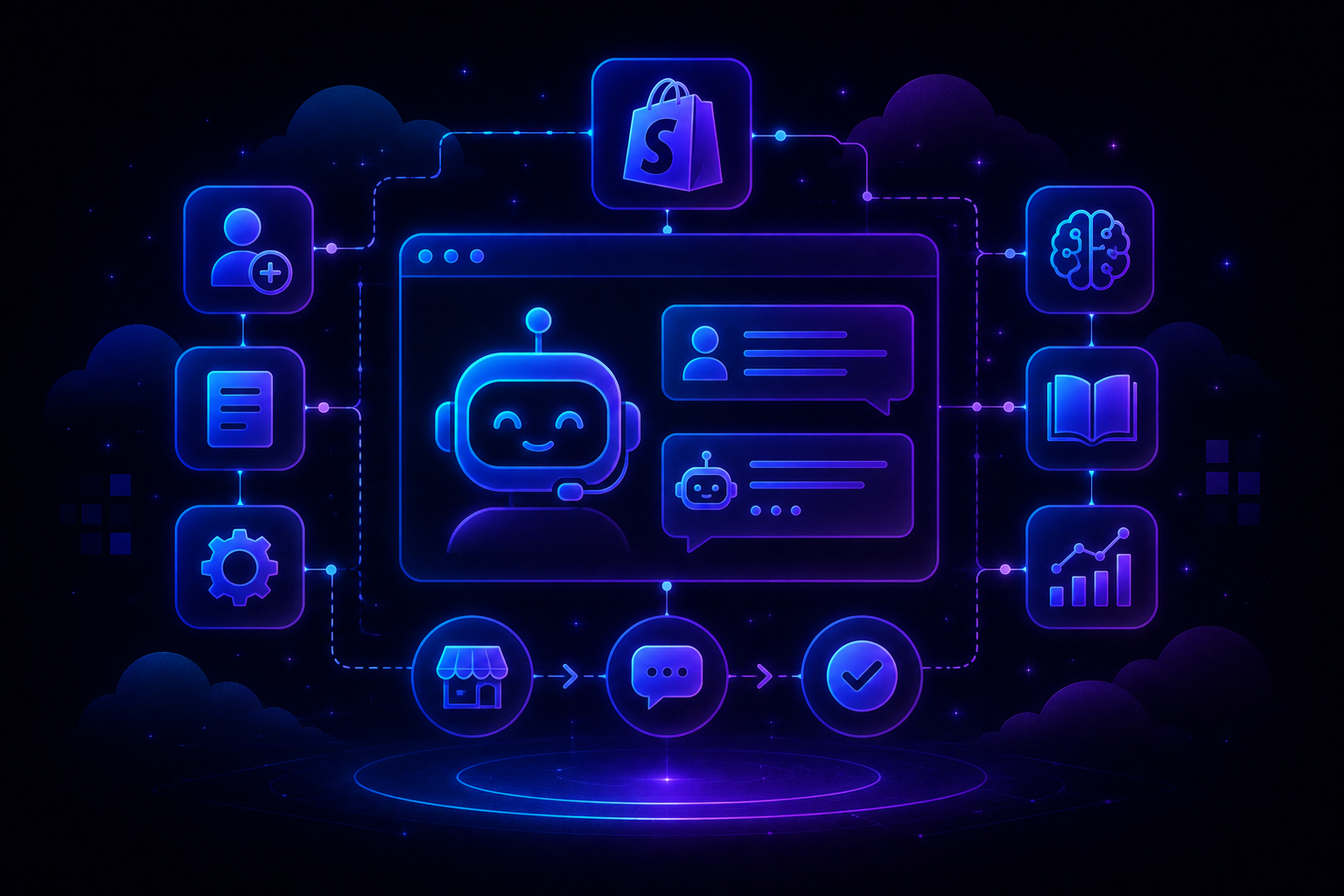
QuantumDesk is an AI-native help desk platform built for logistics teams that need to coordinate customer service, shipment issues, and internal support workflows without relying on rigid legacy systems.
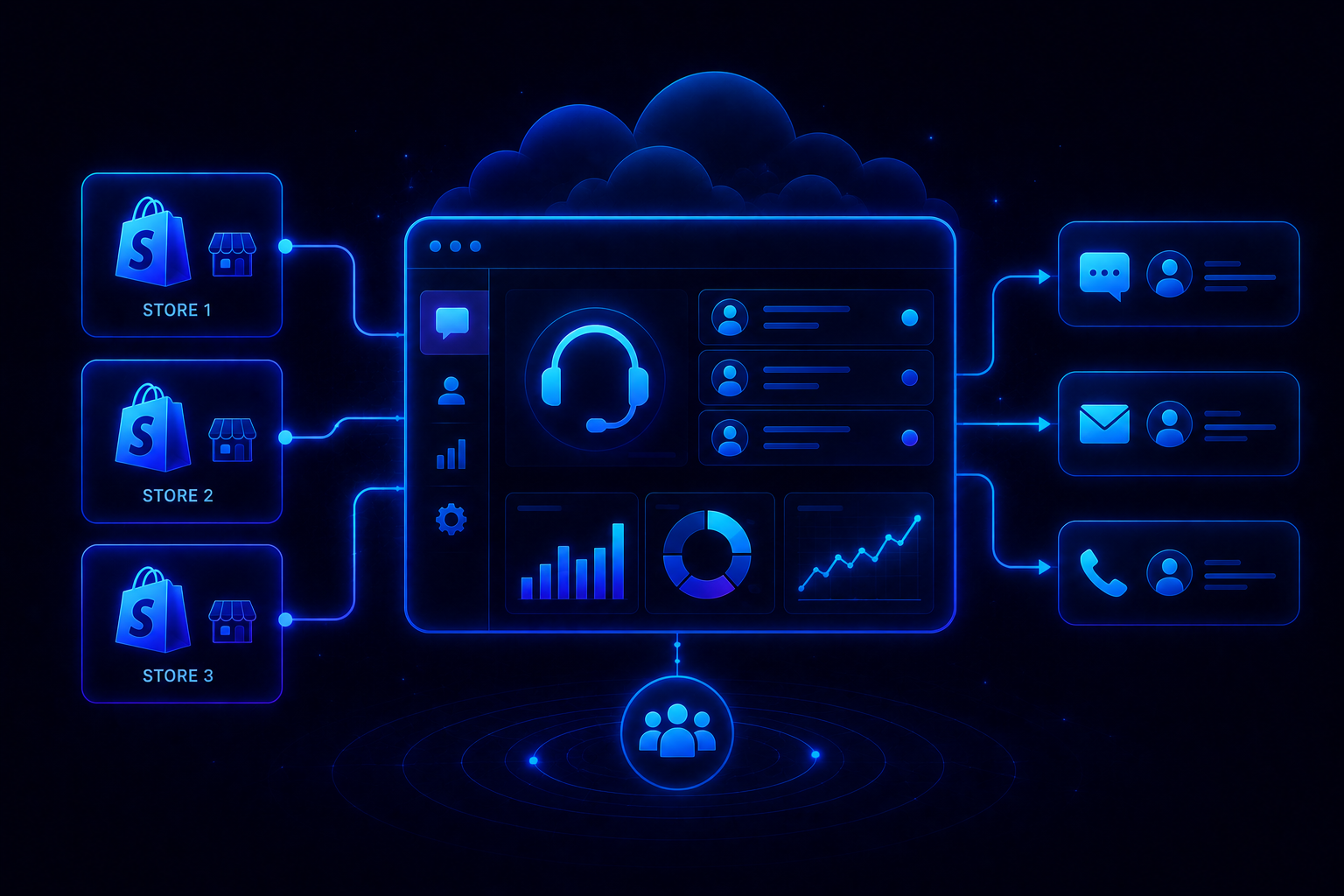
It centralizes conversations across email, chat, WhatsApp, and social into one workspace, then uses Quantum AI to resolve repetitive shipment status queries and route complex claims with full context.
Unlike suites that bolted AI onto ticketing built before AI existed, QuantumDesk applies Agentic AI for customer service principles from day one.
For logistics teams specifically, QuantumDesk helps reduce WISMO tickets that flood support during delays, so a customer asking where their order is gets an instant, accurate answer instead of an agent manually checking a carrier portal.
Key Features
- Quantum AI resolves repetitive shipment status queries automatically while escalating claims and delay complaints to agents with full conversation history intact, cutting manual triage entirely.
- Native carrier and order data integration surfaces tracking status directly into conversations, so agents never open a separate TMS or carrier portal to answer a WISMO message.
- The unified workspace centralizes email, WhatsApp, and social into one unified customer support inbox, so no channel switch loses shipment context.
- Quantum AI Copilot functions as an AI Customer Service Agent that drafts context-aware responses, summarizes long threads, and suggests next actions during live conversations.
- Admin analytics track AI resolution rates, escalation patterns, and CSAT trends in real time, giving support leaders visibility legacy platforms bury in exports.
Pros
- AI runs across the entire workflow instead of sitting behind a separately priced add-on module.
- Handles high-volume routine shipment queries and complex claims in one unified platform without tool-switching.
- Omnichannel context means customers never repeat themselves when following up about a delayed or damaged shipment.
Cons
- Newer platform than legacy enterprise vendors with decades of deployment history and integrations.
- Integration library is still expanding and may not cover every TMS or warehouse tech stack yet.
- Less familiar to procurement teams already anchored on established vendor shortlists.
Best Use Case
Logistics providers, 3PLs, and freight teams that need one AI-native platform for customer and operational support.
When to Choose QuantumDesk
Choose QuantumDesk when you need AI and agent workflows operating together from day one, especially if shipment visibility and omnichannel context matter to your support operation.
Pricing
QuantumDesk offers custom pricing based on team size, ticket volume, and channel requirements. See the QuantumDesk pricing page for current plans, or contact the team directly for a tailored demo walkthrough.
2. Zendesk – Best for Enterprise Logistics Support at Scale

Zendesk is the strongest enterprise benchmark for logistics teams needing scalable omnichannel support across high support volume and multiple channels.
Teams choose Zendesk when ticket volume, regions, and workflow complexity outgrow smaller platforms, even though AI depth and per-agent pricing climb quickly at scale. Our full comparison of Best omnichannel customer support software breaks this down platform by platform.
Key Features
- Omnichannel ticketing consolidates email, chat, voice, and social into one workspace with full history preserved across channels.
- AI-powered triage classifies incoming tickets by intent, urgency, and sentiment before an agent ever opens the queue.
- A marketplace of thousands of apps connects Zendesk to nearly any TMS, ERP, or warehouse tool a logistics team already runs.
Pros
- Proven at true enterprise scale across millions of tickets and multiple regions simultaneously.
- Extensive integrations reduce custom development work connecting existing logistics tools.
- Mature reporting gives leaders visibility across large, distributed support teams.
Cons
- Costs rise quickly once AI add-ons and higher seat counts enter the picture.
- AI sits on top of ticketing infrastructure built years before AI became central to support.
- Advanced logistics workflows require higher-tier plans and more configuration effort.
Best Use Case
High-volume logistics and shipping teams needing omnichannel support across multiple regions and channels.
When to Choose Zendesk
Choose Zendesk when proven scale and integration breadth matter more than AI-native design, and your budget accounts for add-on pricing as you grow.
Pricing
Zendesk's Suite plans start at $55 per agent per month for Suite Team, rising to $115 for Suite Professional, with Enterprise pricing available on request.
3. Help Scout – Best for Growing Logistics Teams and 3PLs
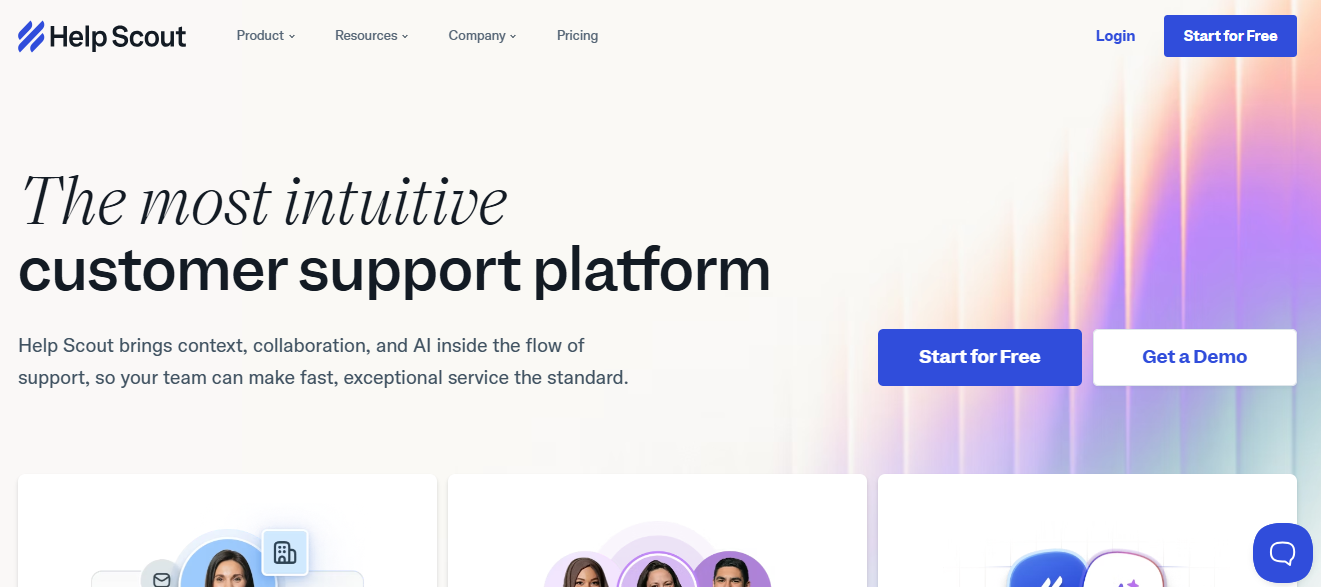
Help Scout stands out for 3PL and growing logistics teams that want a simpler, cleaner support experience built around a shared inbox.
Teams choose Help Scout for its self-service tools and human-centric workflow rather than deep enterprise automation or operational workflow control.
Key Features
- Shared inbox with full customer profile visibility surfaces past conversations and shipment history alongside every new message.
- AI Drafts and conversation summaries help agents respond faster to tracking questions without a separate premium add-on.
- Knowledge base and self-service tools deflect routine tracking questions before they ever reach an agent's queue.
Pros
- Rich customer context in every conversation means agents respond with full shipment history visible.
- Clean, simple interface reduces training time for new agents joining a growing 3PL team.
- Self-service knowledge base reduces email burden from repetitive status and quote questions.
Cons
- Limited advanced automation compared to platforms offering complex multi-step routing logic.
- Lacks deeper enterprise workflow control required by very large global logistics teams.
- Channel coverage is narrower than full omnichannel platforms built for logistics scale.
Best Use Case
Growing 3PLs and logistics teams that want a clean shared inbox and strong self-service support.
When to Choose Help Scout
Choose Help Scout when the quality of individual conversations matters more than automation scale and your team needs rich context without complex triage infrastructure.
Pricing
Help Scout plans start around $25 per user per month for the Standard plan, with Plus and Pro tiers adding advanced workflows, SLAs, and AI Drafts.
4. ServiceNow – Best for Logistics ITSM and Enterprise Workflow Orchestration
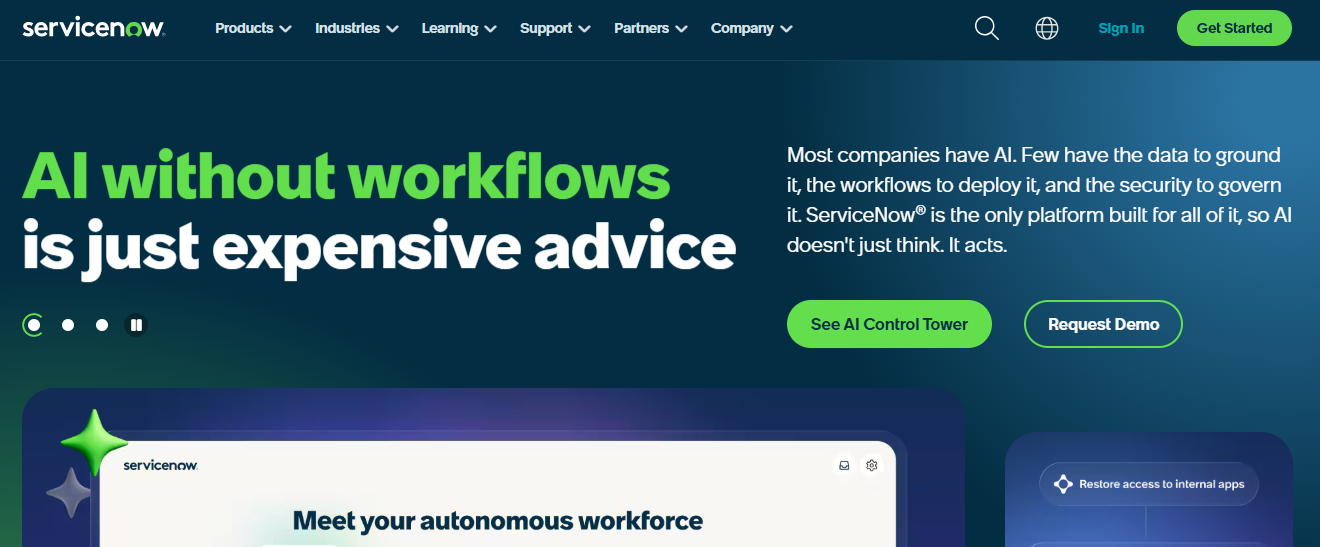
ServiceNow is built for large logistics organizations coordinating warehouse systems, IT, HR, and operations in one enterprise environment.
Enterprises adopt it for deep internal service management, not primarily for customer-facing support teams compared to help desk software.
Key Features
- Predictive intelligence flags incidents before they escalate, drawing on patterns across IT and operational service records.
- Workflow orchestration connects requests across departments, not just a single customer support queue.
- Virtual agent capabilities handle routine IT and service requests without human intervention.
Pros
- Extremely strong at large-scale internal workflow orchestration across multiple departments.
- Automation extends far beyond customer support into warehouse, IT, and operations management.
- Built to handle the complexity of global logistics organizations with layered service requirements.
Cons
- Too complex and costly for teams primarily focused on external customer support.
- Steep learning curve and implementation cost relative to dedicated support platforms.
- Customer-facing support experience is secondary to internal service workflows.
Best Use Case
Large logistics organizations with complex internal operations spanning IT, warehouse, and service management.
When to Choose ServiceNow
Choose ServiceNow when your logistics operation needs enterprise workflow orchestration across departments, not just a standalone customer-facing help desk.
Pricing
ServiceNow pricing is quote-based and tied to modules and user volume, with costs typically exceeding those of standalone customer support platforms.
5. Front – Best for Freight, Forwarding, and Collaborative Inbox Workflows
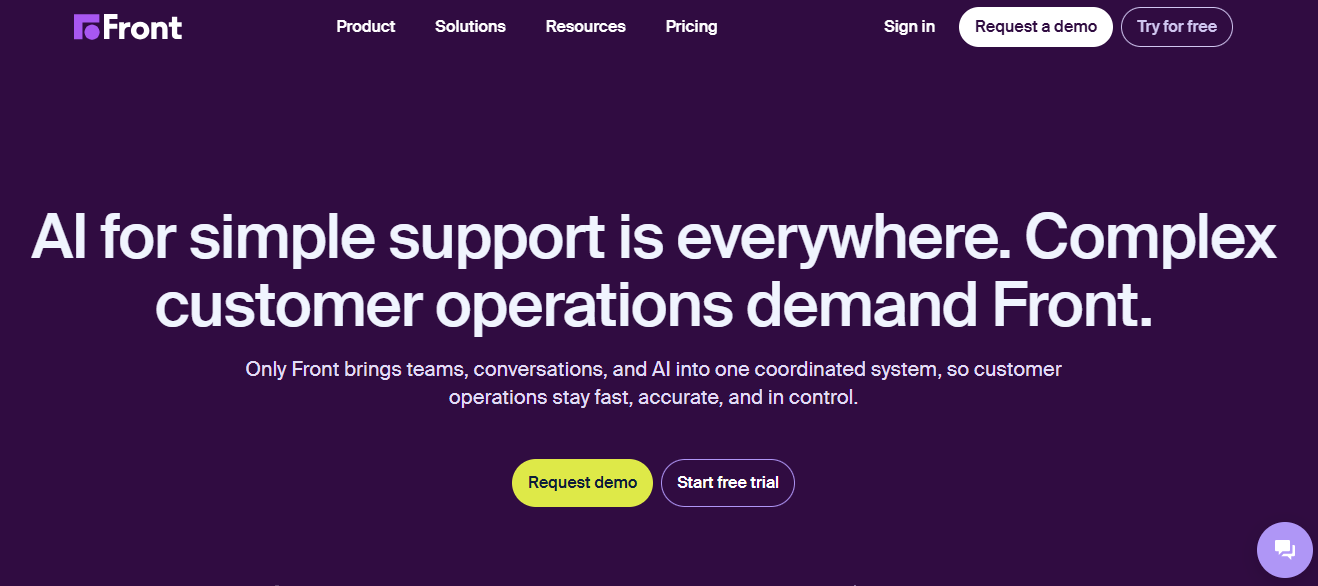
Front is a shared inbox platform built for freight forwarding and logistics teams that coordinate time-sensitive communication over email and messaging.
Teams choose Front for inbox-native collaboration rather than high-volume ticketing infrastructure or deep AI-powered resolution at scale.
Key Features
- A shared inbox brings email, SMS, and social conversations into one collaborative workspace with assignment, tagging, and internal commenting.
- AI drafting and summarization help agents write faster, consistent responses without rereading full thread histories.
- Workflow automation handles routing, SLA tracking, and follow-up reminders across dispatch and account communication.
Pros
- Inbox-native model feels familiar to freight teams already coordinating over email.
- Strong fit for account management teams tracking conversations without clunky ticket numbers.
- Internal commenting keeps cross-functional collaboration on shipment threads visible to the whole team.
Cons
- Not designed for high-volume operations needing sophisticated ticket triage at scale.
- Pricing runs higher than platforms offering equivalent automation depth per seat.
- Thinner than full ticketing platforms for highly structured logistics workflows.
Best Use Case
Freight forwarding and logistics support teams managing high-touch email and message coordination.
When to Choose Front
Choose Front when collaboration on shipment-related responses across departments matters more than a formal ticketing queue or deep automation.
Pricing
Front plans start around $25 per seat per month for the Starter plan, with Professional and Enterprise tiers adding omnichannel coverage and AI add-ons.
6. Freshdesk – Best for Affordable Logistics Support Automation
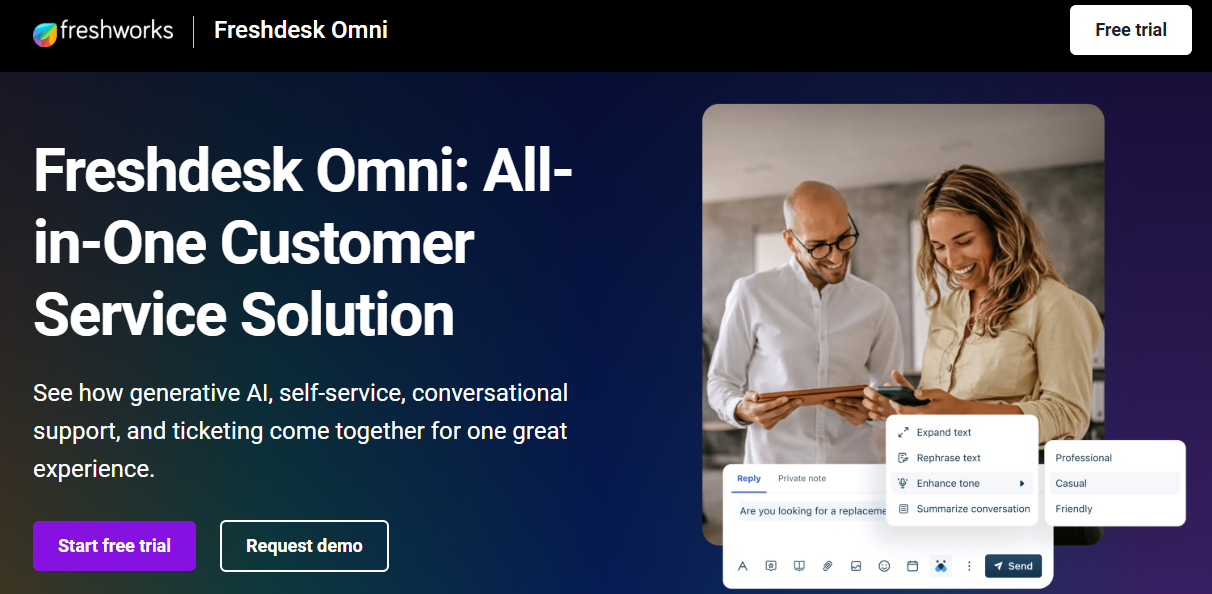
Freshdesk offers a balanced option for logistics companies that want multichannel support and automation without enterprise-level complexity.
Growing logistics teams choose Freshdesk for fast implementation and accessible automation, even though AI depth trails more premium platforms. For a deeper look at how to scale customer support with ai as shipment volume grows, see our dedicated guide.
Key Features
- Freddy AI automates responses to repetitive tracking queries and summarizes ticket history for faster resolution.
- Multichannel ticketing covers email, chat, phone, and social in one workspace.
- A self-service portal with AI-powered search deflects common tracking questions before they reach agents.
Pros
- Fast onboarding means teams can deploy without extended implementation timelines.
- Broad channel coverage suits logistics teams juggling email, chat, and phone support.
- Self-service portal meaningfully reduces incoming ticket volume during delay-heavy periods.
Cons
- AI depth trails platforms built specifically for complex logistics operations.
- Advanced Freddy AI Copilot features sit behind higher-tier plans.
- Reporting at lower tiers is thinner than dedicated enterprise reporting suites.
Best Use Case
Growing logistics teams want easy setup and broad channel support without enterprise pricing.
When to Choose Freshdesk
Choose Freshdesk when broad functionality at a reasonable price matters more than deep operational integration or complex process orchestration.
Pricing
Freshdesk plans start at $19 per agent per month for the Growth plan, with Pro and Enterprise tiers adding AI Agent sessions and advanced security.
7. Jira Service Management – Best for Technical Logistics Operations and Incident Workflows

Jira Service Management fits logistics companies where support overlaps strongly with IT operations, fleet systems, or engineering teams.
Technical organizations choose it for Atlassian ecosystem depth, not for a polished customer-facing support experience outside engineering contexts.
Key Features
- Incident management links customer-facing tickets directly to development and fleet system issues for end-to-end visibility.
- SLA management applies automated escalation rules across both support and engineering queues.
- Deep integration with Jira Software and Confluence keeps technical context in one place.
Pros
- Strong fit for teams already running Jira Software and the broader Atlassian stack.
- Bridges customer support and engineering response better than general-purpose help desks.
- SLA visibility gives both engineering and support leaders a shared view of resolution performance.
Cons
- Too IT-centric for teams focused mainly on customer-facing logistics support.
- Atlassian-specific configuration creates a learning curve for non-technical agents.
- AI focuses on IT workflow automation rather than customer resolution quality.
Best Use Case
Logistics IT and ops teams already using Atlassian for incident and change workflows.
When to Choose Jira Service Management
Choose Jira Service Management when support issues frequently require engineering or fleet-systems involvement and your team already runs on the Atlassian stack.
Pricing
Jira Service Management offers a free plan for up to three agents, with paid plans starting around $17.65 per agent per month for the Standard tier.
8. Glide – Best for Custom Internal Logistics Help Desk Workflows
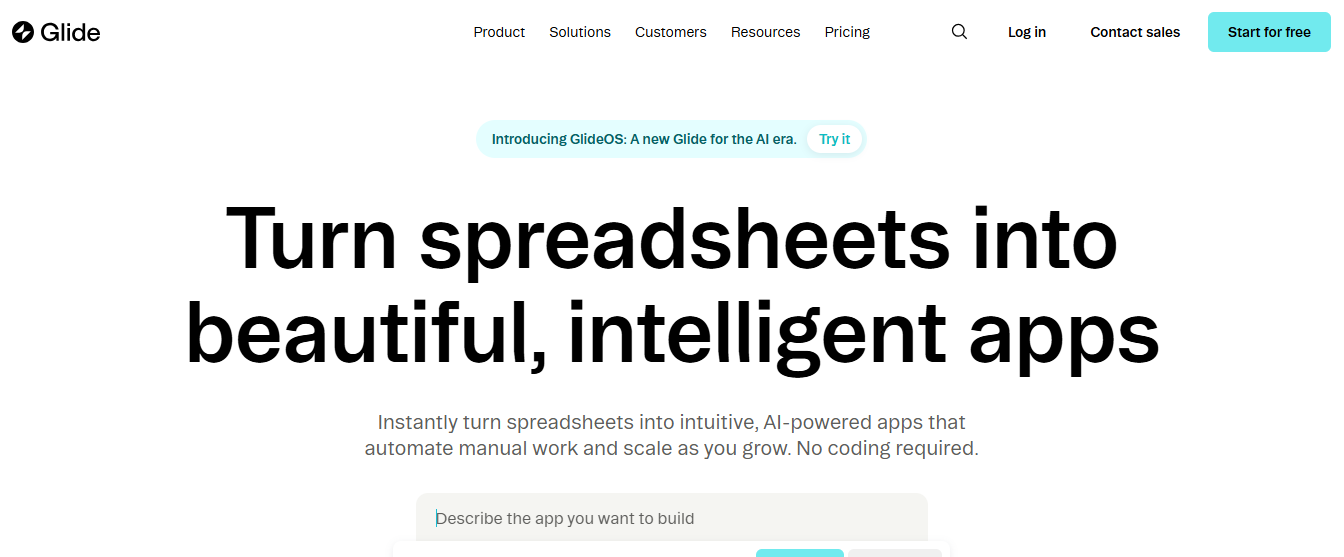
Glide is useful when a logistics company wants to build lightweight internal support apps around existing spreadsheets or databases.
Teams choose Glide for fast custom app creation rather than a traditional enterprise-grade support suite with deep omnichannel service features.
Key Features
- No-code app builder connects directly to spreadsheets, Airtable, or SQL to create dispatch, warehouse, or field-request tools quickly.
- Custom workflows automate internal approvals and status updates without requiring a development team.
- Flexible data sources let teams build tools around data they already track instead of migrating into a new system.
Pros
- Fast custom app creation fits unique internal logistics workflows that off-the-shelf help desks don't cover.
- Database connectivity means existing spreadsheets become functional apps without a rebuild.
- Flexible enough for dispatch, warehouse, and field-request tools built around real operational data.
Cons
- Not a traditional support suite with deep omnichannel customer service features out of the box.
- Requires internal setup effort compared to a ready-made help desk platform.
- Less suited to teams needing standard ticketing and SLA management immediately.
Best Use Case
Teams want app-like internal workflows connected to spreadsheets or databases rather than a standard help desk.
When to Choose Glide
Choose Glide when your logistics team needs a custom internal tool for dispatch or warehouse workflows rather than a packaged customer support platform.
Pricing
Glide's Business plan starts at $199 per month billed yearly for 30 users, with a free plan available and custom Enterprise pricing for larger deployments.
9. Zoho Desk – Best Value for Small-to-Midsize Logistics Firms
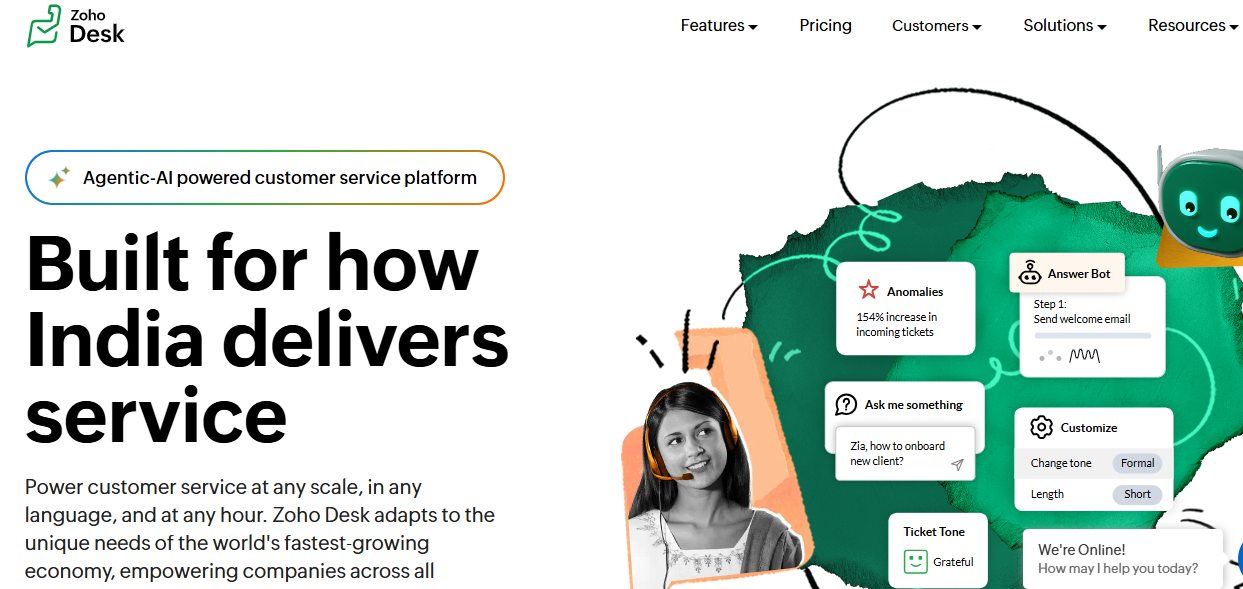
Zoho Desk is a value-oriented option for logistics teams seeking multichannel support and automation within the Zoho ecosystem.
Budget-conscious teams choose Zoho Desk for ecosystem convenience and price, even though AI resolution depth trails purpose-built AI-native platforms.
Key Features
- A contextual inbox pulls customer history and CRM data from the Zoho ecosystem into every conversation.
- Zia AI suggests responses, analyzes sentiment, and tags tickets automatically across the queue.
- Omnichannel support covers email, chat, phone, and social in one unified workspace.
Pros
- Among the most affordable full-featured support platforms for cost-conscious logistics firms.
- Deep Zoho ecosystem integration removes custom development work for teams already on the stack.
- Zia AI covers meaningful automation without a separate premium AI purchase.
Cons
- Teams outside the Zoho ecosystem lose most of the contextual value.
- Advanced logistics automation may require more setup than higher-end specialized tools.
- Feels less specialized than platforms purpose-built for logistics operations.
Best Use Case
Small-to-midsize logistics firms already invested in the Zoho ecosystem that need affordable, omnichannel support.
When to Choose Zoho Desk
Choose Zoho Desk when budget matters most, your team already runs on Zoho apps, and logistics-specific specialization is a secondary priority.
Pricing
Zoho Desk pricing starts around $7 per agent per month, with Professional and Enterprise tiers adding automation, AI, and reporting depth.
10. ManageEngine ServiceDesk Plus – Best for On-Prem and IT-Centric Logistics Environments
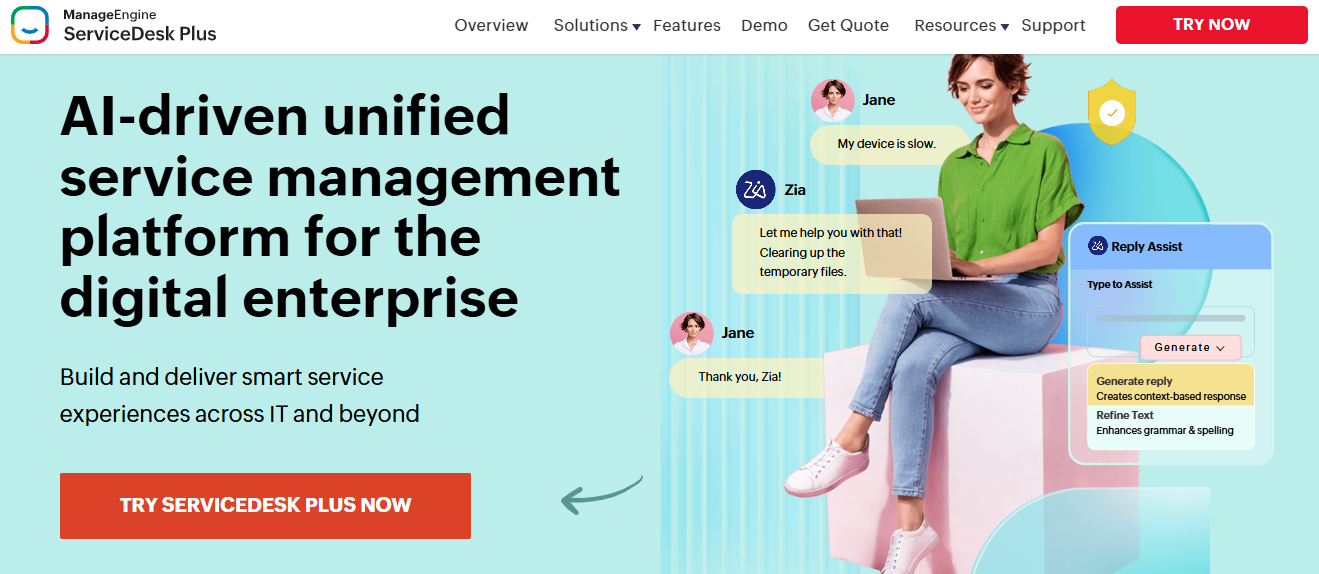
ManageEngine ServiceDesk Plus fits logistics organizations that prioritize IT governance, on-prem deployment, and controlled infrastructure.
Companies with strict data residency or internal IT requirements choose it for ITIL-aligned workflows rather than modern customer-facing support design. Teams evaluating ITSM-first platforms should also see our Best IT service desk software comparison.
Key Features
- ITIL-aligned workflows manage incidents, changes, and assets across both cloud and on-premises deployments.
- Self-service portal lets employees and partners log requests without flooding the technician queue.
- Cloud and on-prem deployment options give IT teams control over data residency and infrastructure.
Pros
- Strong ITIL alignment suits logistics companies with formal IT governance requirements.
- On-prem deployment option matters for teams with strict data residency rules.
- Affordable entry pricing compared to full enterprise ITSM suites.
Cons
- Better suited to internal IT service management than modern customer-facing logistics support.
- Interface feels dated compared to newer AI-native support platforms.
- Add-ons like CMDB and change management cost extra on top of the base plan.
Best Use Case
Logistics companies with strict infrastructure or IT control requirements needing on-prem or cloud flexibility.
When to Choose ManageEngine ServiceDesk Plus
Choose ManageEngine ServiceDesk Plus when IT governance, data residency, and ITIL alignment matter more than a modern customer-facing support experience.
Pricing
ManageEngine ServiceDesk Plus starts at $13 per technician per month for the Standard plan, with Professional and Enterprise tiers adding asset, change, and project management.
How to Choose the Best Help Desk Software for Logistics
1. Evaluate omnichannel communication support
Evaluate whether the platform unifies email, chat, phone, portal, and internal channels like Slack or Teams into one workspace, or whether shipment conversations stay fragmented across tools.
2. Check AI automation for status updates
Check whether AI can automatically resolve tracking questions and send proactive delay notifications, or whether every WISMO message still requires a manual carrier lookup.
3. Verify integration depth with ERP, TMS, and warehouse systems
Verify how deeply the platform connects to your transportation management system, ERP, or warehouse tools. Integration depth determines how much of a shipment issue gets resolved without switching tabs.
4. Assess internal collaboration and cross-team visibility
Assess how easily support, dispatch, and warehouse teams can work the same issue without duplicate replies. Logistics escalations often involve multiple internal teams on one conversation.
5. Confirm scalability and total cost as volume grows
Confirm the platform absorbs seasonal shipment spikes without proportional seat increases, and check total cost including seats, AI add-ons, and integrations before committing.
How QuantumDesk Simplifies Help Desk Workflows for Logistics
QuantumDesk is built for logistics teams that already know hiring more agents is not the real solution to rising shipment volume and delay-driven ticket spikes.
Its AI-native architecture means automation, omnichannel context, and shipment data live in the same workflow from day one, so a support agent handling a delay complaint already sees the tracking status, prior messages, and sentiment without opening a separate carrier portal or spreadsheet.
Compared to platforms that treat shipment status as a manual carrier lookup or sell AI as a paid add-on, QuantumDesk keeps intelligence and tracking data in one connected workflow from the very start.
How QuantumDesk Handles Complex Logistics Support Workflows:
- Quantum AI resolves repetitive tracking queries automatically, unlike platforms that sell AI as a paid module bolted onto legacy ticketing.
- The unified workspace preserves full context across email, WhatsApp, and social, so customers never repeat themselves switching channels.
- Native carrier and order data surfaces shipment status directly in conversations, unlike setups where agents still check a separate TMS.
- The AI-curated inbox prioritizes by urgency and sentiment, following b2b customer service best practices to catch escalations before they get buried.
- Admin analytics track AI resolution rates and CSAT trends in real time, giving leaders visibility legacy platforms usually bury in exports.
Ready for AI-Native Logistics Support? See how Quantum AI resolves repetitive tracking queries, keeps shipment context in one place, and unifies every channel, so your team scales support without scaling headcount → Book a Demo
Frequently Asked Questions About Help Desk Software for Logistics
What is the best help desk software for logistics in 2026?
Leading options include QuantumDesk, Zendesk, Help Scout, ServiceNow, Front, Freshdesk, Jira Service Management, Glide, Zoho Desk, and ManageEngine ServiceDesk Plus.
The right fit depends on whether your team needs AI-native automation, omnichannel scale, internal IT orchestration, or a simple shared inbox, and how quickly shipment volume is growing.
Which help desk software is best for 3PLs and freight forwarders?
Help Scout and Front both serve 3PLs and freight forwarders well, depending on whether the priority is self-service tracking support or collaborative inbox coordination.
QuantumDesk is also a strong fit for 3PLs wanting AI-native automation across channels from day one rather than adding automation retroactively as volume grows.
How do I choose the right help desk software for logistics?
Start by identifying your biggest constraint: shipment visibility, channel fragmentation, ERP integration gaps, or AI depth relative to your current platform.
Then compare omnichannel coverage, AI automation, integration depth with your TMS or warehouse systems, and total cost before narrowing to two or three platforms for hands-on evaluation.
Is there free help desk software available for logistics teams?
Freshdesk, Jira Service Management, Zoho Desk, and Glide all offer free plans suited to smaller logistics teams getting started with basic workflows.
Free plans work well for initial testing, but most growing logistics operations will need a paid plan to access the automation and AI capabilities that meaningfully reduce agent workload during peak shipment periods.




.avif)