

Summarize with AI
Key Takeaways
- A unified customer support inbox centralizes Instagram, WhatsApp, email, and chat conversations into one shared customer timeline.
- Customers no longer need to repeat issues when switching channels because conversation history remains connected across every interaction.
- Automatic assignment, routing, and ownership rules help support teams resolve issues faster without missing important messages.
- Unified visibility helps agents collaborate more effectively and resolve issues faster.
- AI-native platforms help businesses scale omnichannel support without increasing operational complexity or support headcount.
Customers expect support teams to remember every interaction, regardless of whether they contact a business through Instagram, WhatsApp, email, or chat.
For D2C brands, B2B SaaS companies, and growing SMBs, disconnected support channels create frustration. Customers repeat information, agents lose context, and support teams struggle to manage conversations spread across multiple platforms. These fragmented workflows sit at the center of modern customer service expectations that most legacy setups were never designed to meet.
I messaged an apparel brand on Instagram about a delayed order → followed up on WhatsApp → emailed support later → explained the same issue three times before receiving help.
Common signs your support channels are creating customer frustration:
- Customers repeat issue details every time they switch channels
- Agents search multiple tools to find conversation history
- Messages get missed during busy support periods
- Ownership becomes unclear across multiple support teams
You will learn how to improve support efficiency by centralizing conversations, preserving customer history, automating assignments, and building a unified customer support inbox.
Quick Comparison: Separate Support Channels vs Unified Customer Support Inbox
What are the Problems in Managing Multiple Channel Customer Support?
When Instagram, WhatsApp, email, and chat conversations are managed separately, customers and support teams face unnecessary challenges that slow down resolutions and create a frustrating support experience. The complexity of multi-channel customer service grows with every new channel a brand adds.
1. Customers Have To Repeat The Same Issue
Customers often switch channels while looking for faster responses. Without connected conversations, they must explain the same problem repeatedly, making support interactions longer and more frustrating.
- Previous messages are not visible across channels
- Customers explain the same issue multiple times
- Frustration grows with every repeated interaction
2. Agents Cannot See Previous Conversations
When conversations are stored in different tools, agents only see part of the customer's journey. Missing context makes it harder to provide accurate answers and resolve issues efficiently.
- Previous conversations remain hidden in other tools
- Agents spend time searching instead of resolving
- Responses become inconsistent across channels
3. Important Messages Get Missed
As support volume increases, messages can easily be overlooked. Customers may receive responses on one channel while waiting for updates on another, creating confusion and delays.
- Follow-ups remain unanswered
- Escalations are overlooked
- High-priority requests get delayed
4. Support Teams Take Longer To Resolve Issues
Agents spend extra time finding conversation history, identifying ownership, and coordinating internally. These delays increase response times and make issue resolution slower during busy support periods.
- Slower responses reduce customer satisfaction and loyalty
- Delayed resolutions increase support escalations
- Customers abandon purchases after poor support experiences
- Support costs increase as inefficiencies grow
How To Set Up A Unified Customer Support Inbox
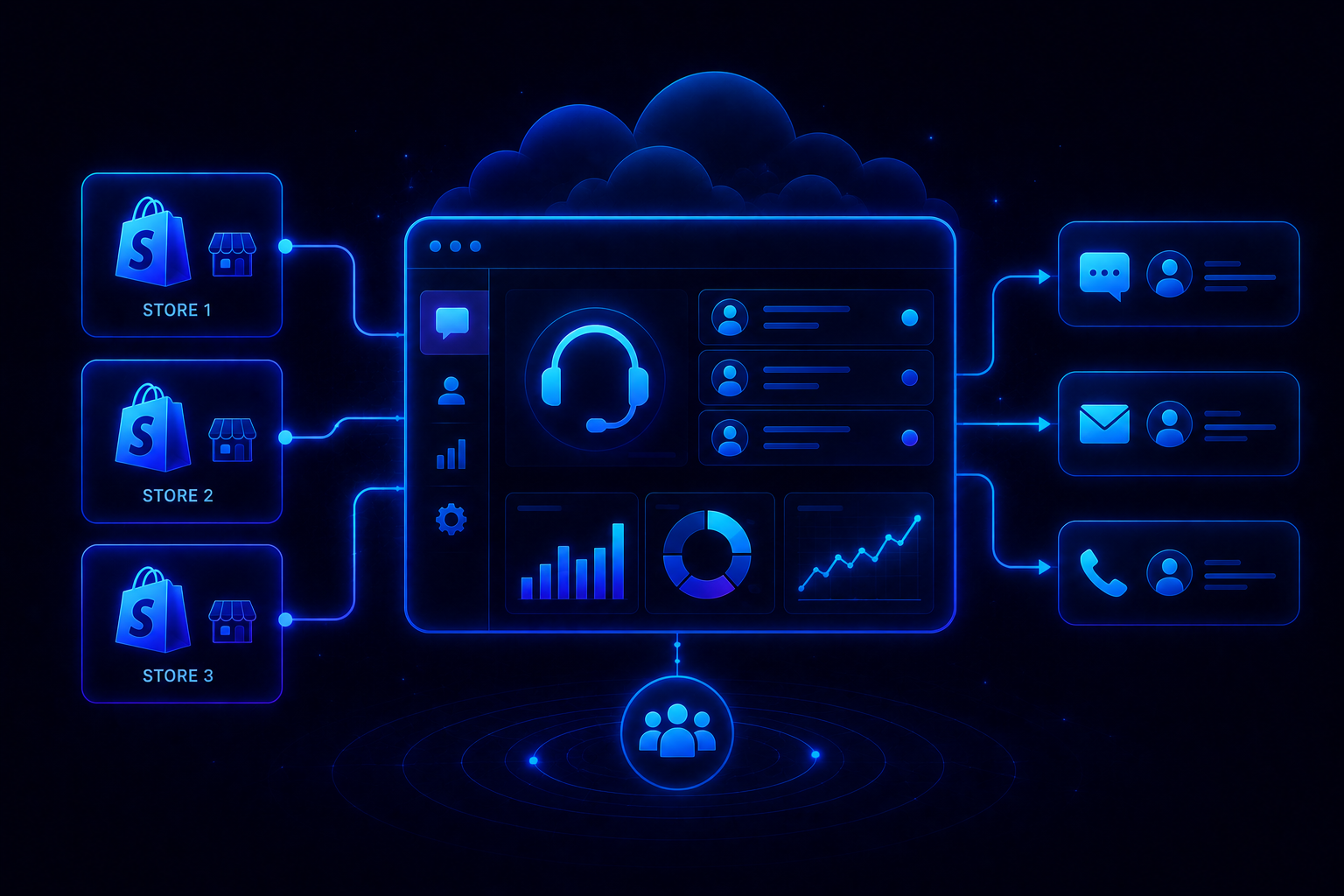
Creating a unified customer support inbox starts with connecting every customer communication channel into one shared workspace where agents can manage conversations without switching between multiple tools. This is the foundation of effective omnichannel customer service for any growing brand.
Step 1: List All Customer Support Channels
Start by identifying every channel customers use to contact your business. This usually includes Instagram, WhatsApp, email, website chat, Facebook Messenger, and other messaging platforms.
- Instagram direct messages
- WhatsApp conversations
- Customer support emails
- Website live chat requests
Step 2: Connect All Channels To One Inbox
Integrate every communication channel into a centralized platform. All incoming messages should appear in one shared workspace regardless of where the customer starts the conversation.
Step 3: Create A Single Customer Profile
Link customer conversations to one profile whenever possible. This helps agents access previous interactions, purchase history, and support records without searching across multiple systems.
Step 4: Set Up Routing And Ownership Rules
Create assignment rules so conversations automatically reach the right team member. This improves accountability, reduces delays, and ensures requests are handled efficiently.
- Route by language
- Route by product line
- Route by issue type
- Route by team availability
Step 5: Track Performance And Improve Processes
Monitor response times, resolution rates, conversation volume, and customer satisfaction. Regular tracking helps identify bottlenecks and maintain consistent support quality across all channels.
Benefits Of A Unified Customer Support Inbox
A unified customer support inbox brings every customer conversation into one place, helping teams deliver faster, more consistent, and more efficient support experiences across all communication channels. It also becomes the structural starting point for how to scale customer support as conversation volume grows.
- All customer conversations from Instagram, WhatsApp, email, and chat appear in one workspace, eliminating the need to switch between multiple tools.
- Customer history remains connected across channels, allowing agents to continue conversations without asking customers to repeat information again.
- Automatic assignment rules ensure every conversation reaches the right team member quickly, reducing delays and improving accountability.
- Shared visibility and internal collaboration tools help support teams work together efficiently while keeping customer context intact.
- Status tracking, ownership rules, and monitoring features reduce missed messages and ensure every customer request receives attention.
How AI Improves A Unified Customer Support Inbox
A unified inbox centralizes conversations. The role of AI in customer service is to help teams prioritize requests, automate workflows, preserve customer context, and resolve issues faster across every support channel.
Key ways AI improves a unified customer support inbox:
- AI prioritizes urgent conversations using customer intent, sentiment, and issue severity.
- AI routes conversations automatically to the right team or specialist.
- AI summarizes long multi-channel conversations for faster agent understanding.
- AI suggests replies using customer history and previous interactions.
- AI identifies unresolved conversations before they become customer complaints.
- AI highlights response-time bottlenecks across teams and communication channels.
Agentic AI for customer service goes further than routing and suggestions by taking direct action inside the inbox, updating records, pulling order details, and resolving routine requests without an agent stepping in.
Combined with a unified inbox, customer service automation helps teams reduce manual effort, maintain complete customer context, and deliver faster, more consistent support experiences at scale. Knowing exactly what AI vs human customer support should each handle is what keeps this balance working as volume grows.
How QuantumDesk Simplifies Omnichannel Customer Support
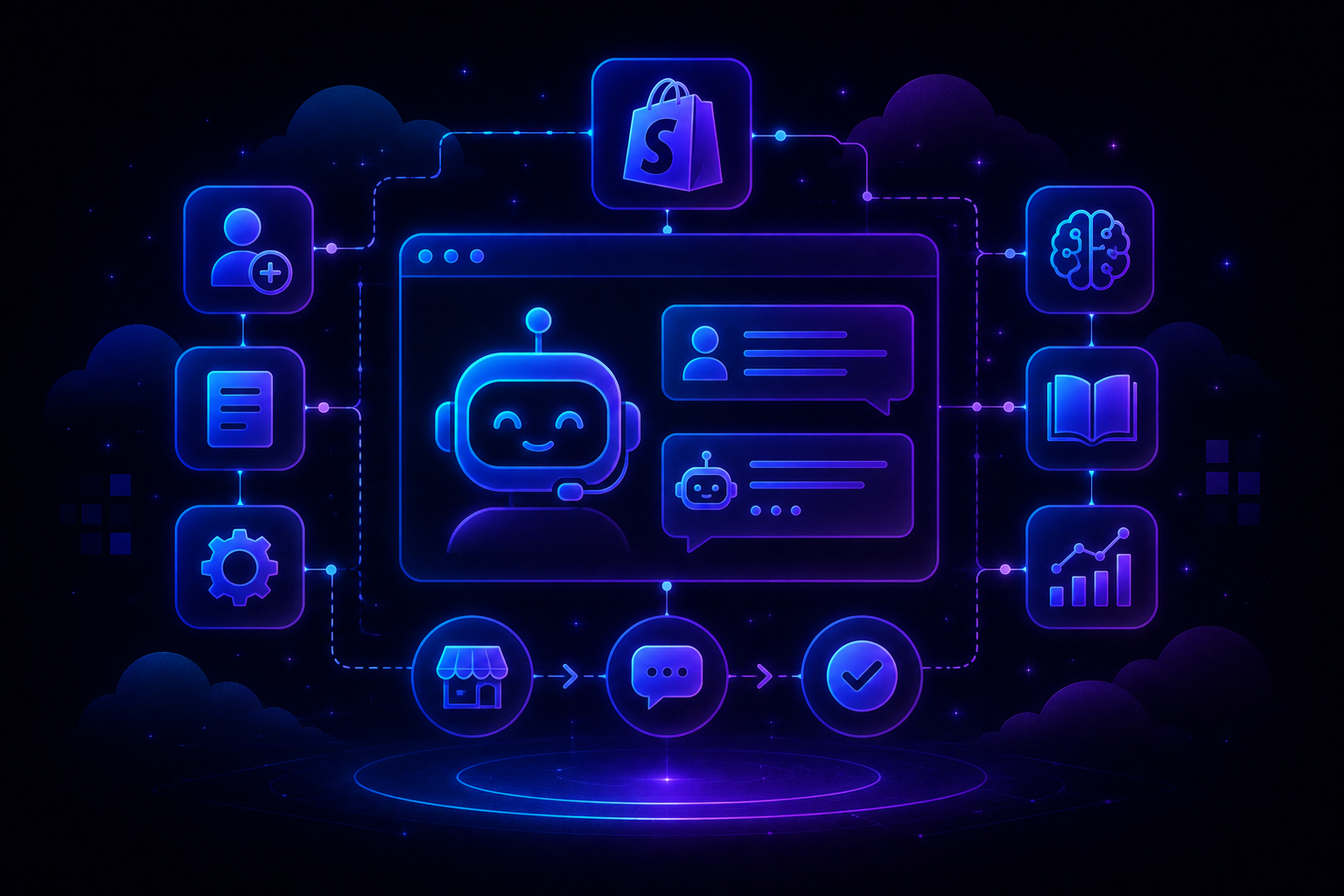
QuantumDesk is an AI-native customer service platform built for teams managing conversations across Instagram, WhatsApp, email, live chat, and other customer communication channels from one workspace.
Instead of switching between disconnected tools, support teams gain complete visibility into customer history, conversation ownership, and support performance while maintaining a consistent experience across every channel. The benefits of AI-native customer service become clear precisely when conversations span several channels at once.
What Are QuantumDesk's Key Capabilities?
- The unified workspace centralizes conversations from every support channel, helping agents view complete customer histories without switching between multiple applications.
- The AI-curated inbox automatically prioritizes requests based on urgency, intent, and sentiment so important conversations receive attention first.
- Quantum AI assists agents with conversation summaries, reply suggestions, and next-action recommendations that reduce handling time and improve consistency.
- Built-in automation and routing workflows assign conversations automatically, helping teams resolve issues faster while maintaining accountability across the entire support operation.
For brands comparing platforms, the best omnichannel customer support software shows where AI-native systems pull ahead during real operational pressure.
Ready to unify customer conversations? Book a demo with QuantumDesk.
Frequently Asked Questions
What is a unified customer support inbox?
A unified customer support inbox combines Instagram, WhatsApp, email, live chat, and other channels into one shared workspace, so agents can manage every conversation and access complete customer history from a single location without switching tools.
Why do customers prefer businesses with a unified inbox?
Customers do not need to repeat issues when changing channels, because agents already have access to previous conversations and full context. This makes support interactions noticeably faster, more personalized, and far less frustrating for everyone involved.
How does a unified inbox improve response times?
By centralizing conversations, assigning ownership automatically, and reducing channel switching, agents spend far less time searching for information across tools and far more time actually resolving customer requests quickly and accurately during busy periods.
Can a unified inbox help growing support teams?
Yes. A unified inbox improves visibility, collaboration, and workload management, helping growing teams handle increasing conversation volumes across every channel without creating operational bottlenecks, losing context, or adding unnecessary complexity as they scale.
Does a unified inbox support Instagram, WhatsApp, email, and chat?
Yes. Most modern customer support platforms integrate multiple communication channels into one shared workspace, allowing agents to manage Instagram, WhatsApp, email, live chat, and other conversations from a single inbox with full customer context preserved.




.avif)