Summarize with AI
Key Takeaways
- Automation speeds up ticket routing and triage, directly reducing resolution times and support backlogs.
- Service desk agents spend less time on repetitive tasks and more time on complex, high-value work.
- Self-service and AI improve both customer and employee support experiences across the service desk.
- Automated workflows reduce human errors, improve consistency, and support SLA compliance targets across teams.
- Service desks can scale support capacity to handle more requests without proportionally expanding headcount.
Service desks face increasing ticket volumes, rising customer expectations, and pressure to deliver faster support without increasing costs.
I joined a SaaS company as a new hire → submitted a ticket for laptop provisioning → a separate request for email setup → another for software access and permissions → each was manually assigned to a different agent → requests sat unactioned for two days → my first week started without the tools I needed to do my job → productivity was lost before I had written a single line of work.
Three tickets. Three manual handoffs. A new hire who spent their first week waiting instead of contributing.
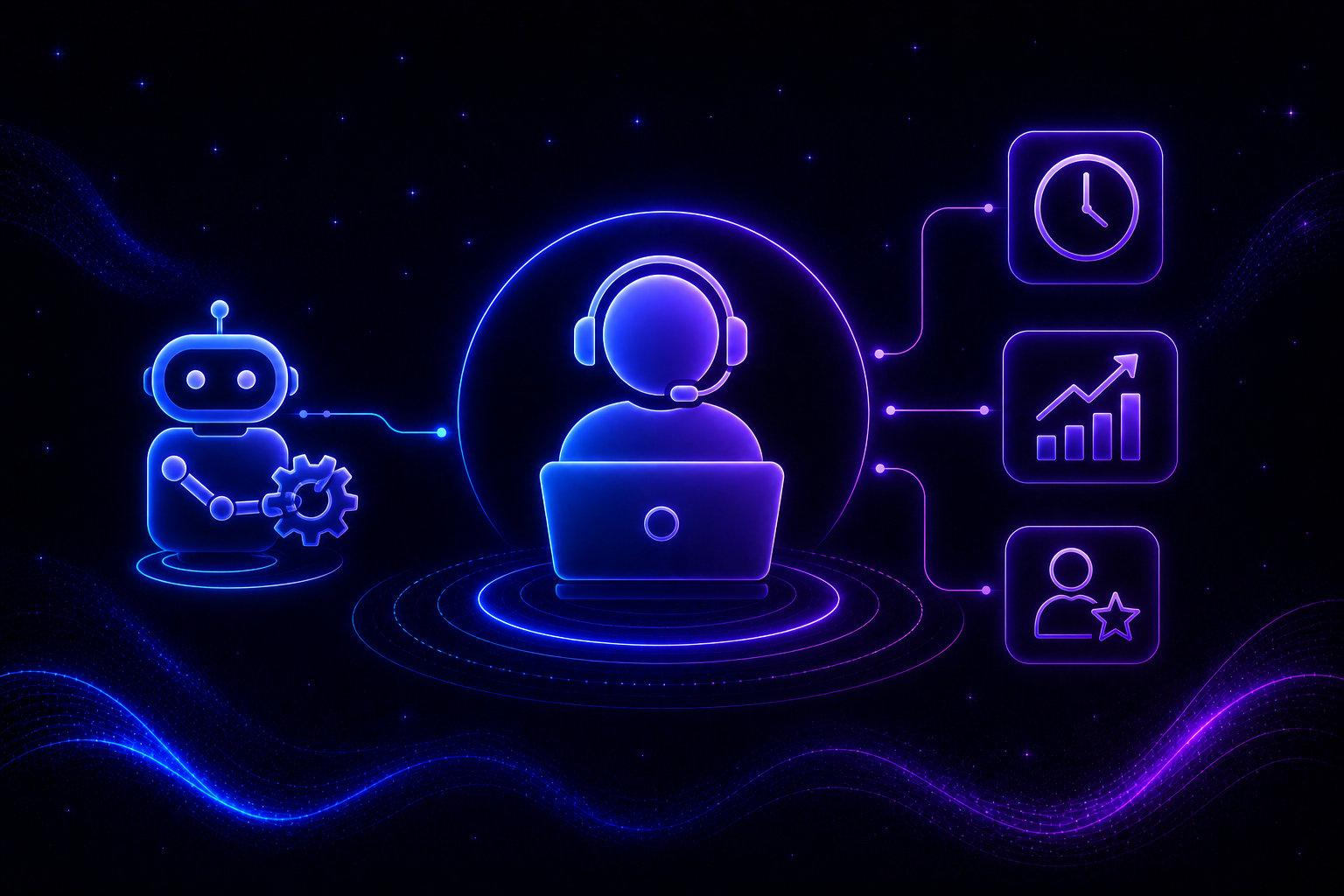
Instead of replacing support teams, automation enables agents to focus on complex issues while routine processes are handled automatically through workflows and AI.
What You Will Learn
- Automated ticket routing reduces delays and eliminates manual triaging from the support queue.
- Self-service options help users resolve simple issues faster without waiting for an agent.
- Agents gain more time for higher-value support activities that require critical thinking and expertise.
- SLA tracking becomes easier through automated monitoring, alerts, and proactive escalation workflows.
You will learn what impact automation has on a service desk, where it delivers value, and how businesses can implement it effectively.
A Quick Comparison: Traditional vs. Automated Service Desk
What Is Service Desk Automation?
Service desk automation refers to using workflows, rules, and AI to handle repetitive support tasks automatically, reducing manual effort and improving service efficiency.
It enables service desks to streamline processes such as ticket routing, request fulfillment, notifications, and escalations while ensuring consistency, faster response times, and better resource utilization across support operations without requiring constant human intervention.
Understanding the full scope of customer service automation helps teams identify which processes deliver the greatest return when automated first.
Why Service Desks Are Turning to Automation
Modern service desks support employees and customers across multiple channels while managing growing ticket volumes. As organizations adopt more software, devices, and digital services, support teams face increasing pressure to resolve issues quickly and consistently.
Many requests entering a service desk follow predictable patterns. Password resets, access approvals, software installation requests, onboarding tasks, and status updates consume valuable agent time despite requiring minimal decision-making.
1. Growing Ticket Volumes
As businesses expand, service requests increase. Hiring additional agents for every increase in demand is rarely sustainable or cost-effective. Understanding how to scale customer support without proportionally growing headcount is one of the primary operational challenges automation is built to address.
2. Rising Expectations for Faster Support
Customers and employees increasingly expect immediate responses, real-time updates, and support availability beyond standard business hours. A query submitted at 11 pm should not sit unread until the next morning.
3. Pressure to Meet SLA Targets
Service teams must consistently meet response and resolution commitments while managing growing workloads efficiently and maintaining service quality. Manual tracking makes this harder to sustain as ticket volumes increase.
4. Need for Operational Efficiency
Automation allows organizations to streamline repetitive processes and maximize the productivity of existing support resources instead of relying solely on headcount growth. The AI use cases in customer service that deliver the most immediate ROI are almost always in the repetitive, rule-based category.
5. Shift Toward AI-Powered Service Operations
Modern service desks increasingly combine workflow automation with agentic AI for customer service to improve routing accuracy, self-service experiences, and decision-making across support operations.
What Impact Does Automation Have on a Service Desk?
Automation affects nearly every stage of the service desk workflow, from ticket creation and routing to resolution and reporting. The result is faster support, improved consistency, and better utilization of support resources.
1. Faster Ticket Routing and Triage
Automation instantly categorizes and routes incoming requests to the appropriate team or agent, reducing delays caused by manual ticket assignment. What previously required a coordinator to review and distribute tickets now happens in seconds based on predefined rules and intent signals.
2. Lower Mean Time to Resolution (MTTR)
By removing routing delays and automating repetitive actions, service desks can resolve issues faster and reduce overall resolution times. A request that once sat in a general queue for two hours before being assigned can now reach the right agent within minutes of submission.
3. Increased Agent Productivity
Agents spend less time handling repetitive requests and more time solving technical issues that require investigation, critical thinking, and customer communication. For teams evaluating IT service desk software, this shift in agent focus is often what separates platforms that improve outcomes from those that simply move tickets around faster.
4. Better SLA Compliance
Automated alerts, escalations, and tracking help teams meet response and resolution commitments without relying on manual monitoring. If a ticket approaches its SLA deadline without movement, automation flags and escalates it before the target is missed.
5. Improved Customer Experience
Customers receive faster responses, proactive updates, and more consistent support experiences throughout the resolution process. An employee waiting on an access request does not need to follow up manually when automated notifications keep them informed at each stage.
6. Stronger Self-Service Adoption
Knowledge bases, AI customer service agents, and automated workflows help users solve common issues independently without submitting support tickets. Every issue resolved through self-service is one less ticket in the queue and one less interruption for an agent.
7. Reduced Human Errors
Automation minimizes mistakes caused by manual data entry, missed escalations, inconsistent routing, and forgotten follow-ups. When a process runs on a defined workflow rather than human memory, the margin for error drops significantly.
8. Better Visibility and Reporting
Every automated action is logged, making it easier to track performance metrics, identify bottlenecks, and optimize service operations. Teams using best AI help desk software gain reporting capabilities that manual workflows simply cannot produce at the same level of accuracy or speed.
Real-World Service Desk Example
A new employee joins a SaaS company. Instead of creating separate requests for laptop provisioning, software access, email setup, and permissions, an automated workflow triggers every required task the moment onboarding begins.
The service desk automatically assigns responsibilities to relevant teams, sends notifications at each stage, tracks completion, and updates the new hire throughout the process. What previously required multiple emails, manual coordination, and two days of delays now runs end-to-end through a structured workflow, reducing friction while improving the onboarding experience for every new hire from day one.
What Processes Are Involved in Service Desk Automation?
Not every service desk activity should be automated. The greatest value comes from automating repetitive, rule-based processes that follow predictable patterns and do not require significant human judgment.
1. Ticket Categorization and Assignment
Automation classifies requests and routes them to the correct teams based on predefined rules, priorities, or skills. This removes the manual triage step that delays every ticket before it even reaches an agent.
2. Password Resets and Access Requests
Many organizations automate identity and access-related requests, reducing ticket volume while providing faster support for users. A request type that accounts for 20% of daily volume does not need a human agent involved every single time.
3. Employee Onboarding and Offboarding
Automated workflows help manage account creation, software provisioning, permission updates, and asset allocation more efficiently. The same structured process runs consistently for every new hire, with no steps missed due to manual oversight.
4. Knowledge Base Recommendations
AI-powered systems surface relevant articles and guides based on user questions, encouraging self-service and reducing support demand before a ticket is ever raised. For teams evaluating best SaaS help desk software, built-in knowledge recommendation is one of the highest-impact capabilities to look for.
5. Ticket Status Notifications
Automated updates keep users informed throughout the resolution process and reduce the need for follow-up inquiries. A user who receives a status update every time their ticket moves forward rarely needs to chase the support team for information.
6. SLA Monitoring and Escalations
Automation tracks service commitments and automatically escalates issues before deadlines are missed, helping teams maintain performance targets. SLA compliance becomes a system function rather than something someone has to remember to check manually.
Common Service Desk Automation Mistakes to Avoid
Automation can significantly improve service desk performance, but poor implementation often creates frustration for both agents and end users. Getting automation right requires addressing the underlying processes before layering technology on top.
1. Automating Broken Processes
Automation cannot fix inefficient workflows. Organizations should first simplify and standardize processes before introducing automation, or they will simply execute broken processes at greater speed with less visibility into why outcomes remain poor.
2. Trying to Automate Everything
Some issues require human judgment, empathy, or technical investigation. Over-automation often creates poor user experiences that erode trust in the service desk and push frustrated users to escalate immediately rather than engaging with automated support.
3. Ignoring Knowledge Base Quality
AI assistants and self-service tools rely on accurate, current knowledge resources. Poor documentation limits automation effectiveness and leads to users receiving outdated or irrelevant answers that make the problem worse rather than resolving it.
4. Failing to Monitor Performance
Automation should be reviewed regularly to ensure workflows remain aligned with business processes and changing support requirements. A workflow built for last year's processes may be actively creating bottlenecks today.
5. Lack of Agent Buy-In
Support teams should be involved throughout implementation. Agents often provide valuable insights into which repetitive tasks should be automated first and where automated responses are likely to frustrate rather than help users.
How QuantumDesk Helps Businesses Automate Service Desk Workflows
Support teams handling 800 monthly tickets across email, chat, and WhatsApp cannot manually triage every request, track SLA deadlines, and maintain consistent response quality without something eventually breaking.
A growing SaaS company receives onboarding requests, billing questions, and technical support tickets simultaneously. Agents sort a shared inbox manually with no routing logic and no SLA visibility. A high-priority issue from a paying customer sits behind three routine access requests because nothing in the workflow separates them.
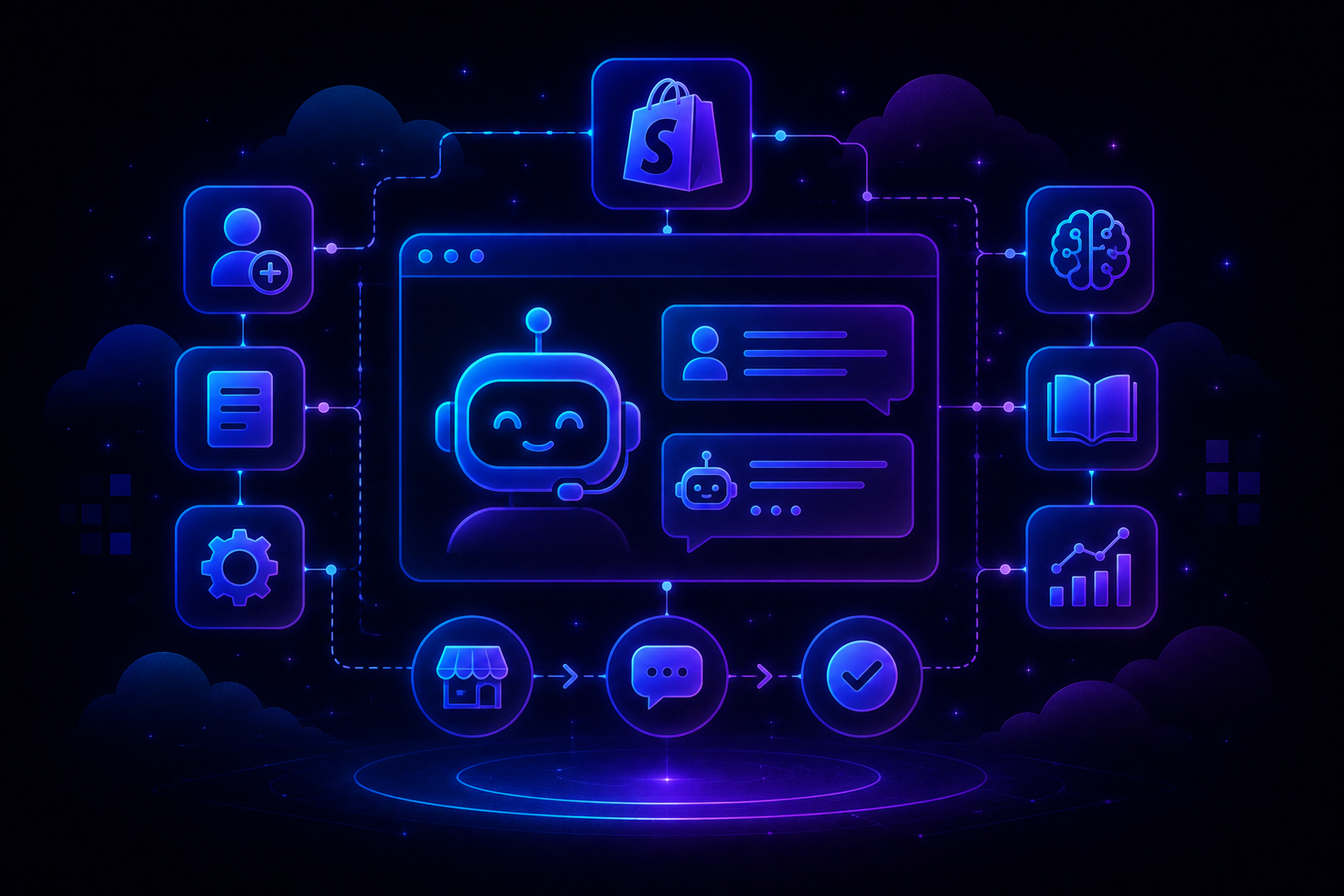
QuantumDesk handles the routing, context surfacing, and repetitive resolution that agents should not spend their time on, putting ai-native customer service benefits to work at every stage of the service desk workflow.
How QuantumDesk manages service desk automation:
- AI-driven ticket routing ensures requests reach the right team instantly without manual triage.
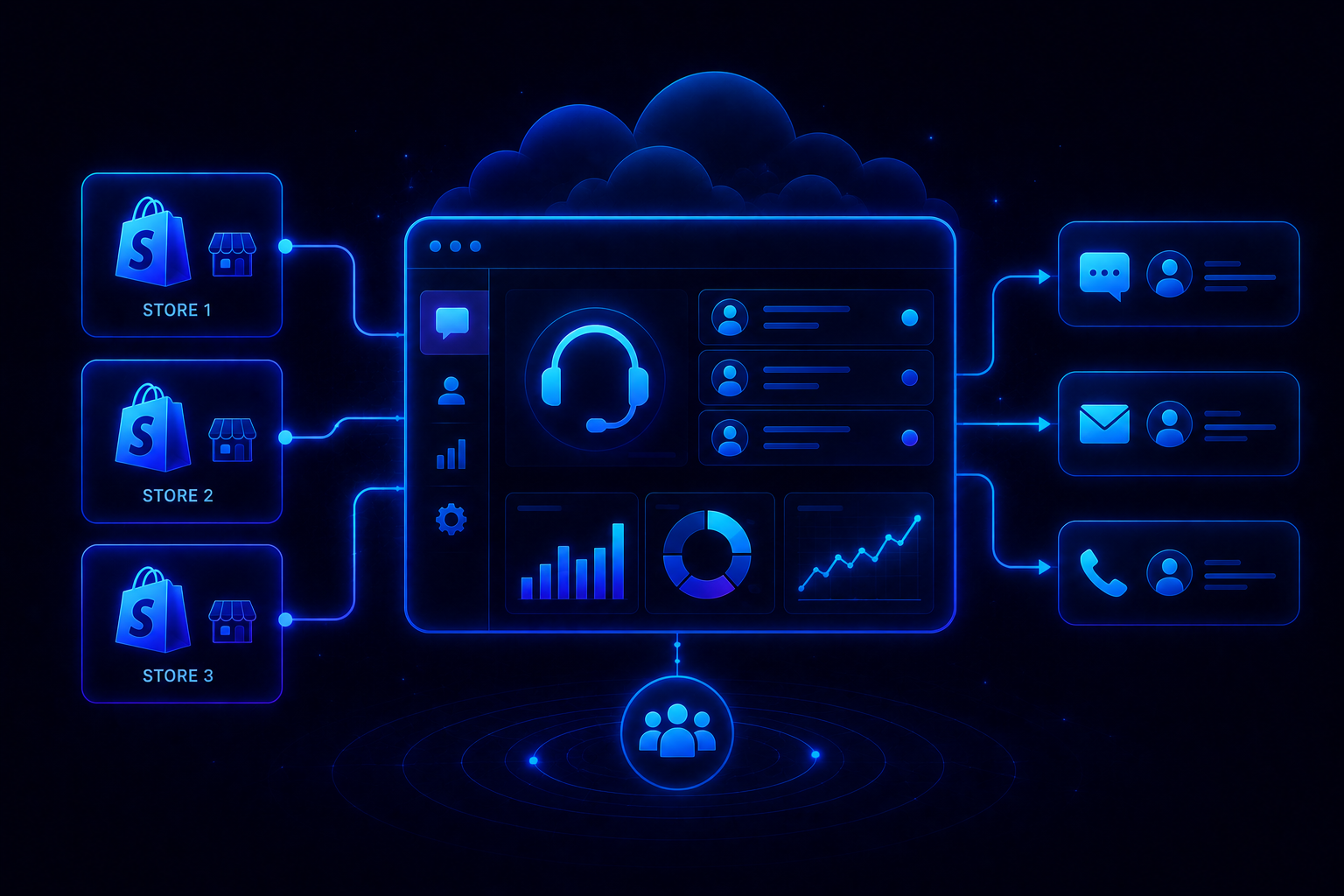
- Unified Inbox consolidates conversations across channels, reducing context switching and improving agent efficiency.
- Automated workflows handle repetitive tasks like onboarding, access requests, and ticket updates without agent involvement.
- Quantum AI provides smart replies, conversation summaries, and knowledge suggestions to accelerate resolutions.
- SLA tracking and automated escalations help teams consistently meet response and resolution targets before deadlines are missed.
- Self-service capabilities enable users to resolve common issues without raising support tickets, reducing inbound volume from the start.
The result is faster resolutions, improved productivity, stronger SLA performance, and a better support experience for both customers and service teams.
Ready to automate your service desk and scale support without increasing headcount? Book a Demo with QuantumDesk
Frequently Asked Questions
What is service desk automation?
Service desk automation uses workflows, AI, and predefined rules to automate repetitive support tasks such as ticket routing, password resets, notifications, and request fulfillment.
Does automation replace service desk agents?
No. Automation handles repetitive work, allowing agents to focus on complex issues, customer communication, and activities that require human judgment and expertise.
How does automation improve resolution times?
Automation eliminates delays caused by manual triage, assignment, and escalations, helping requests reach the correct team and move through workflows faster.
What service desk tasks should be automated first?
Organizations typically start with ticket routing, password resets, onboarding workflows, knowledge base recommendations, status notifications, and SLA monitoring.
Can AI improve service desk automation?
Yes. AI enhances automation by understanding intent, categorizing tickets, recommending solutions, supporting self-service, and helping teams prioritize requests more accurately.




.avif)