
Summarize with AI
Key Takeaways
- Top Zoho Desk alternatives include QuantumDesk, Freshdesk, Zendesk, Gorgias, and Intercom, each suited to different team sizes and use cases.
- Zoho Desk serves 125,000+ businesses and holds a 4.4 / 5 rating on G2 across 7,743 reviews.
- Real AI automation, including answer bot and live chat AI, stays locked to the $25 per user Enterprise plan.
- QuantumDesk is the strongest AI-native alternative for D2C and B2B SaaS teams needing AI in every plan, not just Enterprise.
- Freshdesk and Gorgias remain strong picks for budget-conscious and e-commerce-first teams, respectively.
Zoho Desk has built a loyal base among growing support teams, but many outgrow its tiered AI and setup demands as they scale.
Zoho Desk serves 125,000+ businesses and holds a 4.4 out of 5 rating on G2 across 7,743 reviews, yet real automation, including answer bot and live chat AI, stays locked to the $25 per user per month Enterprise plan, well above the $4 entry tier.
We compared the 10 strongest Zoho Desk alternatives on AI depth, pricing structure, setup time, and channel coverage so your team can decide with confidence.
- QuantumDesk includes AI resolution and agent copilot in every plan, not just Enterprise
- Freshdesk and Help Scout offer a lighter, faster setup for smaller teams
- Gorgias and eDesk specialize in e-commerce and marketplace-first support workflows
You will learn how to compare Zoho Desk alternatives by AI depth, pricing, and channel coverage, and find the platform that fits your team's actual scale.
A Quick Comparison: 10 Best Zoho Desk Alternatives in 2026
What Is Zoho Desk?
Zoho Desk is an AI help desk platform that unifies customer conversations across email, chat, social, phone, and web forms, combining ticketing, automation, and reporting with AI features layered on top through Zia.
It is built for support teams of all sizes, especially organizations already using Zoho's broader suite of business applications.
Teams use Zoho Desk to organize incoming requests into tickets, automate repetitive routing through Blueprints, build self-service help centers, and track performance through dashboards and SLAs.
Key Features of Zoho Desk
- Omnichannel ticketing and shared inbox across email, chat, social, phone, and web forms
- Blueprints and workflow automation that route tickets by rules, SLAs, and escalations
- Zia AI, an answer bot, and generative AI for higher-tier automated resolution
- Knowledge base, ASAP widget, and multilingual self-service help center tools
- Deep customization with custom modules, functions, validation rules, and sandbox
- 360+ integrations with native connectivity across the broader Zoho ecosystem
Why are People Looking for Zoho Desk Alternatives?
1. AI Features Stay Locked to the Enterprise Plan
Answer bot, AI support assistant, and live chat AI only appear on the $25 per user per month Enterprise plan, not the entry tiers most small teams start on. For teams comparing the Best AI help desk software category, this gap matters more than the headline price.
A five-agent D2C team on the $4 Express plan gets ticketing and workflows, but no real AI automation until it upgrades twice.
2. Setup and Configuration Carry a Real Learning Curve
G2 reviewers consistently flag onboarding as front-loaded, with advanced customization and reporting feeling complex for teams without a dedicated admin.
Teams that need support running within days, not weeks, often find the initial configuration heavier than expected.
3. Annual Billing and Feature Gating Raise Real Cost
Every paid plan requires annual billing, and features like Blueprints, round-robin assignment, and multilingual help centers sit behind the Professional and Enterprise tiers.
A team needing multi-department ticketing must jump two tiers above the entry plan just to unlock it.
4. Help Center Customization Feels Restrictive
Reviewers note limited flexibility in help center design, which matters for D2C and B2B SaaS brands that want a fully branded self-service experience.
5. Value Depends Heavily on the Wider Zoho Ecosystem
Zoho Desk's deepest integrations and workflow value are strongest for teams already running other Zoho products, like Zoho CRM or Zoho Analytics.
Teams on Shopify, HubSpot, or a non-Zoho stack often get less native value than the 360+ integrations suggest at first glance.
How We Evaluated the Best Zoho Desk Alternatives
This evaluation goes beyond feature checklists, assessing how each platform performs in real support environments for D2C, B2B SaaS, and mid-market teams.
- Review platform analysis. Studied verified ratings and written reviews on G2 and Capterra to identify real satisfaction levels and recurring pain points across Zoho Desk and its alternatives.
- Community and forum research. Analyzed discussions from support leaders and CX professionals across Slack communities, Reddit, LinkedIn groups, and SaaS forums.
- SaaS directories and analyst reports. Cross-referenced tools listed across major SaaS directories to validate market presence and category positioning.
- Capability comparison. Evaluated each tool against a consistent framework covering AI capabilities, omnichannel support, workflow automation, integrations, and pricing transparency.
- Hands-on testing. The top five shortlisted tools were directly tested by our team to evaluate automation quality, usability, escalation handling, and support workflow experience.
This methodology gives support teams a practical, unbiased basis for evaluating which platform fits their actual needs, alongside our broader Best Help Desk Software comparison.
Top 10 Zoho Desk Alternatives to Consider
The tools below were evaluated based on AI capability, channel coverage, ease of deployment, escalation design, and overall value for support teams comparing life beyond Zoho Desk.
1. QuantumDesk - Best For AI-Native Support for D2C, B2B SaaS, and Scaling SMBs

QuantumDesk is an AI-native customer service platform built to resolve high volumes of repetitive queries automatically while keeping agents focused on complex, high-value conversations across every channel.
It is built for D2C brands, ecommerce sellers, and B2B SaaS teams that need real AI depth without Zoho Desk's tier-gated automation or steep setup curve.
Teams choose QuantumDesk over Zoho Desk because AI resolution, agent copilot, and admin analytics ship inside the core platform from day one, not locked behind the Enterprise tier.
Key Features
- AI-native architecture: resolution, agent copilot, routing, and analytics built into the core platform, not reserved for the top pricing tier
- Quantum AI for L1 resolution: handles repetitive queries like order status and returns instantly, escalating with full context when needed
- AI copilot for agents: drafts responses, summarizes conversations, and suggests next actions directly inside the agent workspace
- Unified omnichannel inbox: manages email, live chat, WhatsApp, and social in one workspace without add-on channel fees
- Admin performance visibility: real-time dashboards on resolution rates, escalation patterns, and CSAT without a separate reporting add-on
Why Choose QuantumDesk Over Zoho Desk?
QuantumDesk includes AI resolution, agent copilot, and admin analytics inside the core platform, while Zoho Desk locks answer bot, AI support assistant, and live chat AI behind its costlier Enterprise plan, with no ecosystem lock-in required.
Pros
- AI resolution reduces per-ticket cost as volume grows, without waiting on an Enterprise upgrade to unlock automation
- Unified omnichannel inbox keeps WhatsApp, email, chat, and social in one workspace without separate channel setup
- Custom pricing aligns cost to actual ticket volume rather than a fixed tier that gates automation depth
Cons
- Third-party integration marketplace is smaller than Zoho Desk's 360+ app ecosystem for teams standardized on Zoho products
- Best value shows at moderate to high ticket volumes; very small teams may not use the full AI depth
- Newer to the market than long-standing platforms, with a smaller public review base to reference today
Customer Review
Reviewers point to QuantumDesk's ability to resolve repetitive queries automatically from day one, without the tiered AI unlocks teams describe with Zoho Desk.
Pricing
QuantumDesk uses custom, quote-based pricing aligned to ticket volume and team size, with AI resolution included rather than gated to a top plan, unlike Zoho Desk's pricing, which reserves automation for its Enterprise tier.
2. Freshdesk - Best For Budget-Friendly Support Teams
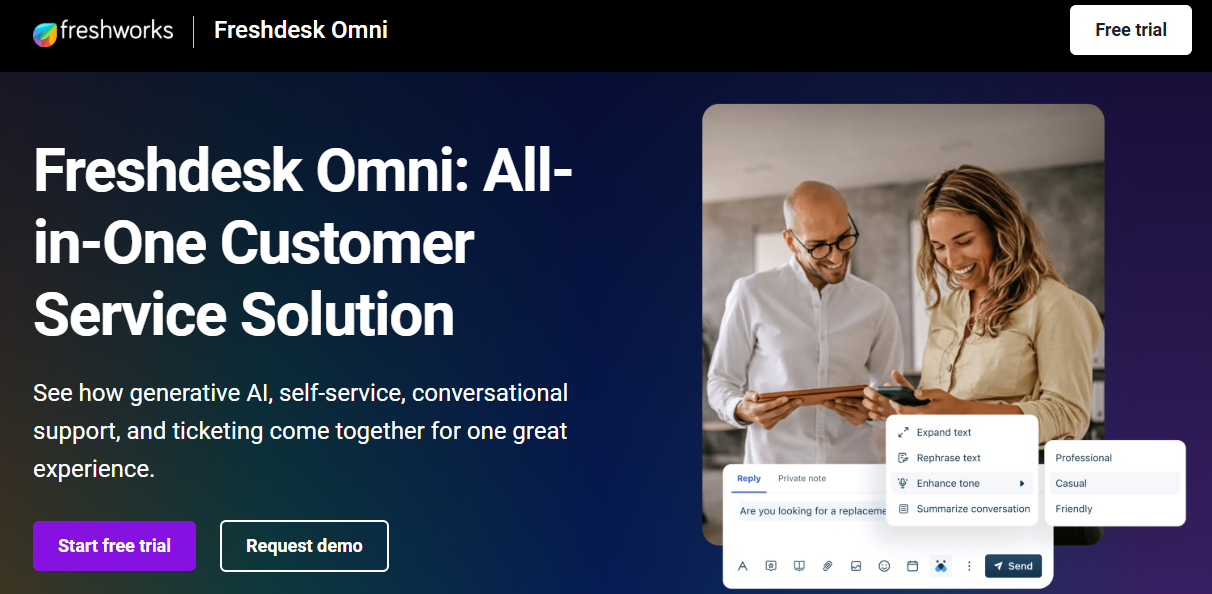
Freshdesk is a multichannel help desk offering email, chat, phone, and social ticketing, with Freddy AI features layered across free and paid tiers for growing teams.
It suits small to mid-sized teams that want an affordable, easy-to-deploy alternative to Zoho Desk, and it often appears alongside Zoho Desk in searches for the Best help desk for small businesses.
Key Features
- Freddy AI Copilot add-on assists with triage, suggested replies, and self-service deflection on higher tiers
- Free plan and low-cost entry tiers give small teams functional ticketing without upfront cost
- Multichannel ticketing spans email, chat, phone, and social in one workspace without per-channel setup
Why Choose Freshdesk Over Zoho Desk?
Freshdesk offers a genuine free plan and lighter, faster onboarding than Zoho Desk, while Zoho Desk's comparable automation and reporting depth sit behind paid, annual-only tiers that require a bigger upfront commitment from smaller teams.
Pros
- Free and low-cost plans make it accessible for early-stage teams evaluating help desk software for the first time
- Faster setup than Zoho Desk's more configuration-heavy onboarding for smaller support operations
- Familiar interface reduces the learning curve reviewers frequently cite with Zoho Desk
Cons
- Freddy AI and omnichannel add-ons raise per-agent cost well beyond the entry price once enabled
- AI depth remains lighter than platforms built AI-first from the ground up
- Advanced automation and reporting sit behind higher-priced plans, similar to Zoho Desk's tier gating
Pricing
Free plan available. Paid plans start around $19 per agent per month on the Growth tier, billed annually, compared with Zoho Desk's pricing starting near $4 per user per month.
3. Zendesk - Best For Enterprise Customer Service Operations
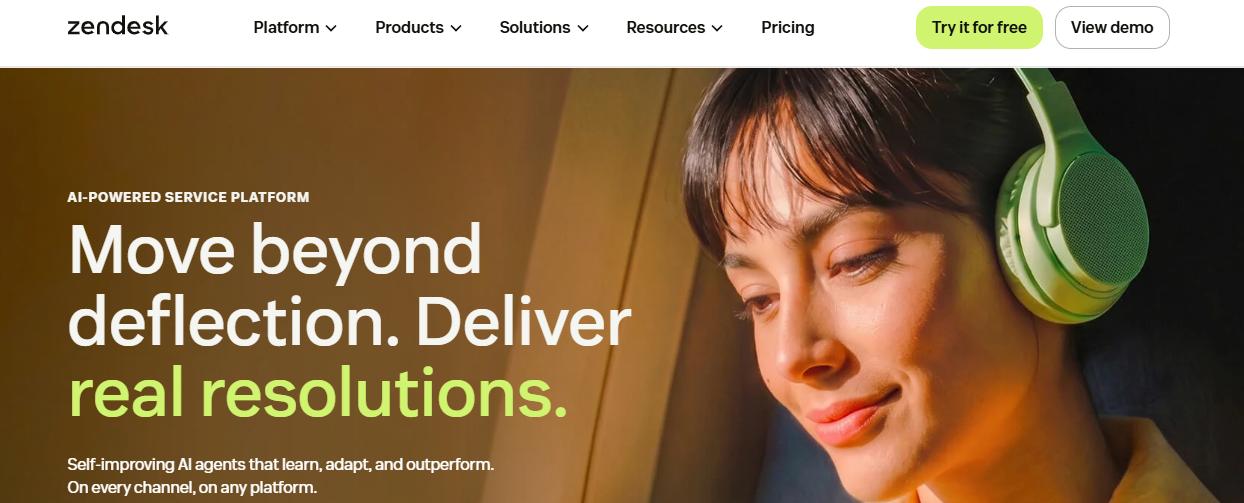
Zendesk is an enterprise customer experience platform offering omnichannel ticketing, advanced routing, SLA management, and a broad third-party integration marketplace for large support operations.
It fits mid-market and enterprise teams running complex, multi-region operations that need configurability and ecosystem depth beyond Zoho Desk's customization ceiling.
Key Features
- Deep conditional routing and skills-based assignment handle complex, multi-team ticket flows at scale
- Large integration marketplace connects hundreds of third-party tools without custom development work
- Zendesk AI adds ticket triage and agent assist, priced separately from the base plan
Why Choose Zendesk Over Zoho Desk?
Zendesk brings a far larger third-party integration marketplace and deeper conditional routing than Zoho Desk supports, making it the stronger fit once ticket volume and workflow complexity outgrow what Zoho Desk's configuration ceiling can reasonably handle.
Pros
- Highly configurable workflows suit complex, multi-brand enterprise support operations beyond Zoho Desk's ceiling
- Broad third-party app ecosystem reduces the need for custom integration development
- Established enterprise credibility with dedicated infrastructure for regulated, high-compliance industries
Cons
- Per-seat pricing with AI and compliance add-ons pushes total cost well above the entry rate
- Full omnichannel Suite pricing starts meaningfully higher than Zoho Desk's comparable tiers
- Requires dedicated administration, adding overhead that lean teams may not need with simpler platforms
Pricing
Support-only plans start around $19 per agent per month. The full omnichannel Suite starts near $55 per agent per month, billed annually, well above Zoho Desk's pricing at comparable tiers.
4. Intercom - Best For Conversational SaaS Support
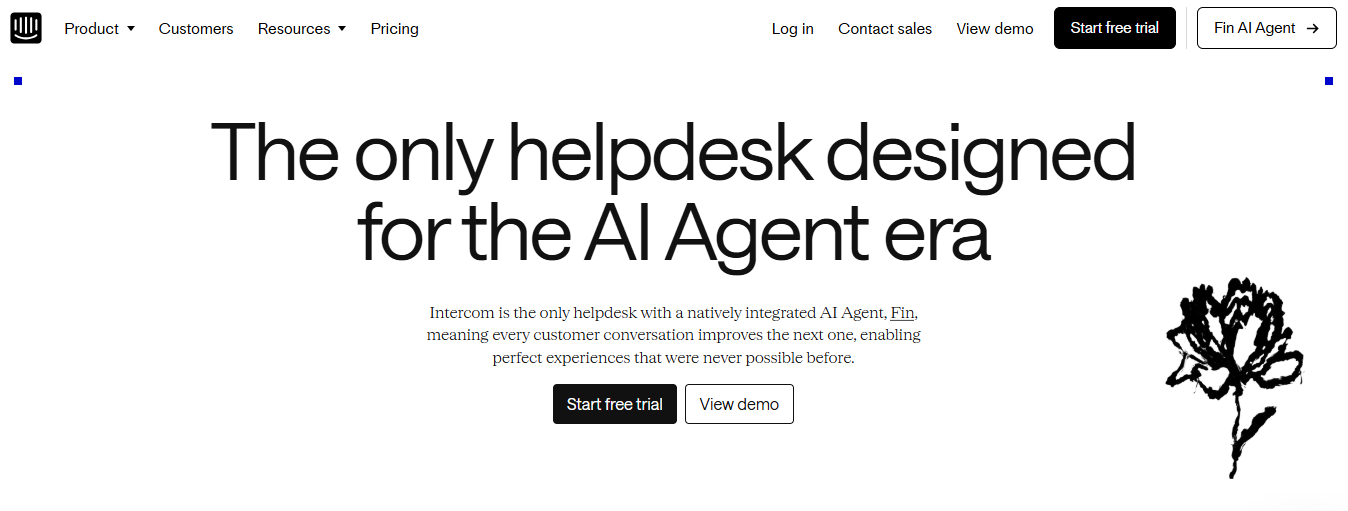
Intercom is a product-led support and messaging platform combining in-app chat, email, and the Fin AI agent for SaaS teams focused on embedded customer engagement.
It suits B2B SaaS and digital-first companies prioritizing in-product messaging and onboarding automation, workflows Zoho Desk was not built around. Teams researching the Best SaaS help desk software category frequently shortlist Intercom for this reason.
Key Features
- In-app messaging embeds support directly inside the product without redirecting users elsewhere
- Fin AI agent resolves queries against your knowledge base, billed per resolution rather than a flat fee
- Visual workflow builder automates routing, triage, and onboarding sequences without engineering support
Why Choose Intercom Over Zoho Desk?
Intercom's in-app messaging and Fin AI agent are purpose-built for product-led SaaS onboarding, a workflow Zoho Desk's ticket-first design was never built to handle natively for fast-growing product teams at scale.
Pros
- Strong in-product chat and lifecycle messaging suit SaaS onboarding better than Zoho Desk's ticket-first design
- Fin AI agent deflects a meaningful share of repetitive queries once trained on your content
- Transparent seat pricing simplifies evaluation compared with Zoho Desk's multi-tier structure
Cons
- Per-resolution AI billing can raise costs unpredictably as automation volume scales month to month
- Less suited to ticket-centric, multi-department workflows that Zoho Desk's Blueprints handle natively
- Meaningful configuration is needed to unlock full value from workflows and messaging
Pricing
Plans start around $29 to $39 per seat per month. The Fin AI agent is billed separately per resolution, unlike Zoho Desk's pricing, which bundles AI into set tiers.
5. Gorgias - Best For eCommerce Support Teams
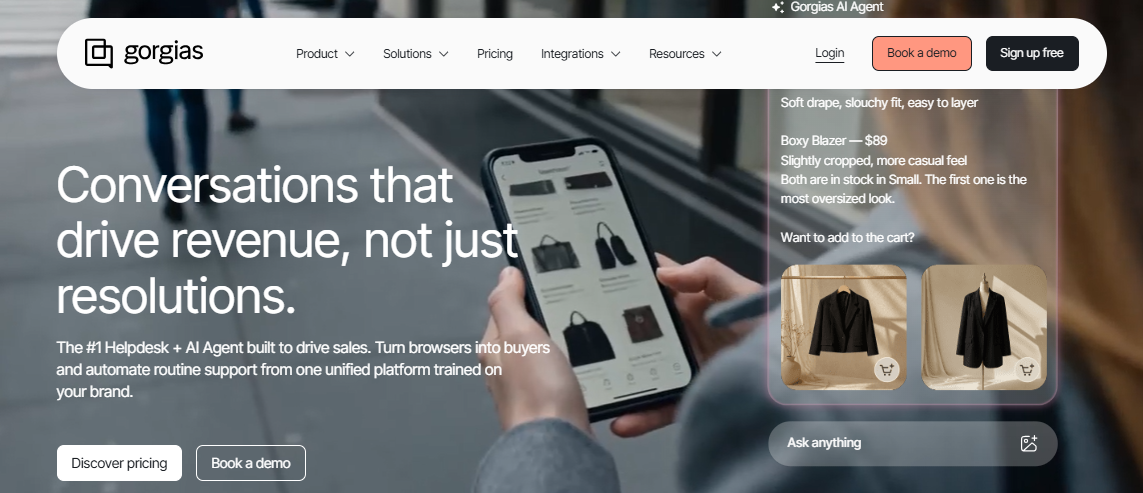
Gorgias is an ecommerce customer service platform built for Shopify, WooCommerce, and BigCommerce brands, surfacing order and returns data inside every support conversation.
It fits D2C and online retail teams that want e-commerce context built in natively, rather than configured through Zoho Desk's broader, less e-commerce-specific workflows. It is a frequent pick in comparisons of the Best customer service software for e-commerce brands.
Key Features
- E-commerce-native integrations pull real-time order, shipping, and return data into the conversation view
- Ticket-based pricing charges by volume rather than per seat, suiting teams with variable monthly ticket counts
- Revenue attribution ties support conversations directly to sales outcomes for D2C teams
Why Choose Gorgias Over Zoho Desk?
Gorgias surfaces live Shopify, WooCommerce, and BigCommerce order data inside every conversation automatically, something Zoho Desk requires manual configuration to approximate for ecommerce-specific support teams handling returns and shipping questions daily.
Pros
- Purpose-built ecommerce workflows outperform Zoho Desk's general-purpose ticketing for Shopify-first D2C brands
- Ticket-based pricing can be more cost-efficient for early-stage stores with lower monthly ticket volume
- Revenue tracking helps support leaders quantify commercial impact directly inside the platform
Cons
- AI depth and agent productivity tools are less advanced than platforms built AI-first from day one
- Ticket-based pricing can grow expensive as stores scale into thousands of monthly conversations
- Narrow fit outside ecommerce; not designed for SaaS, B2B, or service-based support teams
Pricing
Starts around $10 per month for 50 tickets, scaling to $300 or more per month at higher ticket-volume tiers, a different model from Zoho Desk's pricing per seat.
6. Hiver - Best For Gmail-Based Support Workflows
Hiver is a shared inbox platform built natively inside Gmail and Google Workspace, letting small teams manage support tickets without leaving their email client.
It suits small support, ops, HR, and IT teams already living in Gmail that want lightweight ticketing without adopting a separate help desk platform like Zoho Desk.
Key Features
- Native Gmail and Google Workspace integration means no separate app or tab switching for agents
- Shared inbox features let teams assign, tag, and collaborate on emails without ticket complexity
- Automation rules route and tag incoming messages using simple, no-code conditions
Why Choose Hiver Over Zoho Desk?
Hiver keeps support entirely inside Gmail with zero learning curve, while Zoho Desk requires agents to adopt a dedicated interface and configure workflows before seeing any real day-to-day value in return.
Pros
- Zero learning curve for teams already comfortable inside Gmail, unlike Zoho Desk's dedicated interface
- Lightweight setup gets small teams running in hours rather than days
- Free plan available for very small teams testing shared inbox workflows
Cons
- AI and automation depth fall well short of Zoho Desk's Zia AI and workflow engine
- Channel coverage is narrower; teams needing WhatsApp, social, or voice will outgrow Hiver quickly
- Not built for complex, multi-department ticket routing that growing teams eventually need
Pricing
Free plan available. The first paid tier with AI features starts around $25 per user per month, billed annually, above the entry point on Zoho Desk's pricing.
7. HubSpot Service Hub - Best For CRM-Connected Support Teams
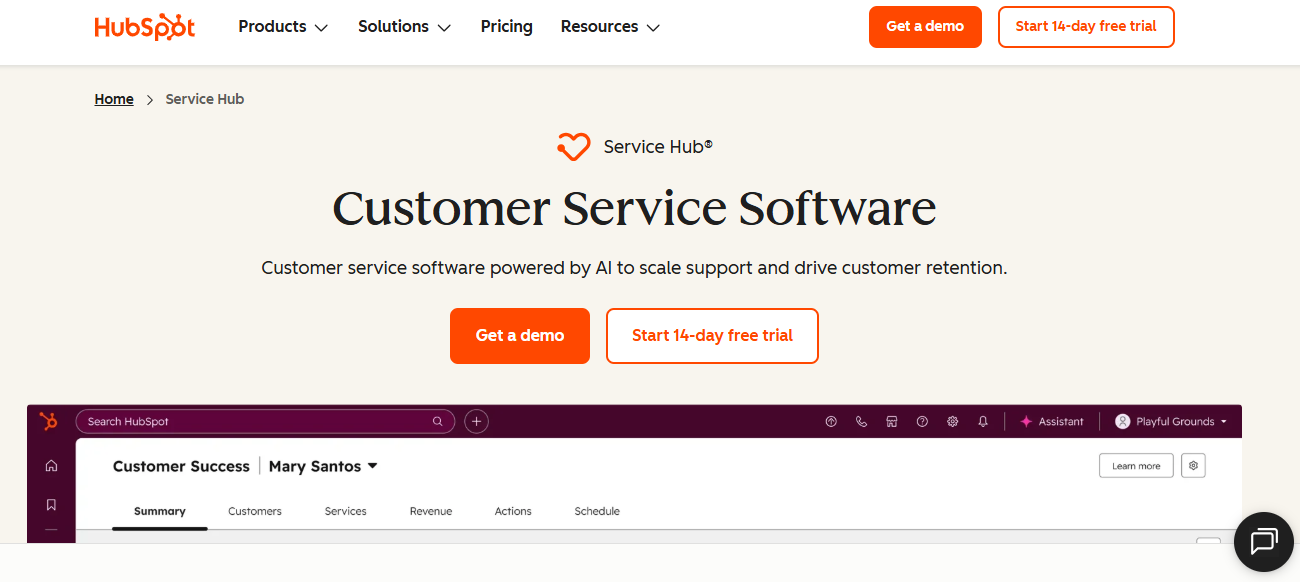
HubSpot Service Hub is a CRM-native service platform connecting support tickets directly to sales and marketing contact records inside the broader HubSpot ecosystem.
It fits B2B SaaS and D2C teams already on HubSpot CRM that want service tightly tied to pipeline and lifecycle data, rather than Zoho Desk's separate ecosystem.
Key Features
- Native CRM integration surfaces deal stage and contact history alongside every support conversation automatically
- AI-powered chatbots and a knowledge base support deflection without a separate purchase
- Service reporting and CSAT surveys connect support performance directly to broader business metrics
Why Choose HubSpot Service Hub Over Zoho Desk?
HubSpot Service Hub ties every conversation directly to existing CRM and pipeline data, giving teams already on HubSpot far more context than Zoho Desk's standalone ticketing model can realistically offer today.
Pros
- Native CRM context gives agents full customer history without switching platforms, unlike Zoho Desk's standalone model
- Free plan and low-cost entry tiers make initial evaluation accessible for smaller teams
- Reporting ties support outcomes directly to sales and marketing performance in one dashboard
Cons
- Most value depends on already using HubSpot CRM; value drops for teams outside that ecosystem
- Higher tiers escalate quickly in cost, especially when bundling other HubSpot hubs
- AI and live chat depth trail dedicated AI-native platforms for high-volume automation needs
Pricing
Free tools available. Paid plans start around $15 to $20 per seat per month, scaling significantly at higher tiers.
8. Help Scout - Best For Simple Shared Inbox Support
Help Scout is an email-first shared inbox platform combining a collaborative inbox, live chat widget, and knowledge base in one approachable workspace, a frequent name in Best Free Help Desk Software roundups.
It suits small D2C and B2B SaaS teams that want a clean, low-overhead alternative to Zoho Desk's denser configuration and reporting interface.
Key Features
- Shared inbox lets teams assign, comment on, and resolve conversations without ticket infrastructure complexity
- Built-in knowledge base creates a self-service help center at no extra cost
- AI assist drafts and refines agent responses directly inside the inbox on higher tiers
Why Choose Help Scout Over Zoho Desk?
Help Scout's email-first inbox skips the setup complexity reviewers consistently flag with Zoho Desk, letting small teams get running within hours instead of spending days on a longer configuration process.
Pros
- Simple, human-centric interface avoids the learning curve reviewers describe with Zoho Desk's setup
- Free plan and transparent per-seat pricing simplify evaluation without a sales conversation
- Fast deployment suits teams that need support running within hours, not days
Cons
- Limited AI and automation depth compared with platforms built for high-volume, complex routing
- Channel breadth is narrower than Zoho Desk; voice and social are not core strengths
- Not suited for enterprise-scale operations managing thousands of weekly conversations
Pricing
Free plan available for small teams. Paid plans start around $25 per user per month, billed annually.
9. Front - Best For Collaborative Team Inboxes
Front is a shared inbox and collaboration platform combining email, chat, SMS, and social into one workspace with internal commenting and assignment tools.
It fits customer success and account management teams handling high-touch, relationship-focused conversations, rather than the high-volume ticket queues Zoho Desk is built for.
Key Features
- Unified inbox combines email, chat, SMS, and social with internal team notes on every message
- Workflow automation routes, assigns, and tags incoming messages using rule-based conditions
- Analytics track response times and team performance across channels and shared workspaces
Why Choose Front Over Zoho Desk?
Front's collaborative inbox with internal comments suits relationship-driven account management better than Zoho Desk's ticket-first structure, which was built from the ground up for high-volume queue management instead of team collaboration.
Pros
- Strong collaborative inbox features suit account management teams better than Zoho Desk's ticket-first structure
- Flexible per-seat pricing without a minimum seat requirement helps smaller teams get started
- Multi-channel coverage spans email, chat, SMS, and social in one collaborative view
Cons
- AI depth and automated resolution trail Zoho Desk's Zia AI and answer bot capabilities
- Less suited to structured, high-volume ticketing with deep SLA and queue management needs
- Entry pricing caps out at limited seats before requiring a higher-tier upgrade
Pricing
Starts around $25 per seat per month on the entry plan, capped at limited seats and one channel.
10. eDesk - Best For Marketplace and eCommerce Support
eDesk is a customer support platform built for online sellers, centralizing over 300 marketplace and webstore channels, including Amazon, eBay, Shopify, and Walmart, into one inbox.
It suits multi-channel sellers and marketplace-first ecommerce teams that need unified order and customer context. Zoho Desk was not purpose-built to surface.
Key Features
- Centralizes 300+ marketplace and webstore channels into a single support inbox automatically
- AI agent automates a meaningful share of repetitive marketplace tickets without agent involvement
- Order and customer data from every connected channel surface directly inside each conversation
Why Choose eDesk Over Zoho Desk?
eDesk centralizes over 300 marketplace and webstore channels automatically, giving multi-channel sellers a unified order context that Zoho Desk's general-purpose ticketing was never purpose-built to surface across every connected sales channel.
Pros
- Purpose-built marketplace integrations outperform Zoho Desk's general ticketing for multi-channel sellers
- AI automation handles a real share of repetitive marketplace queries out of the box
- Unified order context across channels reduces the manual lookup Zoho Desk agents often need
Cons
- Narrow fit outside marketplace and ecommerce selling; not built for SaaS or service support
- Entry pricing sits higher than Zoho Desk's comparable starting tier for smaller teams
- Smaller ecosystem and integration marketplace than Zoho Desk's 360+ connected apps
Pricing
Starts around $39 per agent per month on the Essential plan, billed annually, above the entry point on Zoho Desk's pricing.
How to Choose the Best Zoho Desk Alternative
1. Evaluate AI Depth at Your Actual Plan Level
Zoho Desk reserves answer bot, AI support assistant, and live chat AI for the Enterprise plan. Confirm whether your shortlisted plan includes real customer service automation or just ticketing.
Look for platforms where AI resolution is available from the first plan, rather than requiring an upgrade once ticket volume justifies automation.
2. Check Setup Time and Learning Curve
Reviewers consistently flag Zoho Desk's setup and advanced configuration as front-loaded and technical for teams without dedicated admin resources.
If your team needs support running within days, prioritize platforms with a lighter onboarding path and simpler default configuration.
3. Analyze Pricing Structure and Annual Billing
Zoho Desk's paid plans require annual billing, and several features sit behind higher tiers rather than the base plan you evaluate first.
- Check whether pricing is per seat, per ticket, or usage-based
- Confirm which AI features are included versus billed separately
- Model total cost at your expected ticket volume, not just the headline rate
4. Channel Coverage for Your Actual Support Mix
Confirm the alternative covers every channel your customers use, including WhatsApp, social, and voice, without needing a higher tier to unlock them. Our Best omnichannel customer support software comparison covers this in more depth.
Zoho Desk includes broad channel coverage, but verify each alternative's depth matches your mix rather than assuming parity across platforms.
5. Ecosystem Fit and Integration Depth
Zoho Desk delivers the most value when paired with other Zoho products. Teams outside that ecosystem may find generic integrations elsewhere just as useful.
Weigh whether your team benefits from a connected ecosystem or would rather run a standalone platform with focused, purpose-built integrations.
Why QuantumDesk Is a Strong Alternative to Zoho Desk
QuantumDesk is built for D2C brands, ecommerce sellers, and B2B SaaS teams that need AI resolution and agent support included from the first plan, not reserved for an Enterprise upgrade.
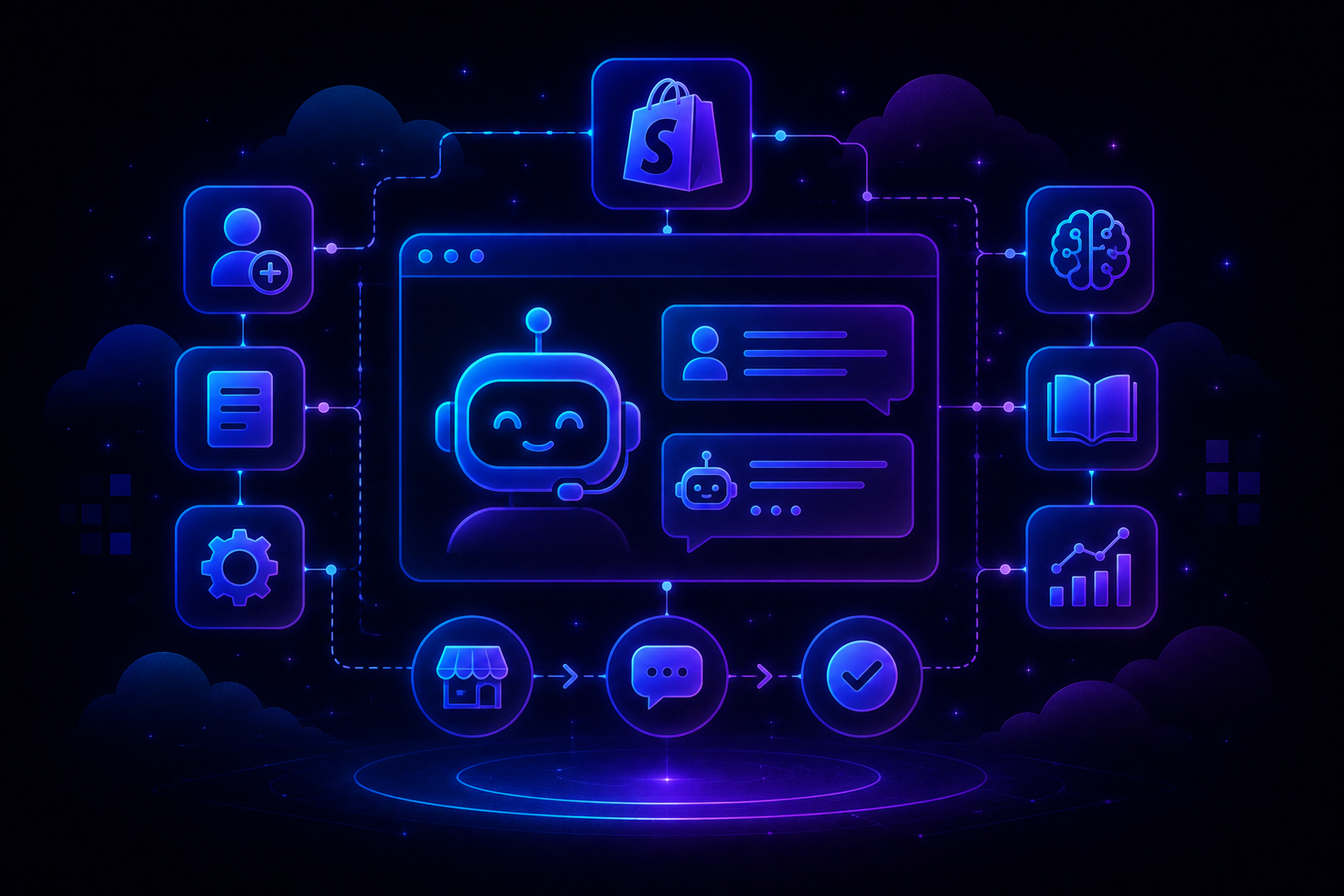
QuantumDesk's AI-native architecture builds resolution, agent assist, routing, and analytics into the core product rather than layering them across pricing tiers the way Zoho Desk does. Quantum AI resolves repetitive queries, the kind a cosmetics brand hears every day about ingredient concerns or delayed reactions, without touching an agent's queue, handing off to a human the moment a conversation needs real judgment.
- Quantum AI resolves repetitive queries like order status instantly, escalating only when a conversation needs real judgment
- AI-Curated Inbox prioritizes conversations by urgency, sentiment, and intent, so nothing important sits buried in the queue
- AI Copilot drafts responses, summarizes long threads, and suggests next actions inside the agent workspace
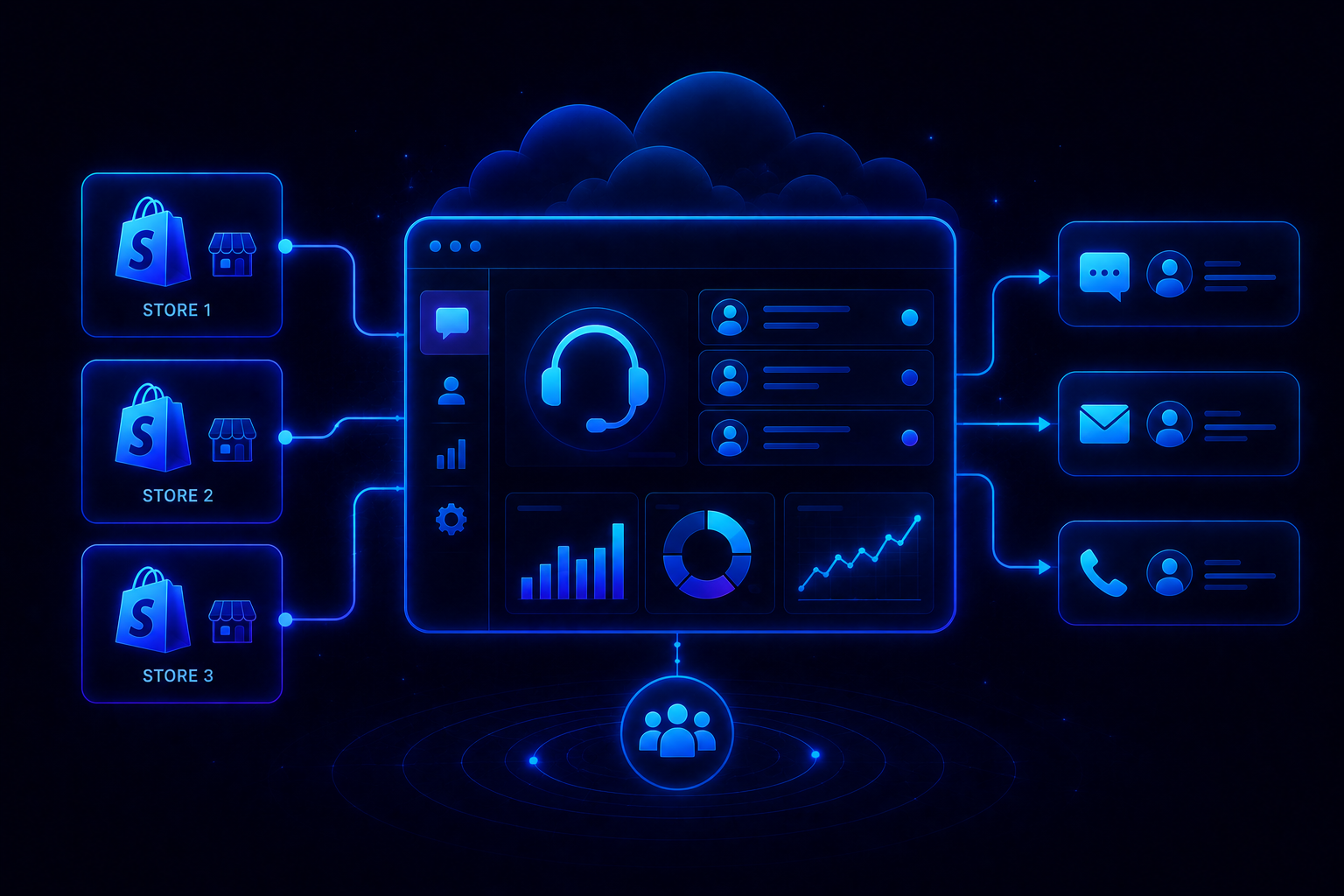
- Unified Conversation Workspace keeps email, live chat, WhatsApp, and social in one view, with no channel-switching
- Smart Routing sends each conversation to the right agent automatically, based on skill, load, and urgency
- Admin Dashboard shows resolution rates, escalation patterns, and CSAT trends in real time, without a paid upgrade
Where Zoho Desk gates AI and reporting depth behind its Enterprise plan, QuantumDesk includes both from day one, at any scale, delivering the ai native customer service benefits without treating AI vs Human Customer Support as a tradeoff, since the goal is multiplying agent capacity, not replacing it.
Growing D2C brands and B2B SaaS teams that need AI depth without a phased upgrade path find the strongest fit here.
If your team is evaluating Zoho Desk alternatives with stronger AI depth and predictable pricing, explore how QuantumDesk supports your growth → Book a Demo
Frequently Asked Questions About Zoho Desk Alternatives
What are the top Zoho Desk alternatives?
The top Zoho Desk alternatives include QuantumDesk, Freshdesk, Zendesk, Intercom, Gorgias, Hiver, HubSpot Service Hub, Help Scout, Front, and eDesk. The right fit depends on your team size, AI needs, and channel mix, with QuantumDesk suited to teams wanting AI included at every plan.
Is Zoho Desk suitable for large-scale use?
Zoho Desk scales well for mid-market teams inside the Zoho ecosystem, with 360+ integrations and deep customization once configured. Full AI automation, including answer bot and live chat AI, still requires the $25 per user Enterprise plan, raising real cost as teams grow.
How does QuantumDesk compare to Zoho Desk?
QuantumDesk includes AI resolution, agent copilot, and admin analytics inside the core platform, while Zoho Desk reserves answer bot and AI support assistant for its costlier Enterprise plan alone. QuantumDesk avoids ecosystem lock-in, using custom, volume-based pricing instead of Zoho Desk's tiered, annual-only structure.
What is the best free alternative to Zoho Desk?
Freshdesk, Help Scout, and HubSpot Service Hub all offer functional free plans suited to small teams managing basic support without upfront cost. Zoho Desk also has a free tier, though real AI automation and advanced routing stay locked to its paid, higher-priced plans.
How much does Zoho Desk cost as you scale?
Zoho Desk's paid plans run from roughly $4 to $25 per user per month billed annually, with telephony, multi-department ticketing, and full AI automation gated to the higher-priced Professional and Enterprise tiers as your support operation grows well past the entry-level rate.




.avif)