
Summarize with AI
Key Takeaways
- Zoho Desk offers five pricing tiers in 2026, from a free plan up to Enterprise at $40 per user per month, billed annually.
- Monthly billing raises rates from $9 to $50 per user, and Light Agents add roughly $6 per user per month on higher tiers.
- Real AI automation, including an answer bot and AI support assistant, stays locked to the $40 per user Enterprise plan alone.
- The Professional plan costs $23 per user monthly for telephony and multi-department ticketing, still without full AI automation included.
- QuantumDesk includes AI resolution in its core platform, with no per-tier automation unlock required at any stage of growth.
Zoho Desk advertises plans starting at $7 per user per month, but that headline rate rarely reflects what most support teams end up paying.
Real pricing depends on plan tier, agent count, billing cycle, and which automation features your team actually needs.
You will learn:
- How Zoho Desk pricing actually works across its five tiers and billing options
- Where costs increase unexpectedly as teams add agents, automation, or premium features
- When support teams start looking at alternatives like QuantumDesk for predictable pricing
The goal of this pricing article is to help support teams make clear, informed decisions.
Zoho Desk Pricing Plans Explained (2026)
What Is Zoho Desk and Who Is It Built For?
Zoho Desk is an AI help desk platform that unifies customer conversations across email, chat, social, and phone, combining ticketing, automation, and reporting in one workspace.
It is built for support teams of all sizes, especially organizations already invested in Zoho's broader business ecosystem.
Teams use Zoho Desk day to day to log incoming requests as tickets, automate routing through Blueprints, publish self-service help center articles, and track SLA performance across dashboards.
It sits alongside dozens of other tools in our broader Best Help Desk Software comparison for teams, weighing options beyond Zoho Desk alone.
How Zoho Desk's Pricing Structure Actually Works
The base per-seat fee on every plan covers ticketing, basic routing, and channel access, but generative AI, answer bot, telephony, and multi-department support all sit behind higher tiers.
Pricing scales per agent seat rather than by ticket or conversation volume, so cost grows directly with headcount.
- Tier upgrades required to unlock the deeper end of customer service automation, including generative AI, answer bot, telephony, and skill-based routing
- Light Agent add-ons for occasional users cost roughly $6 per user per month on top of standard seats
- Annual billing unlocks the lower published rate; monthly billing raises the same plans to between $9 and $50 per user
Most teams underestimate real spend because tier upgrades, add-on seats, and billing cycle choices all compound before the first invoice.
Zoho Desk Pricing at a Glance
1. Free Plan
Who This Plan Is For
- Solo founders and very early-stage teams testing whether a dedicated help desk is worth adopting, the kind of pick covered in our Best Free Help Desk Software roundup
- Teams with three or fewer agents handling low ticket volume across a single channel
Base Price
Free for up to three agents, with no credit card required and no annual commitment involved at all.
What's Included
- Basic email ticketing with a shared inbox for up to three agents
- Ticket assignment, tagging, and simple status tracking across incoming requests
- A basic knowledge base for publishing a small set of help articles
- Standard reporting on ticket volume and basic response time tracking
- Mobile app access for agents responding to tickets on the go
Where This Plan Starts Breaking Down
- Capped at three agents, so any team that hires a fourth support person must upgrade immediately to a paid tier
- No automation, workflow rules, or AI features exist at this tier, limiting it to purely manual ticket handling
2. Express Plan
Who This Plan Is For
- Small teams past the founder stage that need email, social, and web form ticketing in one place, a common starting point discussed in our Best help desk for small businesses guide
- Teams ready for basic workflow automation but not yet needing telephony or AI-driven resolution
Base Price
$7 per user per month billed annually, or a higher rate under Zoho's monthly billing option.
What's Included
- Email, social media, and web form ticketing in one shared inbox
- Basic AI Agent assignment rules that route tickets without manual sorting
- Custom domain support and multi-level escalation rules for overdue tickets
- Ticket timeline and history showing full context on every conversation
- Contact management for tracking customer details across support interactions
Where This Plan Starts Breaking Down
- No generative AI, answer bot, or live chat automation exists until you upgrade to Standard or Enterprise
- Telephony and multi-department ticketing are unavailable, forcing growing teams toward the Professional tier sooner than planned
3. Standard Plan
Who This Plan Is For
- Teams are ready to add self-service content and basic generative AI drafting to their workflow
- Support operations that need custom reports and dashboards beyond simple ticket counts
Base Price
$14 per user per month billed annually, roughly double the Express plan's starting rate.
What's Included
- Everything in Express, plus business messaging and instant messaging channels
- Generative AI for drafting agent responses inside existing conversations
- A full knowledge base with the ASAP self-service widget included
- Customer happiness ratings are collected directly after conversations close
- Custom reports and dashboards built around your team's own customer service metrics
Where This Plan Starts Breaking Down
- Telephony and multi-department ticketing still require Professional, limiting teams running phone support
- The answer bot and AI support assistant remain unavailable until the Enterprise tier is purchased
4. Professional Plan
Who This Plan Is For
- Mid-market teams needing phone support alongside email, chat, and social channels
- Organizations with multiple departments that need tickets routed to the right team automatically
Base Price
$23 per user per month billed annually, roughly triple the Express plan's entry rate.
What's Included
- Everything in Standard, plus built-in telephony for phone-based support
- Blueprints for structured, multi-step workflows across ticket lifecycles
- Multi-department ticketing with round-robin assignment across support teams
- Multilingual help center content for serving customers in multiple languages
- Parent-child ticketing for linking related requests under one master ticket
Where This Plan Starts Breaking Down
- Answer bot, AI support assistant, and live chat AI remain locked to Enterprise, the highest tier
- Skill-based assignment and sandbox environments are unavailable, limiting complex routing and safe testing
5. Enterprise Plan
Who This Plan Is For
- Larger support teams that need full AI automation across every customer-facing channel
- Multi-brand organizations needing custom modules, sandbox testing, and skill-based routing
Base Price
$40 per user per month, billed annually, the highest published rate across all five tiers.
What's Included
- Answer bot and AI support assistant for automated, AI-driven resolution
- Live chat AI through Zoho SalesIQ and Guided Conversations for proactive engagement
- Skill-based assignment and multi-level IVR for complex call routing
- Multi-brand help center support for teams managing more than one brand
- Custom modules, functions, and a sandbox environment for safe configuration testing
Where This Plan Starts Breaking Down
- The highest per-seat price of any tier, before Light Agent add-ons or monthly billing premiums are even counted
- Still priced per seat, so AI automation costs scale directly with headcount rather than actual ticket volume
What Actually Drives Your Monthly Cost on Zoho Desk
Zoho Desk's pricing model creates four distinct pressure points as teams grow, each tied to a different lever than ticket volume alone.
1. Agent Seat Count
Every plan is priced per agent seat, so cost grows in direct proportion to headcount rather than ticket volume or automation usage. A team doubling from five to ten agents doubles its monthly seat bill instantly.
2. Tier Upgrades to Unlock AI and Telephony
Real automation is split unevenly across tiers, a gap our Best AI help desk software comparison covers in more depth: generative AI arrives at Standard, telephony and Blueprints at Professional, and an answer bot only at Enterprise.
3. Annual Billing vs Monthly Premium Pricing
Committing to annual billing unlocks the lower published rate, while monthly billing raises the same plans to between $9 and $50 per user each month.
4. Light Agent and Add-On Costs
Light Agents, meant for occasional users like managers checking ticket status occasionally, add roughly $6 per user per month on top of standard seat pricing on higher tiers.
Real-World Zoho Desk Pricing Examples
Example 1: Small Support Team, Low Volume
A four-agent D2C skincare brand runs on the Express plan, handling email and Instagram support without any phone or chat automation needs yet.
- Express plan: 4 agents x $7 per user per month equals $28 per month
- No AI copilot or automation add-ons purchased at this stage of growth
- Total monthly cost: approximately $28, before any Light Agent or add-on charges
At this size, Zoho Desk stays genuinely affordable, though the team has no AI resolution available yet.
Example 2: Growing Support Team
A twelve-agent B2B SaaS support team upgrades to Professional for telephony and multi-department routing as onboarding ticket volume climbs month over month.
- Professional plan: 12 agents x $23 per user per month equals $276 per month
- Two Light Agents added for managers checking tickets: 2 x $6 equals $12 per month
- Total monthly cost: approximately $288 per month, billed annually for the lower rate
Moving from Express to Professional to unlock telephony nearly triples the monthly bill, well before any AI automation is added.
Example 3: High-Volume or Rapidly Scaling Team
A twenty-five-agent ecommerce support team on Enterprise needs answer bot and skill-based routing during peak sale periods, when ticket volume regularly spikes across every channel at once.
- Average month: 25 agents x $40 per user per month equals $1,000 per month
- Peak season adds five Light Agents for temporary coverage: 5 x $6 equals $30 more
- Peak month total: approximately $1,030 per month, plus any monthly-billing premium if annual terms lapse
Even at Enterprise pricing, Zoho Desk's per-seat model means peak-season staffing decisions directly and immediately inflate the monthly bill.
Where Zoho Desk Pricing Falls Short as You Scale
Zoho Desk's entry-level pricing looks genuinely affordable at first glance, but the real pressure builds once a team needs AI automation, telephony, or multi-department routing, all locked behind higher, costlier tiers.
- Per-seat pricing means every new hire adds cost directly, even when ticket volume does not grow at the same pace
- Real AI automation stays locked to Enterprise, forcing teams to pay for a full tier upgrade just to automate repetitive queries
- Light Agent add-ons and monthly billing premiums are easy to overlook during initial evaluation, but add up quickly at scale
For teams that want AI resolution and predictable cost while they figure out how to scale customer support, QuantumDesk's pricing model is worth considering.
How QuantumDesk Approaches Pricing Differently
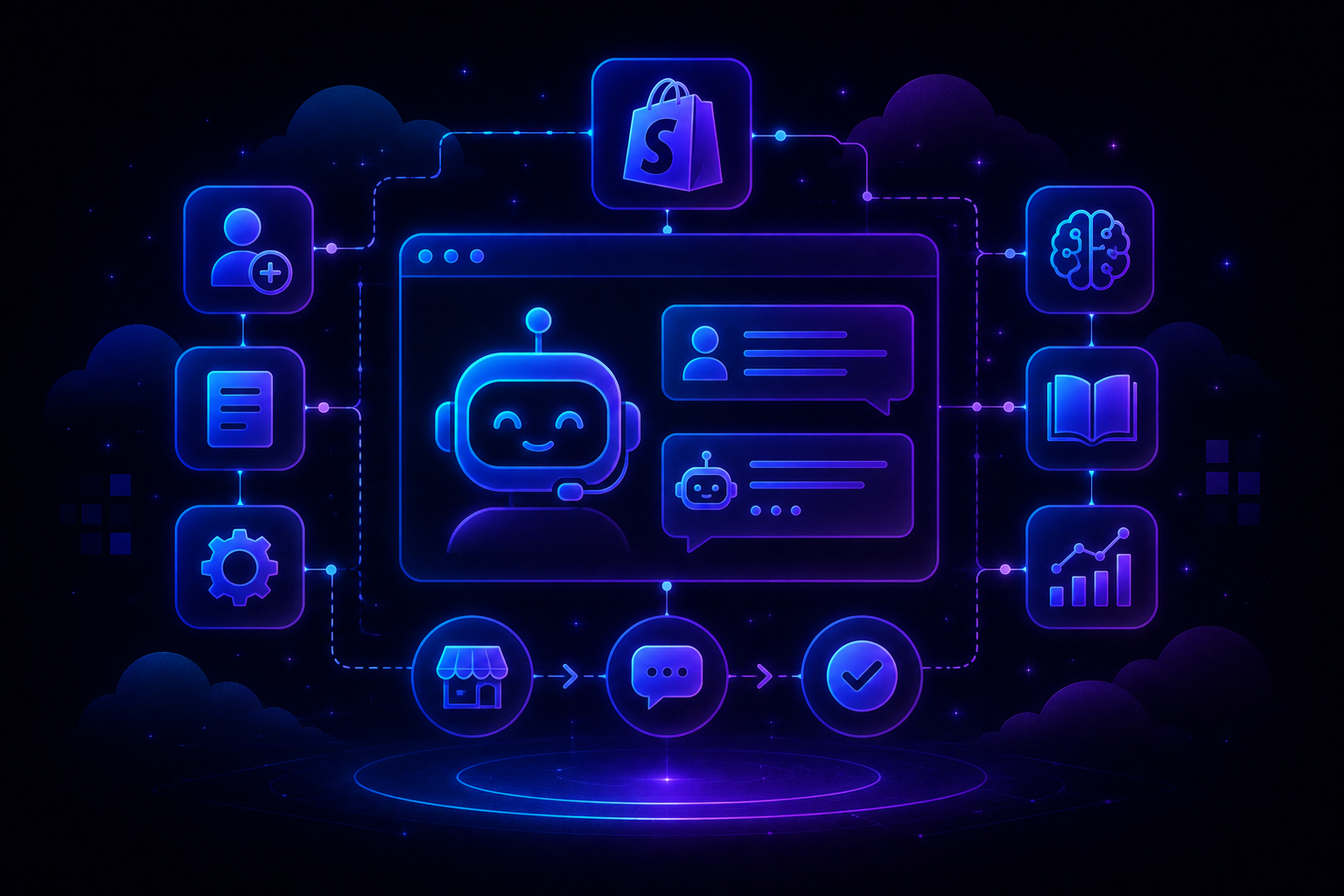
QuantumDesk is an AI-native customer service platform designed to scale support capacity without scaling headcount, seat count, or the operational complexity that Zoho Desk's tiered pricing introduces as teams grow.
- Quantum AI resolves repetitive L1 queries directly, reducing per-ticket cost as volume grows instead of requiring an Enterprise upgrade
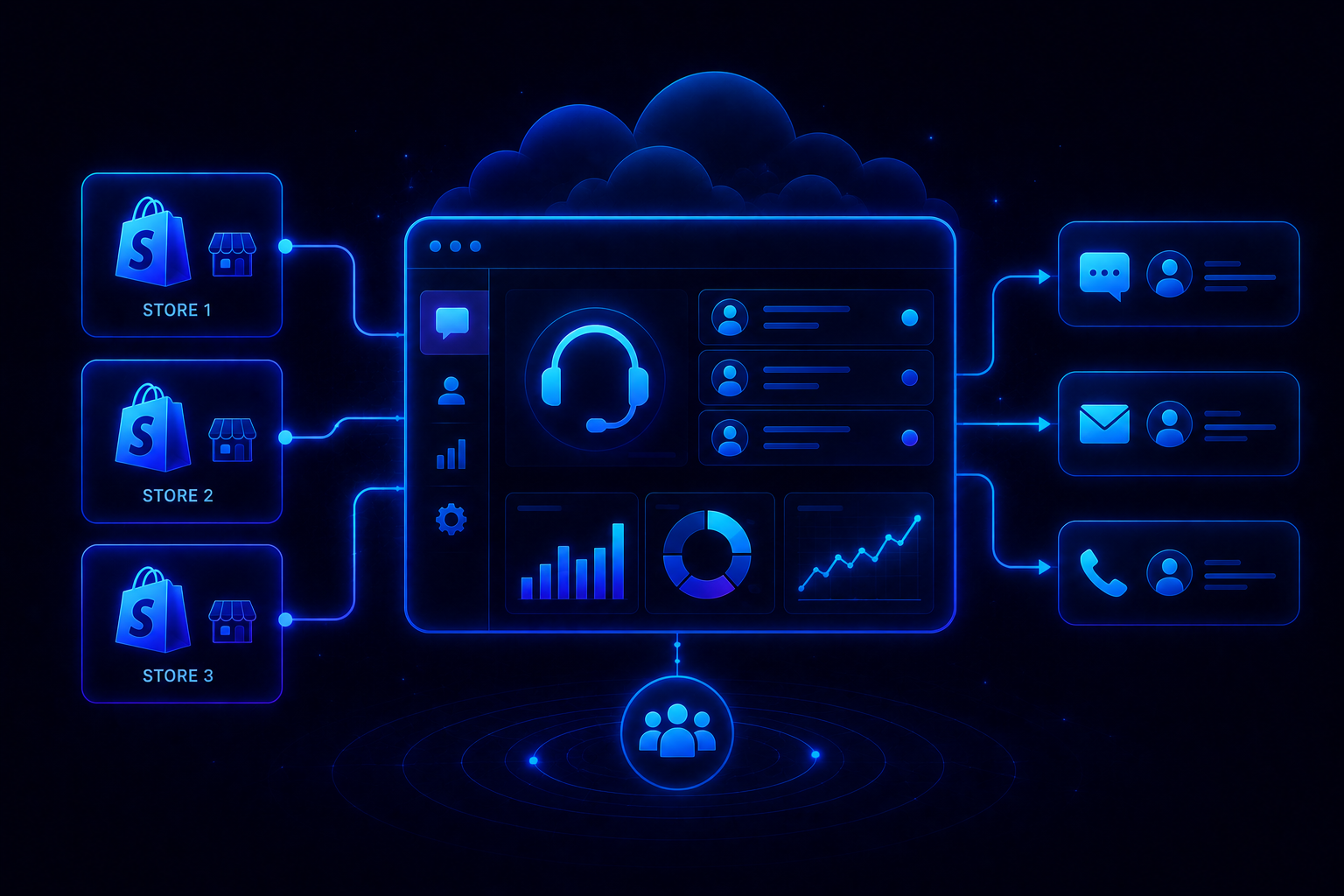
- The unified omnichannel inbox eliminates the need for multiple tool subscriptions or per-channel telephony add-ons, delivering the ai native customer service benefits teams actually need
- Support capacity scales through automation, not proportional per-seat pricing, so growth does not multiply the monthly bill
Teams typically start evaluating QuantumDesk once Zoho Desk's per-seat AI upgrade path outpaces the value it delivers, a pattern also covered in our full Zoho Desk alternatives comparison.
If your team wants AI resolution without chasing Zoho Desk's tier upgrades, explore how QuantumDesk supports your growth → Book a Demo
Zoho Desk vs QuantumDesk: Which Is the Better Fit?
Here is how Zoho Desk and QuantumDesk compare across the criteria that matter most for scaling support teams.
When Zoho Desk Makes Sense, and When QuantumDesk Is a Better Choice
Zoho Desk Makes Sense If…
- Your team already runs on other Zoho products and wants support tightly connected to that ecosystem
- You need deep customization, like custom modules and sandbox testing, and have the setup time to configure it
- Your budget favors a low entry price and can absorb tier upgrades as automation needs grow later
QuantumDesk Is a Better Fit If…
- You want AI resolution and agent copilot included from the first plan, not gated to Enterprise pricing
- Your team is scaling and needs a cost that reflects ticket volume, not a per-seat count that rises with every hire
- You need a unified inbox and support capacity that scales without treating AI vs Human Customer Support as a tradeoff
Frequently Asked Questions About Zoho Desk Pricing
Does Zoho Desk have hidden costs?
Zoho Desk's headline seat price does not include generative AI, answer bot, telephony, or Light Agents, all billed as separate tier upgrades.
The Enterprise plan alone costs $40 per user monthly for full AI automation, and monthly billing instead of annual raises every tier's rate by a meaningful margin.
Why is my Zoho Desk bill higher than expected?
The most common reason is upgrading tiers to unlock generative AI, telephony, or answer bot, each of which raises the per-seat rate substantially.
A ten-agent team moving from Express to Enterprise for full AI automation raises its monthly cost from roughly $70 to $400, without adding a single new agent.
Can I predict my monthly cost on Zoho Desk?
Base seat costs are predictable once you choose a tier, since pricing is per user rather than per conversation or ticket volume.
Total cost still shifts with headcount changes, Light Agent additions, and whether you choose annual or monthly billing, which carries a real rate difference.
When should I switch from Zoho Desk to QuantumDesk?
The clearest signal is the need for AI resolution without paying for a full Enterprise upgrade just to automate repetitive queries.
Teams also switch when per-seat pricing no longer reflects actual ticket volume, or when they want AI, Copilot, and reporting included at every plan level from day one.
Is QuantumDesk more expensive than Zoho Desk?
QuantumDesk uses custom, quote-based pricing, so the fair comparison is total cost for equivalent AI capability, not headline seat rates alone.
A twenty-five-agent Zoho Desk Enterprise team already pays around $1,000 per month before Light Agents, while QuantumDesk bundles AI resolution and copilot into one predictable, volume-based price.




.avif)