Summarize with AI
Key Takeaways
- Email ticketing systems have moved well beyond shared inboxes into AI-powered platforms that automate routing, enforce SLAs, and scale support capacity without adding headcount.
- QuantumDesk leads the list as an AI-native customer support platform where intelligence is embedded across the entire workflow from day one, not bolted on as a separately priced module.
- Zendesk and HappyFox are strong choices for enterprise-scale and mid-market structured workflows, though AI capabilities on both platforms sit behind higher-tier plans rather than the core product.
- Front and Hiver are best suited for teams transitioning from Gmail or Outlook to structured email ticketing without abandoning the inbox-first workflows their teams already know.
- The right email ticketing system depends on team size, workflow complexity, integration requirements, and whether AI automation is a day-one priority or a future add-on consideration.
The wrong email ticketing system means missed SLAs, duplicate replies, and customer complaints that fall through inbox cracks before any agent even knows they exist.
I emailed a D2C brand about a broken zipper on a birthday hoodie I had ordered as a gift → got an automated return link → wanted a refund instead → replied again explaining the situation → received the same generic link → waited three days with no update → left a one-star review → never placed another order.
One support failure. One public review that every future buyer will read before deciding whether to purchase. One customer who will never return.
Support teams processing hundreds of emails daily face this scenario repeatedly. The question is not whether they need an email ticketing system. It is which one resolves faster, automates the repetitive, and ensures no conversation is lost, duplicated, or stuck without an owner?
This guide compares 10 email ticketing systems across features, AI capabilities, pricing, and real-world fit to help support teams make the right decision.
How tools were evaluated:
- Hands-on testing across real support workflows
- Customer conversations and user feedback
- Review platforms like G2 and Capterra
- Insights from Reddit and support communities
- Competitive positioning analysis
Whether you run a lean D2C support operation or a scaling B2B team, this comparison will help you find the right platform based on your specific team size, workflow, and automation requirements.
A Quick Comparison: 10 Best Email Ticketing Systems
How We Evaluated These Email Ticketing Systems
We selected these platforms by analyzing real-world email support workflows, comparing AI capabilities, and evaluating how effectively each solution improves routing efficiency, SLA compliance, and agent productivity for teams managing growing inbox volumes.
- G2, Capterra, and software marketplace analysis to verify ratings, review patterns, and industry-specific fit across team sizes
- Customer feedback from support teams to surface real usage patterns beyond vendor marketing claims and product pages
- Competitive benchmarking across automation depth, AI resolution capability, SLA management, and scalability in 2026
- Reddit discussions and support communities for unfiltered user feedback on daily operational performance and edge cases
- Hands-on product exploration of routing workflows, ticketing systems, and AI integration capabilities
- Pricing, scalability, and integration considerations for teams at early, mid, and high-growth stages
Top 10 Email Ticketing Systems in 2026
1. QuantumDesk – Best AI-Native Email Ticketing Platform for D2C and B2B Teams
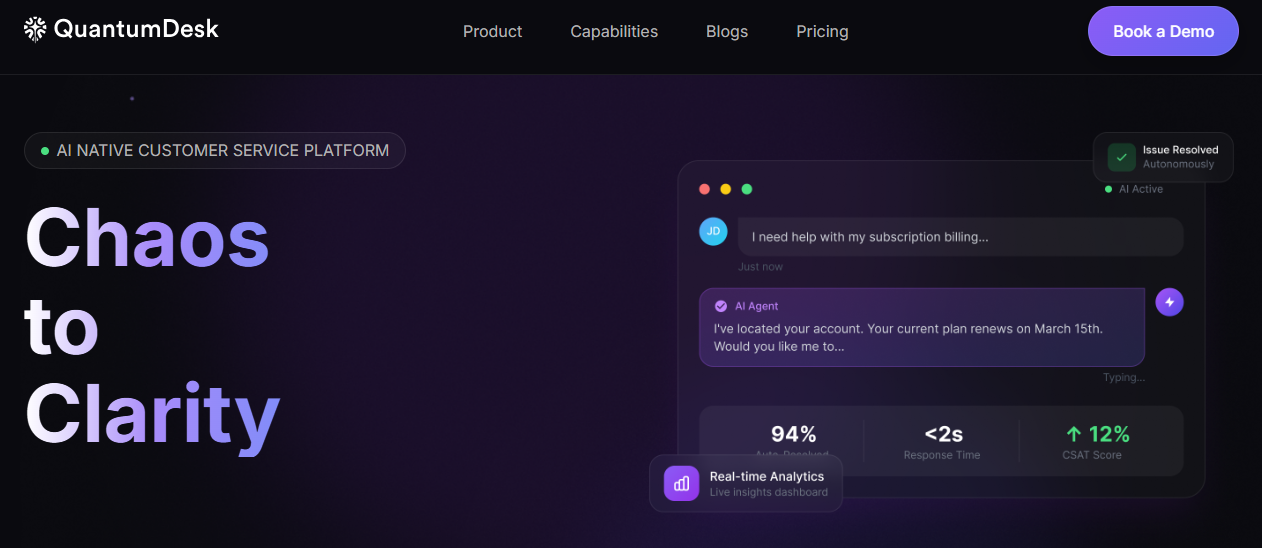
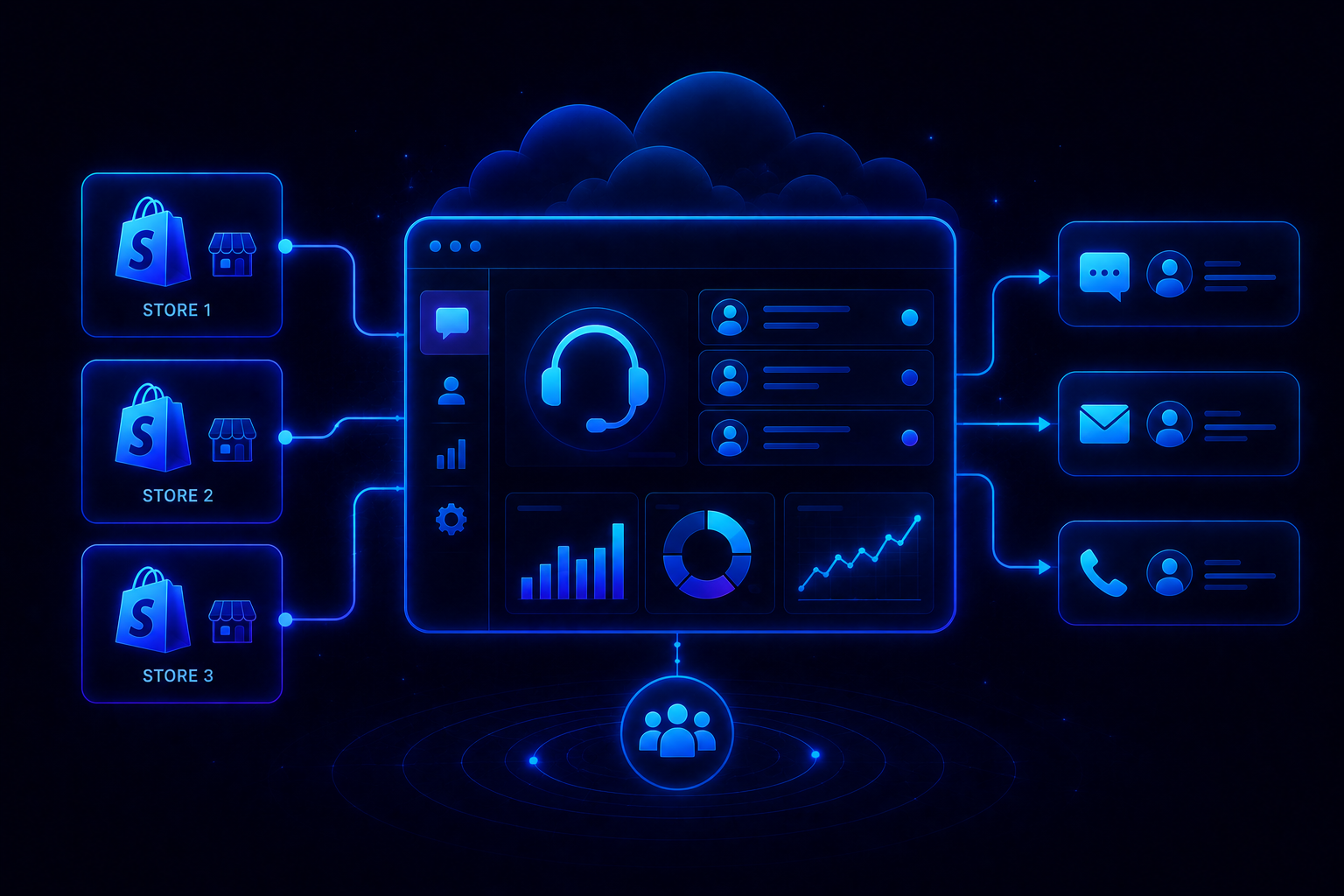
QuantumDesk is an AI-native customer service platform for D2C brands and B2B teams that need to handle email support at volume without building a larger agent team every time ticket counts increase.
Unlike Zendesk and Freshdesk, which added AI onto legacy ticketing infrastructure as a separately priced upgrade, QuantumDesk embeds intelligence across the entire support workflow from the moment an email arrives, delivering ai native customer service benefits without additional configuration layers or add-on purchases.
I emailed about a broken zipper on a hoodie → got an automated return link → wanted a refund instead → waited 3 days with no update → left a one-star review → never ordered again.
One avoidable failure. With QuantumDesk, that email is flagged as high urgency based on sentiment analysis, routed to an agent with full conversation context, and resolved within the same session before the frustration has a chance to become a review.
AI handles the repetitive queries. Agents focus on the conversations that actually require human judgment.
Key Features
- AI-native workflows that automatically resolve repetitive L1 queries, such as order status and refund requests, while routing complex issues to agents with complete context, no manual triage required
- Unified conversational workspace that centralizes email, live chat, WhatsApp, and social media into one agent interface, so no channel switch loses customer history or conversation thread
- Quantum AI copilot that assists agents with context-aware response drafts, conversation summaries, and next-action suggestions during every live ticket interaction
- AI-curated inbox that prioritizes incoming emails by urgency, customer sentiment, and intent so agents always work on the highest-impact conversations first rather than in strict order of arrival
- An admin analytics dashboard that tracks AI resolution rates, escalation patterns, agent productivity, and customer satisfaction trends across the full support operation in real time
Pros
- AI is embedded across the full support workflow from day one, not sold as a separately priced module requiring additional budget approval and configuration before it becomes useful
- Strong fit for teams managing high-volume routine email queries alongside complex account-level conversations in one unified platform without tool-switching or channel fragmentation
- Omnichannel context preservation means customers never need to repeat themselves when moving between email, WhatsApp, and live chat across different interactions
Cons
- Newer platform compared to established providers with longer market presence and more extensive legacy system integration histories
- The integration ecosystem is still expanding and may not yet cover every tech stack or third-party CRM configuration out of the box
- Less recognized among procurement teams currently evaluating vendors already embedded in their standard shortlists and approval processes
Best Use Case
D2C brands and B2B teams handling high email volumes across multiple channels that need AI-native support without paying for AI as a separate add-on module bolted onto legacy ticketing infrastructure.
When to Choose QuantumDesk
Choose QuantumDesk when your priority is scaling email support capacity without scaling headcount, and you need AI and agent workflows operating together natively rather than stitched across multiple tools with separate budgets and configuration requirements.
Pricing
Custom pricing based on business size and support volume. Contact the QuantumDesk team for current plans and a tailored demo aligned to your ticket volume and team requirements.
Ready for AI-Native Email Support? Explore how Quantum AI resolves repetitive email queries automatically, unifies your support channels, and scales your support capacity without growing your agent team → Book a Demo
2. HappyFox – Best for Mid-Market Teams Needing Structured Workflow Management
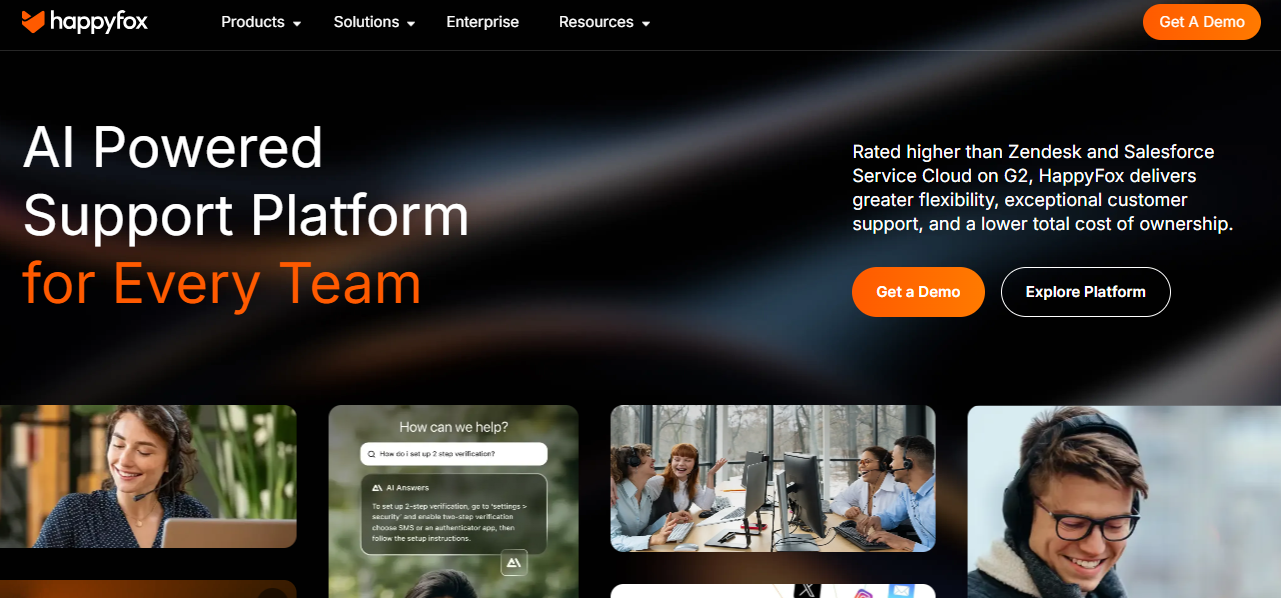
HappyFox is a help desk platform built for mid-market businesses that need structured email ticketing with reliable SLA monitoring, smart routing, and full visibility across agent queues without the configuration overhead of enterprise platforms.
Teams choose HappyFox for its intelligent email processing and workflow structure rather than for AI-native resolution or broad omnichannel coverage. It fills the gap between lightweight shared-inbox tools and enterprise systems, offering meaningful automation depth without heavy deployment complexity.
Key Features
- Intelligent email-to-ticket conversion that automatically parses incoming emails, extracts customer details, and routes tickets based on predefined assignment rules
- Smart routing and workload balancing that directs tickets to the right agent based on skill sets, availability, and escalation logic without manual intervention
- SLA management with automated escalation alerts that notify supervisors when tickets approach or breach response and resolution time targets
Pros
- Structured ticketing workflow is well-suited for mid-market teams needing clear ticket ownership, routing logic, and SLA enforcement across multiple queues
- Collision detection reduces duplicate responses, a common failure in growing shared inboxes that damages customer trust
Cons
- AI capabilities are less developed than AI-native platforms built for autonomous query resolution and intelligent inbox prioritization at scale
- Omnichannel coverage is narrower, with stronger depth in email than in WhatsApp, social media, or real-time chat channels
- Integration breadth is more limited than Zendesk for teams running complex multi-tool stacks with deep CRM connection requirements
Best Use Case
Mid-market teams that need structured email ticketing with SLA visibility, smart routing, and collision detection without enterprise-level complexity or pricing.
When to Choose HappyFox
Choose HappyFox when your team needs reliable ticket structure and SLA monitoring that goes meaningfully beyond a shared inbox but does not require the scale or cost of an enterprise platform.
Pricing
HappyFox plans start at $24 per agent per month for the Basic plan, with higher tiers adding advanced automation, deeper reporting, and additional workflow capabilities as team size and ticket volume grow.
3. Zendesk – Best for Enterprise-Scale Customer Support

Zendesk is one of the most widely deployed customer service platforms in the market, used by enterprises managing high-volume email operations across multiple channels, teams, and geographies simultaneously.
Teams choose Zendesk for its proven deployment history, mature integration library, and enterprise-grade routing rather than for AI-native design or pricing suited to leaner, faster-growing support operations.
Key Features
- Omnichannel ticketing that consolidates email, live chat, voice, social media, and self-service interactions into one unified agent workspace with full conversation history
- AI-powered ticket triage that classifies incoming requests by intent, urgency, and sentiment to surface high-priority cases without manual agent sorting
- Advanced SLA management with automated escalation workflows, team-level routing rules, and cross-channel reporting for multi-tier operations
Pros
- Proven at enterprise scale, trusted by large organizations handling millions of support emails annually across multiple geographies and channels
- Broad integration library makes it straightforward to connect existing CRM, billing, and product stack tools without custom development work
Cons
- Pricing grows quickly with seat counts and AI add-ons, pushing total cost well outside the budget of most growing or mid-market teams
- AI capabilities are layered onto legacy ticketing infrastructure rather than embedded natively, meaning intelligent automation requires higher-tier plan investment
- Setup and configuration require significant admin time, often needing dedicated implementation resources for full enterprise deployment
Best Use Case
Large enterprises managing high ticket volumes with complex multi-team routing, strict SLA requirements, and a broad third-party integration ecosystem.
When to Choose Zendesk
Choose Zendesk when enterprise omnichannel coverage and proven large-scale deployment matter more than AI-native design or cost efficiency. Teams comparing Best AI help desk software with intelligence genuinely embedded in the core will find the architectural and pricing gap significant at mid-market scale.
Pricing
Zendesk plans start around $19 per agent per month for basic support, with Suite plans and advanced AI add-ons increasing total cost as team size, ticket volume, and automation requirements grow.
4. Freshdesk – Best for Growing SMBs Needing Fast Setup and Reliable Automation
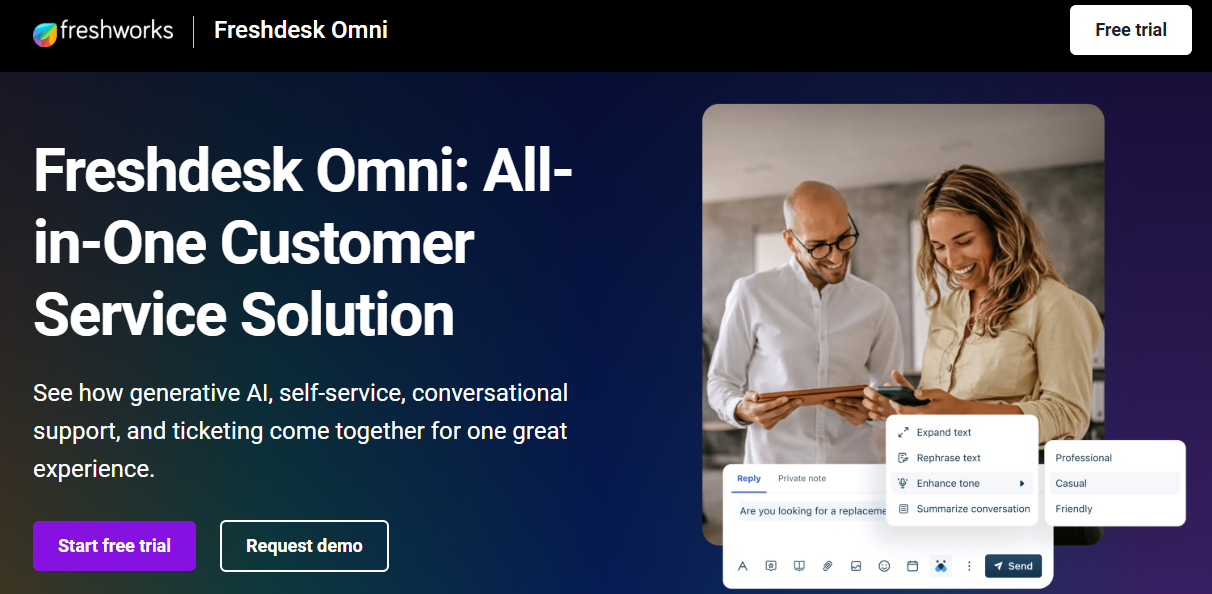
Freshdesk is a customer support platform from Freshworks used by growing small and mid-sized businesses that need multi-channel email support with fast onboarding, accessible pricing, and solid SLA management without enterprise configuration complexity.
Teams choose Freshdesk for its ease of deployment and automation depth at a price point that early-growth businesses can justify. Its self-service portal makes it a practical starting point for teams moving from shared Gmail inboxes to structured ticketing.
Key Features
- Multichannel ticketing that captures conversations from email, live chat, phone, WhatsApp, and social media into a unified workspace with full thread history
- Freddy AI that automates responses to repetitive queries, suggests replies to agents, and summarizes ticket context for faster resolution
- SLA management with automated escalation rules and deadline monitoring to ensure emails are resolved within defined timeframes
Pros
- Fast setup means support teams can deploy and start handling emails within hours without extended onboarding or IT involvement
- Free plan available for small teams testing basic ticketing before committing to a paid subscription
Cons
- Advanced AI features, including Freddy AI Copilot, are locked behind premium plans, limiting automation depth for teams on entry-level subscriptions
- AI is built as a module layer rather than embedded natively, requiring additional budget to unlock meaningful resolution automation across the full queue
- Reporting depth at lower tiers is limited compared to platforms offering custom dashboards and multi-channel performance tracking
Best Use Case
Growing SMBs and early-stage support teams that need omnichannel ticketing, fast deployment, and SLA management without enterprise pricing or extended implementation timelines.
When to Choose Freshdesk
Choose Freshdesk when speed of deployment and channel coverage are the priority, and your team is comfortable accessing AI features as paid add-ons rather than expecting them natively from day one.
Pricing
Freshdesk offers a free plan for small teams, with paid plans starting around $11 per agent per month. Freddy AI is available as a paid add-on, increasing total cost for teams requiring automation across the full support queue.
5. Front – Best for Teams Transitioning from Gmail or Outlook to Structured Email Ticketing
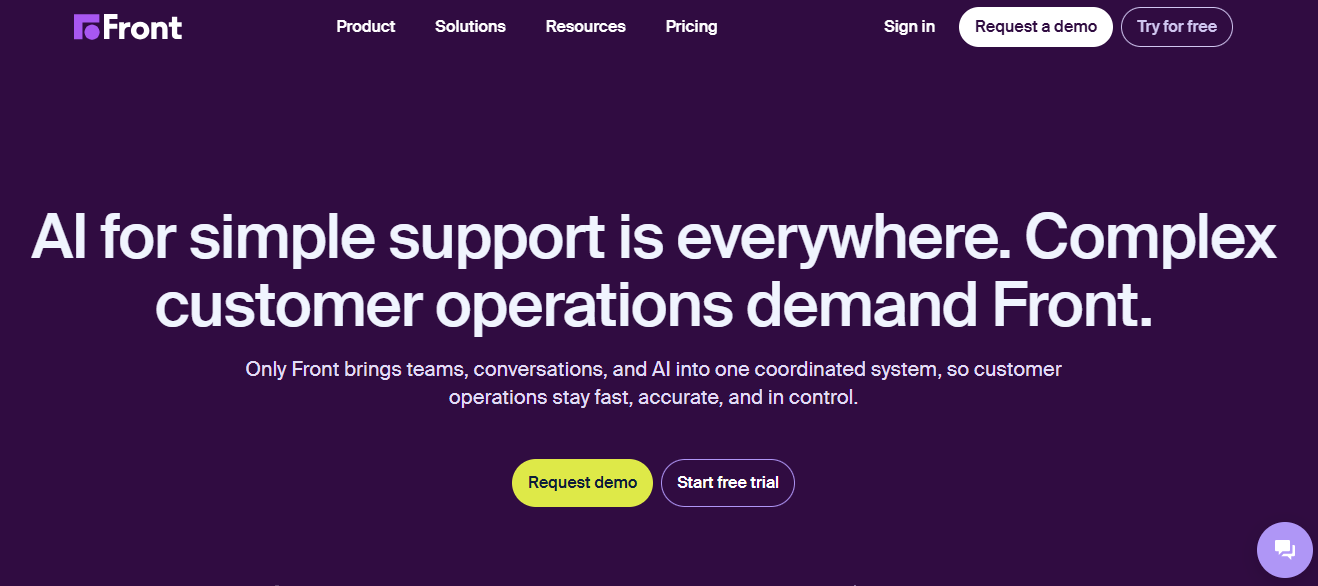
Front is a customer communication platform used by support and customer success teams that manage email collaboratively, bridging the gap between shared inboxes and traditional ticketing for organizations not yet ready for full help desk infrastructure.
Teams choose Front for its inbox-native collaboration model rather than for AI-powered resolution depth or high-volume ticket triage requiring sophisticated routing at scale. It works well for organizations handling both customer support and ongoing account communication from one shared workspace.
Key Features
- Shared inbox consolidating email, SMS, WhatsApp, and social media into one collaborative workspace with assignment, tagging, and internal notes
- AI-powered drafting and summarization that helps agents write faster, consistent responses without reading through full thread histories
- Workflow automation for routing, SLA tracking, and follow-up reminders to keep multi-team communication organized and accountable
Pros
- Inbox-native model reduces switching friction for teams already managing customer communication through email before adopting a formal help desk
- Works well for teams handling both support and account relationship management from one shared workspace without separate tools
Cons
- Not designed for high-volume operations requiring sophisticated triage, AI-powered resolution, or autonomous handling of repetitive L1 queries at scale
- Self-service and knowledge base capabilities are shallower than dedicated help desk platforms built for deflecting ticket volume
- Pricing is relatively high for larger teams compared to platforms offering equivalent or greater automation depth at lower per-seat costs
Best Use Case
Support and customer success teams managing ongoing account relationships and collaborative email workflows where team coordination on responses is a daily operational requirement.
When to Choose Front
Choose Front when your team manages both support and account relationships from shared inboxes, colleague collaboration on email responses is frequent, and the inbox-first model fits your workflow better than a traditional ticketing queue.
Pricing
Front plans start around $9 per seat per month for the Starter plan, with Growth, Scale, and Premier tiers adding analytics depth, automation, and integrations as conversation volume and team size grow.
6. Hiver – Best for Google Workspace Teams Wanting a Gmail-Native Help Desk
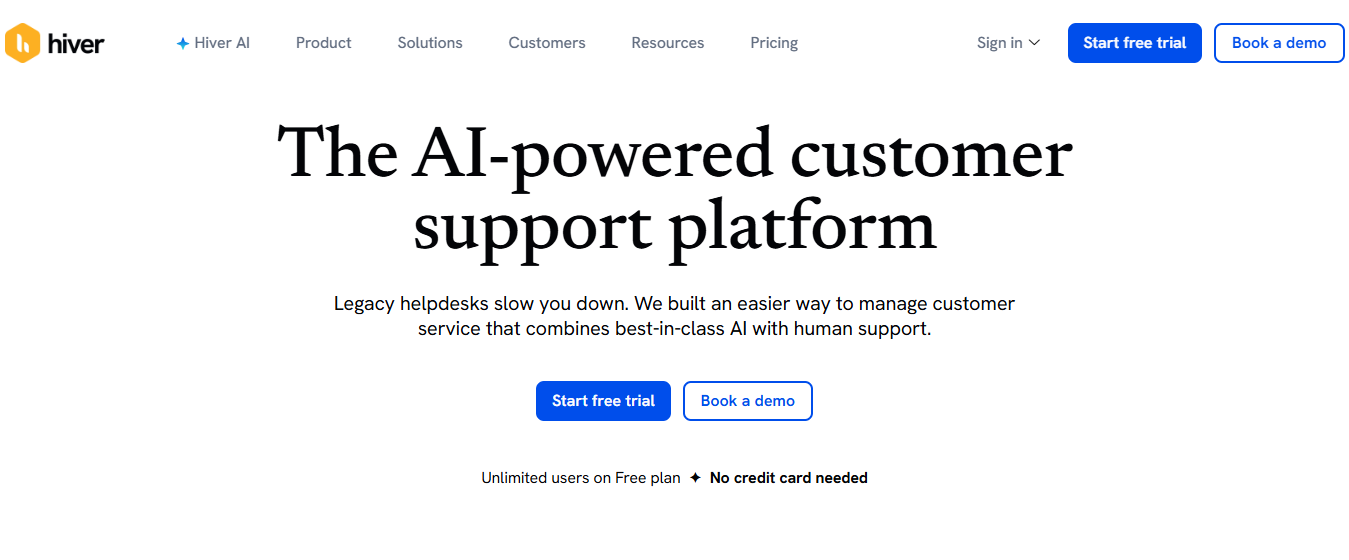
Hiver is a help desk platform built inside Gmail, used by small and mid-sized teams that manage customer support entirely through email and want shared inbox structure without migrating to a separate support tool.
Teams choose Hiver for its Gmail-native simplicity and collaborative email management rather than for broad omnichannel customer service coverage or complex automation beyond email-first workflows. It gives teams shared inbox accountability and SLA tracking within the Gmail interface they already use every day.
Key Features
- Shared inbox inside Gmail that lets multiple agents manage, assign, and respond to customer emails with collision detection and internal notes built directly into the interface
- Email automation rules for routing, SLA tracking, and escalation workflows that reduce manual coordination without leaving the Gmail environment
- Analytics covering response times, SLA adherence, and agent workload built natively inside Gmail without requiring a separate reporting platform
Pros
- Zero migration friction for teams already using Gmail, since Hiver adds shared inbox structure to the existing workspace rather than introducing an entirely new platform
- Fast setup means teams can add collaboration and accountability to email support within hours without dedicated IT involvement
Cons
- Limited to email as the primary channel, making it unsuitable for teams needing WhatsApp, live chat, voice, or social media support alongside email
- AI capabilities are less developed than platforms built for intelligent resolution and sentiment-based inbox prioritization at growing ticket volumes
- Not suited for high-volume operations requiring sophisticated multi-team routing, escalation logic, or deep CRM integration
Best Use Case
Small and mid-sized teams managing support entirely through email that want shared inbox collaboration and SLA tracking without migrating out of the Gmail environment.
When to Choose Hiver
Choose Hiver when your entire support operation runs through Gmail, your team is email-first, and the priority is adding shared inbox structure to existing workflows rather than deploying an entirely new platform.
Pricing
Hiver plans start around $19 per user per month for the Lite plan, with Growth, Pro, and Elite tiers adding advanced automation, analytics, and AI features as team size and support complexity grow.
7. Zoho Desk – Best for Zoho Ecosystem Users Wanting Budget-Friendly Email Ticketing
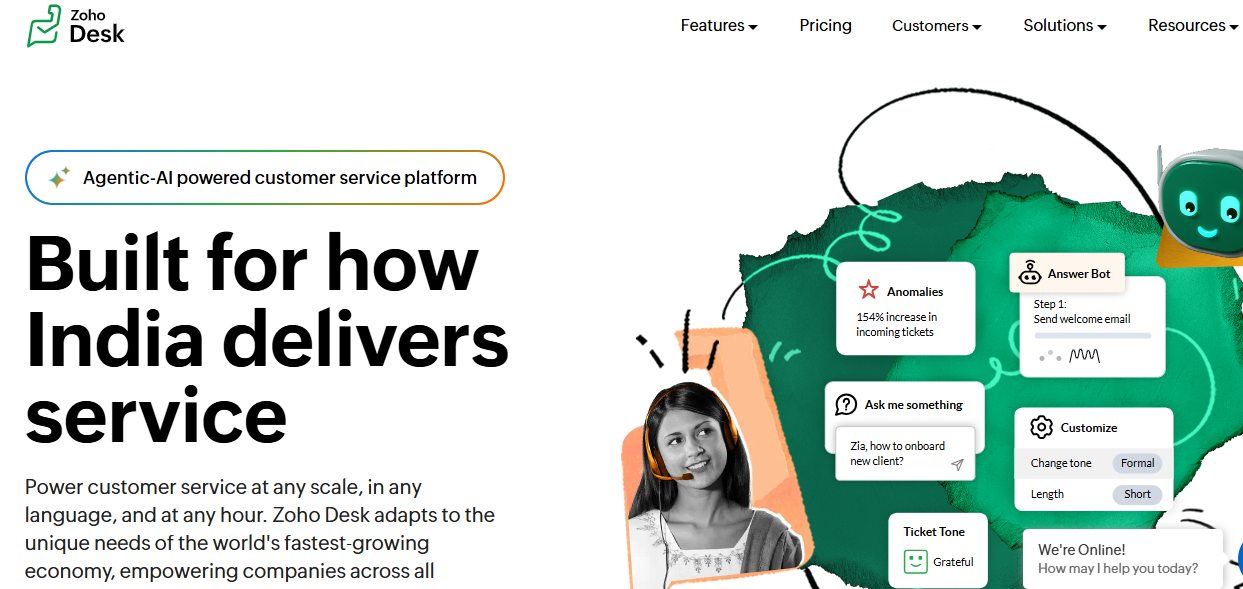
Zoho Desk is a context-aware support platform used by budget-conscious businesses already within the Zoho ecosystem that need omnichannel ticketing and workflow automation without the pricing commitments of enterprise alternatives.
Teams choose Zoho Desk for its accessible entry price and ecosystem depth rather than for best-in-class AI resolution autonomy. It delivers the most value for teams already standardized on Zoho CRM and Zoho Analytics, where customer context flows natively without custom integration work.
Key Features
- Contextual inbox that surfaces customer account history, previous tickets, and CRM data from Zoho directly within each incoming support conversation
- Zia AI assistant that suggests responses, analyzes customer sentiment, tags tickets automatically, and identifies volume anomalies across the queue
- Omnichannel support covering email, live chat, phone, social media, and WhatsApp in one unified workspace without separate channel management tools
Pros
- Among the most affordable full-featured help desk options for budget-conscious businesses managing tight operational costs at early growth stages
- Zoho ecosystem integration provides seamless data sharing with Zoho CRM without custom development work for teams already on the stack
Cons
- Steeper learning curve than simpler platforms, which can slow onboarding for small teams without dedicated admin resources to configure the system
- AI resolution quality lags behind purpose-built AI-native platforms for teams prioritizing autonomous query handling at meaningful email volumes
- Teams outside the Zoho ecosystem lose significant contextual value, reducing ROI compared to businesses already Zoho-first across their stack
Best Use Case
Budget-conscious businesses within the Zoho ecosystem that need affordable omnichannel email ticketing and functional automation without enterprise pricing tiers.
When to Choose Zoho Desk
Choose Zoho Desk when budget is a primary constraint, your team already uses Zoho CRM or other Zoho products, and you need solid omnichannel ticketing at a price point that Freshdesk and Zendesk cannot match.
Pricing
Zoho Desk plans start around $7 per agent per month for the Express plan, with Standard, Professional, and Enterprise tiers adding automation depth, AI capabilities, and advanced reporting features.
8. Help Scout – Best for Small Teams Prioritizing Personal Customer Conversations
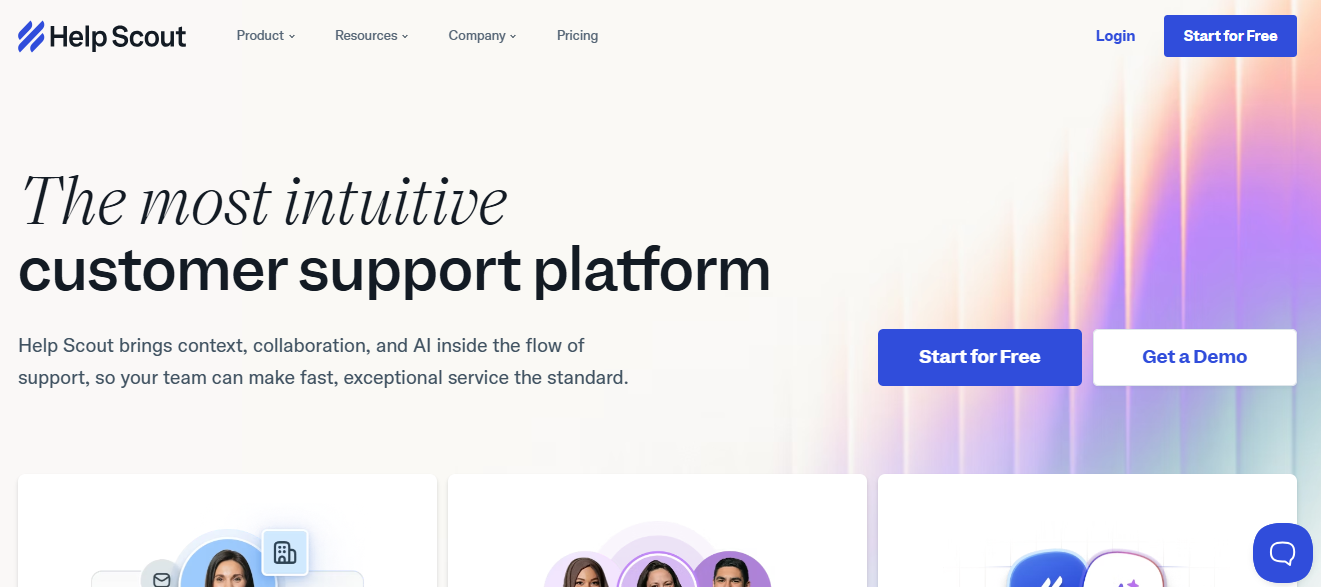
Help Scout is a customer support platform built for small businesses that prioritize relationship-driven email interactions over automation depth, where the quality of individual conversations matters as much as resolution throughput.
Teams choose Help Scout for its customer profile depth and clean shared inbox experience rather than for sophisticated SLA enforcement, AI-native resolution, or high-volume queue management. Its AI drafting includes across-base plans avoids the add-on pricing that inflates costs elsewhere.
Key Features
- Shared inbox with full customer profile visibility, including past conversations, account details, and interaction history surfaced alongside every new incoming message
- Beacon live chat widget that delivers knowledge base suggestions, live chat, and contact forms from one embeddable tool deployable anywhere in the product
- AI drafting and summarization are included in base plans without requiring a premium add-on purchase or plan upgrade
Pros
- Rich customer context in every conversation means agents respond with full interaction history visible rather than treating each email as a fresh interaction
- Clean interface minimizes onboarding time for new agents joining small teams without formal training programs
Cons
- Limited advanced automation compared to platforms offering complex multi-step routing logic and AI-powered inbox prioritization at growing volumes
- Channel coverage lags behind full omnichannel platforms, with stronger depth in email and live chat than in voice, WhatsApp, or social media
- Not suited for high ticket volumes requiring sophisticated triage, skills-based assignment, and SLA enforcement across multiple distinct queues
Best Use Case
Small businesses and customer-first teams that prioritize relationship quality and customer context over automation scale or high-volume ticket throughput.
When to Choose Help Scout
Choose Help Scout when support quality matters more than automation scale, your team is small to mid-sized, and agents need rich customer context in the inbox rather than complex triage infrastructure.
Pricing
Help Scout plans start around $29 per user per month for the Standard plan, with higher tiers adding advanced reporting, expanded documentation limits, and additional collaboration capabilities.
9. HubSpot Service Hub – Best for Businesses Integrating Email Ticketing with CRM
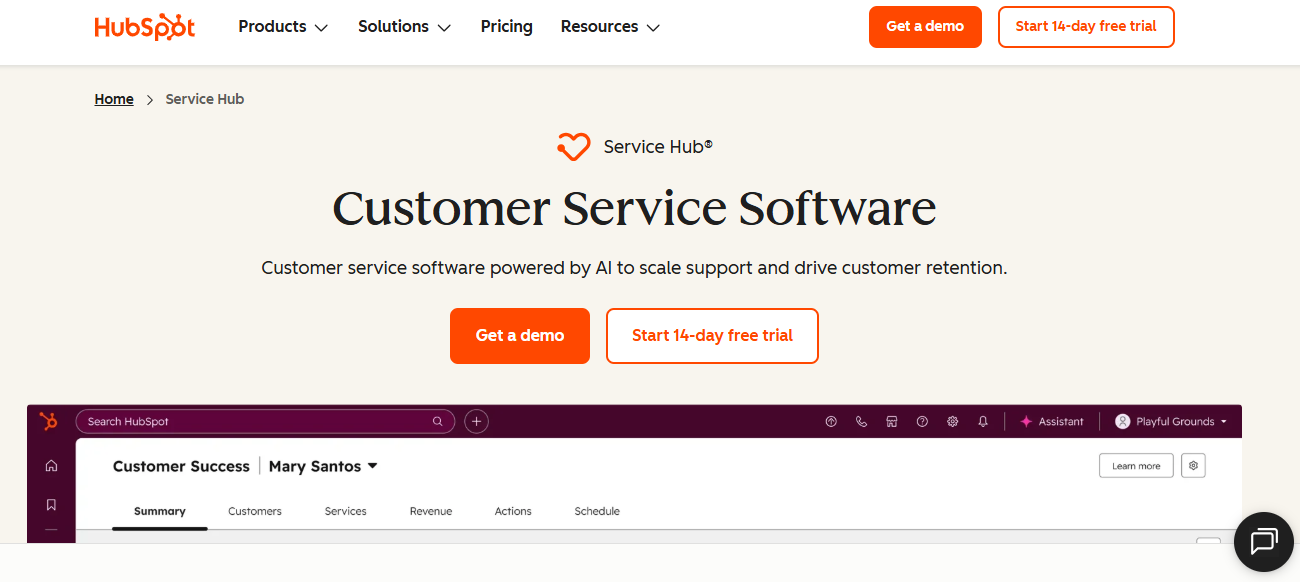
HubSpot Service Hub is a customer service platform used by businesses already running HubSpot CRM that want email support operations directly connected to the same customer data driving their marketing and sales workflows.
Teams choose it for its CRM integration and unified customer view rather than for standalone email ticketing depth or AI capabilities independent of the broader HubSpot ecosystem. Every support email is automatically linked to the customer's HubSpot contact record and deal history.
Key Features
- CRM-connected ticketing that links every support email to the customer's full HubSpot profile including deal history, marketing engagement, and previous service interactions
- Help center and knowledge base builder connected to AI-powered chatbots and a customer portal for deflecting routine queries before they reach live agents
- Customer feedback tools including NPS surveys, CSAT scoring, and customer effort tracking built directly into the support workflow
Pros
- Native HubSpot CRM connection gives agents complete customer history without switching tools or building custom integrations to surface account context
- Unified view across marketing, sales, and support lets teams coordinate around individual customers without data scattered across disconnected platforms
Cons
- Value is primarily realized within the HubSpot ecosystem, limiting appeal for businesses not standardized on HubSpot across customer-facing operations
- Costs scale quickly as usage grows, pushing Service Hub beyond SMB budget expectations faster than anticipated at mid-tier plans
- Email ticketing specialization is shallower than dedicated platforms for teams requiring advanced routing or high-volume queue management
Best Use Case
Businesses fully committed to the HubSpot ecosystem that want email support connected to the same CRM data driving sales and marketing rather than managing support on a disconnected platform.
When to Choose HubSpot Service Hub
Choose HubSpot Service Hub when your team is standardized on HubSpot, email tickets need to be linked directly to CRM data, and the unified customer view across all functions justifies the platform investment.
Pricing
HubSpot Service Hub offers a free tier with basic tools. Starter plans begin around $15 per seat per month, with Professional and Enterprise tiers adding advanced automation, AI capabilities, and expanded reporting.
10. Intercom – Best for Modern Teams Blending Email and Real-Time Chat Support
Intercom is a customer messaging platform used by modern businesses that want to unify email support and real-time chat in one workspace, where the boundary between asynchronous email and live messaging is intentionally blurred to meet customers wherever they are.
Teams choose Intercom for its unified messaging model and conversation-first design rather than traditional SLA-focused ticketing depth. It works best for product-led growth companies where customers move fluidly between email, chat, and in-app messaging and expect support to follow the conversation.
Key Features
- Unified inbox that blends email and live chat conversations into one agent workspace, giving teams a single view of every customer interaction regardless of how it started
- AI-powered Fin agent that handles common customer queries automatically, resolving repetitive questions from both email and chat without routing them to a live agent
- Customer data platform that surfaces product usage, account health, and behavioral signals alongside each conversation for more informed, context-rich responses
Pros
- Unified email and chat experience removes the context gap that forms when customers switch channels and need to re-explain the same issue to a different agent
- Product usage data visible alongside every conversation gives agents context that pure email ticketing platforms do not surface natively
Cons
- Pricing grows significantly as conversation volume scales, making Intercom cost-intensive for teams handling high email traffic across multiple segments
- Traditional SLA management and structured queue workflows are less developed than dedicated email ticketing platforms built specifically for enforcement at volume
- Setup complexity can be overwhelming for lean teams that need straightforward email ticketing without product-led messaging infrastructure
Best Use Case
Digital-first businesses and product-led growth companies that want email and chat support unified in one platform, where real-time messaging matters as much as traditional ticket resolution speed.
When to Choose Intercom
Choose Intercom when your customer interactions span email and live chat equally, product usage data should inform every support conversation, and structured SLA-focused ticketing is a secondary rather than primary operational requirement.
Pricing
Intercom plans start around $29 per seat per month for the Essential plan, with Advanced and Expert tiers adding AI capabilities, advanced reporting, and additional workflow features as team and conversation volume grow.
How to Choose the Best Email Ticketing System
No two support operations share the same requirements. A five-person D2C team handling 300 monthly emails looks entirely different from a B2B SaaS organization managing 5,000 emails per month across three support tiers. Use these five factors to focus your evaluation before shortlisting platforms.
1. Automation Depth and Workflow Logic
Not all automation is equal. Evaluate whether the system supports skill-based routing, priority escalation, and SLA enforcement natively, or relies on agents to compensate manually for what automation cannot handle on its own.
2. AI Capabilities Beyond Ticket Routing
Teams that prioritize customer service automation should evaluate whether AI can resolve L1 queries autonomously, assist agents with drafting and summarization, and prioritize tickets by urgency and sentiment. Platforms where AI is a paid add-on deliver fundamentally different day-to-day outcomes than those where it is embedded in the core. Reviewing AI use cases in customer service can help teams identify the highest-impact capabilities to prioritize.
3. Omnichannel Integration and Context Preservation
Customers contact support through WhatsApp, live chat, Instagram, and email, often about the same issue on the same day. Effective omnichannel customer support brings these conversations into a single workspace, preserving context across every interaction. This prevents customers from having to repeat information, reducing frustration, negative reviews, and the loss of trust that can occur when support teams operate in disconnected systems.
4. Integration with CRM and Core Business Tools
A ticketing system that pulls customer account history, deal status, and purchase data into every conversation gives agents the context to resolve faster without switching tools. Confirm CRM and email provider compatibility before finalizing your decision.
5. Reporting and Performance Visibility
Support leaders need customer service metrics that show response times, resolution rates, SLA compliance, and agent productivity without hours of manual reporting. Strong real-time dashboards make it possible to spot bottlenecks before they surface in satisfaction scores.
How QuantumDesk Simplifies Email Ticketing Workflows
QuantumDesk is built for teams handling high email volumes across multiple channels that need faster resolution and greater support capacity without proportionally growing their agent headcount.
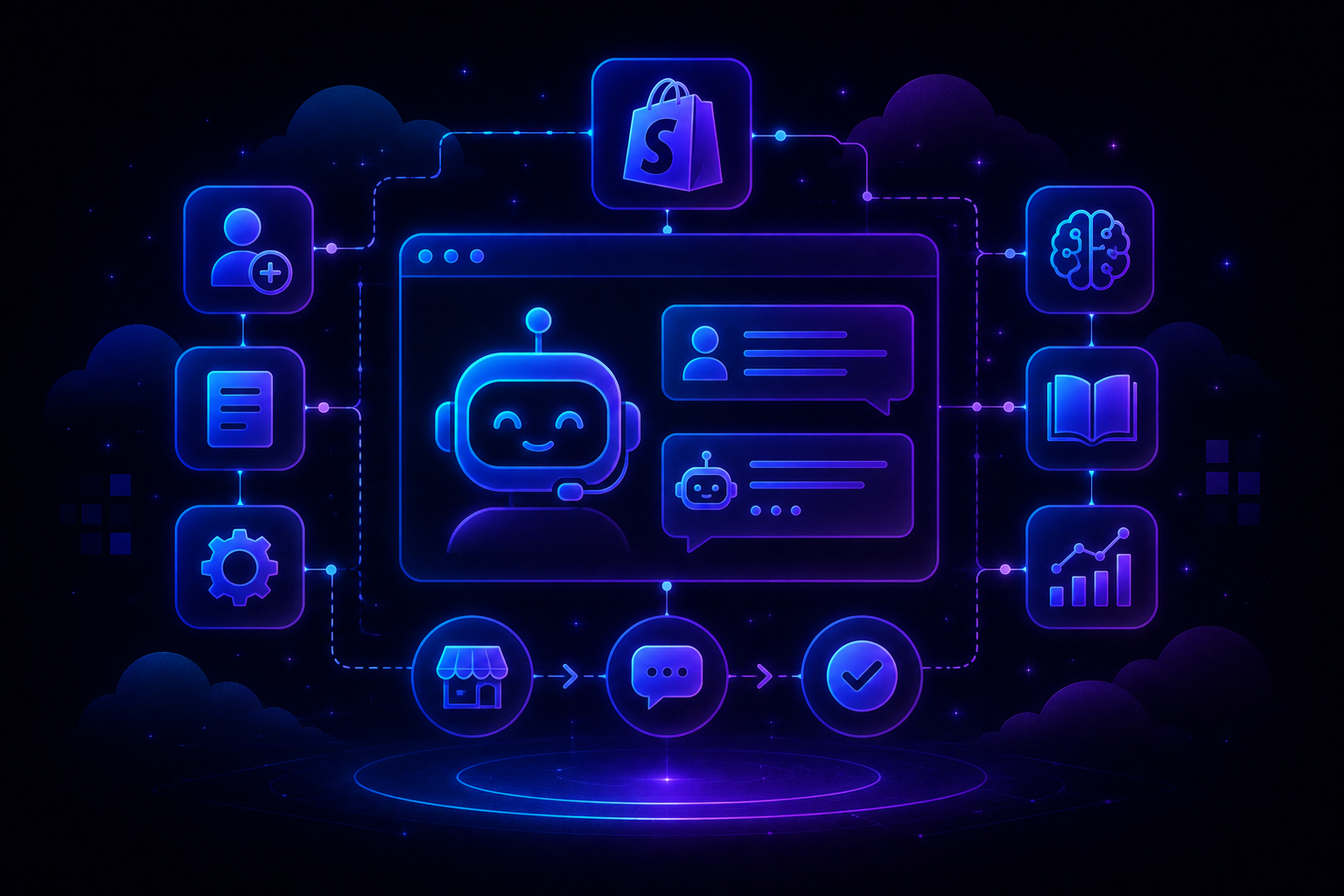
Its AI-native design means intelligence is embedded across the full ticket lifecycle from email arrival to resolution, with no separate configuration layers or add-on purchases required to unlock the capabilities that move resolution speed and agent productivity.
- Quantum AI resolves repetitive L1 email queries automatically, freeing agents for complex escalations that need real judgment
- Unified Workspace centralizes email, WhatsApp, live chat, and social into one interface with full context preserved across every channel switch
- AI Copilot surfaces customer history, intent signals, and next-action suggestions so agents resolve email tickets faster without searching across disconnected tools
- AI-Curated Inbox prioritizes by urgency, sentiment, and customer impact so critical emails never get buried under low-priority routine messages
- AI Analytics tracks resolution rates, escalation patterns, and satisfaction trends in real time so leaders can optimize workflows before problems surface in churn data
Whether your focus is how to scale customer support through intelligent automation or improving agent productivity on complex email queries, QuantumDesk gives your team the foundation to handle more without hiring more.
Frequently Asked Questions About Email Ticketing Systems
What are the best email ticketing systems in 2026?
Leading options include QuantumDesk, HappyFox, Zendesk, Freshdesk, Front, Hiver, Zoho Desk, Help Scout, HubSpot Service Hub, and Intercom.
The right choice depends on team size, workflow complexity, budget, and whether you need AI automation built into the core platform from day one or a structured ticketing foundation to start. Teams exploring the broader landscape of Best Help Desk Software can use this comparison as a starting point before narrowing to two or three platforms for a focused evaluation.
Which email ticketing system is best for small businesses?
Help Scout, Hiver, and Freshdesk are among the strongest options for small teams needing straightforward email ticketing, shared inbox management, and basic automation without enterprise pricing.
QuantumDesk is also well-suited for small businesses expecting email volume to grow quickly, since AI-native support is built in from the start rather than added retroactively when migration becomes costly. Teams evaluating Best Free Help Desk Software options can start with Freshdesk or HubSpot's free tiers to test core workflows before committing to a paid plan.
How do I choose the right email ticketing system?
Start by identifying your biggest operational challenge: missed SLAs, duplicate replies, lack of agent accountability, channel fragmentation, or inability to grow support volume without proportionally growing headcount.
Then compare automation depth, AI capabilities, integration requirements, and total platform cost across realistic team sizes before narrowing to two or three platforms for hands-on evaluation against your actual email volumes and workflow requirements.
Is there a free email ticketing system available?
Freshdesk, HubSpot Service Hub, Zoho Desk, and Hiver each offer free or entry-level plans with basic email ticketing and shared inbox functionality suited to small teams testing core workflows.
Free plans work well for initial setup, but most teams handling more than a few hundred monthly emails will need a paid plan to access the SLA management, automation depth, and AI in customer service capabilities that meaningfully reduce manual workload as ticket volume scales.



.avif)