
Summarize with AI
Key Takeaways
- Top Text alternatives in 2026: QuantumDesk, Zendesk, Intercom, Freshdesk, Help Scout, HubSpot Service Hub, Tidio, and Front.
- QuantumDesk leads as the best Text alternative with AI-native architecture, structured ticketing, and unified omnichannel coverage beyond chat.
- Teams replace Text when they need ticket-first workflows, embedded AI instead of add-ons, and a unified platform over modular product stacking.
- Evaluate alternatives by ticket workflow depth, AI architecture, channel mix, and platform cohesion for scalable support operations.
A Quick Comparison: 8 Best Text Alternatives in 2026
Text has built a strong following among chat-first support teams. But as operations mature beyond conversations into structured ticketing, many teams begin exploring alternatives. D2C apparel and cosmetics brands juggling tickets across Instagram, WhatsApp, email, and chat need something more structured.
I ordered a sale dress in the wrong size, messaged the brand on Instagram with no reply, then emailed and waited two days. The result is one churned repeat buyer and a public review every future shopper reads.
This article compares the 8 strongest Text alternatives. The aim is to help you make a confident, well-informed platform decision.
Tools were evaluated based on:
- Customer conversations and direct feedback from support leaders
- Verified review analysis across G2 and Capterra
- Hands-on testing of shortlisted tools across AI capability, ticket workflow depth, and operational visibility
What is Text?
Text, formerly known as LiveChat Software, is a publicly listed customer communication company founded in 2002. It offers a suite of products designed primarily around live chat, automation, and conversational support at scale.
Text is built for mid-market and enterprise teams across SaaS, e-commerce, and digital services. Chat is the primary customer support channel.
Teams typically use Text to manage real-time chat conversations on their website. They also use it to deflect repetitive queries with bots and centralize messaging across web, email, and connected channels.
Key features of Text
- LiveChat module - Embedded chat widget for real-time conversations on web and messaging platforms with response routing and canned replies.
- HelpDesk ticketing - Lightweight ticketing layer that captures customer requests via email and converts them into trackable conversations.
- ChatBot automation - Visual bot builder for deflecting repetitive queries, qualifying leads, and routing conversations to human agents.
- KnowledgeBase - Standalone self-service module for publishing help articles that customers can search before contacting support.
- AI suggested replies - AI generates response suggestions and conversation summaries inside the chat interface for faster agent handling.
- Chat Page link - Sandbox-style chat page accessible via a direct link without requiring embed code or website integration.
When should you consider a Text alternative?
1. Conversation-first model lacks structured ticketing
Text treats every interaction as a chat-style conversation. Teams managing escalations, handoffs, and audits need a defined ticket lifecycle with clear states, ownership, and SLA awareness.
2. Modular product suite creates fragmentation
Text operates as separate products: LiveChat, HelpDesk, ChatBot, and KnowledgeBase. Teams often find themselves stitching workflows across modules instead of running support from a single connected layer. Reviewing Text pricing across these modules helps clarify where these stacking costs actually add up.
3. AI is positioned as an add-on, not built into workflows
Text's AI features mainly assist with reply drafting and summarization inside chat. Teams looking for AI in customer service that understands ticket priority, sentiment, and issue type find this layer insufficient.
4. Dashboard built for engagement, not operations
Text's dashboard surfaces conversation volume and chat activity. Support leaders trying to spot stuck tickets, ownership gaps, SLA risks, or workload imbalance need an operational view Text does not deliver.
5. Limited fit for email-native and hybrid teams
Text is optimized for chat-first support. It treats email as a routed channel. Teams whose customers contact them primarily via email, WhatsApp, or social find the platform misaligned.
How we evaluated the best Text alternatives
This evaluation goes beyond feature checklists. The goal was to assess how each platform performs in real support environments, not just on paper.
- Review platform analysis - Studied verified Text reviews and ratings on G2 and Capterra to identify real satisfaction levels and recurring pain points.
- Community and forum research - Analyzed discussions from support leaders and CX professionals across Slack communities, Reddit, LinkedIn groups, and SaaS forums.
- SaaS directories and analyst reports - Cross-referenced tools listed across major SaaS directories to validate market presence and category positioning.
- Capability comparison - Evaluated each tool against a consistent framework covering AI capabilities, omnichannel support, workflow automation, integrations, and pricing transparency.
- Hands-on testing - The top five shortlisted tools were directly tested by our team to evaluate automation quality, usability, escalation handling, and support workflow experience.
This methodology gives support teams a practical, unbiased basis for evaluating which platform fits their actual needs.
8 Best Text Alternatives to Consider in 2026
The tools below were evaluated based on AI capability, channel coverage, ticket workflow depth, escalation design, and overall value for support teams. Each listing follows a consistent evaluation framework for a fair comparison.
1. QuantumDesk

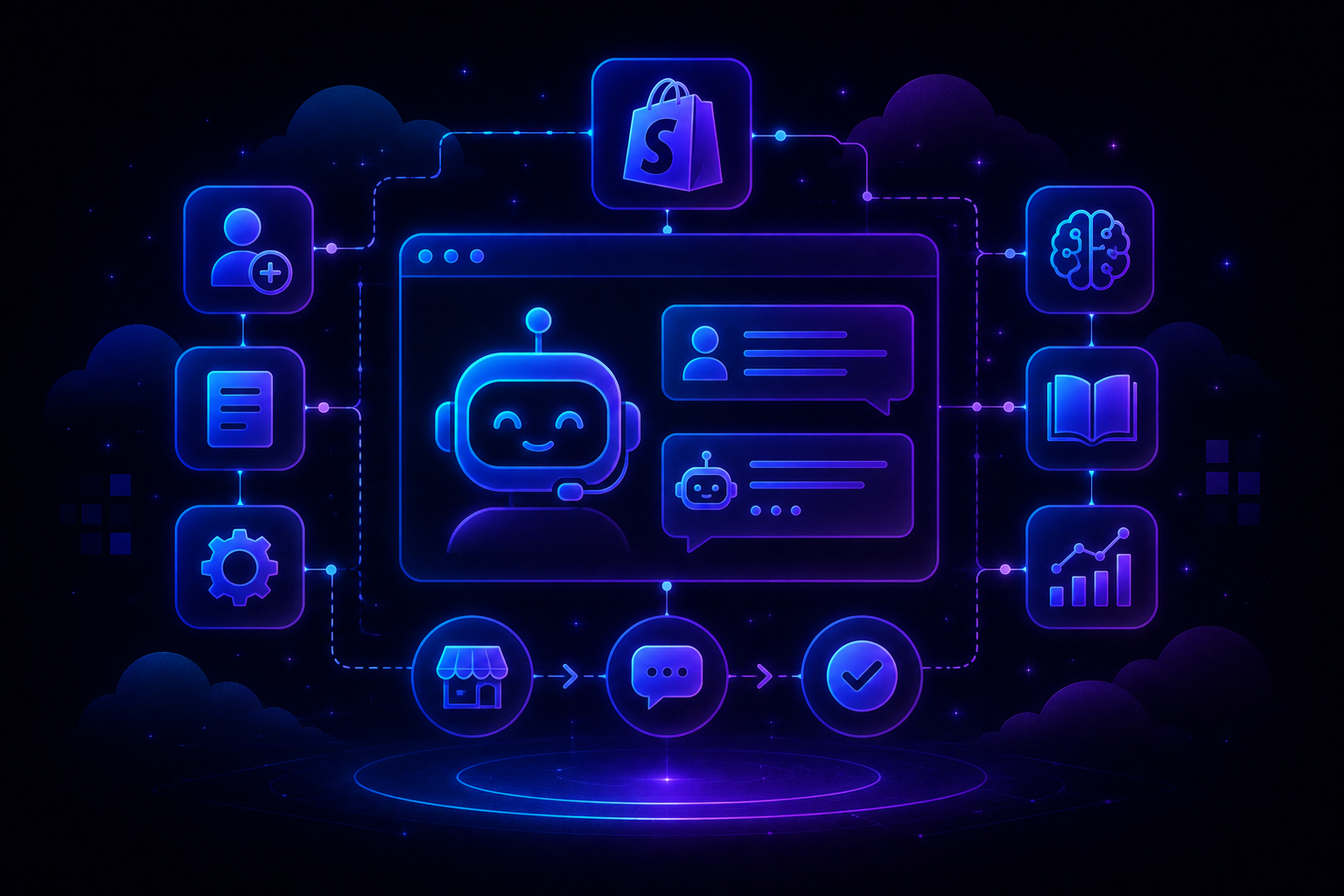
QuantumDesk is an AI-native customer service platform built for fast-growing teams that need structure, ownership, and clarity across every customer conversation.
It is built for D2C, B2B SaaS, and e-commerce teams moving away from shared inboxes and chat-only tools toward structured, ticket-based support operations.
Teams choose QuantumDesk over Text because it runs support as a system. Full ticket lifecycle, AI built into workflows, and unified omnichannel coverage replace conversation-first chat.
Key features
- AI-native architecture - Quantum AI is built into ticket workflows for summaries, reply drafting, sentiment detection, and next-step recommendations.
- Structured ticket lifecycle - Every interaction becomes a tracked ticket with status, priority, ownership, issue categorization, and SLA awareness from day one.
- Unified omnichannel inbox - Email, WhatsApp, Instagram, Facebook, and web chat managed in a single workspace without switching between modules.
- Operations command center dashboard - Real-time visibility into ticket movement, assignment gaps, resolution states, and bottlenecks for support leaders.
- AI Analytics - Natural-language queries surface insights across tickets, agents, channels, and trends without needing dashboards or manual filtering.
Why choose QuantumDesk over Text?
- Text is conversation-first and chat-centric. QuantumDesk is ticket-first with structured ownership, issue tagging, and lifecycle visibility built in.
- Text bundles AI into higher tiers as an assistive layer. QuantumDesk builds AI across both execution and analytics layers of support operations.
- Text operates as a suite of separate products. QuantumDesk keeps inbox, tickets, AI, analytics, and admin inside one connected system.
Pros
- Ticket-first design gives clear ownership and accountability as support scales beyond shared inboxes and chat tools.
- AI built into workflows reduces agent cognitive load through summaries, suggested replies, and contextual next-step recommendations inside every ticket.
- Lightweight setup and progressive workflow adoption make migration faster than traditional helpdesks with heavy implementation cycles.
Cons
- Newer platform compared to incumbents like Zendesk, so partner ecosystem and integration marketplace are still expanding.
- Best value realized once teams are ready to move beyond conversation-only support into structured ticketing operations.
Customer review
Reviewers point to QuantumDesk's ability to bring structure to support operations, with AI built into workflows reducing manual triage work and improving resolution consistency across growing teams.
Pricing
QuantumDesk uses custom, quote-based pricing. Teams pay in line with ticket volume and complexity rather than rigid per-seat tiers.
2. Zendesk
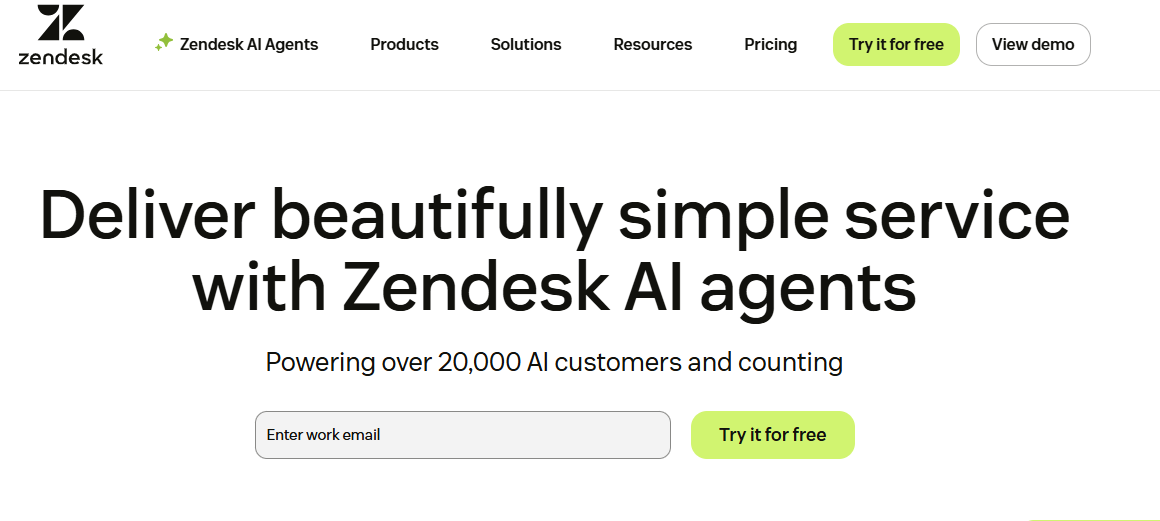
Zendesk is an enterprise CX suite built for large support operations that need omnichannel ticketing, advanced routing, SLA management, and a broad integration marketplace.
Key features
- Omnichannel ticketing - Manages support across email, chat, voice, social, and messaging in a unified agent workspace.
- Advanced routing and SLAs - Supports complex conditional routing rules and SLA policies across multiple teams and regions.
- Large integration marketplace - Connects with hundreds of third-party tools across CRM, analytics, billing, and operations.
Why choose Zendesk over Text?Review platform analysis - Studied v
- Zendesk's ticket lifecycle and routing depth go well beyond Text's conversation-centric model, suiting teams running structured support operations.
- Zendesk's omnichannel coverage is broader and more mature than Text's chat-first design, with native voice, social, and email handling.
Pros
- Highly configurable workflows, solid analytics, and a broad app ecosystem suit complex enterprise support operations.
- Trusted by large organizations needing advanced routing, SLA management, and compliance-intensive customer service software environments.
Cons
- Per-seat pricing with AI, WFM, and compliance add-ons can push total cost well above initial expectations.
- Requires dedicated administration and ongoing configuration, adding operational burden for lean support teams.
Customer review
Users praise Zendesk's configurability and ecosystem depth but frequently cite unexpected cost growth from layered add-ons as a recurring frustration.
Pricing
Published plans start at $19–$69 per agent per month. Deployments with AI and Suite tiers often reach $70–$150+ per agent.
3. Intercom
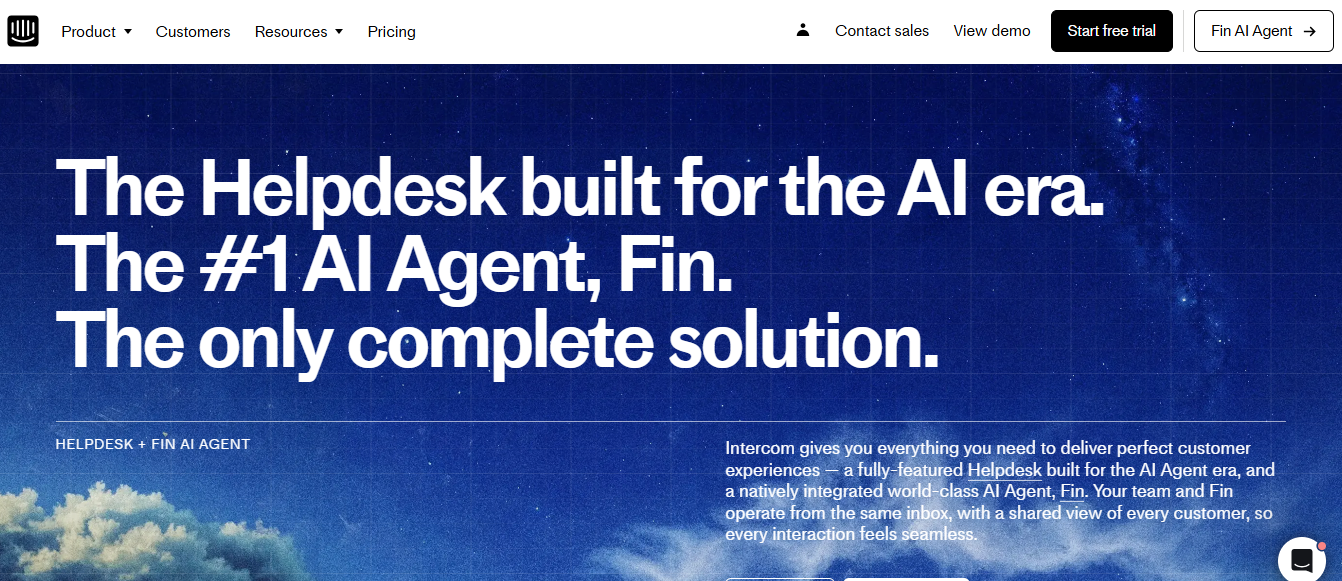
Intercom is a product-led support and messaging platform combining in-app chat, email, a help center, and Fin AI bot for SaaS teams focused on in-product customer engagement.
Key features
- In-app messaging - Places support and proactive messaging directly inside the product for a native end-user experience.
- Fin AI bot - Deflects a meaningful share of L1 queries when fully trained against your knowledge base.
- Workflows and automation - Visual workflow builder handles routing, triage, and automated responses across support use cases.
Why choose Intercom over Text?
- Intercom's Fin AI bot offers deeper deflection capability than Text's chat automation, especially for teams with rich knowledge bases.
- Intercom's in-product messaging is more mature than Text's website chat model, suiting SaaS teams prioritizing in-product customer engagement.
Pros
- Strong in-product chat and proactive messaging make it a solid fit for product-led SaaS growth.
- Mature Fin AI bot deflects a significant share of L1 queries when configured with a solid knowledge base.
Cons
- Per-resolution AI pricing on top of seat licenses causes bills to rise as automation usage scales.
- Over-featured and expensive if the primary need is straightforward ticketing rather than lifecycle messaging workflows.
Customer review
Intercom users point to strong AI deflection performance and in-app messaging quality but flag rising costs from per-resolution billing as volume scales.
Pricing
Core plans are in the mid-to-high double-digit per-seat range. Fin AI bot is billed additionally per successful resolution, creating variable cost.
4. Freshdesk
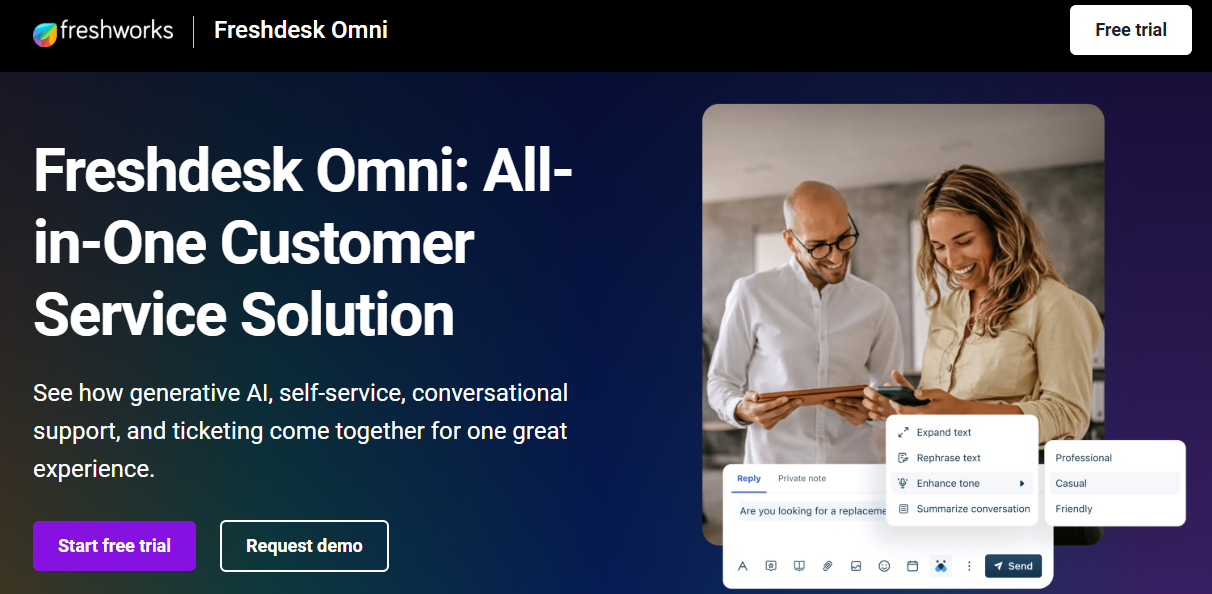
Freshdesk is a multichannel helpdesk for SMB and mid-market teams, offering email, chat, phone, and social ticketing alongside Freddy AI features across free and paid plan tiers.
Key features
- Multichannel ticketing - Manages support from email, chat, phone, and social in a unified agent workspace.
- Freddy AI - Provides AI-assisted triage, suggested responses, and self-service deflection across higher plan tiers.
- Free and low-cost entry plans - Includes a free plan and affordable tiers with solid out-of-the-box best help desk software functionality.
Why choose Freshdesk over Text?
- Freshdesk offers a true ticketing model with email, phone, and social baked in, rather than treating email as a routed channel.
- Freshdesk's free and low-cost plans make structured helpdesk adoption accessible without committing to Text's chat-first product suite.
Pros
- Free and low-cost entry plans make adoption easy for small teams without high upfront commitment.
- Solid ticketing, phone integration, and a broad marketplace cover most SMB and mid-market use cases.
Cons
- Freddy AI and Pro/Enterprise tier add-ons increase per-agent costs well beyond headline pricing expectations.
- AI depth and experience are rated behind newer AI-native platforms for more involved support workflows.
Customer review
Freshdesk users rate its ease of setup highly but commonly note that costs rise sharply once AI and omnichannel modules are added.
Pricing
Core support plans range from ~$15–$79/agent/month (annual billing). Omnichannel and Freddy AI modules add extra cost on top.
5. Help Scout
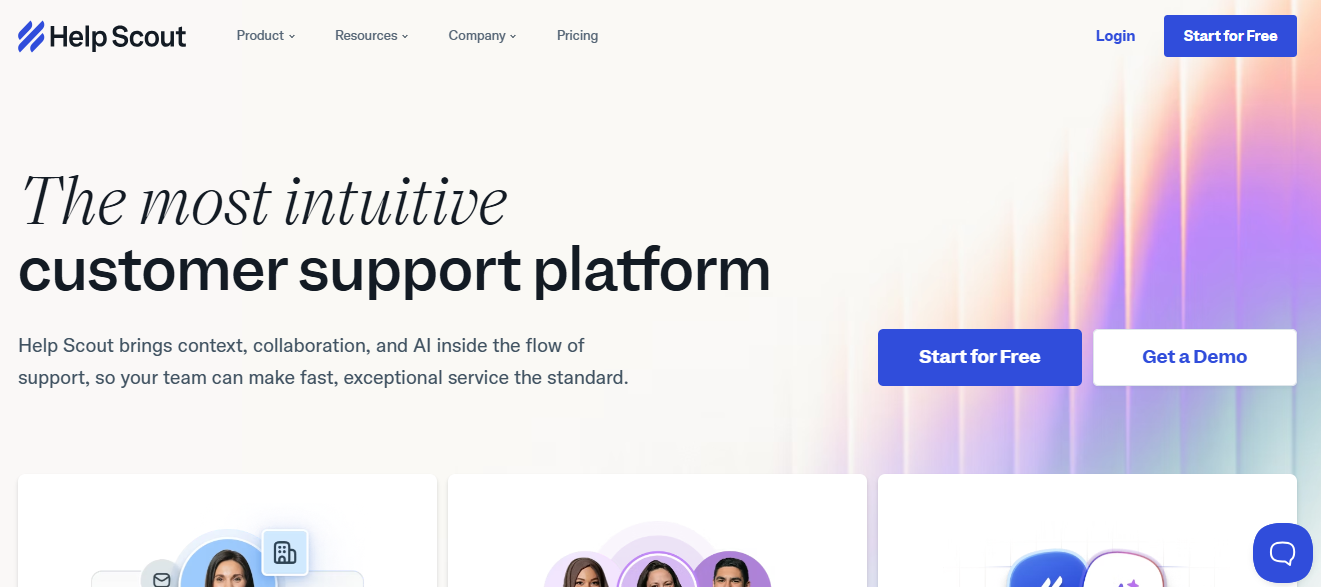
Help Scout is an email-first shared inbox platform for small teams, combining a collaborative inbox, Beacon live chat, and a Docs knowledge base in one approachable tool.
Key features
- Shared inbox - Collaborative email workspace where team members assign, comment on, and resolve customer conversations together.
- Beacon live chat - Lightweight chat widget that surfaces knowledge base articles for self-service before a conversation begins.
- Docs knowledge base - Built-in documentation tool for creating a customer-facing self-service help center.
Why choose Help Scout over Text?
- Help Scout is email-native by design, suiting teams whose primary support channel is email rather than Text's website chat focus.
- Help Scout's transparent per-seat pricing is easier to evaluate than Text's modular pricing across LiveChat, HelpDesk, and ChatBot products.
Pros
- Simple, human-centric interface is easy for small business customer service teams to adopt without dedicated platform administration.
- Reasonable mid-market pricing for teams primarily handling email with modest chat and documentation requirements.
Cons
- Limited AI and automation depth makes it less competitive for teams managing high inbound volumes.
- Narrower channel breadth means complex omnichannel setups quickly exceed what Help Scout is designed to handle.
Customer review
Help Scout users consistently point to its clean interface and ease of adoption. Larger teams note limitations in AI features and scalability.
Pricing
Standard plans are ~$20–$30/user/month, Plus ~$40–$54, and Pro ~$65–$90/user/month, billed annually. A limited free tier is available.
6. HubSpot Service Hub
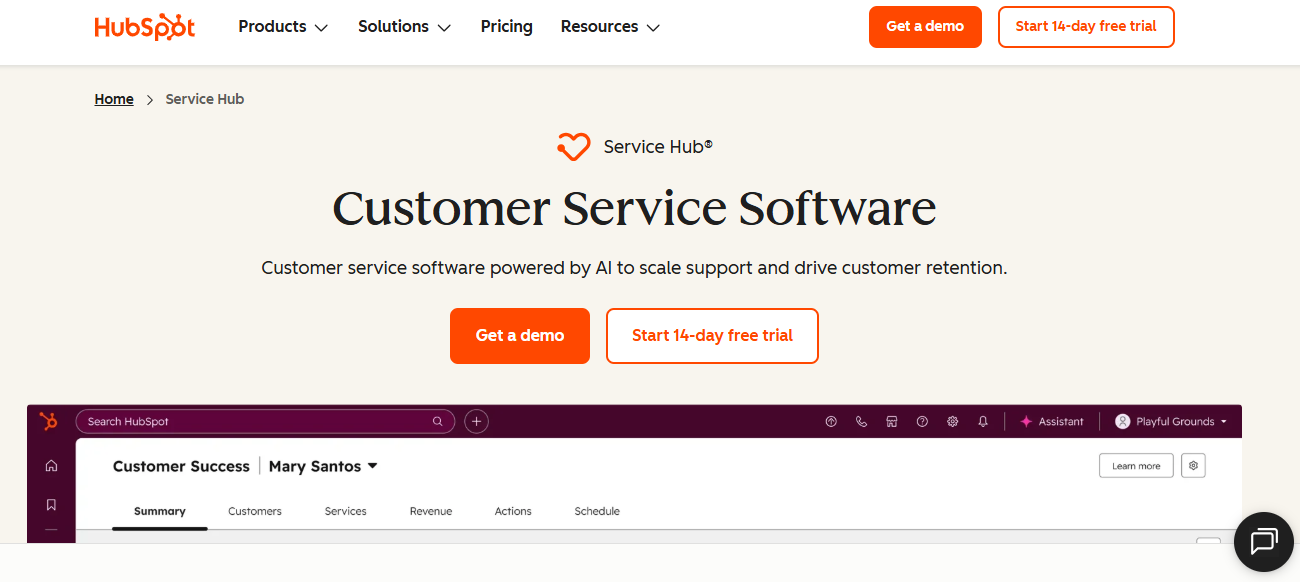
HubSpot Service Hub is a customer service platform tightly integrated with HubSpot CRM, combining ticketing, live chat, knowledge base, and customer feedback inside a unified Smart CRM environment.
Key features
- Native CRM integration - Tickets connect directly to contacts, deals, and company records inside HubSpot's unified data platform.
- Help desk workspace - Centralizes inbound conversations from email, chat, and forms with automated ticket creation and routing.
- Breeze AI agent - AI-powered chat and ticket assist features layered into higher Professional and Enterprise plans.
Why choose HubSpot Service Hub over Text?
- HubSpot connects every ticket to full CRM context out of the box. Text's modular product suite cannot match this natively.
- HubSpot offers one connected platform across sales, marketing, and service, replacing Text's need for separate chat, helpdesk, and bot modules.
Pros
- Deep CRM integration provides full customer context across every support interaction with no third-party sync required.
- Free tier and accessible entry plans make adoption easy for small teams already using HubSpot's ecosystem.
Cons
- Costs rise sharply at Professional and Enterprise tiers, especially when AI and automation features are required.
- Less specialized for high-volume support operations compared to dedicated helpdesks built for ticket-heavy workflows.
Customer review
HubSpot users praise the unified CRM experience and ease of use but flag that advanced support features only become available at higher pricing tiers.
Pricing
Free tier available. Paid plans range from ~$20/seat/month (Starter) to $150+/seat/month (Enterprise), with AI features gated to higher tiers.
7. Tidio
Tidio is a small-business chat and customer support platform combining live chat, chatbots, and a Lyro AI agent designed primarily for e-commerce customer service storefront support.
Key features
- Live chat widget - Embeddable chat for real-time conversations on websites and online stores.
- Lyro AI agent - Conversational AI bot trained on FAQs and product data for L1 query deflection.
- E-commerce integrations - Native connectors to Shopify, WooCommerce, and major storefront platforms for order context.
Why choose Tidio over Text?
- Tidio's e-commerce-specific integrations and pricing are better suited for small online stores than Text's broader mid-market chat suite.
- Tidio's Lyro AI is included in core plans, unlike Text's AI features which are typically gated behind higher pricing tiers.
Pros
- Affordable entry plans and a free tier make it accessible for small e-commerce teams.
- Easy setup and native Shopify integration reduce time-to-value for storefront-focused support teams.
Cons
- Limited ticketing and workflow depth makes it unsuitable for teams scaling beyond chat-based support.
- Lyro AI usage is capped per plan, with overages requiring an upgrade or additional purchase.
Customer review
Tidio users point to Lyro AI's deflection performance for e-commerce queries, while noting limitations once support extends beyond chat into structured ticketing.
Pricing
Free plan available. Paid plans range from ~$29/month (Starter) to $394/month (Plus), with separate Lyro AI conversation packs.
8. Front
Front is a collaborative shared inbox platform for small support and account teams, built around email with internal comments, shared drafts, and SLA tracking baked in.
Key features
- Collaborative shared inbox - Team members leave internal comments, share drafts, and assign conversations without customers seeing internal activity.
- SLA tracking - Sets and monitors response time targets, giving team leads basic performance visibility without a full helpdesk.
- Omnichannel inboxes - Connects email, SMS, social, and chat into a shared workspace for multi-channel customer service management beyond email.
Why choose Front over Text?
- Front's collaboration features around shared email are more mature than Text's chat-centric workflows for team-based support operations.
- Front's email-first model fits teams whose support volume sits primarily in inboxes rather than website chat sessions.
Pros
- Strong collaboration features make it effective for small team-based email support without heavy helpdesk overhead.
- Simpler than full helpdesks, with enough SLA and analytics structure for modest support operations.
Cons
- Limited as a primary platform when volumes and automation needs grow beyond email and basic omnichannel use.
- AI capabilities are not a core strength. Teams needing deep automation will find Front's tooling insufficient.
Customer review
Front users point to the collaborative inbox experience as a standout feature, while noting that the platform becomes limiting as team size grows.
Pricing
Starter starts at ~$19/seat/month (up to 10 seats). Growth ~$59/seat. Scale ~$99/seat. Higher rates apply for monthly billing.
Factors to Consider When Choosing a Text Alternative
1. Channel mix and workflow model
Text is built around chat as the primary channel. If your team handles support across email, WhatsApp, social, and web chat equally, evaluate channel-agnostic alternatives.
2. Ticket workflow depth
Text uses a conversation-centric model with lightweight metadata. Teams running SLA-driven support need defined ticket states, ownership, issue categorization, and lifecycle visibility that conversation-first tools rarely provide.
3. AI architecture
Not all AI is equal. Evaluate whether AI is bundled into higher tiers as an assistive layer, or built into workflows for summarization, routing, and analytics.
- Is AI included in the base plan or sold separately?
- Does AI sit inside ticket workflows or only inside chat?
- Can AI surface operational insights, not just suggested replies?
4. Operational visibility for leaders
Text's dashboard focuses on conversation activity. Support leaders need visibility into stuck tickets, ownership gaps, escalation patterns, and resolution bottlenecks to run support as an operation.
5. Platform cohesion vs modular suite
Text operates as separate products: LiveChat, HelpDesk, ChatBot, and KnowledgeBase. Modular suites offer flexibility but introduce context switching, integration overhead, and inconsistent data across modules.
Consider whether a unified platform fits your team better than stitching modules together as headcount and support complexity grow.
Why is QuantumDesk a strong alternative to Text?
QuantumDesk is best suited for fast-growing B2B SaaS, e-commerce, and mid-market teams moving away from shared inboxes and chat-only tools toward structured ticketing operations.
Core strengths:
- AI-native architecture - Quantum AI built into ticket workflows for summaries, replies, sentiment, and next-step recommendations
- Structured ticket lifecycle - Clear states, ownership, issue tagging, SLA awareness, and linked tickets for reliable escalations and audits
- Unified omnichannel inbox - Email, WhatsApp, Instagram, Facebook, and web chat in one workspace, not stitched across modules
- Operations command center - Real-time visibility into ticket movement, assignment gaps, resolution states, and bottlenecks
- AI Analytics - Natural-language queries surface insights across tickets, agents, and channels without dashboard configuration
QuantumDesk outperforms Text on workflow structure and AI Customer Service Tools depth, helping teams run support as a system rather than a chat queue. It is the strongest fit for teams outgrowing inbox-based support and ready to scale structured, AI-assisted operations.
If your team is evaluating Text alternatives with structured ticketing and AI built into workflows, explore how QuantumDesk can support your growth at quantumdesk.ai.
Frequently asked questions about Text alternatives
What are the top Text alternatives?
The top Text alternatives include QuantumDesk, Zendesk, Intercom, Freshdesk, Help Scout, HubSpot Service Hub, Tidio, and Front. The right choice depends on your team's channel mix, ticket workflow needs, and how deeply AI should sit inside support operations.
Is Text suitable for large-scale use?
Text works well for mid-market teams running chat-first support. Operations requiring structured ticketing, deep AI workflows, and operational visibility across high ticket volumes may find its conversation-centric model and modular product suite limiting at scale.
How does QuantumDesk compare to Text?
QuantumDesk is ticket-first with AI built into workflows and a unified omnichannel inbox. Text is conversation-first and chat-centric across separate modules. QuantumDesk also builds AI across execution and analytics layers, while Text positions AI primarily as an assistive add-on.
What is the best free alternative to Text?
Freshdesk and HubSpot Service Hub both offer best free help desk software plans suitable for small teams managing email and basic support channels. If you're weighing broader categories too, our best free customer service software comparison covers free-tier limitations across the wider market. For teams expecting growth into structured ticketing, QuantumDesk's custom pricing is worth evaluating early to avoid outgrowing free-tier limitations.




.avif)